Best OBD2 Scanner for Subaru: 2026 Buyer Guide
Last Updated: September 15, 2026
Subaru owners usually need more than a bare-bones code reader, especially when the goal is diagnosing a check-engine light before a road trip, used-car inspection, or emissions visit. The best OBD2 scanner for Subaru is the one that matches your repair comfort level: simple engine-code reading for casual owners, app-based live data for DIY troubleshooting, or fuller-system coverage for owners who want to see beyond generic OBD2.
Best quick picks
| Buyer need | Best scanner direction | What to verify before buying |
|---|---|---|
| Basic check-engine diagnosis | A handheld OBD2 scanner with live data | 1996+ OBD2 support, readiness monitor display, clear-code function |
| DIY Subaru troubleshooting | Bluetooth or mid-range full-system scanner | Subaru coverage notes, app compatibility, update policy |
| Used Subaru inspection | Scanner that can show pending codes and monitors | Ability to read pending codes and emissions readiness before purchase |
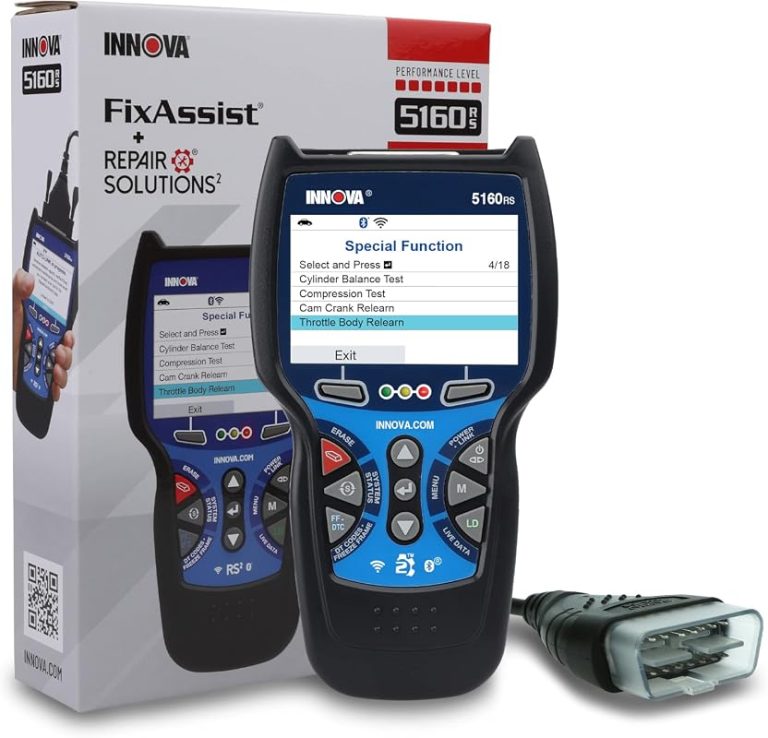
| Advanced repairs | Higher-end scanner with broader system coverage | Confirm ABS, SRS, transmission, and service functions on the exact model year |
Product angles worth checking on Amazon
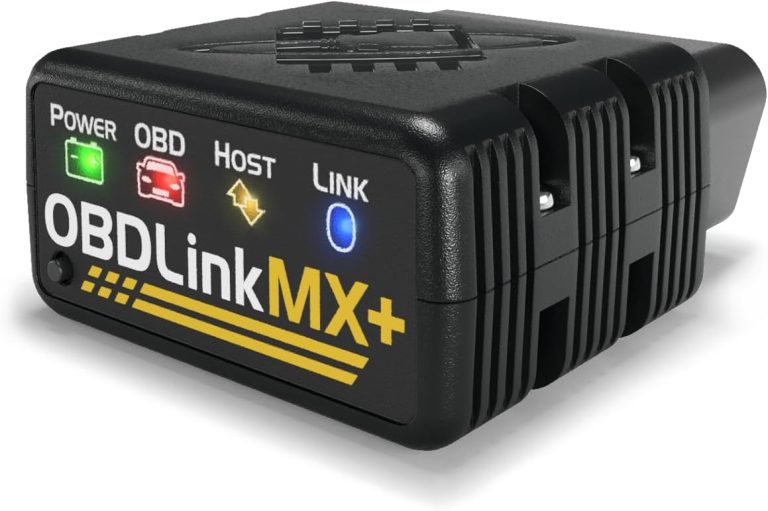
Good for owners who prefer phone-based reports, live data, and saved diagnostic history. Confirm app support for your phone before buying.
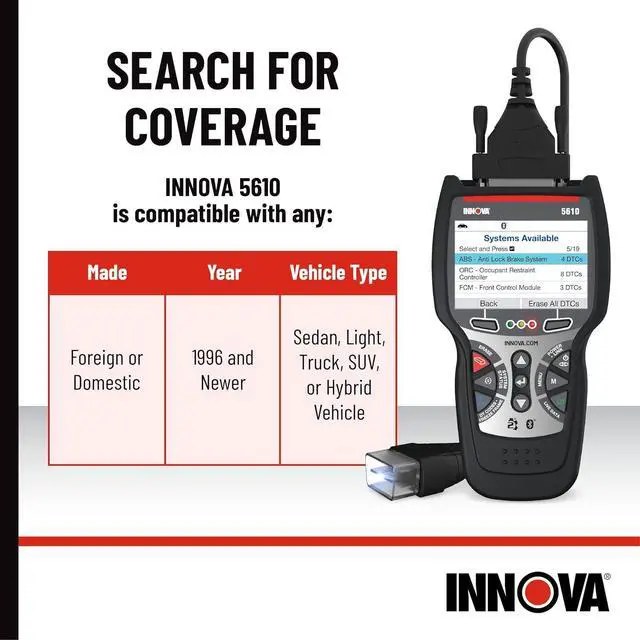
A stronger fit if you want a self-contained scanner instead of relying on a phone app. Check Subaru system coverage on the current listing.
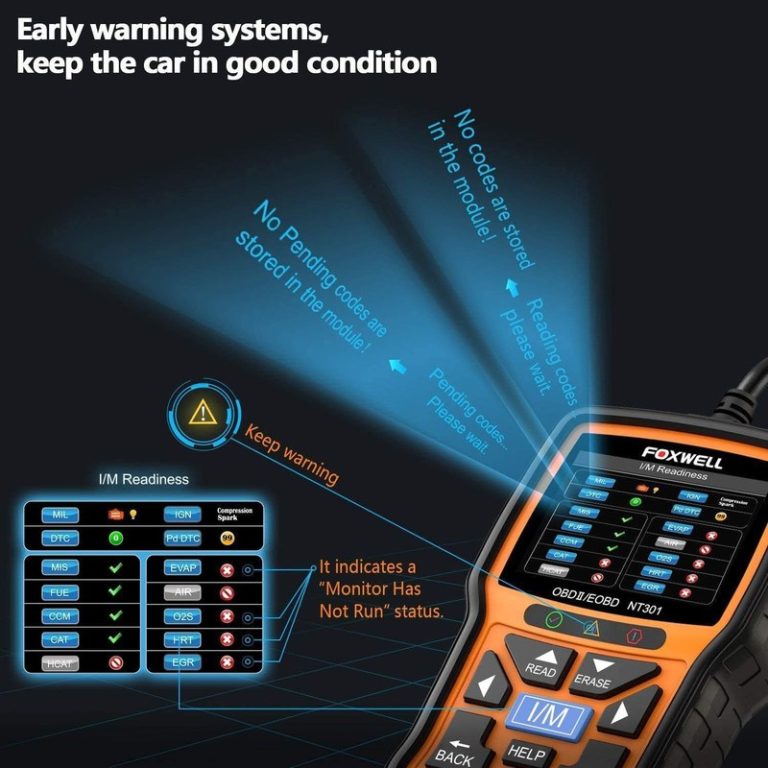
Useful if you mainly need engine codes, freeze-frame data, and readiness checks. Do not expect every Subaru module at this tier.
How to choose without wasting money
The common mistake is buying either too little or too much. A basic reader can clear an engine code, but it may not explain whether a Subaru is ready for inspection or whether a recurring issue needs deeper live-data review. On the other side, a shop-level tablet is overkill if you only scan the family Outback twice a year.
- Check your Subaru model year and engine before trusting any compatibility claim.
- Prefer tools that show pending codes and I/M readiness, not only stored codes.
- For used-car shopping, scan before and after a test drive if the seller allows it.
- For WRX or turbo models, live data can be more useful than a cheap code-only reader.
- Avoid assuming ABS, SRS, or transmission coverage unless the listing clearly states Subaru support.
Who should spend more?
Spend more if you diagnose family cars often, shop used Subarus, or want a scanner that can grow with other vehicles. Stay budget if your only goal is reading check-engine codes and checking emissions readiness once in a while.
Useful internal reading
best OBD2 scanner guide Toyota scanner guide Honda scanner guide Innova 5610 review
FAQ
For most owners, the best choice is a mid-range scanner or Bluetooth tool that clearly supports your Subaru model year and shows live data, pending codes, and readiness monitors.
Most 1996+ US-market Subarus support generic OBD2 engine-code reading, but ABS, SRS, transmission, and Subaru-specific data depend on the scanner coverage.
Not for basic check-engine diagnosis. A bidirectional tool is more useful if you actively troubleshoot components and understand the tests you are commanding.
Bluetooth is convenient for reports and app history, while handheld scanners are simpler if you do not want phone pairing or app setup.