Can BlueDriver Read Transmission Codes? Only on Compatible Cars
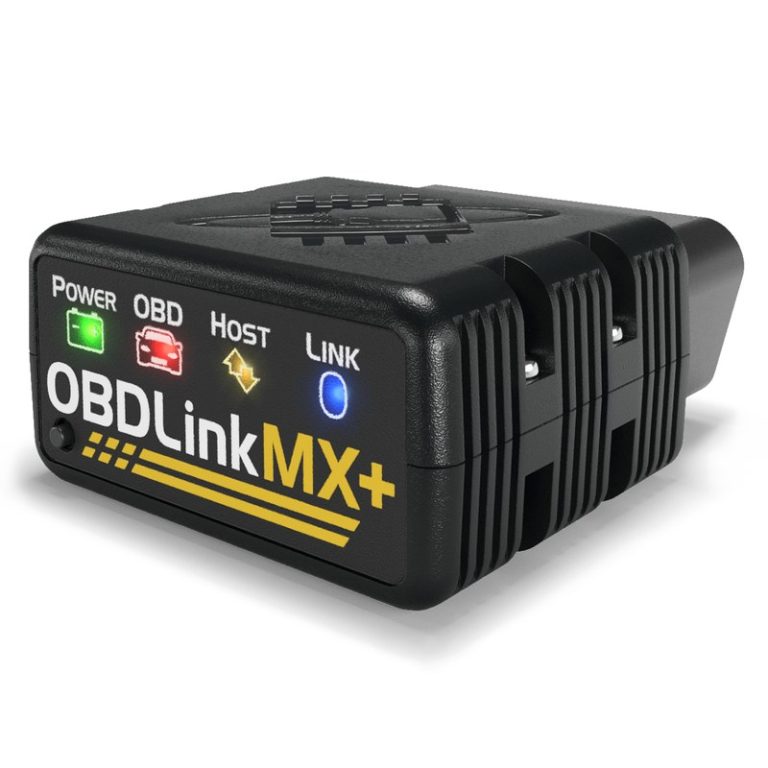
BlueDriver can read transmission codes on compatible vehicles, but not on every car. Verify your make, model, and year against the official compatibility list before relying on it for transmission diagnostics.
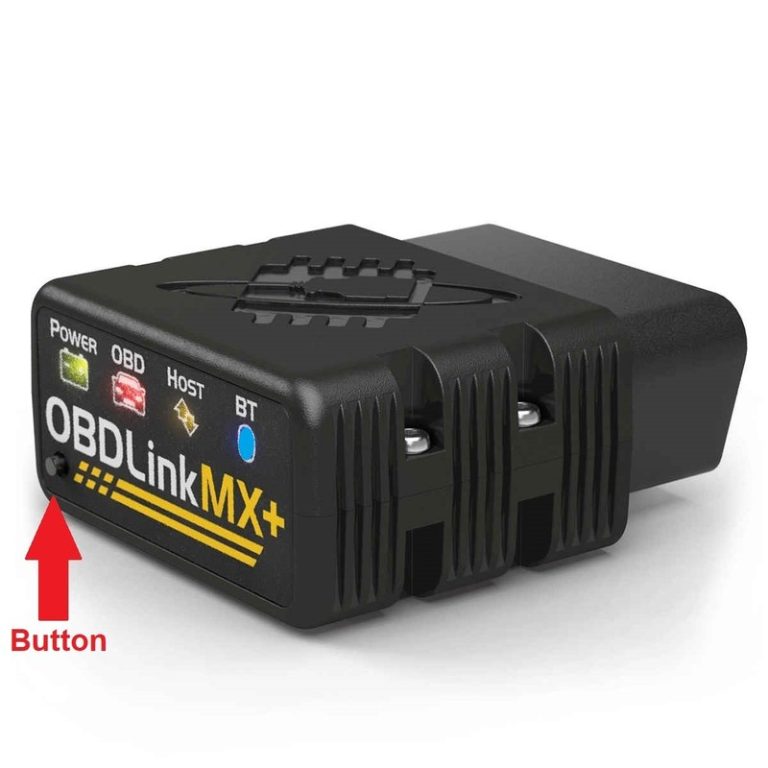
If you’re wondering can BlueDriver read transmission codes, the short answer is yes—but only on compatible cars. The BlueDriver Bluetooth OBD2 scanner can pull transmission-related fault codes from many US-market vehicles, yet it cannot reach the transmission control module on every make and model. This guide covers where BlueDriver works, where it falls short, and how to verify your vehicle before you spend money.
- Compatibility first: BlueDriver reads generic codes everywhere, but enhanced transmission codes need make-and-model support.
- P0700 is just the alert: The detailed TCM fault code often requires enhanced diagnostics BlueDriver can’t access on every.
- Check before buying: Verify your exact vehicle against the current BlueDriver compatibility list and firmware notes.
- Know the limits: BlueDriver offers live data but no bidirectional transmission tests, and weak battery voltage can.
- Clear codes safely: Fix the root cause first, and remember that clearing codes resets emissions readiness monitors.
Can BlueDriver Read Transmission Codes? Yes—But Only on Compatible Cars
What Counts as a “Transmission Code” in OBD2 Diagnostics
A transmission code is a diagnostic trouble code (DTC) stored by the transmission control module (TCM) or the combined powertrain control module (PCM). These codes point to problems with solenoids, speed sensors, fluid temperature, clutch pressure, or gear ratios.
The OBD2 standard reserves the P0700–P0899 range for transmission faults. The most important one is P0700, which simply means “transmission control system malfunction.” Think of P0700 as a notification: the TCM has logged a fault, but the generic OBD2 system won’t always tell you which one. The detailed code often lives inside the TCM and requires enhanced diagnostics to read.
Why Compatibility Depends on Make, Model, and Protocol Support
OBD2 is a standardized emissions and diagnostics system, but enhanced diagnostics are not standardized. Each automaker uses its own communication protocol and data structure for transmission data.
BlueDriver’s ability to read transmission codes depends on the vehicle’s make, model year, and the protocol it uses. A 2015 Ford Focus and a 2015 Mazda 3 are both OBD2-compliant, but BlueDriver’s access to their transmission control modules can be very different. That’s why “compatible cars” is the key qualifier in the answer.
How BlueDriver Reads Transmission Codes: Protocol Coverage and Model-Year Limits
Generic Powertrain Codes (P0700–P0899) vs. Manufacturer-Specific Codes
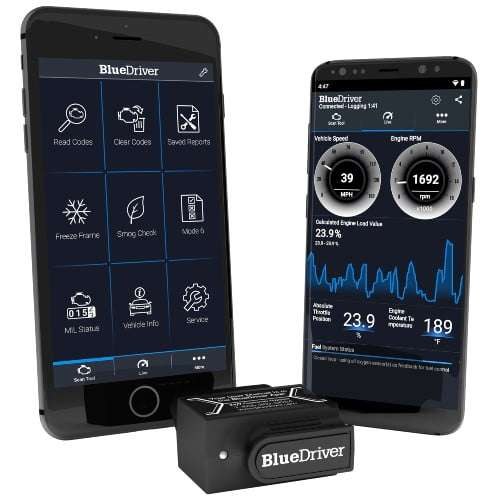
On any OBD2-compliant vehicle, BlueDriver can read generic powertrain codes, including P0700. That’s the easy part. The harder part is reading the manufacturer-specific code behind P0700.
For example, a generic scan might show P0700, but the actual fault could be P0715 (input speed sensor), P0740 (torque converter clutch circuit), or P0730 (incorrect gear ratio). These codes have standardized definitions, but many automakers store them in the TCM’s enhanced memory. BlueDriver can reach that memory only when the vehicle is on its enhanced coverage list.
Enhanced OBD2 Protocols and Which Automakers Support Them
Enhanced diagnostics use the same OBD2 port but speak the manufacturer’s proprietary language. BlueDriver supports enhanced diagnostics for many major US-market brands, including Ford, GM, Chrysler, Toyota, Honda, Nissan, Hyundai, Kia, Volkswagen, Audi, and Subaru. Coverage depth varies by make and model year.
Some vehicles expose full TCM data through enhanced protocols. Others only expose ABS or airbag codes, leaving transmission data locked. There’s no universal rule, so you must check the specific coverage for your vehicle.
BlueDriver Compatibility: Which Vehicles Can Read Transmission Codes?
Checking Your Car’s OBD2 Protocol and BlueDriver’s Coverage List
Before buying, check the BlueDriver compatibility list to see which makes and model years support enhanced diagnostics and which systems are covered. It’s the most reliable way to answer “will it work on my car?”
Also consider the OBD2 protocol. CAN (Controller Area Network) has been standard on 2008-and-newer US vehicles, but older cars may use J1850, ISO 9141, or KWP2000. BlueDriver supports all standard OBD2 protocols, but enhanced coverage is a separate layer.
Check: Verify your exact make, model, year, and trim against the current BlueDriver compatibility list before purchase. Limitations: Enhanced transmission coverage is not guaranteed on every vehicle, even within a supported brand.
Model-Year Gaps and the 2026 Firmware Update Situation
Enhanced coverage is not consistent across model years. A 2010 model might support full transmission diagnostics while a 2002 model of the same nameplate only shows generic codes.
BlueDriver updates its firmware and app over time. The 2026 firmware releases continue to refine and expand enhanced coverage, but the exact changes vary by vehicle. Because compatibility lists change with each update, always verify your exact year and trim against the current data before purchasing.
Using BlueDriver for Transmission Diagnostics: Port, Ignition, and Live Data
Finding the OBD2 Port and Setting the Ignition to the Correct Mode
The OBD2 port is usually under the driver’s side dash, near the hood release or fuse panel. Plug in the BlueDriver, then turn the ignition to the “On” position without starting the engine. The app will guide you through Bluetooth pairing.
It’s usually under the driver’s side dash, near the hood release or fuse panel. Plug in the BlueDriver.
Turn the key to the “On” position without starting the engine. This powers the TCM and the OBD2 port.
Open the BlueDriver app, pair via Bluetooth, and choose the transmission or powertrain scan option.
Live Data Limits for Transmission Temperature, Speed, and Pressure
BlueDriver can display live data such as transmission fluid temperature, vehicle speed, and engine RPM when the vehicle exposes those PIDs. Some cars share transmission PIDs on the generic OBD2 bus; others hide them behind enhanced protocols.
BlueDriver cannot command solenoids or perform bidirectional tests. That means you can watch data, but you can’t force a shift or activate a solenoid to test it. For those tasks, you need a professional-grade scan tool.
Resetting Transmission Codes and Clearing Readiness Monitors
BlueDriver can clear transmission codes on compatible vehicles and turn off the check engine light. After clearing, the vehicle may need a drive cycle to set readiness monitors.
When BlueDriver Can’t Read Transmission Codes: Limitations You Can’t Code Around
Firmware, App Permissions, and Subscription Paywalls
Some BlueDriver features require in-app purchases or a subscription. The base app reads and clears codes, but advanced features like Repair Reports or certain enhanced data may sit behind a paywall. Understanding whether BlueDriver needs a subscription helps you budget for the features you actually want.
The app also needs the right permissions. On some Android devices, Bluetooth scanning requires location permission. If the app can’t connect, it can’t read anything.
Low System Voltage and False Transmission Codes (Battery Health vs. State of Charge)
A weak battery can cause false or erratic transmission codes. Low voltage can make the TCM log spurious faults, especially on modern vehicles with many electronic modules. Before chasing a transmission code, check the battery’s health and state of charge.
A simple multimeter test can confirm whether voltage is the real problem. If the battery is weak, charge or replace it, clear the codes, and see if they return.
Hybrid, EV, and Advanced TCM Systems That Need Dealer-Level Tools
Hybrid and EV powertrains use different control modules and communication buses. Some transmission or drive-unit codes on hybrids require dealer-level or hybrid-specific tools. BlueDriver may read generic codes, but it cannot access every module on every vehicle.
For these vehicles, a professional scan tool is often necessary. That’s not a BlueDriver flaw — it’s a limitation shared by most consumer-level scanners.
BlueDriver vs. Other OBD2 Scanners for Transmission Work
Comparison Criteria: Code Coverage, Live Data, Resets, and Price
When comparing scanners for transmission work, consider four things: code coverage (generic vs. enhanced), live data capability, reset functions, and total price. BlueDriver offers strong enhanced coverage for its price class, but it lacks bidirectional controls.
| Option | Best for | Owner consideration | Driver consideration |
|---|---|---|---|
| BlueDriver | App-based DIY scanning on compatible cars | Moderate upfront cost; optional subscription; free base app | Requires a smartphone; no bidirectional control |
| Foxwell NT301 | Standalone budget scanning | Lower upfront cost; no subscription | No phone needed; enhanced coverage varies by make |
| Dealer-level tool | Full TCM diagnostics | High cost; usually shop-only | Bidirectional tests; complete data access |
Which Scanner Fits Your Vehicle and Driving Style
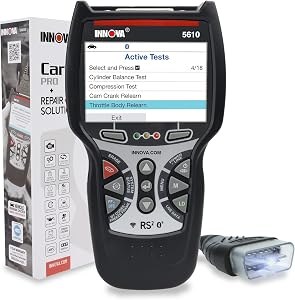
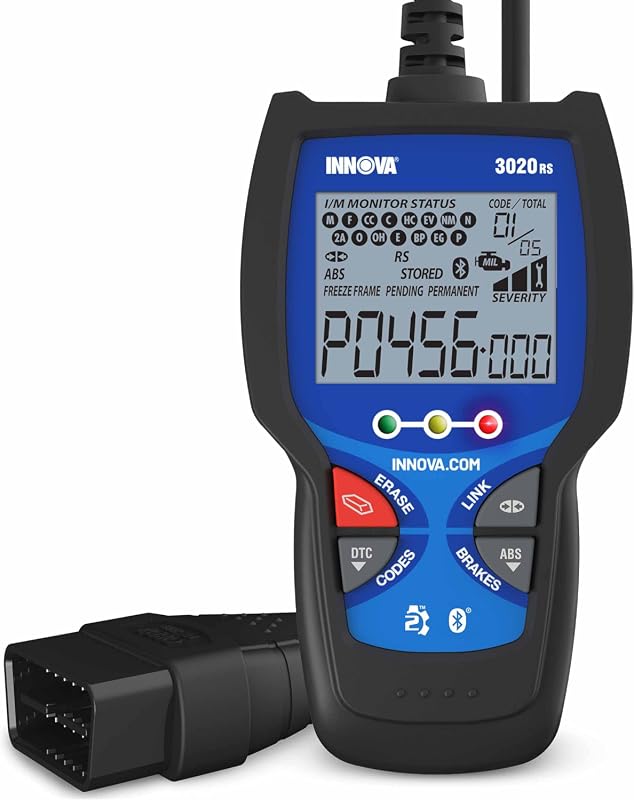
For a DIY owner with a compatible car, BlueDriver is a solid choice. For someone with an incompatible vehicle, a scanner like the Foxwell NT301 with transmission code support or a professional tool may be better.
Consider your vehicle’s brand, your comfort with smartphone apps, and whether you need bidirectional controls. BlueDriver is app-based, so it requires a phone. Some standalone scanners work without one.
Real-World Value: What BlueDriver Can Save You—and What It Can’t
Ownership Costs: App Subscriptions, Cables, and Firmware Updates
BlueDriver’s upfront cost is moderate for a Bluetooth scanner. The app is free, but some features cost extra. There are no mandatory cables beyond the built-in OBD2 connector. Firmware updates arrive through the app, so there’s no separate hardware to buy.
When a Professional Transmission Diagnosis Is the Safer Call
If BlueDriver shows P0700 but can’t read the enhanced code, or if the transmission is slipping, shuddering, or failing to shift, a professional diagnosis is the safer call. Transmission work is expensive, and guessing can make it worse.
A shop with dealer-level tools can read TCM data, perform bidirectional tests, and inspect fluid condition. Sometimes the fix is simple — a sensor or a fluid service — but you need the right data to know.
Privacy, Legal, and Next Steps for BlueDriver Owners
App Data Permissions and Where Your VIN and Codes Go
The BlueDriver app collects diagnostic data, your VIN, and vehicle information. It requires Bluetooth access and, on some devices, location permissions. Diagnostic data may be sent to the manufacturer’s servers for features like Repair Reports.
Emissions Readiness and State Inspection Rules
Clearing codes resets readiness monitors. Some states require a certain number of monitors to be “ready” before an emissions inspection can pass. If you clear transmission codes right before a test, you may fail.
Drive the vehicle through the required drive cycle before inspection. The exact drive cycle varies by make and model, so consult the vehicle manual or the state inspection guidelines. For a fuller picture, see our guide on how to pass emissions after clearing codes.
Firmware Updates and Getting the Most From Your BlueDriver
Keep the BlueDriver firmware and app updated. Updates can improve compatibility, fix bugs, and add features. Check the app store for updates and follow the in-app prompts for firmware updates.
Also, check the official compatibility list periodically. Coverage can change with new releases, and a vehicle that wasn’t supported last year might be supported now.
- Best for: DIY owners with compatible US-market cars who want to read and clear transmission codes without a shop visit.
- Think twice if: You drive a hybrid, EV, or older vehicle with no enhanced coverage, or you need bidirectional transmission tests.
- Next step: Check the official BlueDriver compatibility list for your exact make, model, and year before buying.
Frequently Asked Questions
No. BlueDriver can read generic OBD2 codes on all 1996-and-newer US vehicles, but enhanced transmission codes require make and model compatibility. Check the official BlueDriver compatibility list for your exact vehicle before buying.
P0700 is a generic “transmission control system malfunction” code. BlueDriver can read P0700 on any OBD2-compliant vehicle, but the detailed manufacturer-specific code behind it may require enhanced coverage that not every car supports.
The base BlueDriver app is free and can read and clear generic codes. Some advanced features, such as Repair Reports, may require an in-app purchase or subscription. Check the current app details for the latest pricing and feature list.
Yes, on compatible vehicles. BlueDriver can clear transmission codes and reset the check engine light. Fix the root cause first, and remember that clearing codes resets the emissions readiness monitors.
Your vehicle may not support enhanced transmission diagnostics, the code may be stored only in the TCM’s enhanced memory, or the battery voltage may be too low. Check compatibility, battery health, and app permissions before troubleshooting further.
Generally yes, when used as directed. Plug into the OBD2 port, turn the ignition on without starting the engine, and follow the app instructions. Avoid clearing codes without knowing the underlying cause, and seek professional help for slipping or harsh-shifting transmissions.