Can BlueDriver Program Keys? Only on Compatible Models
No, BlueDriver cannot program keys on any vehicle. Use it as a diagnostic scanner, and rely on a dealer, locksmith, or dedicated key tool for key work.
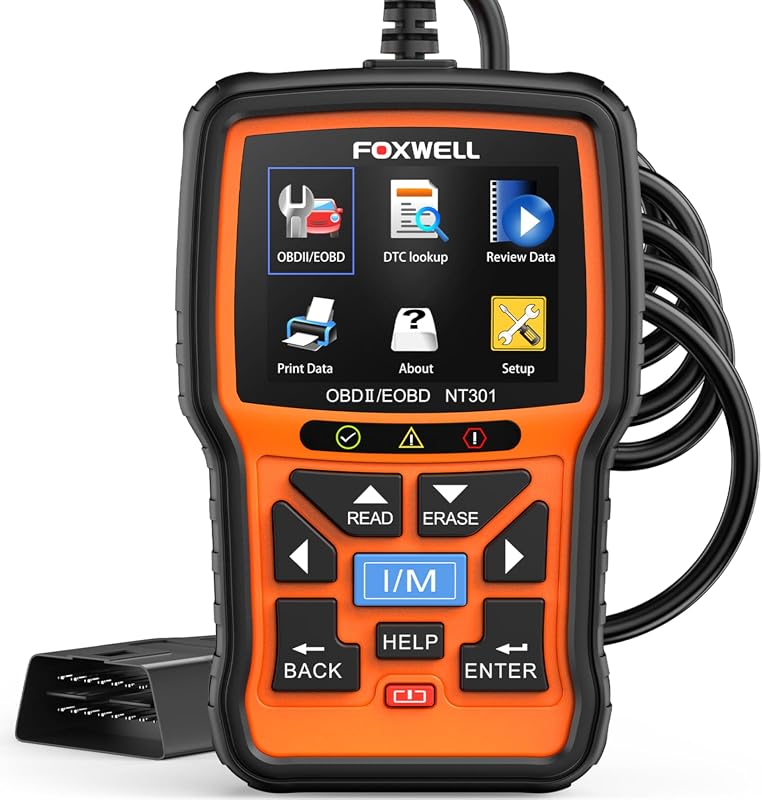
So, can bluedriver program keys? The short answer is no. BlueDriver is a Bluetooth OBD2 diagnostic scanner, not a key programming tool. It can read and clear many engine codes, show live data, and check emissions readiness. Writing a new transponder ID, pairing a remote fob, or setting up a smart key is a different job that needs different hardware and security access.
- No key programming: BlueDriver is an OBD2 diagnostic scanner and cannot write transponder, fob, or smart-key data.
- Diagnostic value: It reads and clears codes, shows live data, and checks emissions readiness on most.
- Security limits: Immobilizer systems restrict key programming to dealer tools, professional programmers, or licensed locksmiths.
- Check voltage first: Stable battery voltage matters before any key work, and skipped steps can damage modules.
- Realistic next steps: Look for onboard relearn procedures in your owner’s manual or call a professional for.
The Short Answer: No, BlueDriver Cannot Program Keys — But It Can Help on Compatible Models
When people ask whether BlueDriver can program keys, they usually mean one of three things: add a spare transponder key, program a new remote fob, or register a smart key. BlueDriver does none of these. On compatible vehicles, though, it can still help by reading codes, checking battery voltage, and confirming whether another system is causing the trouble.
That last point matters. A weak key fob battery, a failing immobilizer, or a low 12V battery can all cause no-start conditions that look like key problems. BlueDriver can narrow down those causes even though it cannot program the key itself.
What “Compatible Models” Really Means for BlueDriver
BlueDriver works with OBD2-compliant vehicles sold in the United States, generally from model year 1996 onward. It also provides enhanced data for many newer makes, but coverage varies by manufacturer and model year. “Compatible” here means vehicles where BlueDriver can read useful diagnostic information, not models where it can program keys.
Those are entirely different capabilities with different hardware. For vehicle coverage details, check our BlueDriver compatibility list, but key programming is never part of that list.
Check: Verify your vehicle’s model year and OBD2 protocol support before buying. Limitations: BlueDriver does not program transponder keys, remote fobs, or smart keys on any vehicle.
Diagnostics vs. Relearns vs. Key Programming: Why the Distinction Matters
Diagnostics reads what the car’s computers report. Relearns teach a module to accept a new part or sensor. Key programming writes security data into the immobilizer or body control module. These three jobs require different tools, different software, and different access levels.
BlueDriver is a diagnostic tool. It reads and clears codes, displays live data, and helps you understand a warning light. A few vehicles allow owners to “relearn” a key through ignition sequences with existing keys, but that is a vehicle procedure, not something BlueDriver performs.
What BlueDriver Actually Does: OBD2 Diagnostics Explained
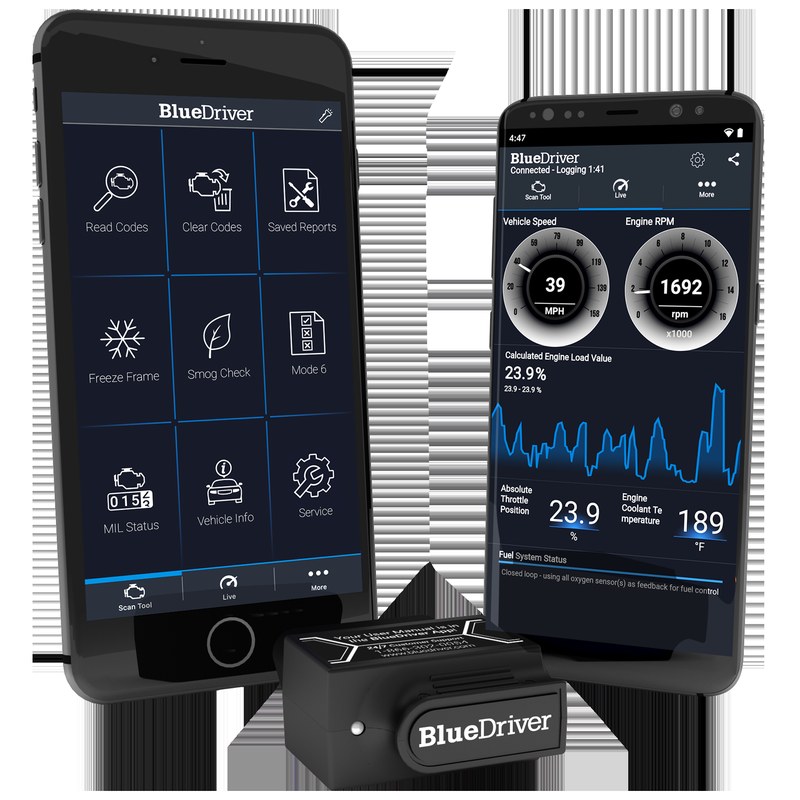
Model-Year and Protocol Coverage: OBD2, CAN, and Enhanced Data
All US light vehicles from model year 1996 onward must have an OBD2 connector. Since 2008, CAN has been the standard data protocol. BlueDriver is built around these standards, which means it works on an enormous range of cars and trucks. Enhanced data — such as ABS, airbag, and transmission codes — depends on whether the manufacturer shares that information through the standard port.
Port Location, Ignition Mode, and the First Steps of Any Scan
Most cars place the OBD2 port under the dashboard on the driver’s side. You plug in the scanner, turn the ignition to the “on” position without starting the engine, and open the BlueDriver app. The app pairs over Bluetooth and walks you through the readout. For a full walkthrough, see our guide on how to use the BlueDriver Pro scan tool.
Reading Codes, Live Data, and Emissions Readiness — What’s Included
BlueDriver can read standard diagnostic trouble codes, pending codes, and freeze frame data. It also shows live sensor data such as engine speed, coolant temperature, and system voltage on many vehicles. Another useful feature is the emissions readiness monitor, which tells you whether your car’s systems are ready to pass an OBD2 emissions check. Clearing codes is possible on most vehicles, but only after you record what you found.
Why Key Programming Requires More Than an OBD2 Scanner
Transponder Keys, Remote Fobs, and Smart Keys: The Hardware Difference
A transponder key contains a small chip that communicates with the vehicle’s immobilizer. A remote fob sends radio signals to lock and unlock doors. A smart key uses proximity sensors and encrypted messages to let you start the car without inserting anything. Each of these must be taught to the vehicle, and the vehicle verifies the key before allowing it to work.
That teaching process is key programming. It writes data to security modules or instructs the module to remember a new key ID. A standard OBD2 scanner lacks the security protocols and software needed to authenticate with the immobilizer.
Immobilizer Security, Dealer-Level Access, and Legal Considerations
Immobilizers exist to stop theft. Automakers deliberately limit who can program keys, and many require dealer-level tools, online authorization, or security access codes. Some systems demand a PIN or a login tied to the vehicle’s VIN before a programmer will communicate with the immobilizer.
State rules add another layer. Some states regulate locksmith work and the sale of key programming tools. The practical result is the same: using a scanner to program keys is not just a hardware limitation, it is a security and regulatory one. Stick to your own vehicle, follow your owner’s manual, and use licensed professionals for key work.
Battery Voltage and Key Programming: Why Your Car’s Electrical Health Matters
System Voltage, Battery Chemistry, and State of Charge vs. Health
Key programming requires stable electrical power. If voltage drops in the middle of a write, the vehicle’s module can lose data or the key can be left half-programmed. That is why most professional key programmers display battery voltage before starting.
A battery can show normal resting voltage and still fail under load. State of charge tells you how full the battery is; state of health tells you how much useful life remains. Before any key work, confirm the battery is charged and the charging system is healthy.
Correct Connection Order and Damaged-Battery Stop Conditions
If you connect an external charger or jump pack, follow the order in the device manual. In general, connect the positive terminal first, then the negative, and remove in reverse order. Never connect to a battery that is cracked, leaking, swollen, or frozen.
Hybrid and EV Cautions: High-Voltage Systems and Key Programming
Hybrids and electric vehicles use orange high-voltage cables that carry lethal current. Key programming on these cars still happens at the 12V level, but the high-voltage system is always present. Never probe, cut, or touch HV components, and never attempt key programming without proper training and tools.
BlueDriver’s Known Limitations: Firmware, App Permissions, and Professional Thresholds
App Permissions, Firmware Updates, and What the Free vs. Paid Tiers Include
The BlueDriver app is free to download, and the scanner is a one-time purchase. No subscription is required for core diagnostic features. The app does need Bluetooth access to talk to the scanner, and on Android, Bluetooth scanning may also require location permission. The app handles firmware updates for the scanner itself.
For more detail on long-term costs, our article on whether BlueDriver needs a subscription explains what is included.
Reset Limitations and When a Professional Is the Only Safe Option
BlueDriver can clear engine-related codes on many vehicles, but it cannot perform module resets, security access, or immobilizer relearns. If your dashboard shows a flashing security light or the car refuses to start after battery work, stop. That is a key-related or immobilizer issue that needs a professional diagnostic tool.
BlueDriver vs. Key Programming Tools: A Side-by-Side Comparison
Same Criteria, Two Different Tools: Diagnostics vs. Key Programming
| Criteria | BlueDriver OBD2 Scanner | Dedicated Key Programming Tool |
|---|---|---|
| Primary job | Read and clear diagnostic codes, live data, emissions readiness | Program transponder keys, remotes, and smart keys |
| Typical cost | One-time scanner purchase, free app | Often several times the scanner price; some add subscription or credit fees |
| Skill level | Beginner friendly with guided app | Professional training and security access usually required |
| Security access | No immobilizer or security functionality | Built for immobilizer, PIN, and key-write operations |
Which Tool Fits Your Vehicle, Skill Level, and Budget
If your only goal is to understand a check engine light, BlueDriver is a practical, low-cost choice. If you need a spare key, a dealer, a locksmith, or a professional-grade programmer is the realistic path. Professional programmers are expensive, and some require per-vehicle credits or online authorization. For most owners, paying a locksmith once costs less than buying a tool you will rarely use.
How to Program Keys on Compatible Models: A Practical Next-Steps Guide
Onboard Relearn Procedures: When Your Vehicle Allows a DIY Approach
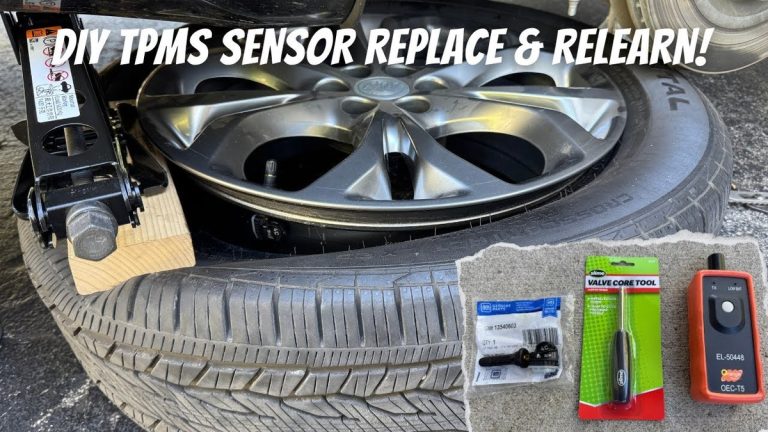
A small number of vehicles let owners add a spare key through an onboard procedure. These usually involve turning the ignition on and off in a specific sequence with a working key, or using two existing keys to teach a third. The exact steps are unique to each automaker, so check your owner’s manual and follow it exactly. If the procedure fails or the security light comes on, stop and get professional help.
- Confirm your vehicle allows an onboard key relearn procedure
- Check battery voltage before starting any key work
- Follow the owner’s manual sequence exactly and stay patient
- Clear immobilizer or security codes before recording what you see
- Use an OBD2 scanner to attempt key programming
- Work near high-voltage cables on hybrids or EVs
Aftermarket Alternatives: Autel, Launch, and Locksmith Services
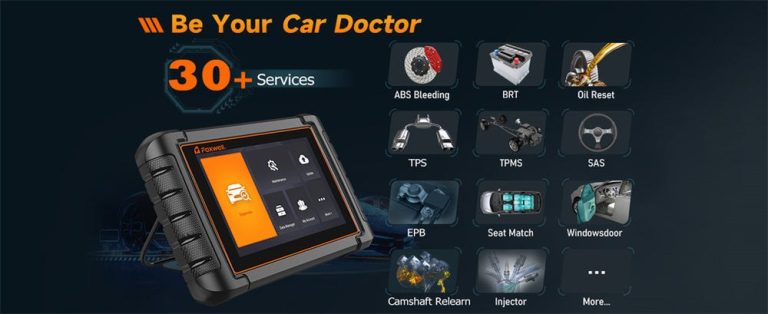
Brands like Autel and Launch make professional key programming tools, but they are aimed at shops and locksmiths. They support many vehicle systems, and their prices and subscription models vary by model. If you want to compare scanner brands, our write-up on whether the Innova 5610 can program keys is a useful starting point.
For a single key replacement, a licensed automotive locksmith is usually the most cost-effective option. Many locksmiths can program keys at your location, which saves you the tow bill and the dealer wait. Confirm that the locksmith supports your exact make, model, and year before booking.
Our Verdict: Is BlueDriver Worth It for Key-Related Work?
Evaluation Criteria, Evidence Limits, and What We Didn’t Test
We evaluated BlueDriver using manufacturer documentation, standard OBD2 capabilities, and the real-world divide between diagnostic tools and key programming tools. We did not perform first-hand testing, so performance claims should be treated accordingly. The conclusion, however, does not depend on testing: BlueDriver’s hardware and software have no key programming function.
Ideal User Profile, Drawbacks, and Ownership Cost
BlueDriver is a strong fit for the DIY owner who wants to read and clear codes, watch live data, and check emissions readiness without paying dealer prices. Its main drawback is scope: if you expect key programming, bidirectional controls, or module coding, you will be disappointed. Ownership cost is a one-time scanner purchase plus a free app, with no ongoing subscription for core features.
Alternatives at a Glance and a Transparent Bottom Line
For key work, your realistic alternatives are the dealer, a licensed locksmith, or a professional-grade programmer from Autel, Launch, or similar brands. For pure diagnostics, BlueDriver remains one of the most approachable scanners on the market. Buy it for what it is — a smart diagnostic tool — and call a professional for anything that writes security data to your car.
- Best for: DIY owners who want an affordable, app-guided OBD2 scanner for codes, live data, and emissions readiness.
- Think twice if: You need transponder, fob, or smart-key programming — BlueDriver cannot do that on any vehicle.
- Next step: Check your owner’s manual for onboard key relearn options and confirm whether your car’s key work needs a locksmith or dealer.
Frequently Asked Questions
No. BlueDriver is an OBD2 diagnostic scanner that reads and clears codes, shows live data, and checks emissions readiness. It cannot program transponder keys, remote fobs, or smart keys on any vehicle.
Yes. On OBD2-compliant vehicles, BlueDriver can read standard and many enhanced codes, plus pending codes and freeze frame data. It can also clear engine codes, but doing so resets the emissions monitors.
No. The BlueDriver app is free to download, and the scanner is a one-time purchase for the core diagnostic features. Some enhanced data depends on the vehicle, but there is no required monthly subscription.
On some vehicles, yes. A few automakers allow onboard key relearn procedures that use one or two existing keys. Check your owner’s manual first, and if the procedure fails or the security light comes on, stop and call a professional.
Modern keys contain transponder chips, rolling codes, or smart-key encryption that must be matched to the vehicle’s immobilizer. This requires dealer-level tools, security access, or a licensed locksmith, all of which add labor and equipment costs.
It depends on your car and location. A licensed automotive locksmith is often faster and cheaper for simple key replacement, while a dealer may be the only option for newer or high-security systems. Confirm support for your exact make, model, and year first.