8 Best OBD2 Scanners for Hybrid Cars: DIY Diagnostics Guide
Searching for the best obd2 scanner for hybrid cars usually starts the same way: a check engine light appears, and you want to know whether it is a simple emissions fault or something that involves the hybrid system. A good scanner helps you read and clear standard engine codes, watch live data, and decide whether the issue is something you can handle in the driveway or something that belongs with a hybrid-trained technician.
Hybrids add a wrinkle that ordinary gas cars do not have. Standard OBD2 data still covers the engine, emissions monitors, and readiness checks, but hybrid battery, inverter, and electric-drive modules often sit on manufacturer-specific networks that a generic reader cannot reach. That is why this roundup separates basic code reading from live data, system-level diagnostics, and service resets, and why every pick here comes with a compatibility check you should run before you spend money.
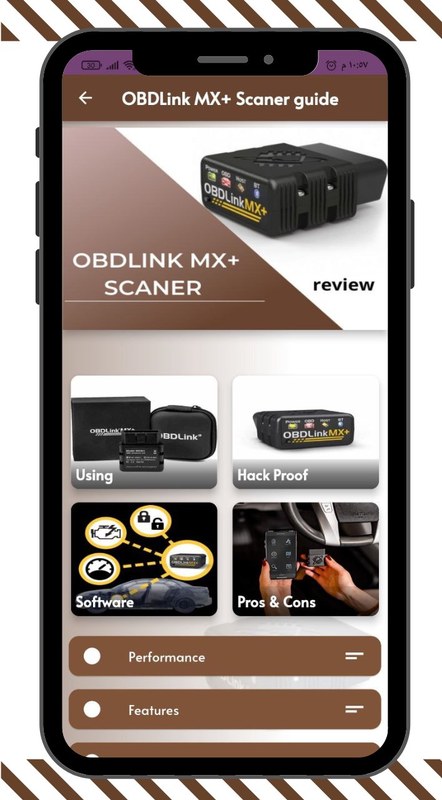
The OBDLink MX+ is the strongest overall starting point for most hybrid owners because it pairs with multiple apps and lists enhanced OEM support for several major brands, but it has no screen of its own and its hybrid-module coverage depends entirely on the app you choose. If you want guided repair information without a subscription, BlueDriver is the closest alternative. If you simply want the lowest-cost way to read and clear an engine light, the MOTOPOWER MP69033 does that job — and nothing beyond it, since ABS, airbag, and hybrid-specific modules are not supported.
Quick Product Comparison
| Product | Image | Best For | Current Price |
|---|---|---|---|
| 1. OBDLink MX+ OBD2 Bluetooth Scanner | 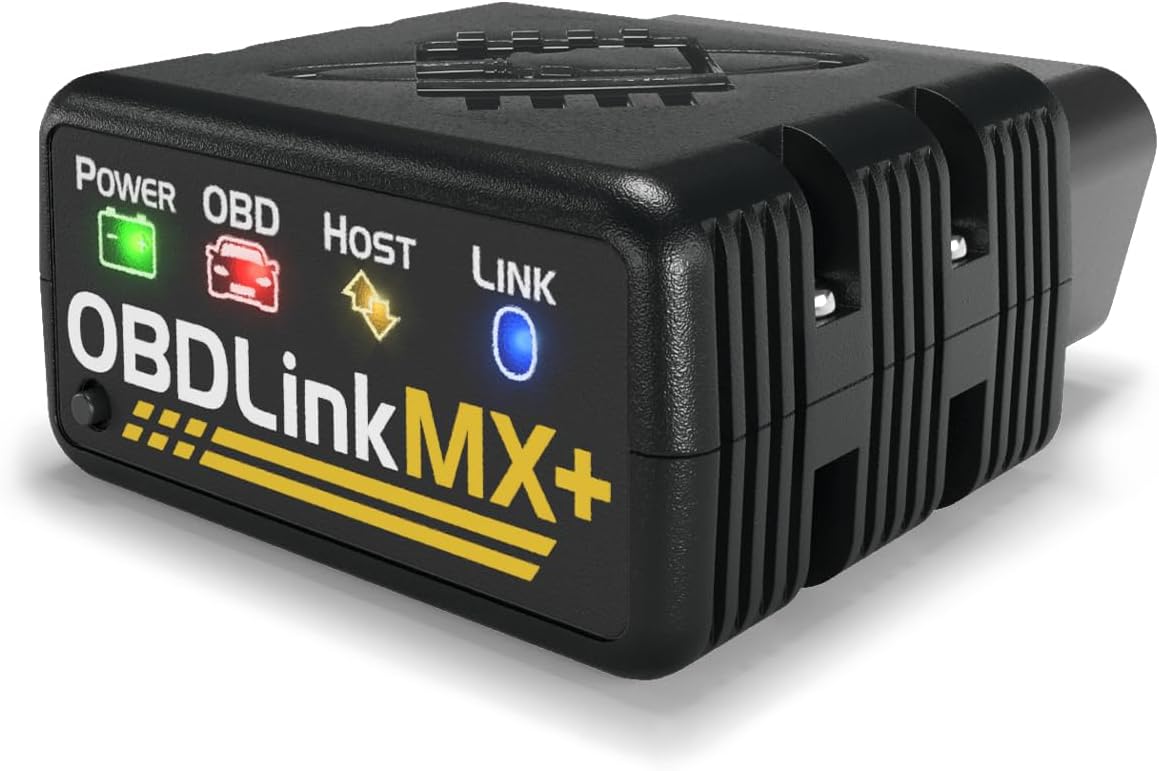 |
Multi-vehicle households that want one adapter for several apps | See Price → |
| 2. BlueDriver OBD2 Scanner Bluetooth | 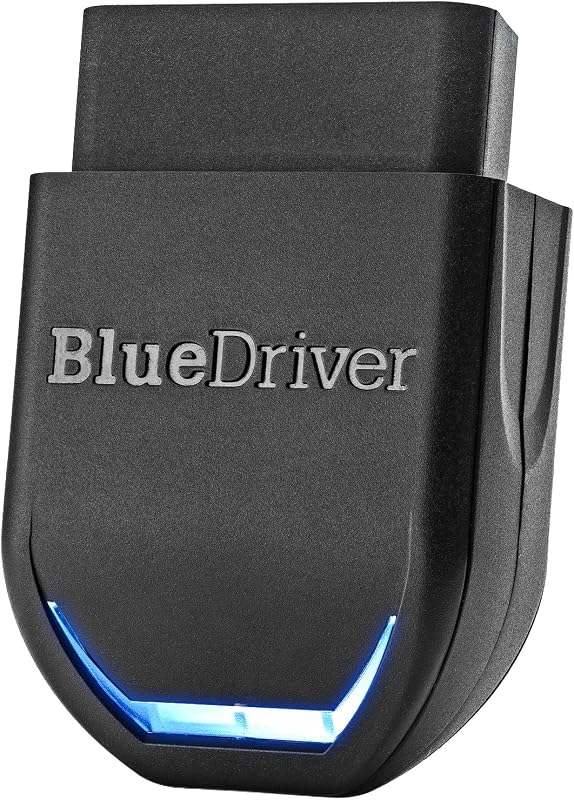 |
Owners who want VIN-matched repair guidance without a subscription | See Price → |
| 3. BLCKTEC 460T OBD2 Scanner | 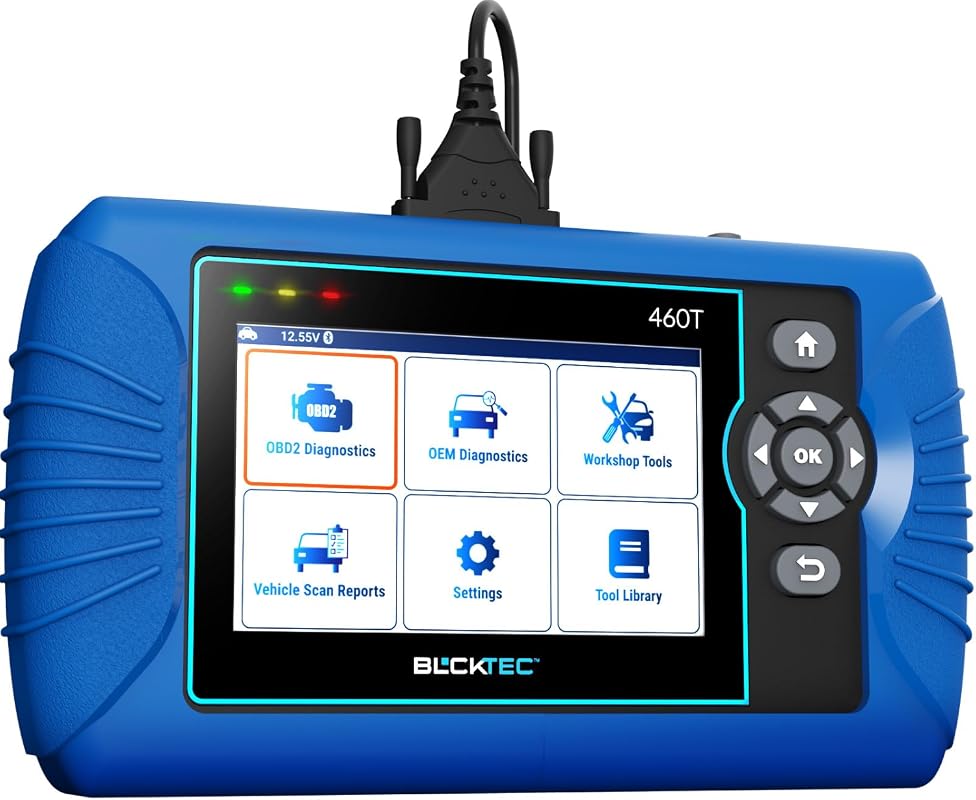 |
DIY owners who want all-system scans plus service resets | See Price → |
| 4. Veepeak OBDCheck BLE OBD II Scanner | 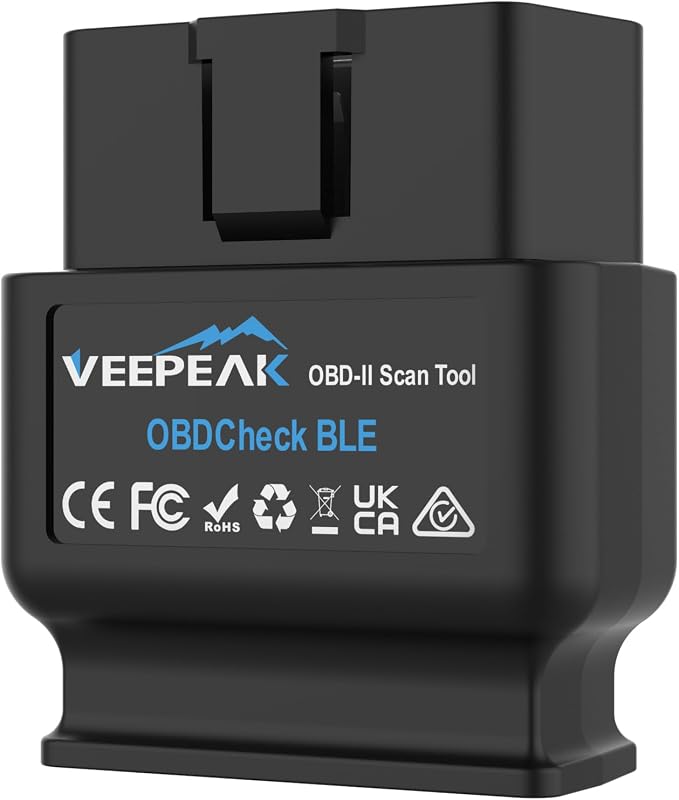 |
Budget app users, including Dr. Prius hybrid battery checks | See Price → |
| 5. MOTOPOWER MP69033 OBD2 Scanner | 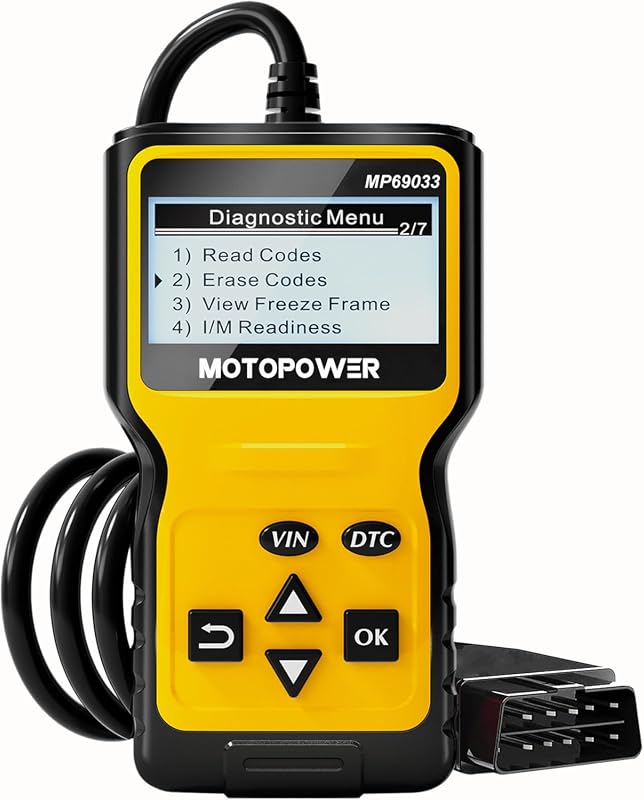 |
Simple, low-cost check-engine-light reading | See Price → |
| 6. BLCKTEC 440 Bluetooth OBD2 Scanner | 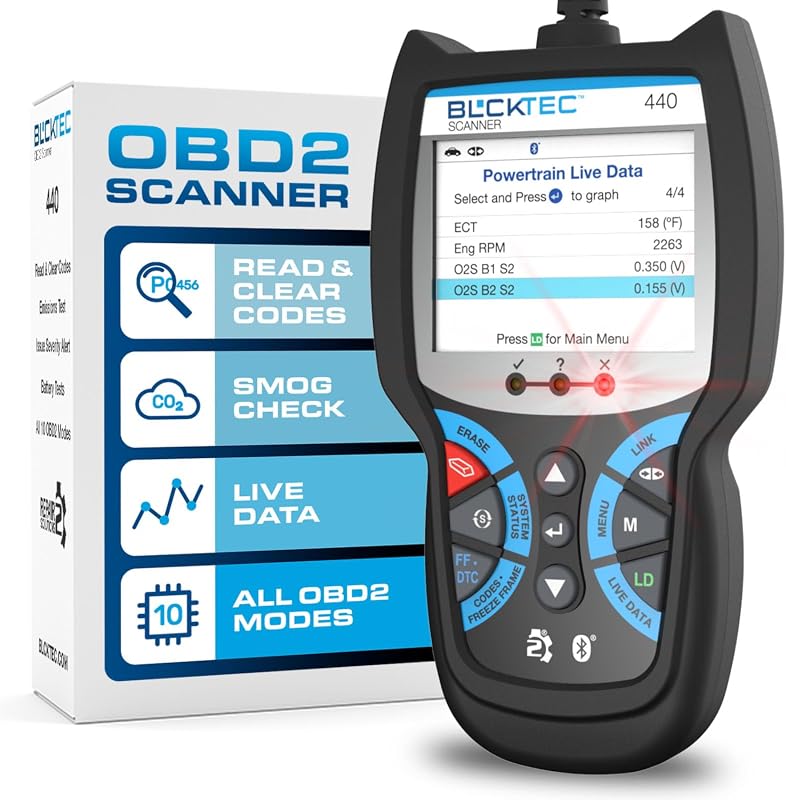 |
Bluetooth scanning with emissions-readiness help | See Price → |
| 7. FOXWELL NT604 Elite OBD2 Scanner | 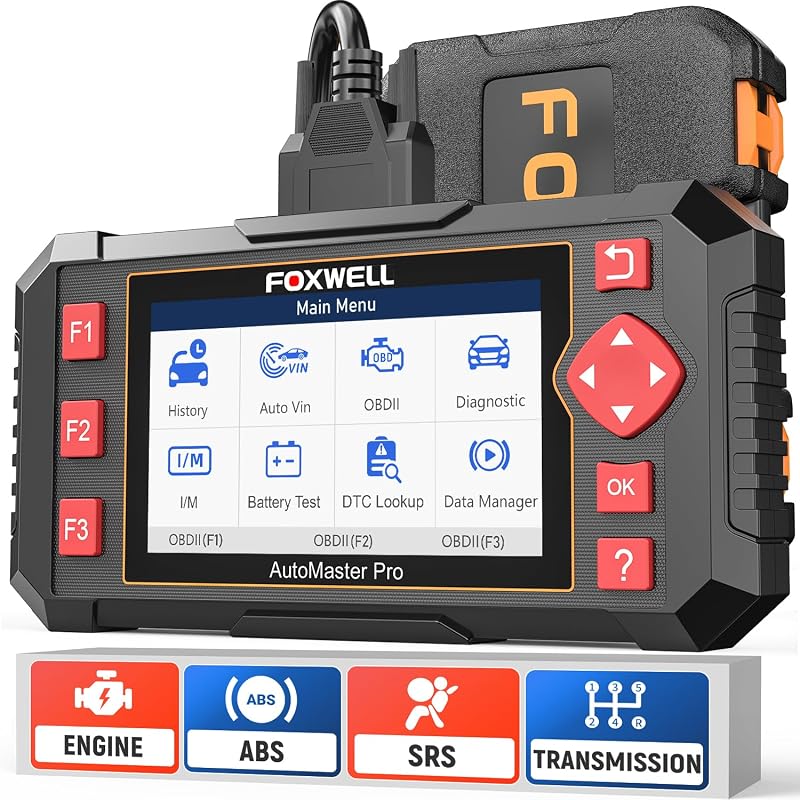 |
Handheld engine, transmission, ABS, and SRS diagnostics | See Price → |
| 8. FIXD Bluetooth OBD2 Scanner | 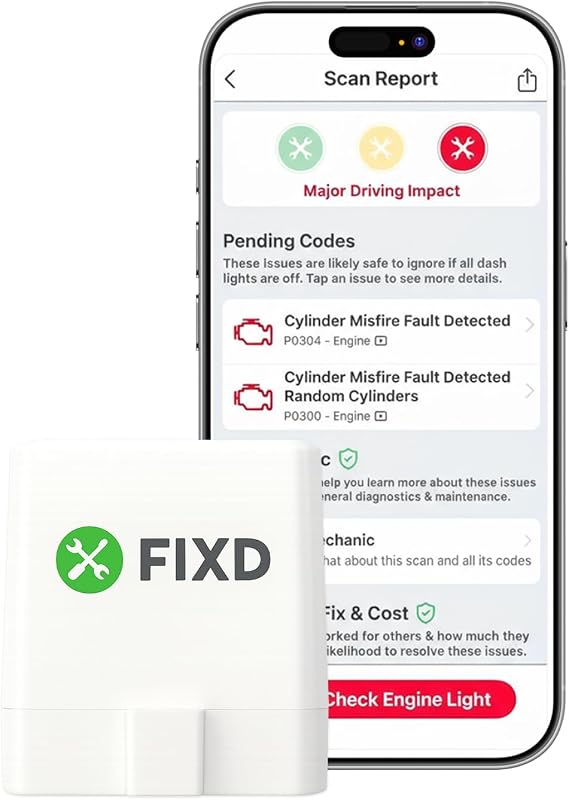 |
First-time users who want plain-English explanations | See Price → |
Best OBD2 Scanner for Hybrid Cars: What to Look For
Hybrid diagnostics rewards a little planning. These are the factors that separate a scanner that is genuinely useful on a hybrid from one that only reads a generic engine code.
Hybrid Module Access vs. Standard OBD2 Coverage
Every 1996-and-newer U.S. vehicle sold with a combustion engine uses the standard OBD2 connector, and hybrids are no exception. What varies is how much of the vehicle you can actually see. Engine management, oxygen sensors, and emissions readiness monitors are typically reachable through generic OBD2, while hybrid battery, inverter, and electric-drive control modules often require manufacturer-specific communication that only some adapters and apps support. Treat any claim of broad hybrid coverage as something to verify model by model, not as a blanket promise.
App Compatibility and Phone Support
Bluetooth adapters are only as good as the app behind them. The Veepeak listing, for example, names Car Scanner ELM OBD2, OBD Fusion, Torque for Android, Infocar, OBD JScan, and Dr. Prius among its compatible apps — and Dr. Prius is a name many Prius owners already associate with hybrid battery checks. Check whether the app you want is included, whether it costs extra, and whether it runs on your phone before assuming the adapter alone solves anything. If you are building around an iPhone, our Bluetooth OBD2 scanner picks for iPhone covers that app ecosystem in more detail.
Enhanced OEM and Make-Specific Support
Brand-level support matters more than raw feature count. The OBDLink MX+ lists enhanced OEM support for Ford, GM, Mazda, Nissan/Infiniti, Toyota/Lexus/Scion, Honda, Hyundai, and Kia, which covers a large share of the hybrid market. BlueDriver lists GM, Ford, Stellantis, Toyota, Honda, Nissan, Mazda, Subaru, Hyundai, Mercedes-Benz, BMW, and Volkswagen. Within those families, coverage still narrows by model year and trim, so the compatibility chart is the document that actually matters.
Code Reading vs. Live Data, Freeze Frame, and Mode 6
Reading and clearing a code is the entry-level function. Live data streams, freeze frame snapshots, I/M readiness status, and Mode 6 test results are what let you see whether a repair actually worked. The BLCKTEC 460T and 440 both advertise live data graphing, and BlueDriver lists freeze frames, smog readiness, and Mode 6 analysis. For a hybrid, live data is also how you confirm the engine is behaving normally when the electric side is carrying part of the load.
Service Resets and Maintenance Functions
Resets are where shoppers get overconfident. The BLCKTEC 460T advertises 12 or more functions, including oil maintenance reset, ABS bleeding, EPB reset, steering angle sensor recalibration, DPF reset, throttle body relearn, battery reset, TPMS relearn, and transmission reset — but the brand states plainly that availability depends on the vehicle. The FOXWELL NT604 Elite goes the other direction and states it does not support maintenance functions at all. Neither approach is wrong; you just need to know which one you are buying.
Subscription Terms, Updates, and Total Cost
A low purchase price can hide recurring costs. Some apps require separate purchases or paid tiers, while others advertise no subscription at all. BlueDriver’s title advertises no subscription, and BLCKTEC promotes RepairSolutions2 as free with no subscription fees, though you should confirm current app terms on the listing. If subscription-free operation is a priority, our guide to OBD2 scanners without a subscription breaks down which models avoid recurring fees.
Our Top 8 Picks
The picks below run from full-featured app adapters to simple plug-in code readers. Each one is described using only the information supplied by the manufacturer listing, with the main limitation called out so you can match it to your own hybrid.
1. OBDLink MX+ OBD2 Bluetooth Scanner for iPhone, Android, Windows, Diagnostics, Live Data, and Vehicle Monitoring
The most flexible pick in this roundup, with a 4.6-star retailer rating across nearly 15,000 ratings. It converts a phone, tablet, or Windows PC into a scan tool and is listed as a recommended adapter for a long list of third-party apps. The trade-off is that it has no display of its own, so every capability you get depends on the app you pair with it and on that app’s coverage of your hybrid’s modules.
Key Features That Matter
- Turns an iPhone, Android device, or Windows PC into a diagnostic scan tool, so you can reuse hardware you already own instead of paying for a dedicated screen.
- Listed as a recommended adapter for FORScan, Torque, BimmerCode, Dashcommand, AlfaOBD, Carista, and others, which gives you fallback options if one app does not cover the module you need.
- Enhanced OEM support is listed for Ford, GM, Mazda, Nissan/Infiniti, Toyota/Lexus/Scion, Honda, Hyundai, and Kia — a broad slice of the hybrid market, though exact model-year coverage still needs confirming.
- The listing advertises more live parameters, including ABS, SRS, and TPMS, than other scanners, but parameter availability depends on the vehicle and the app.
- Over-voltage and battery drain protection plus included firmware updates help protect sensitive electronics and the 12-volt battery during long logging sessions.
Drivers who already work from a phone or laptop and want one adapter that spans multiple apps and multiple vehicles in the household.
- Works across several major app platforms instead of locking you into one.
- Broad enhanced OEM brand list with strong hybrid-market overlap.
- Includes over-voltage and battery drain protection plus firmware updates.
- No built-in screen, so it is useless without a compatible phone, tablet, or PC.
- Hybrid battery and inverter module access is not guaranteed by the listing.
- App purchases and update behavior should be confirmed before buying.
2. BlueDriver OBD2 Scanner Bluetooth, No Subscription, ABS SRS TPMS Diagnostics for iPhone and Android
A Bluetooth scanner built around guided repairs rather than raw data dumps, with a 3.9-star retailer rating across roughly 640 ratings. The listing emphasizes VIN-matched, technician-verified repair reports and expanded system coverage for check engine, ABS, SRS, airbag, TPMS, and transmission codes. Its retailer rating sits below most picks here, so read the compatibility chart closely before you commit.
Key Features That Matter
- Turns a phone into a diagnostic scanner and is designed to help you scan, understand, and clear codes without guessing at parts.
- Reads and clears more codes than basic readers on supported vehicles, with enhanced diagnostics reaching ABS, SRS, airbag, TPMS, and transmission systems.
- Provides unlimited technician-verified repair reports matched to your VIN, plus live data monitoring, freeze frames, smog readiness checks, and Mode 6 test analysis.
- Lists support for GM, Ford, Stellantis (RAM, Jeep, Chrysler), Toyota, Honda, Nissan, Mazda, Subaru, Hyundai, Mercedes-Benz, BMW, and VW, with enhanced communication noted on select 2024+ Nissan and Mazda models.
- The listing describes coverage for gas vehicles from 1996 onward plus select light-duty trucks and diesels, which makes hybrid confirmation a specific step rather than an assumption.
Owners who want plain guidance on what a code means and what fix has worked for others, rather than a bare list of fault numbers.
- Title advertises no subscription for the core diagnostic experience.
- VIN-matched repair reports add context that basic readers do not provide.
- Covers ABS, SRS, TPMS, and transmission on supported vehicles.
- Retailer rating is lower than most other picks in this roundup.
- Compatibility text centers on gas vehicles, so hybrid coverage needs direct confirmation.
- Requires a phone at every scan; no standalone display.
3. BLCKTEC 460T OBD2 Scanner Car Code Reader with ABS SRS Transmission, 12 Resets, Battery Test, Auto VIN
A handheld, all-system tool with a 4.3-star retailer rating across roughly 900 ratings, aimed at home mechanics who want more than engine codes. It supports all 10 OBD2 modes, reads and clears engine, transmission, ABS, and SRS codes, and bundles 12 or more workshop-style resets. The catch is stated by the brand itself: every function depends on the vehicle, so use the compatibility checker first.
Key Features That Matter
- All-system diagnostics with all 10 OBD2 modes plus engine, transmission, ABS, and SRS code reading and clearing, which covers far more than a check-engine-only reader.
- 12 or more dealer-level service functions including oil maintenance reset, ABS bleeding, EPB reset, steering angle sensor recalibration, DPF reset, throttle body relearn, battery reset, TPMS relearn, transmission reset, and fluid change reset — each subject to vehicle support.
- Real-time OBD2 and advanced OEM live data with freeze frame data, plus the ability to view, graph, record, replay, and overlay up to four live data streams on one graph.
- AutoVIN, AutoScan, and AutoReLink retrieve the VIN automatically, scan all ECUs on plug-in without button presses, and refresh DTC and I/M readiness data every 30 seconds.
- Pairs with the RepairSolutions2 app at no subscription cost, adding a verified fix database, OEM warranty information, maintenance schedules, TSBs, and recall information, with cloud-stored scan reports.
DIY owners who want handheld all-system scanning plus service resets, and who are willing to verify each function against their specific hybrid before relying on it.
- All-system coverage including ABS, SRS, and transmission diagnostics.
- Broad reset menu for owners who do their own maintenance.
- Free RepairSolutions2 app with no subscription fee per the listing.
- Function availability varies by vehicle year, make, and model.
- Brand requires a compatibility check before purchase for the features you need.
- No hybrid high-voltage battery diagnostics claimed in the listing.
4. Veepeak OBDCheck BLE Bluetooth OBD II Scanner Adapter, Check Engine Code Reader for iOS and Android
A low-cost Bluetooth adapter with an enormous retailer following — 4.6 stars across more than 23,000 ratings. It has no screen and no bundled app, so it lives or dies by the third-party app you choose. The most interesting detail for hybrid shoppers is that Dr. Prius is named among compatible apps, and the listing’s model-year text is written for the Australian market, so U.S. buyers should confirm coverage before purchase.
Key Features That Matter
- Reads and clears check engine, MIL, and SES codes, and provides freeze frame data, oxygen sensor and on-board monitor test results, live data, and I/M readiness status.
- Compatible with Car Scanner ELM OBD2, OBD Fusion, Torque (Android only), Infocar, BimmerCode, BimmerLink, OBD JScan, and Dr. Prius — the app is not included and some apps or features require separate purchase.
- The listing states compatibility with 2006 and newer gasoline and 2007 and newer diesel vehicles in Australia for generic OBD II functions, and advises EV or PHEV owners to check with Veepeak or look for a proper connection profile in Car Scanner ELM OBD2.
- Supports Bluetooth LE for iOS and Android plus classic Bluetooth for Android, with connection made from inside the app; Android head units may not be supported.
- The listing also notes limits for BimmerCode and BimmerLink on pre-2008 models and states it is not compatible with Carly, MHD, xHP, ProTool, or bootmod3.
Budget-conscious owners who already know which app they want, including Prius owners using Dr. Prius for hybrid battery monitoring.
- Very affordable entry point into app-based diagnostics.
- Long list of compatible apps, including hybrid-oriented options.
- Supports both Bluetooth LE and classic Bluetooth.
- No app included; several compatible apps cost extra.
- Listing’s model-year compatibility text is region-specific and needs U.S. confirmation.
- Explicitly incompatible with several popular tuning and coding apps.
5. MOTOPOWER MP69033 OBD2 Scanner Code Reader, Engine Fault CAN Diagnostic Tool for OBD II Cars Since 1996
A plug-in handheld reader with one of the largest review bases in this roundup — 4.6 stars across more than 52,000 ratings. It reads and clears engine codes, shows live data, and needs no battery or charger because it draws power from the OBD2 port. It is engine-only, so ABS, airbag, and hybrid-specific modules are simply out of scope.
Key Features That Matter
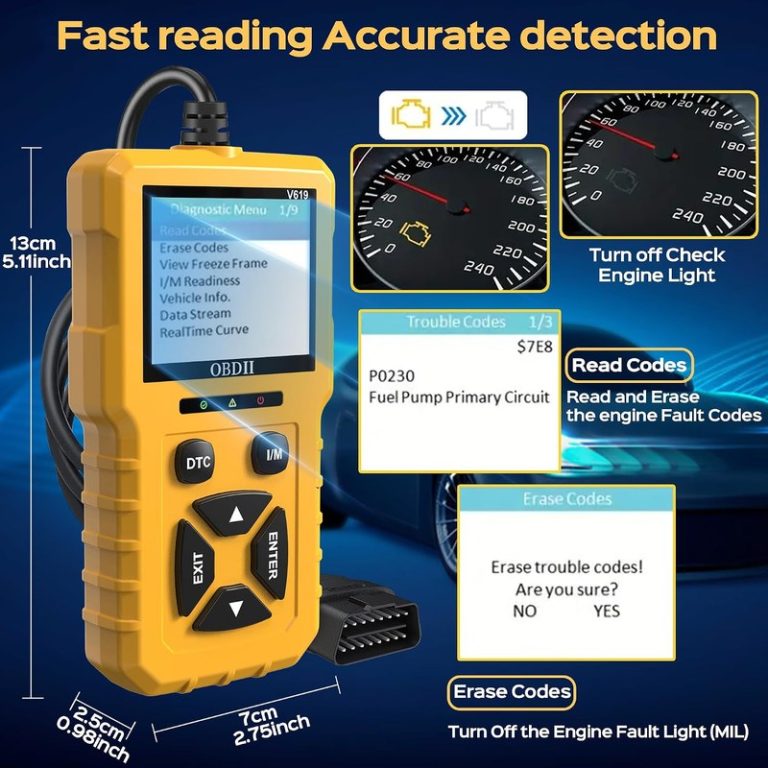
- Multi-function code reading with a built-in DTC lookup library, so you can read codes, erase them, view freeze frame data, check I/M readiness, and review vehicle information.
- Live data functions include real-time curve display, vehicle speed, calculated load value, engine coolant temperature, and engine speed — useful for confirming the engine side of a hybrid is behaving normally.
- Supports nine protocols across most 1996-and-newer U.S. vehicles plus 2000-and-newer EU and Asian vehicles, with six display languages.
- 2.8-inch LCD screen with white backlight and contrast adjustment, powered directly from the OBDII data link connector with no separate battery.
- Compact body with a 2.5-foot cable, six buttons, and a quick-query function for VIN and DTC fault codes.
Owners who want the simplest possible way to find out why the check engine light is on, without apps, pairing, or a phone in the loop.
- Very low cost with no app or phone required.
- Built-in DTC library and clear LCD screen simplify code lookup.
- Powers from the vehicle port, so there is nothing to charge.
- The listing states ABS and airbag codes are not supported.
- Cannot work with non-OBDII systems such as oil service lights.
- No Bluetooth, logging, or hybrid battery module access.
6. BLCKTEC 440 Bluetooth OBD2 Scanner Diagnostic Tool, Code Reader with Live Data, Battery Test for 1996+ Cars
A Bluetooth code reader with a 4.5-star retailer rating across roughly 1,200 ratings, combining a small color screen with app-based live data graphing. It leans toward engine management and emissions readiness rather than hybrid battery modules, and it includes free lifetime updates per the listing.
Key Features That Matter
- Reads and clears trouble codes while adding emissions readiness status and system resets, which helps when you need to know whether monitors are ready before a smog check.
- Live data graphing supports in-depth monitoring of real-time vehicle performance and error code interpretation across cars, SUVs, light trucks, and 12-volt diesels with OBD2.
- Patented design with a vibrant 2.8-inch color screen and printer compatibility for sharing reports, plus free lifetime updates and expert support per the listing.
- I/M readiness hotkeys with color-coded LEDs give an instant readiness readout, which is one of the more practical features for pre-test preparation.
- Plug-and-play operation draws power from the vehicle’s 16-pin data link connector, so no batteries are required.
Owners who want a small screen for quick reads at the car plus app-based graphing when they need to dig deeper.
- Combines an on-device color screen with Bluetooth app features.
- Emissions readiness hotkeys and LEDs simplify smog preparation.
- Free lifetime updates and no batteries needed.
- Focused on engine and emissions systems rather than hybrid modules.
- Bluetooth pairing adds a setup step compared with a plug-in reader.
- Reset and readiness behavior still depends on the vehicle.
7. FOXWELL NT604 Elite Car Scanner OBD2 Scanner with ABS SRS Transmission Diagnostics for Check Engine Codes
A handheld multi-system scanner with a 4.3-star retailer rating across roughly 4,900 ratings, positioned as a 2026 version that works out of the box with no software download required. It covers engine, transmission, ABS, and SRS diagnostics. What it deliberately does not include is maintenance functions, so do not expect oil light reset, EPB reset, or ABS bleeding.
Key Features That Matter
- Works out of the box with the latest software already installed, so there is no download step before your first scan.
- Five-in-one capability goes beyond basic OBDII diagnosis to cover ABS, SRS, transmission, and check engine codes on supported vehicles.
- I/M readiness menu helps you check whether the vehicle is ready for an annual emissions test.
- Live data stream, built-in DTC library, data playback, and print functions round out the diagnostic toolkit.
- The listing states clearly that maintenance functions such as EPB reset, ABS bleeding, oil light reset, and battery reset programming are not supported.
Owners who want a standalone handheld that reads engine, transmission, ABS, and SRS codes without relying on a phone.
- Multi-system diagnostics in a self-contained handheld unit.
- Ready to use immediately with no software download.
- Live data, DTC library, playback, and printing included.
- No maintenance or reset functions at all per the listing.
- Diagnostic coverage varies by make and model.
- Brand advises confirming coverage before purchase.
8. FIXD Bluetooth OBD2 Scanner, Wireless Diagnostic Tool for iPhone and Android, Check Engine for 1996+ Vehicles
A Bluetooth scanner built for people who do not want to decode fault numbers, with a 4.1-star retailer rating across more than 35,000 ratings. It explains why the check engine light is on in plain English and sends maintenance reminders. It reads engine codes only — the listing states it does not detect airbag, maintenance, TPMS, or ABS lights — and it is listed for gas-powered vehicles 1996 and newer.
Key Features That Matter
- Check engine light diagnosis shows why the light is on in plain English and can clear the light afterward.
- Maintenance reminders deliver automatic alerts for scheduled maintenance and oil changes, which helps owners who do not track intervals manually.
- Multi-vehicle tracking lets you buy additional FIXD devices and monitor them all from one app, useful for a household with more than one car.
- Works with gas-powered vehicles from 1996 or newer; the listing notes it does not support all-electric or diesel vehicles.
- The listing states it does not detect airbag, maintenance, TPMS, or ABS lights, which is the main boundary to understand before buying.
First-time DIY users who want a readable explanation of a warning light plus maintenance nudges, and who do not need system-level diagnostics.
- Plain-English explanations remove the guesswork from code reading.
- Automatic maintenance reminders are genuinely useful for busy owners.
- One app can track multiple FIXD devices across a household.
- Does not detect airbag, maintenance, TPMS, or ABS lights.
- Listed for gas-powered vehicles only; no all-electric or diesel support.
- Hybrid-specific module access is not claimed in the listing.
Hybrid Compatibility, Safety, and Installation Checks
Before any of these tools goes near your vehicle, work through the checks below. They apply to every pick in this roundup, and they matter more on a hybrid than on a conventional car.
Confirm your exact model year, make, model, trim, and powertrain before buying, because hybrid and plug-in hybrid variants of the same nameplate can have different module layouts. Check whether your vehicle uses standard OBD2 only or exposes manufacturer-specific systems, and verify that the app or tool you choose lists your vehicle family. The listings here describe brand-level support — not model-by-model support — so use the manufacturer’s compatibility chart and your owner’s manual as the final word. For broader context on how much a generic scanner can and cannot see, our explainer on whether OBD2 scanners work on all cars is a useful starting point.
Buying Guide: Matching a Scanner to Your Hybrid
Use this guide to translate features into real ownership decisions. Prices and availability change often, so treat the listing page as the current source of truth.
- Confirm compatibility before purchase.
- Configure and test while parked.
- Secure mounts and wiring, then maintain the device.
- Block the driver’s view.
- Cover airbags, controls, or factory sensors.
- Rely on unverified specifications or universal-fit claims.
Verify vehicle, power, ports, mounting space, included parts, and manufacturer instructions.
Keep equipment away from visibility, airbags, pedals, controls, sensors, and moving parts.
Complete setup while parked and verify connections, readings, power behavior, tool functions, and app access when relevant before driving.
- Confirm year, make, model, and trim compatibility.
- Check power, port, app, mounting, and storage requirements.
- Review warranty, returns, support, and update policy.
- Count installation, accessory, subscription, and maintenance costs.
- Confirm normal use will not obstruct visibility, controls, airbags, or sensors.
- OBDLink MX+: Best overall for app-driven diagnostics across several brands; no built-in screen, and hybrid module coverage depends on the app you choose.
- BlueDriver: Strong for guided, VIN-matched repair information with no subscription advertised; confirm hybrid coverage and note the lower retailer rating.
- BLCKTEC 460T: Best value for all-system scans plus a deep reset menu; verify each reset against your exact vehicle first.
- Veepeak OBDCheck BLE: Affordable app-based adapter with Dr. Prius support; no app included and the compatibility text is region-specific.
- MOTOPOWER MP69033: Simple, inexpensive engine-code reader; no ABS, airbag, or hybrid module access.
- BLCKTEC 440: Bluetooth reader with emissions readiness help and live-data graphing; engine-focused rather than hybrid-focused.
- FOXWELL NT604 Elite: Handheld multi-system diagnostics for engine, transmission, ABS, and SRS; no maintenance or reset functions.
- FIXD: Plain-English engine-code explanations for beginners; no ABS, TPMS, or airbag detection.
- Compatibility: Verify the exact vehicle, model year, trim, and installation requirements before purchase, since brand-level support does not guarantee model-level support.
- Safety: Install and configure the device while parked, keep wiring clear of airbags and pedals, and leave high-voltage hybrid components to a qualified technician.
Frequently Asked Questions About Best Obd2 Scanner For Hybrid Cars
Yes, for standard OBD2 functions. Hybrids sold in the U.S. use the same 16-pin connector and report engine, emissions, and readiness data through generic OBD2, so a basic reader can still find out why the check engine light is on. What varies is whether the tool can also reach manufacturer-specific hybrid modules.
Usually not with a generic reader. Hybrid battery, inverter, and electric-drive control modules typically live on manufacturer-specific networks, so you need an adapter and app combination that explicitly supports your vehicle. Check the compatibility chart rather than assuming that a long feature list includes hybrid battery diagnostics.
Bluetooth adapters give you more flexibility because you can switch apps and get graphing, logging, and cloud-stored reports. Handheld scanners work without a phone and often include their own screen and DTC library. The better choice depends on whether you prefer app convenience or standalone simplicity.
No. Clearing a code only turns off the warning; it does not repair the fault. If the light returns, or if a hybrid system warning appears, have the vehicle inspected by a qualified technician rather than repeatedly clearing the code.
Not necessarily. Several picks here advertise no subscription, including BlueDriver and the BLCKTEC models that pair with RepairSolutions2 at no subscription fee. Other Bluetooth adapters rely on third-party apps where some features may require a separate purchase, so confirm the current app terms before buying.
Confirm that the tool or app lists your specific model year and trim, not just the brand. Both OBDLink MX+ and BlueDriver list Toyota/Lexus and Honda among their supported families, but model-level coverage still varies. Check the manufacturer’s compatibility chart and your owner’s manual before you rely on any function.
Final Thoughts on Hybrid Diagnostics
Choosing the best obd2 scanner for hybrid cars is less about finding the single most powerful tool and more about matching capability to what you will actually do. If you want engine codes, live data, and the flexibility to switch apps, an adapter like the OBDLink MX+ or Veepeak OBDCheck BLE is a sensible starting point. If you want guided repair information without a subscription, BlueDriver is worth a close look. If you want all-system scanning with resets in a handheld, the BLCKTEC 460T covers that ground — provided you verify each function against your vehicle.
Whatever you choose, remember the boundary that no scanner removes: high-voltage hybrid components are not a DIY target. Use your tool to understand the engine and emissions side, confirm readiness before a test, and track maintenance, then hand anything involving the hybrid battery, inverter, or orange cabling to a qualified technician. Confirm current specifications, pricing, and compatibility on the listing and in your owner’s manual before you buy.