9 Best OBD2 Scanners for Kia: Vehicle Diagnostics Buying Guide
Finding the best OBD2 scanner for Kia doesn’t have to mean guessing at check-engine codes or paying for a dealership visit every time a warning light appears. With the right code reader or scan tool, you can read fault codes, view live sensor data, and decide whether a repair is something you can handle yourself.
In this guide, we compare nine OBD2 scanners and adapters for Kia owners, from budget code readers to Bluetooth-enabled models with enhanced diagnostics. We break down what each tool can actually do, who it suits best, and what you still need to verify before you buy.
Most Kia owners will get the best balance from the BlueDriver or OBDLink MX+ if they want enhanced system coverage through a phone app, while budget buyers can start with the ANCEL AD310 for simple check-engine reading. The main limitation is that no single scanner covers every Kia system or model year, so you must confirm compatibility before buying.
Quick Product Comparison
| Product | Image | Best For | Current Price |
|---|---|---|---|
| 1. Veepeak OBDCheck BLE+ | 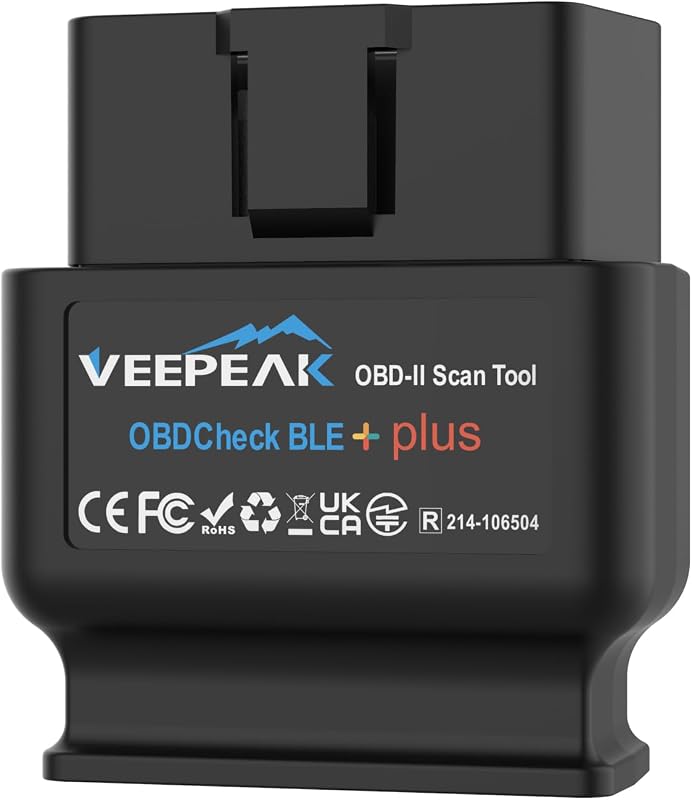 |
Budget Bluetooth adapter for app-based diagnostics | See Price → |
| 2. ANCEL AD410 | 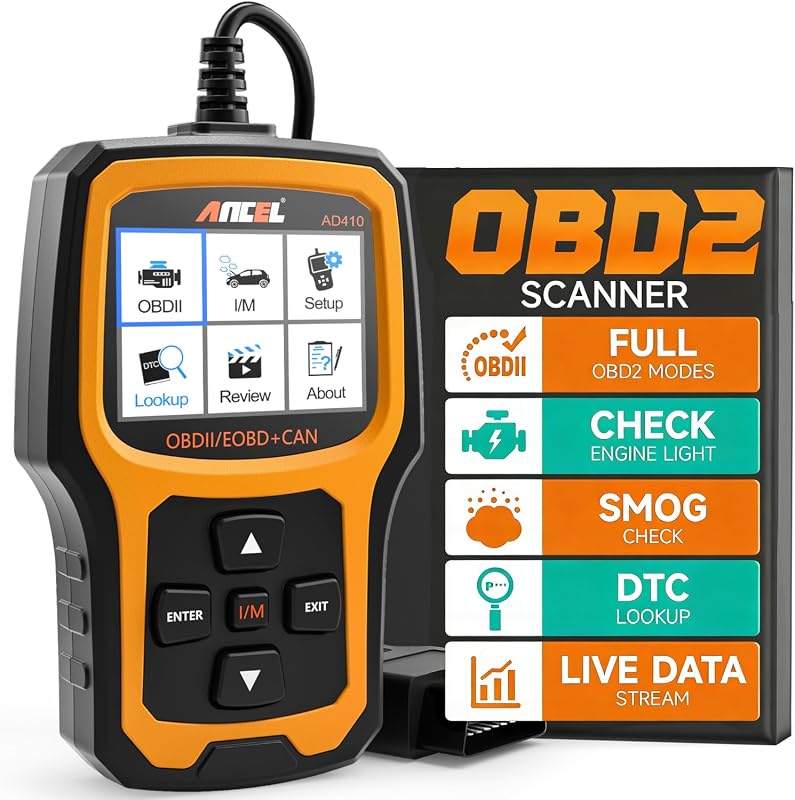 |
Standalone enhanced engine diagnostics | See Price → |
| 3. ANCEL AD310 | 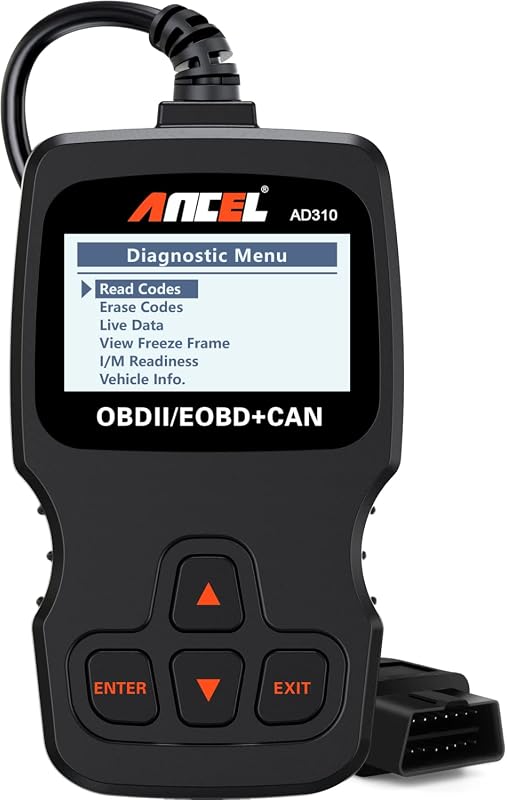 |
Budget offline code reading | See Price → |
| 4. BlueDriver | 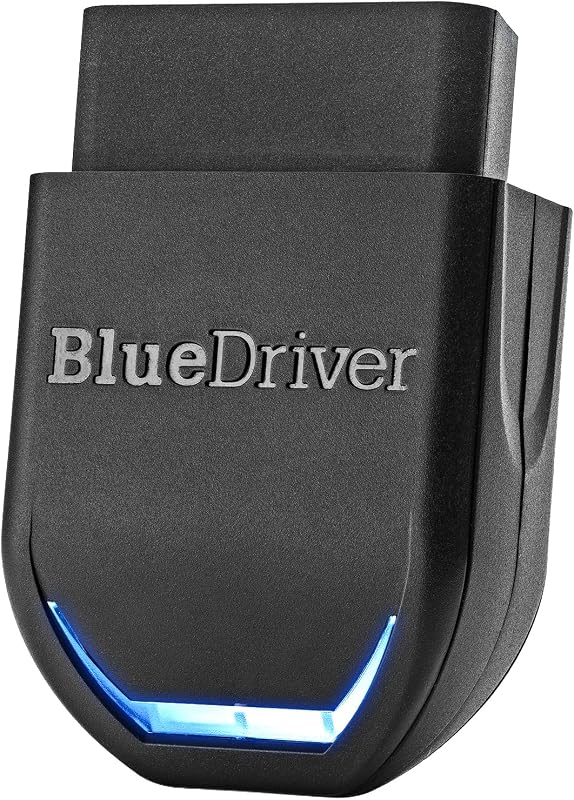 |
App-based enhanced system coverage | See Price → |
| 5. Veepeak OBDCheck BLE | 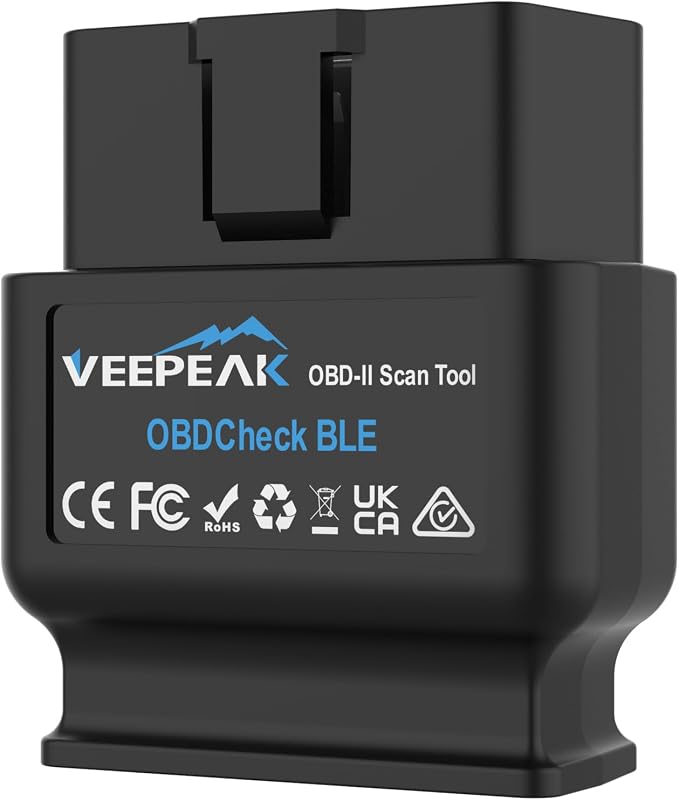 |
Compact Bluetooth dongle | See Price → |
| 6. OBDLink MX+ | 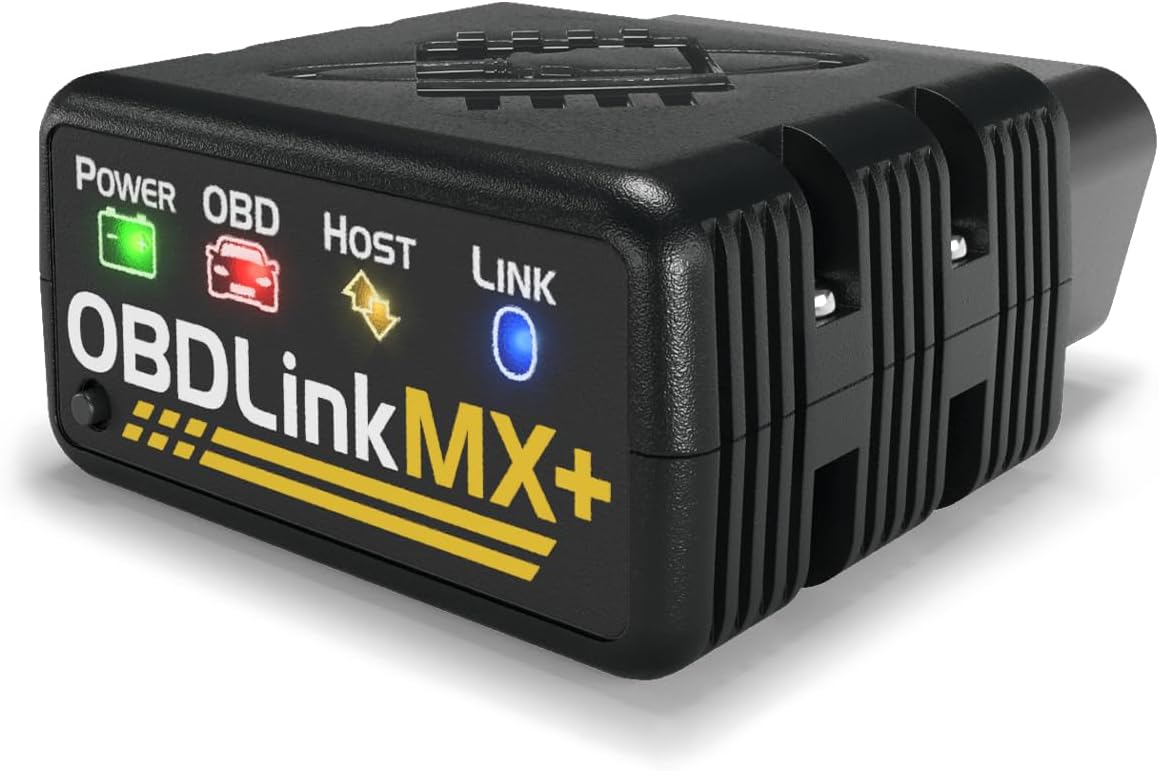 |
Enhanced Kia/Hyundai OEM support | See Price → |
| 7. OBDLink EX | 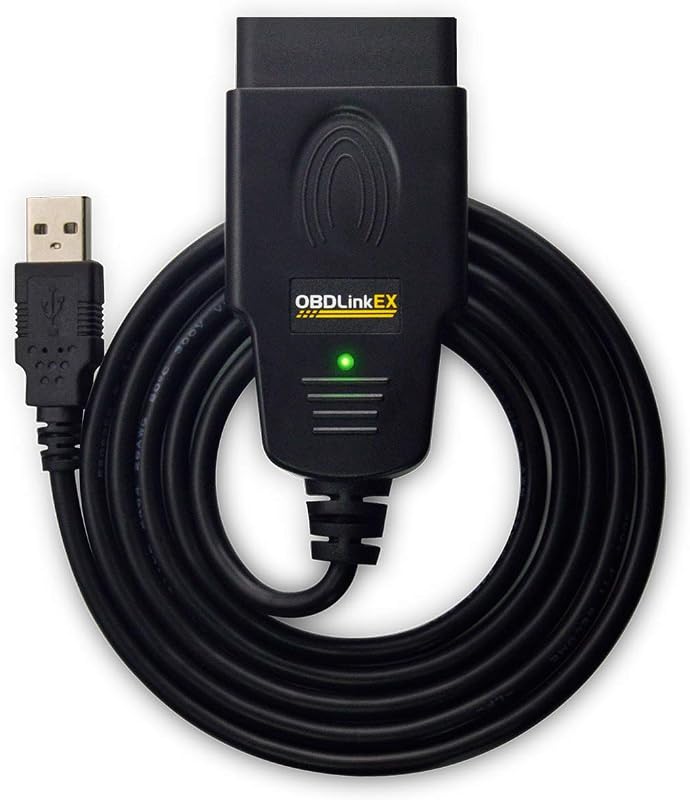 |
FORScan users on Windows | See Price → |
| 8. KONNWEI KW330 | 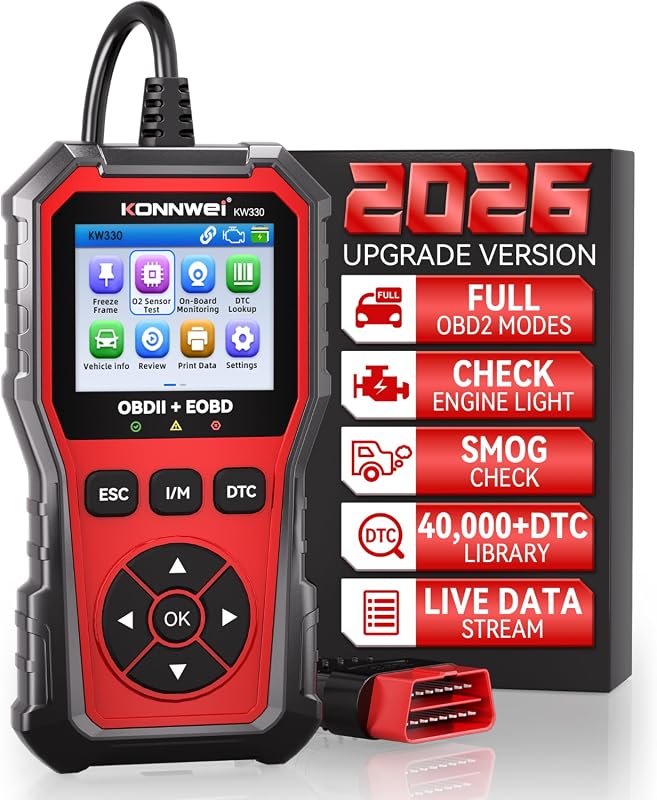 |
Standalone scanner with battery voltage test | See Price → |
| 9. Carista EVO | 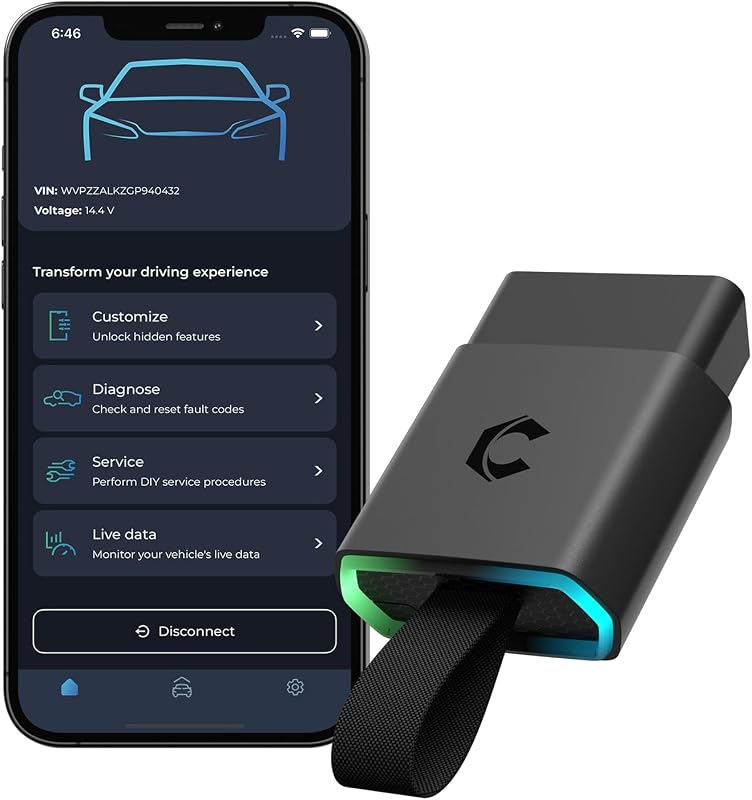 |
App-based customization and service tools | See Price → |
Best OBD2 Scanner for Kia: What to Look For
Before choosing a scanner, consider these product-specific factors:
- System coverage: Basic code readers handle engine and emissions codes, while enhanced models can read ABS, SRS, TPMS, and transmission codes on supported vehicles. If you want to read ABS or SRS codes on a budget, our best OBD2 scanner for ABS and SRS under 100 guide covers affordable options.
- Connection and display: Standalone scanners like the ANCEL AD410 work offline with a built-in screen, while Bluetooth models like the Veepeak and BlueDriver require a phone app. For more on app-based models, see our best Bluetooth OBD2 scanner guide.
- App and subscription costs: Many Bluetooth scanners rely on apps that are free or require in-app purchases. The Carista EVO requires a paid subscription for advanced features, so check the total cost before buying.
- Kia/Hyundai enhanced support: The OBDLink MX+ lists Kia in its enhanced OEM support, while the BlueDriver lists Hyundai but not Kia in the supplied coverage. Because Kia and Hyundai share platforms, our best OBD2 scanner for Hyundai guide can help you compare options.
- Ease of use: Built-in DTC libraries, color screens, and one-click I/M readiness checks make a scanner easier for beginners. The KONNWEI KW330 and ANCEL AD410 both offer these conveniences.
- Offline reliability: If you need a scanner for roadside use, a standalone model that works without internet or a phone is more dependable than a Bluetooth adapter.
Our Top 9 Picks
Here are the nine OBD2 scanners and adapters we compared for Kia owners, arranged from budget-friendly to feature-rich.
1. Veepeak OBDCheck BLE+ Bluetooth OBD2 Scanner for iOS & Android, OBD-II Diagnostic Tool with Engine Code Reader
The Veepeak OBDCheck BLE+ is a compact Bluetooth adapter that turns your phone into a code reader and live-data tool. It suits Kia owners who want a low-cost, app-based diagnostic option, but it relies on a compatible app and generic OBD-II functions.
Key Features That Matter
- Read and clear trouble codes, view freeze frame data, I/M readiness, and live sensor data to help monitor vehicle health and diagnose check engine problems.
- Compatible with ELM 327-supported apps including Car Scanner ELM OBD2, Torque, OBD Fusion, and vehicle-specific apps for some advanced functions.
- Supports Bluetooth LE and Classic on Android and Bluetooth LE on iOS; connect from within the app rather than through Bluetooth settings.
Kia owners who want an affordable Bluetooth dongle for generic diagnostics and live data through a phone app.
- Compact Bluetooth adapter with generic OBD-II functions.
- Works with a wide range of ELM 327 apps.
- Reads and clears codes plus live sensor data.
- App required; some apps or in-app features need separate purchase.
- Advanced Kia-specific functions depend on app support.
- Hybrid and EV compatibility should be checked in the app.
2. ANCEL AD410 Enhanced OBD2 Scanner with Live Data, Clear Fault Codes for OBDII Vehicles 1996+
The ANCEL AD410 is a standalone enhanced OBD2 scanner with a 2.4-inch TFT display and built-in DTC lookups. It works offline without a phone, making it a solid choice for Kia owners who want a simple, self-contained code reader, though it focuses on engine diagnostics only.
Key Features That Matter
- Quickly reads and clears stored emissions-related codes, pending codes, and provides code definitions with 42,000+ built-in DTC lookups.
- Offers advanced diagnostics including O2 sensor and EVAP system tests.
- Works offline without a phone, app, or internet; features a 2.4-inch TFT color display and free lifetime updates.
Kia owners who want a standalone scanner for engine diagnostics without relying on a phone or internet connection.
- Standalone and fully offline.
- Built-in 42,000+ DTC library.
- Free lifetime software updates.
- Engine diagnostics only; no ABS, SRS, or transmission support.
- No phone app or wireless connectivity.
3. ANCEL AD310 Universal Enhanced OBD2 Scanner, Car Engine Fault Code Reader for 1996+ OBD II Vehicles
The ANCEL AD310 is one of the most popular budget OBD2 scanners on the market. It reads and clears engine codes offline, supports all OBDII protocols, and suits Kia owners who want a reliable, no-frills check-engine tool.
Key Features That Matter
- Supports all OBDII protocols including KWP2000, J1850 VPW, ISO9141, J1850 PWM, and CAN.
- Reads and clears diagnostic trouble codes, reads live data and freeze frame, performs EVAP system tests, and checks I/M readiness.
- Compact, sturdy design with a 2.5-foot cable; works offline without batteries.
Budget-focused Kia owners who want a simple, offline code reader for check-engine issues.
- Very popular with a large number of reviews.
- Works fully offline.
- Compact and easy to store.
- Engine-focused; no ABS, SRS, or transmission coverage.
- No wireless connectivity or app support.
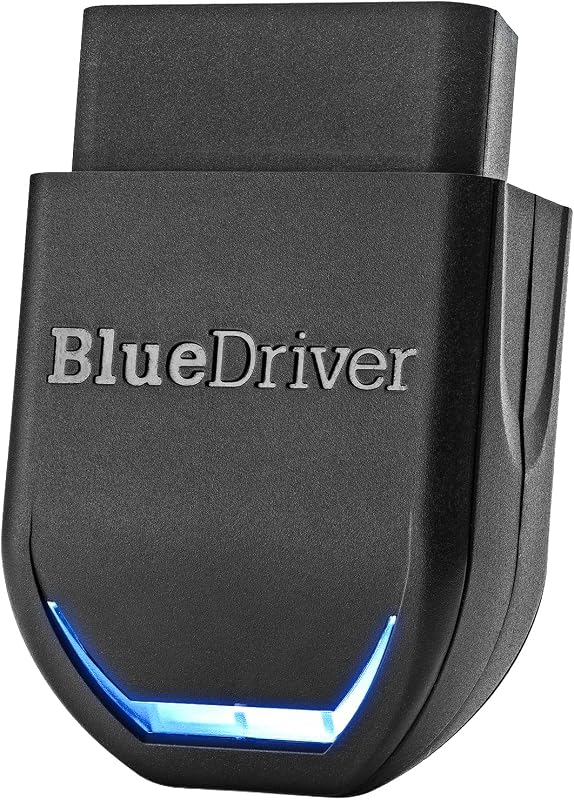
4. BlueDriver Bluetooth OBD2 Scanner for iOS & Android, No Subscription, Reads ABS SRS TPMS Codes
The BlueDriver is a Bluetooth OBD2 scanner that reads and clears more codes than basic readers, including ABS, SRS, and TPMS on supported vehicles. It works with a free app and no subscription, but Kia is not listed in the supplied coverage summary, so verify enhanced support for your model.
Key Features That Matter
- Reads and clears more codes than basic code readers, with enhanced diagnostics for Check Engine, ABS, SRS, Airbag, TPMS, Transmission, and more on supported vehicles.
- Provides unlimited technician-verified repair reports matched to VIN, live data, freeze frames, smog readiness, and Mode 6 results.
- Works with gas vehicles 1996+ and select light-duty trucks and diesels; no subscription required.
Kia owners who want app-based enhanced diagnostics and no subscription, but are willing to verify Kia-specific coverage.
- No subscription for enhanced features.
- Reads ABS, SRS, and TPMS on supported vehicles.
- Technician-verified repair reports.
- Kia not listed in the supplied coverage summary.
- Requires a phone app to operate.
5. Veepeak OBDCheck BLE Bluetooth OBD2 Scanner Adapter Dongle with Check Engine Code Reader for iOS & Android
The Veepeak OBDCheck BLE is a compact Bluetooth dongle for iOS and Android that reads and clears engine codes and shows live data through compatible apps. It’s a budget-friendly option for Kia owners who already use an OBD app.
Key Features That Matter
- Reads and clears trouble codes for the check engine light, plus freeze frame, O2 sensor and on-board monitor test results, live data, and I/M readiness.
- Compatible with a variety of OBD apps including Car Scanner ELM OBD2, OBD Fusion, Torque, and more.
- Supports Bluetooth LE for iOS and Android and classic Bluetooth for Android.
Kia owners who want a compact, low-cost Bluetooth dongle for generic diagnostics with their preferred phone app.
- Compact and easy to leave plugged in.
- Works with multiple OBD apps.
- Bluetooth LE support for iOS and Android.
- Requires a compatible app; no built-in display.
- Advanced Kia functions depend on app support.
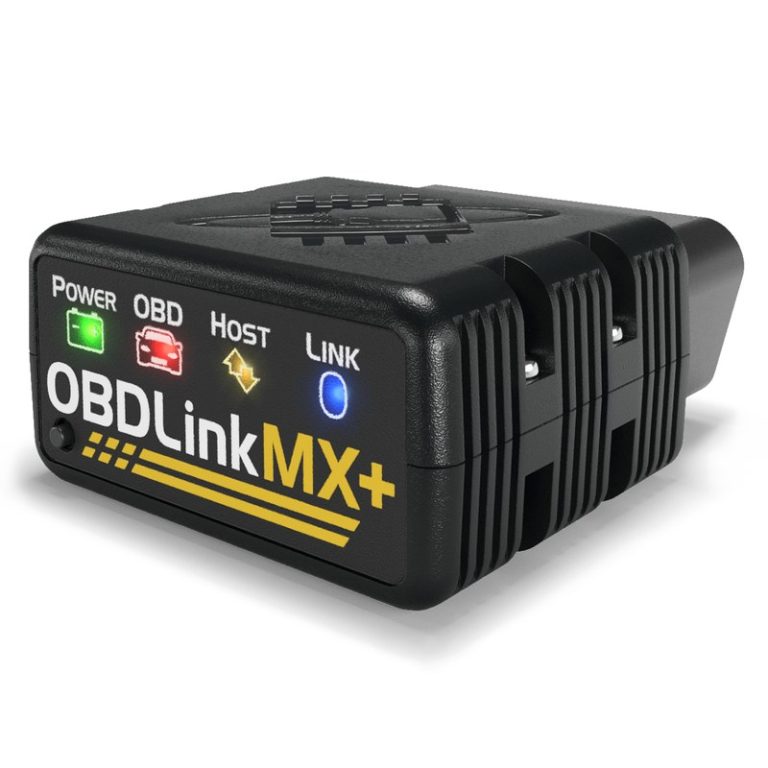
6. OBDLink MX+ Bluetooth OBD2 Scanner for iPhone, Android, and Windows with Enhanced Diagnostics
The OBDLink MX+ is a professional-grade Bluetooth scanner with enhanced OEM support that includes Kia. It offers more live parameters and battery drain protection, making it a strong choice for Kia owners who want deeper diagnostics through an app.
Key Features That Matter
- Turns your iPhone, Android device, or Windows PC into a professional-grade diagnostic scan tool.
- Enhanced OEM support for Ford, GM, Mazda, Nissan/Infiniti, Toyota/Lexus/Scion, Honda, Hyundai, and Kia.
- Clears check engine light and gets more live parameters (ABS, SRS, TPMS, etc.) than any other scanner; includes over-voltage and battery drain protection.
Kia owners who want enhanced OEM-level diagnostics and broad app support with battery protection.
- Enhanced OEM support includes Kia.
- More live parameters for ABS, SRS, and TPMS.
- Over-voltage and battery drain protection.
- Requires a phone, tablet, or PC to operate.
- Higher price than basic code readers.
7. OBDLink EX FORScan OBD Adapter, USB Diagnostic Scanner for Windows with High-Speed Data
The OBDLink EX is a USB adapter designed for FORScan on Windows, with high-speed data and a stable connection. It’s not a general-purpose Kia scanner, so Kia owners should verify whether their vehicle is supported by FORScan before buying.
Key Features That Matter
- Custom-designed for use with FORScan; recommended by the FORScan Team.
- Supports all Ford protocols, modules, and advanced features of FORScan.
- Electronic switch allows access to all CAN buses simultaneously; maximum throughput up to 20 times faster than toggle-switch adapters.
Owners who use FORScan software on Windows and need a high-speed, stable USB adapter.
- High-speed USB connection.
- Rock-solid connection with no dropped packets.
- Recommended by the FORScan Team.
- FORScan-focused; Kia compatibility not supplied.
- Requires Windows and FORScan software.
8. KONNWEI KW330 OBD2 Scanner Diagnostic Tool with Battery Voltage Test for All OBDII Vehicles
The KONNWEI KW330 is a standalone scanner with a 2.8-inch color LCD, battery voltage testing, and a 40,000+ DTC library. It suits Kia owners who want an offline tool with a readable screen, though it has fewer reviews than more established models.
Key Features That Matter
- Complete OBDII/EOBD diagnostic capabilities with battery voltage testing function.
- One-click I/M readiness check hotkey and DTC lookup hotkey.
- 40,000+ built-in DTCs and real-time data display with a 2.8-inch color LCD.
Kia owners who want a standalone scanner with battery voltage testing and a large color display.
- Standalone and plug-and-play.
- Battery voltage testing included.
- Large 40,000+ DTC library.
- Fewer reviews than more established models.
- Engine-focused OBDII functions.
9. Carista EVO Bluetooth OBD2 Scanner, Car Diagnostic Tool with Code Reader, Customizations, Service Tools & Live Data
The Carista EVO is a Bluetooth OBD2 scanner that works with a wide range of vehicles, including Kia, and offers diagnostics, service tools, and customization through the Carista app. Advanced features require a paid subscription, so factor that into the cost.
Key Features That Matter
- Subscription required for advanced features; basic OBD2 features activate upon purchase.
- Wide compatibility including Kia and many other brands.
- All-in-one car tool: diagnostics, freeze frame data, unlock settings, DIY service, and live data.
Kia owners who want app-based diagnostics plus customization and service tools, and are willing to pay a subscription for advanced features.
- Wide compatibility including Kia.
- DIY service tools and customization options.
- Live data monitoring through the app.
- Advanced features require a paid subscription.
- App sold separately.
Before you buy, confirm your Kia’s year, model, trim, engine type, and OBD-II port location. Generic OBD-II scanners work on 1996-and-newer vehicles, but enhanced features like ABS, SRS, TPMS, and transmission diagnostics vary by scanner, app, and vehicle. Check the current Amazon listing, manufacturer compatibility chart, and your owner’s manual.
- Confirm compatibility before purchase.
- Configure and test while parked.
- Secure mounts and wiring, then maintain the device.
- Block the driver’s view.
- Cover airbags, controls, or factory sensors.
- Rely on unverified specifications or universal-fit claims.
Verify vehicle, power, ports, mounting space, included parts, and manufacturer instructions.
Keep equipment away from visibility, airbags, pedals, controls, sensors, and moving parts.
Complete setup while parked and verify connections, readings, app access, and tool functions before driving.
- Confirm year, make, model, and trim compatibility.
- Check power, port, app, mounting, and storage requirements.
- Review warranty, returns, support, and update policy.
- Count installation, accessory, subscription, and maintenance costs.
- Confirm normal use will not obstruct visibility, controls, airbags, or sensors.
- Veepeak OBDCheck BLE+: Best overall for app-based generic diagnostics; main trade-off is app dependence.
- ANCEL AD410: Best alternative for standalone engine diagnostics; no ABS/SRS/transmission coverage.
- ANCEL AD310: Best value for simple check-engine reading; engine-focused only.
- BlueDriver: Best for app-based enhanced system coverage; verify Kia-specific support.
- Veepeak OBDCheck BLE: Best budget Bluetooth adapter; requires a compatible app.
- OBDLink MX+: Best enhanced Kia/Hyundai OEM support; requires phone, tablet, or PC.
- OBDLink EX: Best for FORScan users; Kia compatibility not supplied, so verify.
- KONNWEI KW330: Best standalone with battery voltage test; newer product with fewer reviews.
- Carista EVO: Best for customization and service tools; advanced features require a subscription.
- Compatibility: Verify the exact vehicle and installation requirements.
- Safety: Install and configure the device while parked.
Frequently Asked Questions About Best Obd2 Scanner For Kia
Most OBD2 scanners work on 1996-and-newer gasoline vehicles, including Kia models, for generic engine and emissions codes. Enhanced features like ABS, SRS, TPMS, or transmission diagnostics depend on the scanner, app, and vehicle support.
A generic OBD2 scanner can read and clear check-engine codes on most Kia models. If you need system-specific diagnostics, look for a scanner with enhanced OEM support or check the manufacturer’s compatibility list.
Some enhanced models like the BlueDriver can read ABS, SRS, and TPMS codes on supported vehicles. Basic code readers are usually limited to engine and emissions systems, so confirm coverage before buying.
Most Bluetooth scanners work with a free or paid app, and some apps charge for advanced features. The Carista EVO requires a paid subscription for advanced diagnostics, service tools, and customization.
A code reader focuses on check-engine and emissions codes, while a scan tool offers live data, freeze frames, system tests, and sometimes enhanced coverage for ABS, SRS, and transmission. Choose based on the systems you want to diagnose.
Some scanners and apps can reset service lights if the vehicle supports that function, but not all OBD2 scanners include service resets. Check the product’s feature list and app compatibility for your Kia model.
Choosing the right OBD2 scanner for your Kia comes down to how much diagnostic depth you need and whether you prefer a standalone tool or a phone-connected adapter. Budget buyers can start with the ANCEL AD310, while owners who want enhanced system coverage should consider the OBDLink MX+ or BlueDriver and verify Kia-specific support.
Whichever you pick, confirm compatibility with your exact Kia model year and trim before you buy, and always use the tool while parked. A good OBD2 scanner can save you time and money, but it works best when you pair it with the right app, the right expectations, and a quick check of the manufacturer’s documentation.