How to Tell If an OBD2 Scanner Can Read ABS Codes: Check the Specs
Check the spec sheet for ABS or Enhanced Diagnostics before buying. A basic OBD2 scanner cannot read anti-lock brake codes.
If you want to know how to tell if an OBD2 scanner can read ABS codes, the answer is usually hiding in the spec sheet, not the price tag. A basic OBD2 scanner only talks to the engine and emissions computer, while ABS codes live in a separate module that requires extra protocol support. This guide walks you through the spec-sheet clues, model-year limits, battery issues, tire sensors, and reset rules so you buy the right tool the first time.
- Check the spec sheet: Look for “ABS,” “Enhanced Diagnostics,” or “Manufacturer-Specific Codes” before buying.
- Know your vehicle: Pre-2008 models may use proprietary ABS protocols that newer scanners cannot read.
- Prepare the car: Use ignition-on/engine-off mode, verify battery voltage, and set tire pressures cold before scanning.
- Understand limits: Many enhanced scanners read ABS codes but cannot clear them or stream live ABS.
- Stay safe: Scan in a flat, visible location away from traffic and stop if the battery.
The Short Answer: Look for “ABS” or “Enhanced Diagnostics” on the Spec Sheet
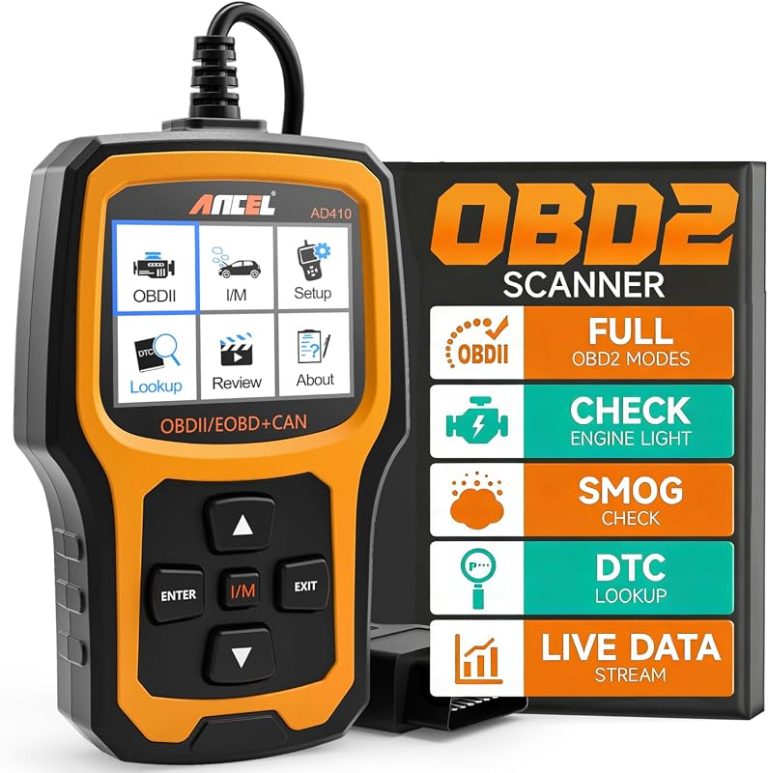
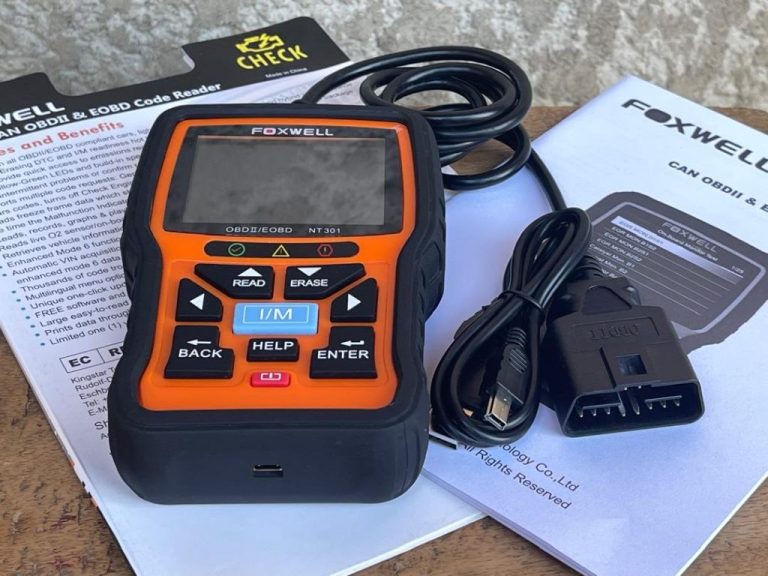
The quickest way to check is to open the product listing and look for the words “ABS” or “Enhanced Diagnostics.” If the listing only says “OBD2 compliant” or “reads engine codes,” it probably cannot communicate with the anti-lock brake module.
Why “OBD2 Compliant” Alone Means Powertrain-Only
OBD2 is a federal emissions standard. It covers the engine, fuel system, and related emission controls. Anti-lock brakes are not part of that emissions system. They use a separate controller and separate diagnostic codes, usually starting with the letter C.
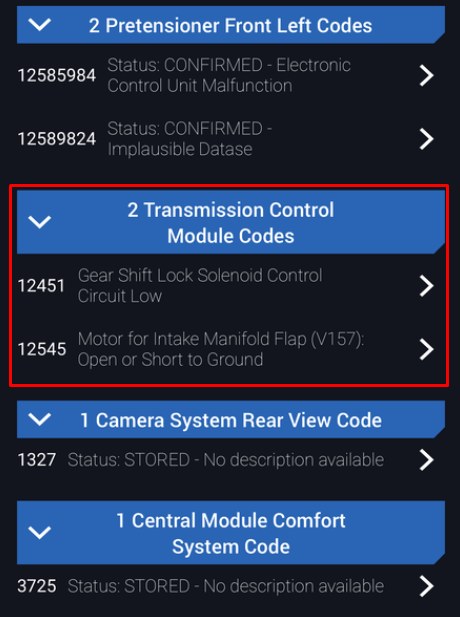
Basic scanners read P codes for the powertrain. ABS codes are C codes, sometimes called body or chassis codes. A scanner needs extra software and hardware to reach that module. If the box does not say “ABS,” assume it cannot.
Three Spec-Sheet Keywords That Unlock C-Codes
Look for these exact terms:
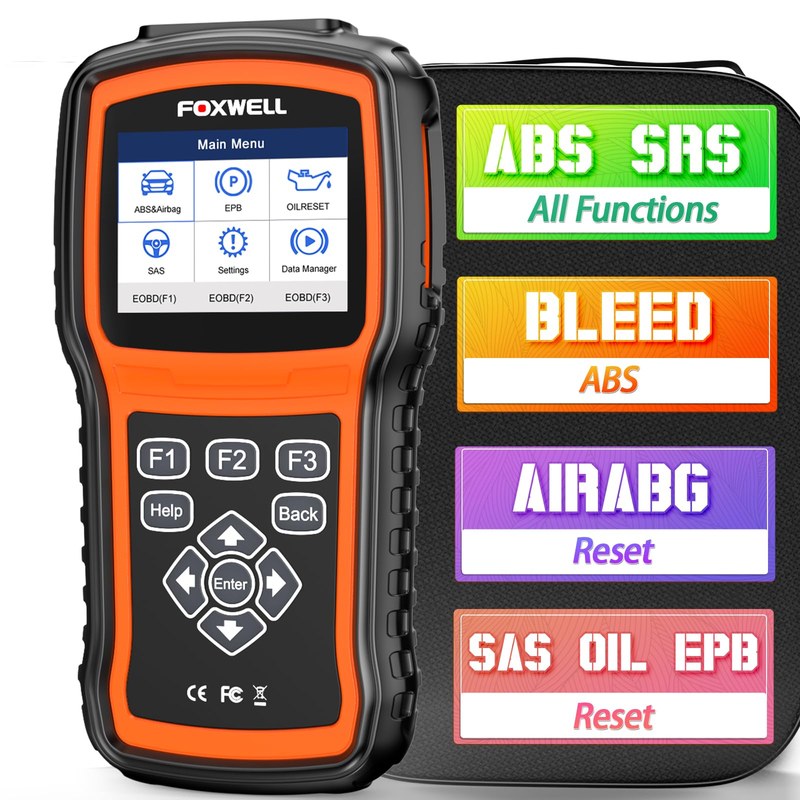
- ABS: Means the tool can enter the anti-lock brake module.
- Enhanced Diagnostics: Usually means it goes beyond basic OBD2 codes.
- Manufacturer-Specific Codes: Means it can read brand-specific ABS and airbag codes.
If you see “ABS and SRS,” that usually means anti-lock brakes and airbags are both covered. If none of these terms appear, assume the scanner is powertrain-only.
Protocol and Model-Year Coverage: When a New Scanner Can’t Read a 2003 Module
Even an “ABS-capable” scanner can fail on older vehicles. The reason is protocol support and model-year coverage.
Pre-2008 vs Post-2008: The CAN Bus Divide
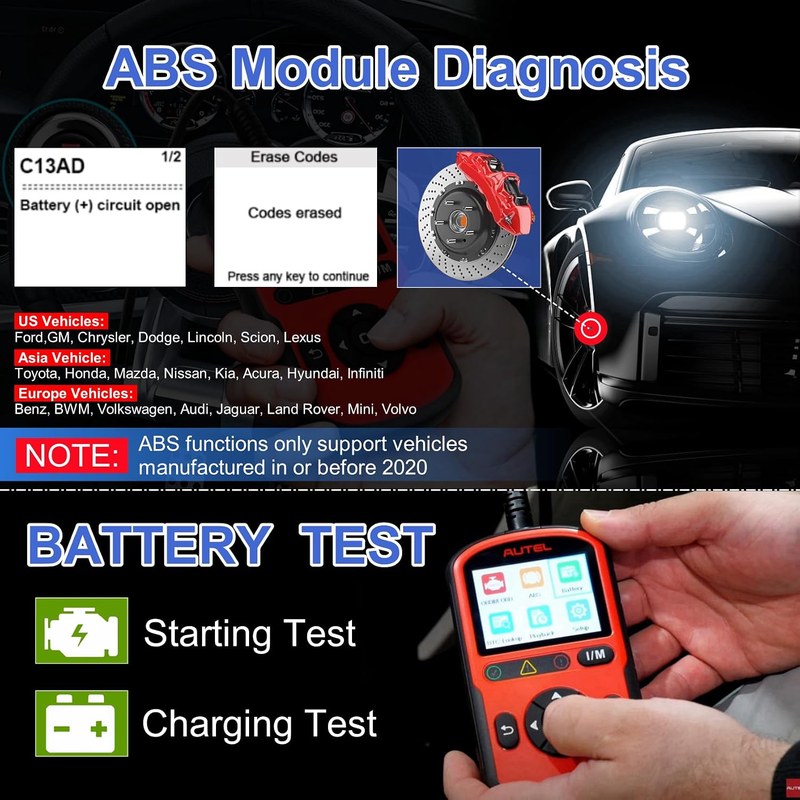
Many 2008 and newer vehicles use a faster CAN bus network that makes ABS data easier to reach. Older vehicles often use separate proprietary wiring. A scanner built for CAN-based ABS may not talk to a 2003 module even if the connector fits.
That is why you should never buy an ABS scanner based on the connector alone. The OBD2 port may look the same, but the data language underneath can be completely different. Check the model-year range in the manual before you order.
Check: Verify the scanner’s model-year range and protocol list against your vehicle’s make, model, and year. Limitations: A scanner that reads ABS on a 2020 Ford may not read ABS on a 2005 Toyota.
Manufacturer-Specific Protocols and How to Look Yours Up
Manufacturers like Toyota, Honda, BMW, and Mercedes use different ABS protocols. Look in the scanner manual for a list of supported makes and years. If the list is vague, contact the seller before buying. Many brands publish a PDF manual online, so you can check before checkout.
If you own a vehicle that already has connection problems, this guide on why your OBD2 scanner won’t connect to your car can help you separate wiring issues from protocol issues.
Port Location, Ignition Mode, and Roadside Safety: Waking Up the ABS Module
Once you know the scanner supports ABS, the next step is getting the vehicle ready. The ABS module only wakes up under the right conditions.
Port Location, Cable Condition, and Power Draw: Before You Plug In
The OBD2 port is usually under the dashboard on the driver’s side. Some vehicles hide it behind a small panel. Check the owner’s manual if you cannot find it. Inspect the cable for bent pins, cuts, or loose connectors before plugging in. A damaged cable can create false communication errors.
Some scanners draw power from the OBD2 port. If the battery is weak, the scanner may not wake up the ABS module. That is why battery voltage matters even before you plug in.
Ignition On, Engine Off: The Only Mode That Reads ABS Codes
Most ABS modules require the ignition to be in the “on” position with the engine off. This powers the module without adding engine noise. If the scanner cannot see the ABS module, try turning the key to the run position and waiting a few seconds for the module to wake up.
On push-button start vehicles, press the start button once without touching the brake pedal. That usually puts the vehicle in accessory or ignition-on mode. Refer to your owner’s manual for the exact procedure.
Roadside Diagnosis: Safe Location and Traffic Visibility First
At night, use a flashlight or headlamp so you can see the port without leaning into traffic. If the shoulder is narrow, call a tow service instead of risking your safety.
Battery Voltage, Chemistry, and State of Charge: The Silent Killer of ABS Codes
Low battery voltage is one of the most common reasons an ABS scan fails. The ABS module needs stable power to respond to the scanner.
System Voltage vs ABS Logic: Why 12.2V Produces Phantom C-Codes
A healthy battery should rest around 12.6 volts. At 12.2 volts, the battery may still start the engine but lack enough voltage for the ABS module to communicate. The result is a phantom C-code or a failed communication message. If you see a code that makes no sense, check voltage before replacing parts.
A multimeter reading below 12.4 volts means the battery needs a charge before you scan. If you scan anyway, you may chase a fault that does not exist.
State of Charge vs Battery Health: Test the Battery Before the Module
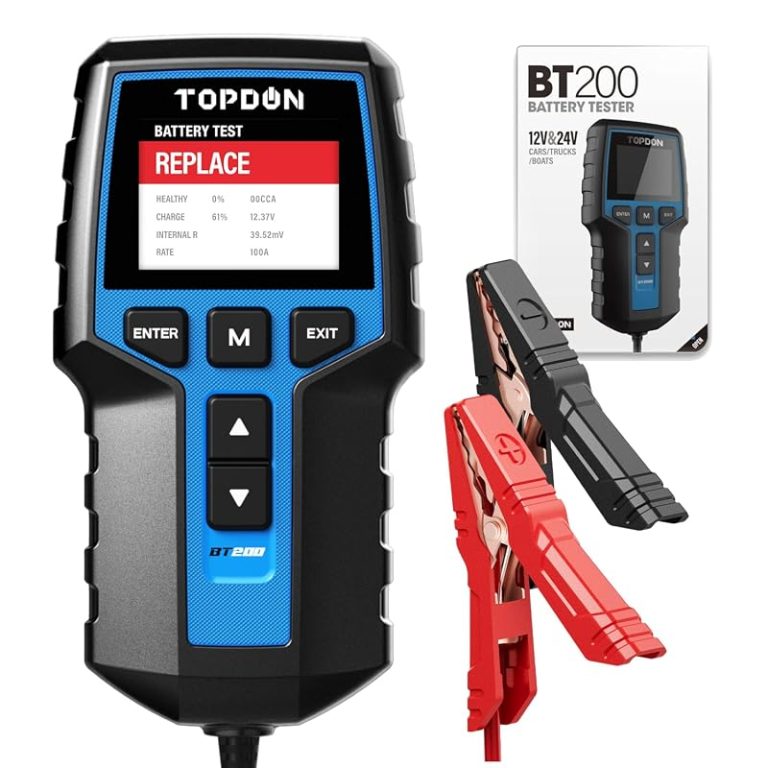
State of charge tells you how full the battery is. Battery health tells you whether it can hold a charge. A battery with a dead cell can pass a voltage check but fail under load. If you have a battery tester, run a load test before blaming the ABS module. For a quick guide, see how to test a battery with a Topdon scanner.
Connection Order, Damaged-Battery Stop Conditions, and Hybrid/EV Cautions
Connect the scanner only after the ignition is on. If the battery case is swollen, leaking, or damaged, stop and do not connect anything. Hybrid and electric vehicles have high-voltage systems; only touch the low-voltage OBD2 port and follow the vehicle manual. When in doubt, use a professional.
Wheel Speed Sensors and TPMS: Where ABS Codes Meet Tire Pressure
ABS codes often point to wheel speed sensors. Those same sensors also feed the tire pressure monitoring system on many vehicles.
How a Wheel Speed Sensor Failure Shows Up in Both ABS and TPMS
A failing wheel speed sensor can trigger an ABS code and a TPMS warning at the same time. That is because the ABS module uses wheel speed to compare tire rotation. If one wheel reads differently, the system assumes a problem. Before replacing a sensor, check tire pressure first.
Door-Jamb Placard and Cold Pressure: Set Tires Before You Scan
Use the pressure listed on the driver’s door jamb, not the number molded into the tire sidewall. Set pressure when tires are cold, meaning the vehicle has not been driven for a few hours. Low pressure can create a wheel-speed mismatch that looks like an ABS fault.
Check all four tires, not just the one with a warning. A single underinflated tire can affect the whole ABS comparison.
Gauge Accuracy and Inflator Duty Cycle: Don’t Trust a $5 Pencil Gauge
A cheap gauge can be off by 3 to 5 psi, which is enough to create a false ABS code. Use a digital gauge or a known-accurate stick gauge. If you use a portable inflator, let it cool between tires because the duty cycle can overheat the unit.
TPMS Relearn Limits, Puncture Location, and Temporary-Repair Rules
After adjusting pressure or rotating tires, the TPMS may need a relearn procedure. Some vehicles require a special tool. If a tire has a puncture in the sidewall or shoulder, a plug is not a permanent repair. For more detail, see our guide on how to reset the TPMS light after tire rotation.
Live Data, App Permissions, and Firmware: What the Scanner Is Really Doing
Reading a code is not the same as reading live data. Some enhanced scanners can pull codes but cannot show real-time sensor graphs.
Code Limits vs Live-Data Limits: “Enhanced” Doesn’t Mean Unlimited
Check whether the scanner offers live data for ABS sensors like wheel speed and brake pressure. Many budget enhanced scanners read and clear codes but do not stream live data. If you need live data for diagnosis, confirm that feature separately.
App Permissions and Privacy: Why a Scanner App Wants Your Location
Firmware Updates, Cable Condition, and Post-Use Storage
Reset Limits, Emissions Readiness, and State Inspection: Clearing ABS Codes the Right Way
Clearing ABS codes is not the same as clearing a check engine light. Some scanners cannot clear body codes at all.
Clearing ABS Codes vs Powertrain Codes: What Actually Happens
Clearing a powertrain code sends a reset command to the engine computer. Clearing an ABS code requires the scanner to talk to the brake module using a different protocol. If the scanner does not list ABS clearing in its specs, it will not do it.
Emissions Readiness Monitors and Why Your ABS Light Blocks the Sticker
Many states require the ABS light to be off to pass inspection. Even if the engine emissions monitors are ready, an illuminated ABS light can fail the vehicle. If you clear codes right before an inspection, the emissions monitors may reset to “not ready.” Our guide on how to pass emissions after clearing codes explains the timing.
Hard Faults, Module Failures, and When to Stop DIY Diagnosis
If a code returns immediately after clearing, the problem is likely a hard fault. That could mean a failed wheel speed sensor, damaged wiring, or a dead ABS module. Stop diagnosing and have a professional check the system if you are not comfortable testing circuits.
Side-by-Side Comparison and Verdict: Which Scanner Fits Your Vehicle and Budget
Here is how the three main scanner tiers compare for ABS work.
Basic OBD2 Scanner ($20–$50): Powertrain Only, No ABS
This tier reads P codes for the engine and emissions system. It will not read C codes from the ABS module. It is fine for a check engine light, but not for brake problems.
Enhanced Scanner ($60–$150): ABS, SRS, and Manufacturer-Specific Codes
This tier adds ABS and airbag (SRS) coverage. Some models also read manufacturer-specific codes. If you want a budget-friendly ABS scanner, start here. For examples, check our list of the best cheap OBD2 scanners with ABS and SRS.
Professional / OE-Level Scanner ($300+): Coding, Relearns, and Bi-Directional Control
This tier can perform coding, relearns, and bidirectional controls. It is overkill for most home users but useful for shops that work across many makes and models.
| Scanner Tier | Best for | Owner consideration | Driver consideration |
|---|---|---|---|
| Basic OBD2 | Check engine light only | Lowest upfront cost | No ABS or safety-system coverage |
| Enhanced | DIY ABS and airbag codes | Moderate cost, check model-year support | Can confirm brake-system faults before driving |
| Professional | Multi-make shops | High cost, training needed | Full bi-directional control |
Prices vary by brand, retailer, and included accessories. Check current listings before ordering.
The Verdict: Match the Tool to the Job, and Know Our Evidence Limits
We have not tested these scanners in-house. This guide is based on manufacturer spec sheets, owner-reported patterns, and standard OBD2 protocol knowledge. Use the spec sheet, not the price tag, to decide.
- Best for: Home owners who want to read and clear ABS codes should buy an enhanced scanner that explicitly lists ABS and manufacturer-specific coverage.
- Think twice if: You own a pre-2008 vehicle or need live ABS data; verify protocol and model-year support before buying.
- Next step: Check your vehicle’s OBD2 port, battery voltage, and tire pressures before you scan, and confirm the scanner’s ABS coverage in the manual.
Frequently Asked Questions
ABS means the scanner can communicate with the anti-lock brake module. It usually reads C-codes for wheel speed sensors, brake pressure, and other brake system faults.
No. A basic OBD2 scanner reads powertrain codes only. You need an enhanced scanner that explicitly lists ABS and manufacturer-specific coverage.
Low battery voltage, the wrong ignition mode, or an unsupported protocol are common causes. Check the battery voltage, turn the ignition on with the engine off, and verify the scanner supports your vehicle’s ABS system.
Possibly. Many pre-2008 vehicles use proprietary ABS protocols that newer CAN-based scanners cannot read. Check the scanner’s model-year and protocol list before buying.
Clearing codes is generally safe, but it erases diagnostic data you may need. If a hard fault returns immediately, the underlying problem is still there and needs repair.
Yes. Low tire pressure can create a wheel-speed mismatch that triggers ABS and TPMS warnings. Set all tires to the door-jamb pressure when cold before scanning.



One Comment