Will BlueDriver Read Transmission Codes? What It Can Really Scan
BlueDriver can do more than read basic engine faults. It may access transmission codes, live sensor data, and other system information through its app, giving vehicle owners useful clues before they visit a repair shop.
BlueDriver can read and clear transmission codes on many supported vehicles, but coverage depends on the vehicle’s make, model, year, and system. Some vehicles may provide only engine-code access, while others support enhanced transmission diagnostics.
The article explains how to scan the transmission system, understand common code types, check compatibility, and decide what to do after finding a fault.
Key Takeaways
- BlueDriver supports transmission codes on many vehicles.
- Vehicle compatibility affects available diagnostic features.
- A transmission code needs further testing before repairs.
Quick Answer
Yes, BlueDriver can read some transmission codes on supported vehicles, but it is not a guaranteed full transmission-control-module scanner for every car. Generic OBD2 usually covers engine and emissions faults. Transmission codes often require enhanced manufacturer coverage, so always check your vehicle in the BlueDriver app before buying for TCM diagnostics.
BlueDriver Transmission Diagnostic Capabilities
BlueDriver can access transmission fault codes on many supported vehicles, but coverage depends on the vehicle’s make, model, year, and control modules. It can also provide code details, freeze-frame data, and live information when the vehicle and app support those functions.

Best Match: BlueDriver For Supported Transmission Codes
BlueDriver is the natural first choice if you searched this question because it can read engine codes and may show enhanced transmission-related codes on supported vehicles. Check your vehicle coverage in the app before relying on it for TCM-level diagnostics.
Check BlueDriver PriceSupported Powertrain Trouble Codes
BlueDriver can read and clear many transmission control module (TCM) codes, including manufacturer-specific powertrain codes that a basic OBD2 reader may not display. These codes can relate to shift solenoids, gear-ratio errors, pressure control, torque-converter operation, and transmission speed sensors.
The app may show confirmed, pending, and permanent codes, along with freeze-frame data that records vehicle conditions when a fault occurred. It can also provide code definitions and possible repair information for supported vehicles.
BlueDriver does not guarantee access to every transmission code. Some vehicles expose only engine-related codes through their diagnostic connector, while others allow broader access to transmission data. Live monitoring, such as transmission fluid temperature or solenoid operation, also varies by vehicle.
Manufacturer-Specific Coverage
Transmission access differs across brands and individual models. BlueDriver supports enhanced diagnostics for many vehicles from GM, Ford, Chrysler, Toyota, Nissan, and other manufacturers, but the exact functions depend on the vehicle’s software and control modules.

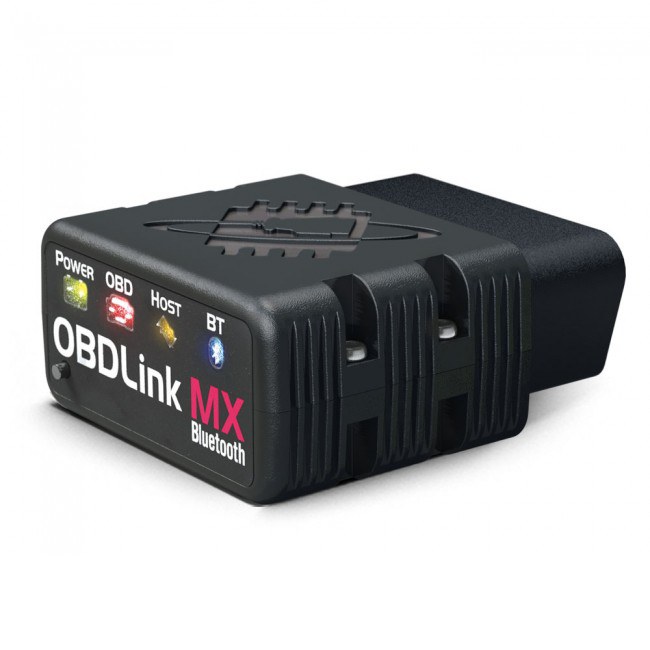
Alternative App Scanner: OBDLink MX+
OBDLink MX+ is worth comparing if you want a Bluetooth adapter with strong app support and enhanced vehicle data through compatible apps. It still depends on vehicle and app coverage, so confirm transmission module support for your make and model.
Check OBDLink MX+ PriceBefore buying or using the scanner, the owner should check BlueDriver’s official vehicle-compatibility database. The database can show whether a specific vehicle supports transmission codes, live data, and code clearing.
A supported brand does not mean every model receives the same coverage. One vehicle may provide transmission codes and data, while another from the same manufacturer may provide only engine diagnostics. For deeper TCM functions, such as broad data-parameter access or faster live-data updates, a professional wired scan tool may offer more capability.
How To Scan The Transmission System
BlueDriver can scan transmission modules on many supported vehicles, but coverage depends on the vehicle’s make, model, year, and system design. The process requires a powered OBD-II port, an active Bluetooth connection, and the correct vehicle profile in the BlueDriver app.
Connecting The Bluetooth Scanner
The vehicle should remain parked with the parking brake set. The ignition should be switched to the ON position without starting the engine, unless the app gives different instructions.
The BlueDriver adapter plugs into the vehicle’s OBD-II port, usually beneath the dashboard near the steering column. The adapter needs power from the port. The phone’s Bluetooth settings should be enabled, but pairing usually takes place inside the BlueDriver app rather than through the phone’s normal Bluetooth menu.
After opening the app, the user selects the adapter and waits for a connection. If the app cannot connect, the user should check that the ignition is on, the adapter is fully inserted, and no other phone is connected to it. Some vehicles may require a brief wait before all modules respond.
Selecting The Correct Vehicle Profile
The app asks for vehicle details before it begins an enhanced scan. The user should enter the exact make, model, year, and engine when the app requests them. Incorrect information can limit the available modules or produce results for the wrong vehicle configuration.
The user then selects the option for a full scan or chooses the transmission system if the app lists individual modules. BlueDriver may display transmission codes along with engine, ABS, airbag, or other module results, depending on vehicle support.
Transmission access is not universal. A standard OBD-II reader may read engine emissions codes, while BlueDriver can access enhanced transmission codes on many supported makes. The app should show whether the selected vehicle supports that scan before testing begins.
Viewing And Saving Results
When the scan finishes, the app lists stored, pending, or permanent codes when the vehicle provides them. A transmission code may include a code number, a short description, and related repair information. The user should record the exact code and module name before clearing anything.
Live data can help show transmission-related readings while the engine runs, if the vehicle supports those parameters. The user should compare readings with the vehicle service manual because a single sensor value does not confirm a failed part.
BlueDriver can save scan information in the app and may allow reports or data files to be shared. Saving the results creates a record for a technician and prevents the loss of diagnostic information. Codes should not be cleared until the cause has been checked, since clearing them can erase useful freeze-frame data.
Understanding Transmission Code Types
Transmission fault codes can identify problems in the transmission control system, sensors, solenoids, wiring, or communication network. BlueDriver may read these codes on many supported vehicles, but access depends on the vehicle’s make, model, year, and control modules.
Generic P0700-Series Codes
P0700-series codes relate to the transmission or transmission control system. The most common example, P0700, usually means the transmission control module (TCM) has stored another fault code. It does not identify the failed part by itself.
Other codes provide more detail. For example, codes may point to a pressure-control solenoid, a gear-ratio error, transmission fluid temperature, or a speed sensor. A scanner must communicate with the TCM to display these additional codes. A basic reader may show only P0700 and miss the manufacturer-specific fault.
BlueDriver can read and clear transmission codes on many supported vehicles, including models from GM, Ford, Chrysler, Toyota, Nissan, Honda, and Volkswagen. Coverage still varies by vehicle, so the app may show engine codes but not TCM data on some models.
Pending And Confirmed Faults
A pending code appears when the vehicle detects an abnormal condition but has not confirmed it through enough drive cycles. It can result from an intermittent sensor signal, a temporary voltage problem, or a fault that occurred only once.
A confirmed code means the vehicle met its fault conditions and stored the problem in memory. The check-engine light may turn on, although some transmission faults use a separate warning message or gear indicator.
BlueDriver can often display both code types when the vehicle provides that information. Clearing a code removes stored data but does not repair the cause. If the fault returns after driving, the vehicle still detects the problem.
Code Definitions And Severity
A code definition gives a starting point, not a complete diagnosis. For example, a solenoid code may result from a failed solenoid, damaged wiring, low voltage, contaminated fluid, or a problem inside the transmission.
| Code information | What it indicates |
|---|---|
| P0700 | The TCM reports a stored fault |
| P07xx code | A transmission-related fault |
| Manufacturer-specific code | A detail that may require enhanced scan access |
| Pending status | The fault has not reached confirmation conditions |
Severity depends on the symptoms and the code’s exact cause. Harsh shifting, slipping, delayed engagement, loss of a gear, overheating, or a flashing warning light requires prompt inspection. The vehicle owner should record the code and freeze-frame data before clearing it.
Vehicle Compatibility And Limitations
BlueDriver can read transmission trouble codes on many OBD-II vehicles, but support depends on the vehicle’s make, model, year, and control modules. Some vehicles provide only engine data, while others allow access to transmission, ABS, airbag, or additional systems.
Model-Year Support
BlueDriver works with many vehicles built for the OBD-II standard, generally covering cars and light trucks sold in the United States from 1996 onward. However, OBD-II compliance does not guarantee access to every module. A vehicle may support engine-code scanning while limiting transmission-code access.
Transmission support also varies within the same brand. For example, BlueDriver may read transmission codes on one Ford or Toyota model but provide only powertrain codes on another model from the same year. Software updates can add support, but they cannot always overcome manufacturer-specific limits.
Before buying or scanning, the owner should check BlueDriver’s official compatibility list using the exact make, model, year, and engine. The list may identify enhanced diagnostic support and note when the available systems remain limited or unknown.
Modules That May Require Dealer-Level Tools
BlueDriver may not access every transmission control module, especially when the manufacturer uses proprietary communication methods. Some vehicles place transmission functions in a separate TCM, while others combine them with the engine computer. The scanner’s ability to reach that module depends on the vehicle’s network and BlueDriver’s software support.
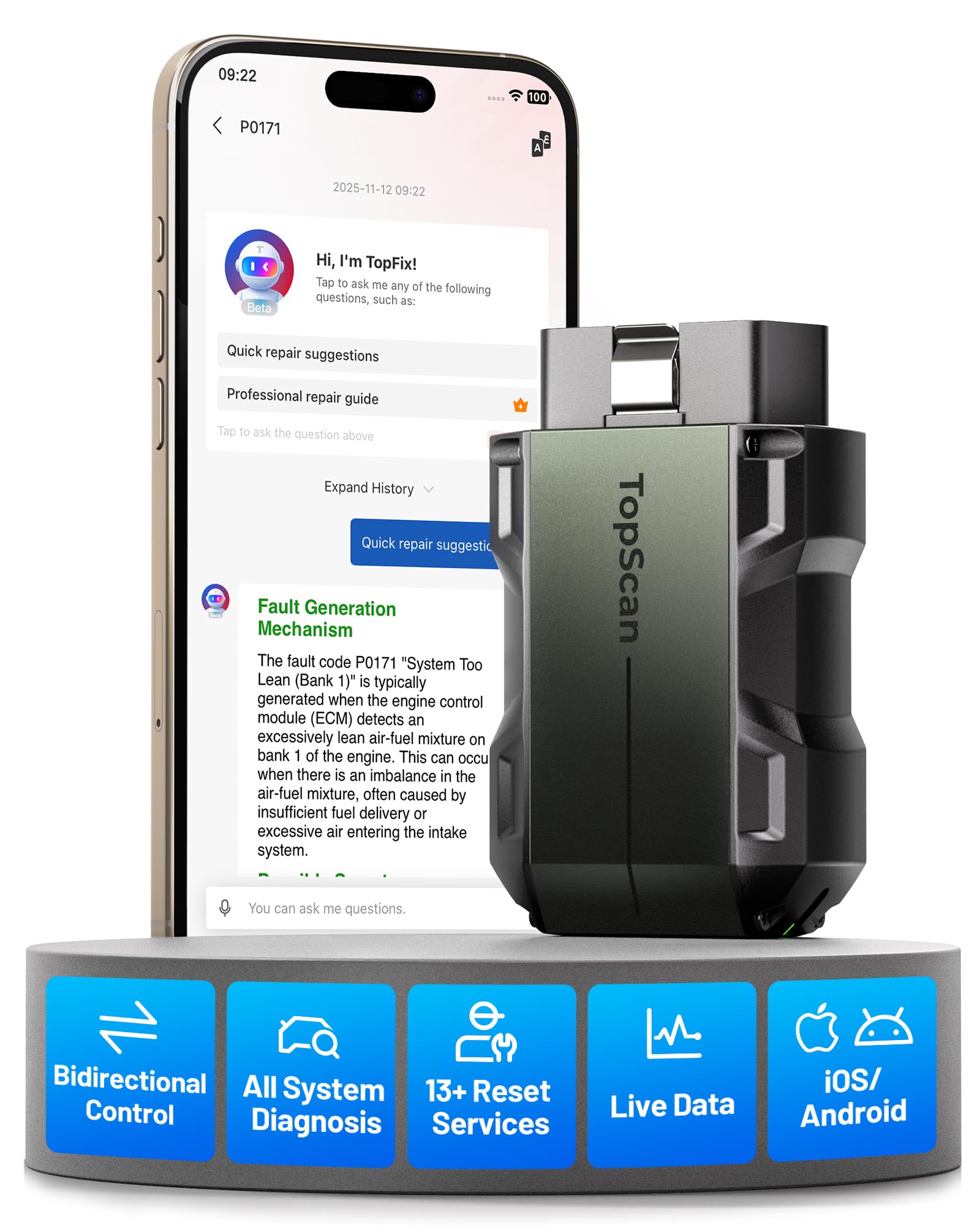
For Broader System Scans: TOPDON TopScan Pro
If BlueDriver only shows a generic P0700-style code or your vehicle needs deeper module access, a broader scanner such as TOPDON TopScan Pro may be a better direction. Verify supported systems and any app feature costs before buying.
Check TopScan Pro PriceDealer-level equipment may provide deeper functions, including live transmission data, clutch or solenoid tests, module programming, adaptations, and relearn procedures. BlueDriver may read and clear available codes without supporting those advanced tasks.
A missing transmission code does not prove that the transmission has no fault. If the app cannot connect to the TCM, or if it reports limited system coverage, a repair shop should use a professional scan tool designed for that vehicle.
What To Do After Finding A Code
A transmission code identifies a possible fault, but it does not prove which part has failed. The vehicle owner should record the code, review the conditions that triggered it, and decide whether further testing requires professional equipment.
Checking Freeze-Frame Data
Freeze-frame data records vehicle conditions when the control module stored the code. The BlueDriver app may show details such as vehicle speed, engine speed, coolant temperature, throttle position, battery voltage, and transmission temperature.
The owner should save or photograph this information before clearing the code. These readings can show whether the fault appeared during a cold start, acceleration, high temperature, heavy load, or low-voltage event. The owner should also note symptoms, including delayed shifting, slipping, harsh engagement, unusual noise, or a transmission warning light.
The code and freeze-frame data should guide further checks. For example, low battery voltage may point to an electrical problem, while a high transmission temperature may suggest overheating or restricted fluid flow. Freeze-frame data supports diagnosis, but it cannot confirm a failed solenoid, sensor, wiring harness, or transmission assembly by itself.
When To Seek Professional Diagnosis
A professional should inspect the vehicle when the code returns after repairs, multiple transmission codes appear, or the vehicle shifts harshly, slips, loses drive, or enters limp mode. Continued driving can increase damage when the transmission cannot select gears correctly or the fluid temperature rises sharply.
A technician may need a scan tool with manufacturer-specific functions, wiring diagrams, pressure-testing equipment, or service information. They can compare live sensor readings with expected values and test circuits before replacing parts.
The owner should provide the technician with the exact code, freeze-frame data, mileage, recent repairs, and driving symptoms. They should avoid clearing the code before the inspection because this removes useful diagnostic information and resets some readiness checks. Clearing a code only turns off a warning in certain cases; it does not repair the underlying fault.
Frequently Asked Questions
Will BlueDriver read transmission codes?
BlueDriver can read transmission-related codes on many supported vehicles when enhanced diagnostics are available, but it is not guaranteed to access every TCM or manufacturer-specific transmission module. If the app only shows a generic P0700 code, use that as a direction to investigate further and consider a scanner with confirmed transmission-system coverage for your vehicle.
Can BlueDriver read transmission codes?
Yes. BlueDriver can read and clear transmission fault codes on many vehicles. Coverage depends on the vehicle’s make, model, year, and control modules.
Does it work with every vehicle?
No. BlueDriver supports many GM, Ford, Chrysler, Toyota, Nissan, Honda, Volkswagen, and other vehicles, but transmission access varies by model. Some vehicles may provide only engine-code functions.
Can it read live transmission data?
On supported vehicles, BlueDriver may display data such as transmission temperature, gear information, and other sensor readings. The available data depends on the vehicle.
Can BlueDriver fix a transmission problem?
No. It identifies codes and provides information about possible causes. A qualified technician must inspect the vehicle and complete repairs.
Does it read more than transmission codes?
Yes. On supported vehicles, it can access systems such as the engine, ABS, airbag, and other modules. Standard OBD2 functions usually focus on emissions-related engine codes.
What should a vehicle owner check before buying it?
The owner should confirm BlueDriver’s compatibility for the exact vehicle. The manufacturer’s supported-vehicle list provides the most reliable information.
Related BlueDriver And Bluetooth Scanner Guides
Compare your options before buying: BlueDriver compatibility list, best Bluetooth OBD2 scanners, and BlueDriver vs FIXD.
Conclusion
BlueDriver can read transmission trouble codes on many supported vehicles. It may also provide code details, possible causes, and repair information through its app.
Coverage depends on the vehicle’s make, model, year, and transmission system. A supported brand does not guarantee access to every module, so users should check BlueDriver’s current compatibility list before buying or relying on it for a diagnosis.
BlueDriver can also clear transmission codes after the problem receives attention. Clearing a code does not fix the fault, and the code may return if the underlying issue remains.
For basic transmission-code checks, BlueDriver offers a convenient option. A repair shop may still need to use manufacturer-level equipment for advanced testing, live transmission data, or systems the scanner cannot access.