What Vehicles Does the Innova 5610 Work on? Compatibility and Limits
The Innova 5610 works best on most 1996+ U.S. OBD2 gasoline vehicles, with some light-duty diesel support depending on the vehicle. It is not a full solution for every hybrid, EV, ABS, airbag, or dealer-level diagnostic job.
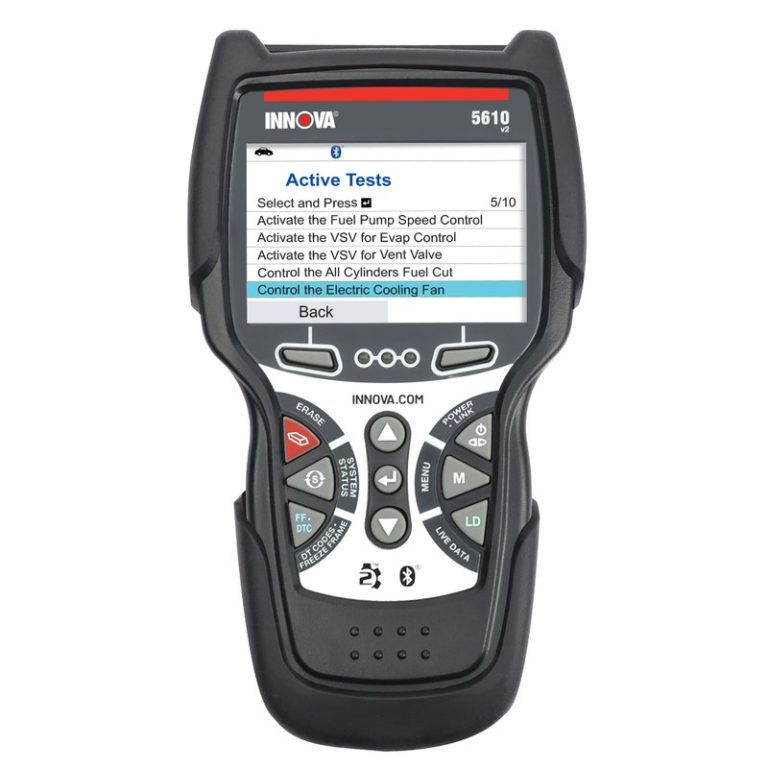
What vehicles does the Innova 5610 work on? In plain terms, it is aimed at most 1996-and-newer OBD2 vehicles in the U.S., especially gasoline cars, SUVs, and light trucks, with some diesel coverage depending on the model and system. It is not a universal scanner for every vehicle, every module, or every high-voltage system, so fit depends on the vehicle’s connector, protocol, and the type of diagnosis you need.
- Best fit: Most 1996+ gasoline OBD2 vehicles in the U.S.
- Main limit: Hybrid, EV, and safety-system coverage can be incomplete.
- Power matters: Weak 12V batteries can cause scan errors or failed communication.
- Check first: Confirm year, port type, and the exact system you want to diagnose.
What Vehicles Does the Innova 5610 Work On? Quick Answer for 12V Gas, Diesel, and Many OBD2 Vehicles
The Innova 5610 is best understood as an OBD2-era scan tool for everyday drivers and DIY owners. That means it is built around the standard diagnostic port and the emissions-related systems most U.S. vehicles have used since the mid-1990s.
Why the 5610 is primarily an OBD2-era scan tool rather than a universal diagnostic solution
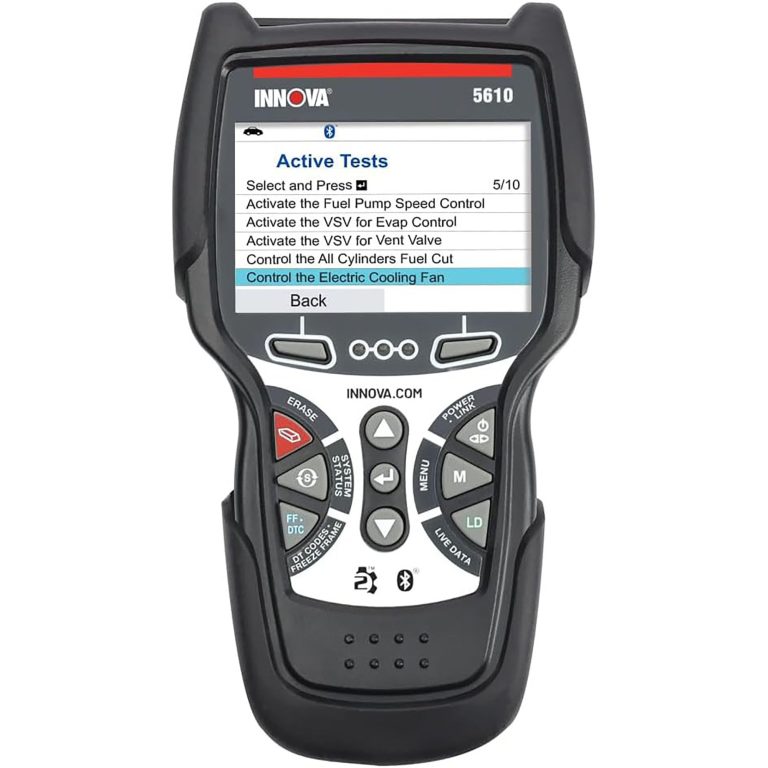
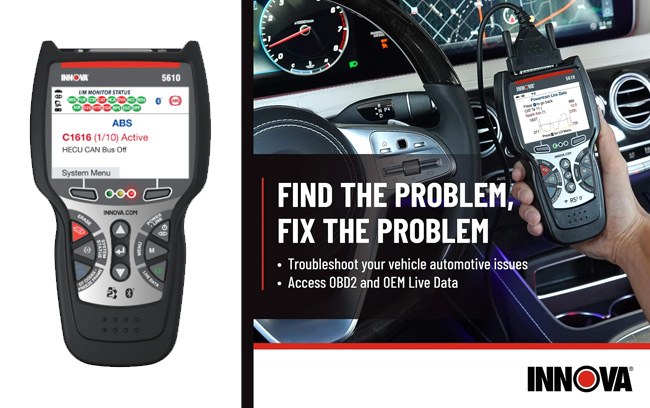
OBD2 coverage is broad, but it is still limited. The scanner can usually read generic powertrain codes, view live data, check readiness monitors, and help with basic resets on supported vehicles, but it does not automatically mean full access to every brand-specific module.
For a broader look at what standard scanners can and cannot cover, see do OBD2 scanners work on all cars. That distinction matters because many owners assume “OBD2” means full vehicle diagnostics, when it usually does not.
Fast compatibility summary: model years, port requirement, ignition-on behavior, and major exceptions
In most cases, you should expect compatibility with 1996 and newer gas vehicles sold in the United States, plus many newer light-duty diesel applications that support OBD2-style diagnostics. The vehicle needs a standard 16-pin diagnostic port and enough electrical power for the scanner to communicate correctly.
Most scans require the ignition to be in the ON or accessory position, but not all vehicles behave the same way. Major exceptions include some pre-OBD2 vehicles, certain heavy-duty diesels, many EV-specific systems, and manufacturer modules that need dealer-level software.
Check: Verify make, model, year, trim, voltage, ports, mounting space, and OEM requirements. Limitations: State verified exclusions.
Innova 5610 Compatibility by Vehicle Type: Cars, SUVs, Light Trucks, Hybrids, and Limited EV Use
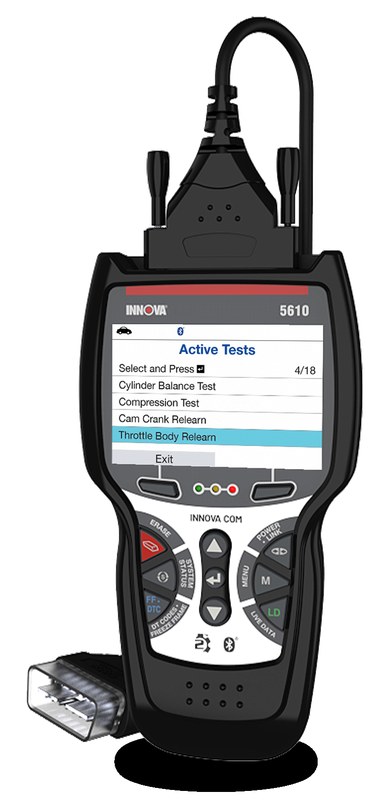
Vehicle type matters because the scanner’s usefulness changes with the system architecture. A basic gas sedan usually gives you the cleanest match, while hybrids, diesels, and EVs can add module and network complexity.
Best-fit vehicles in the U.S. market: 1996+ gasoline OBD2 vehicles and newer light-duty diesel applications
The strongest fit is a mainstream U.S. gasoline vehicle from the OBD2 era onward. That includes many commuter cars, family SUVs, minivans, and light-duty pickups with a standard emissions port and conventional 12V electrical system.
Newer light-duty diesels may also work well for generic engine and emissions diagnostics, but support can vary by brand and by the exact module you want to access. If you mainly want code reading, readiness checks, and basic live data, this is the category where the 5610 usually makes the most sense.
Hybrid and EV cautions: what the tool can and cannot safely diagnose
Hybrids often still have a 12V system and an OBD2 port, so the scanner may communicate with some vehicle systems. That does not mean it can diagnose high-voltage battery packs, inverter faults, or every hybrid control module in depth.
EVs can be even more limited. The tool may access some generic OBD2 data if the vehicle supports it, but EV-specific diagnostics often require a more advanced scanner or OEM software. For that reason, EV owners should treat the 5610 as a partial tool, not a full solution.
When a vehicle is technically OBD2-compliant but still not fully supported
A vehicle can be OBD2-compliant and still leave you with limited results. That usually happens when the scanner cannot translate a manufacturer-specific network, when a brand locks deeper functions, or when the issue is in ABS, SRS, transmission, or body control systems.
In those cases, the scanner may still be useful for basic confirmation, but not for full troubleshooting. If your goal is to diagnose a complex fault, a more advanced tool may be a better fit.
OBD2 Coverage, Protocol Support, and Model-Year Limits You Need to Know
Compatibility is not only about the model year. It also depends on the communication protocol, the vehicle’s electrical health, and which data the manufacturer exposes through standard OBD2 channels.
OBD2 model-year cutoff, connector standards, and common protocol families
In the U.S., 1996 is the key model-year cutoff for gasoline OBD2 coverage. Many vehicles from that point forward use the standard 16-pin connector and one of several protocol families, which is why a scanner like the Innova 5610 can work across many brands.
Still, protocol support is not the same as full module support. The scanner may connect to the engine computer but not to every other control module in the car.
Code reading, live data, readiness monitors, and reset functions: what owners can expect
For most compatible vehicles, owners can expect basic trouble code reading and clearing, live sensor data, and emissions readiness monitor checks. Those are the functions most DIY drivers need after a check-engine light comes on.
Reset functions are where expectations should stay realistic. Some resets may be available on selected vehicles, but service functions are not the same as full bidirectional diagnostics or dealer-level coding.
Emissions testing support versus advanced manufacturer-specific diagnostics
This scanner category is strongest for emissions-related work. If you need to know whether a vehicle is ready for inspection, whether a code is present, or whether the engine data looks abnormal, it can be a practical tool.
Advanced manufacturer-specific diagnostics are a different job. Those tasks may require access to ABS, SRS, air suspension, steering angle calibration, or security-related functions that a general OBD2 tool may not fully support.
How to Use the Innova 5610 Safely: Port Location, Ignition Mode, and Connection Steps
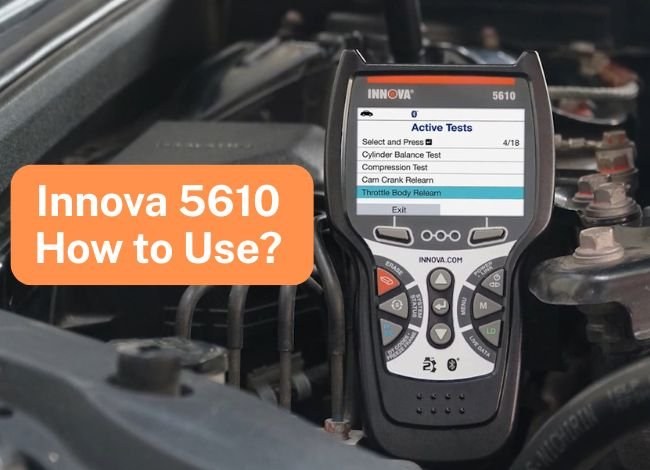
Using the scanner is usually simple, but safe setup still matters. The goal is to avoid electrical hiccups, accidental cable strain, and distraction while the vehicle is in a vulnerable state.
Finding the diagnostic port and confirming the vehicle is in the correct power state
The OBD2 port is usually under the dash near the steering column, but exact placement varies by vehicle. Before connecting, make sure the car is parked safely and the transmission is in Park or Neutral as appropriate.
Most vehicles require the ignition to be on for communication. If the display does not power up or the scanner cannot connect, the first things to verify are the port location, ignition mode, and battery condition.
Correct connection order, stable system voltage, and when to stop on a weak battery
Connect the scanner firmly, then follow the on-screen prompts. If the vehicle battery is weak, communication can become erratic, codes may not save correctly, and the scan can stop partway through.
App permissions, Bluetooth pairing, and firmware update basics for 2026 users
If your version of the tool uses a connected app or update process, review Bluetooth permissions, account setup, and firmware instructions before you start. Connected diagnostic tools can collect VINs, codes, and usage data, so privacy settings are worth checking.
Battery and Electrical System Limits: 12V Health, Chemistry, and Damage Risks
Many scan failures are blamed on the scanner when the real issue is the vehicle’s 12V system. A scanner needs stable electrical power and a clean communication path, and a tired battery can interrupt both.
State of charge versus battery health: why a “charged” battery may still fail diagnostics
A battery can show enough charge to start the vehicle and still be too weak for reliable diagnostics. Internal wear, sulfation, or voltage drop under load can cause scan interruptions even when the battery seems “fine.”
This is why battery condition matters as much as battery charge. If the electrical system is unstable, the scanner may not be the problem at all.
Lead-acid, AGM, EFB, and lithium-related cautions for modern vehicles
Most U.S. vehicles using the 5610 will still rely on a 12V system, but the battery chemistry can differ. Lead-acid, AGM, and EFB setups are common, and some newer vehicles may have more sensitive charging systems than older cars.
Lithium-related or auxiliary system setups can complicate diagnosis, especially if the vehicle’s low-voltage network is not behaving normally. In those cases, it is safer to follow the vehicle manual or seek professional help if the communication issue persists.
Damaged-battery stop conditions, jump-start boundaries, and when professional help is safer
Do not keep scanning if you suspect battery damage, melted terminals, severe corrosion, or a charging fault. A jump-start may restore enough power to move the vehicle, but it does not make a damaged electrical system safe to diagnose casually.
Tire, TPMS, and Roadside Use: What the 5610 Can Help With and Where It Stops
Some owners buy a scanner for check-engine lights and end up using it for broader roadside checks. That can be helpful, but it should never replace proper tire care or a repair shop when the problem is physical damage.
Using the tool alongside the door-jamb placard, cold pressure checks, and gauge accuracy
For tire work, always start with the vehicle’s door-jamb placard and a cold pressure check. The scanner cannot tell you whether the tire itself is inflated to the correct pressure; that still requires a reliable gauge and the vehicle’s recommended specification.
For broader tire-care guidance, our battery tester guide and ANCEL BD310 usage guide cover how ownership tools fit into everyday maintenance routines.
TPMS relearn limits, sensor-related codes, and when a tire shop is still required
The scanner may help identify TPMS-related codes on supported vehicles, but it usually will not replace a dedicated TPMS service tool. Relearn procedures can also vary a lot by make and model.
If the issue is a bad sensor, damaged valve stem, or relearn that requires a specific drive cycle or activation tool, a tire shop may still be the fastest and safest route.
Puncture location, temporary-repair limits, and professional-repair thresholds for safety
A scanner cannot evaluate whether a puncture is repairable. Sidewall damage, large cuts, and repeated low-pressure driving can make a tire unsafe even if the TPMS light is the first warning you noticed.
Emergency and Roadside Tool Value: Visibility, Storage, Cable Condition, and Post-Use Inspection
Owners often keep a scanner in the glove box or center console for roadside confidence. That is useful, but only if the tool is easy to reach, stored correctly, and still in good condition when you need it.
Safe location and traffic visibility before connecting or scanning at the roadside
If you are scanning on the shoulder, your first job is visibility. Park as far from traffic as safely possible, use hazard lights if appropriate, and stay aware of passing vehicles before leaning into the cabin or under the dash.
Storage conditions, pack/cable condition, current limits, and tool completeness
Scanner storage sounds minor until a damaged cable or loose connector causes a bad connection. Keep the unit dry, avoid extreme heat, and inspect the cable and plug for wear before relying on it during a trip.
Post-use inspection and maintenance habits that protect the scanner and the vehicle
After use, disconnect the scanner gently and make sure the port cover, if present, is closed properly. If you had to work in a cramped space, check that no trim pieces, mats, or loose wires were left in a risky position.
That habit helps preserve both the tool and the vehicle, especially if you use the scanner often for family cars or multiple vehicles.
Innova 5610 vs. Alternatives: Which Scanner Fits Your Vehicle, Budget, and Skill Level?
The right scanner depends on how deep you want to go. Some drivers only need code reading and readiness checks, while others want app support, richer live data, or deeper module access.
Side-by-side comparison criteria: compatibility, live data depth, reset functions, app experience, and support
| Option | Best for | Owner consideration | Driver consideration |
|---|---|---|---|
| Innova 5610 | Basic OBD2 diagnostics on many 1996+ U.S. vehicles | Good fit if you want practical coverage without paying for dealer-level tools | Simple enough for occasional use, with fewer advanced distractions |
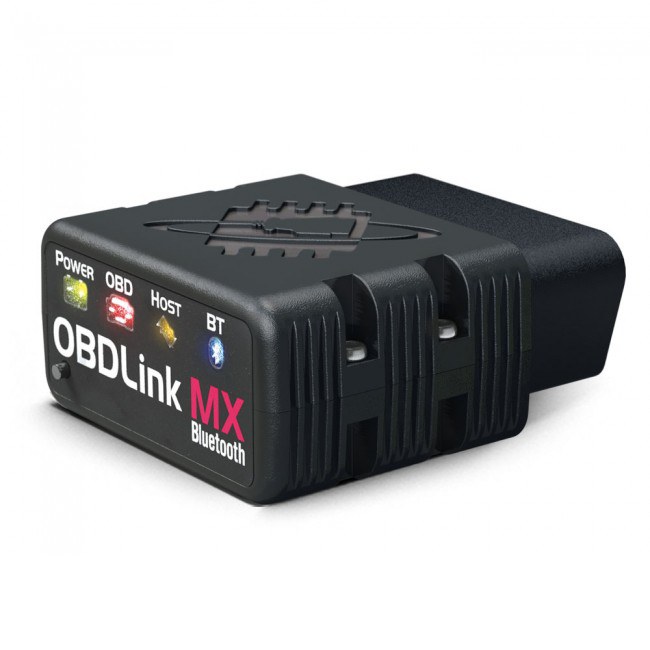
| Bluetooth app scanner | Phone-based diagnostics and logging | May require app setup, permissions, or subscriptions | Phone notifications can add distraction if not managed carefully |
| Professional scan tool | Deep module work and advanced service functions | Higher ownership cost and more complexity | Best when the fault affects safety systems or drivability |
Best choice for DIY commuters, family SUVs, older cars, diesel owners, and occasional users
For DIY commuters and family SUV owners, the 5610 is often a solid middle ground. It is usually enough for check-engine light work, emissions readiness, and basic troubleshooting without overwhelming the user.
Older cars that predate OBD2 are not a good match, and diesel owners should verify their exact model and system support before buying. If you want a broader comparison with another common scanner family, our Foxwell NT301 compatibility guide is a useful reference.
Warranty, support, ownership cost, and transparent verdict for CarValleyNJ readers
Ownership cost is not just the purchase price. You should also think about firmware updates, app access if applicable, cable durability, and whether the scanner’s support level matches your comfort with DIY repairs.
For readers comparing app-connected options, our guide on whether BlueDriver needs a subscription can help set expectations about recurring costs.
When the Innova 5610 Is Not Enough: Professional Diagnosis, Safety Systems, and Next Steps
The 5610 is useful, but it has clear limits. If the issue is deeper than basic engine codes or readiness data, you may need shop-level diagnostics.
Signs that the problem goes beyond OBD2 codes and needs a shop-level scan tool
If codes keep returning quickly, if the vehicle has multiple warning lights, or if the problem changes with weather, load, or speed, the root cause may be outside the scanner’s easy reach. Intermittent network faults also tend to require deeper investigation.
At that point, the scanner can still help you gather clues, but it may not be enough to finish the diagnosis.
Airbag, ABS, transmission, and network faults that may require professional calibration or repair
Safety systems deserve extra caution. ABS, airbag, steering, transmission, and body network faults may need special calibration, relearn steps, or manufacturer-specific access that general OBD2 tools do not provide.
If a warning light affects braking, restraint systems, or drivability, do not treat a code clear as a fix. Use the code as a clue and move to the correct repair path.
Final buying guidance: who should buy the 5610, who should skip it, and what to do next
Buy the Innova 5610 if you own a mainstream 1996+ gas vehicle, want straightforward OBD2 coverage, and prefer a simple scanner over a phone-only setup. Skip it if you need deep module access, EV-specific diagnostics, or frequent professional-grade service functions.
Before buying, confirm your vehicle’s year, connector, and the exact systems you want to diagnose. If you are still unsure, compare it with other OBD2 options and choose the scanner that matches your vehicle, your skill level, and the kind of repairs you actually plan to do.
- Best for: U.S. drivers who need a simple OBD2 scanner for 1996+ gasoline vehicles, basic diesel support, and everyday check-engine light troubleshooting.
- Think twice if: You need full hybrid, EV, ABS, airbag, or dealer-level module coverage.
- Next step: Verify your vehicle year, port, and system type before buying, then match the scanner to the exact job you want to do.
Common Questions
Usually not if the car is pre-OBD2. Most support starts with 1996+ U.S. gasoline vehicles.
Some light-duty diesels are supported, but not all. Check the exact model and system coverage first.
Yes, on supported vehicles it can clear many basic OBD2 codes. It should not be used to hide an unresolved fault.
Usually the ignition must be on, but the engine does not always need to be running. Follow the vehicle and scanner prompts.
It may handle some basic OBD2 data, but hybrid-specific diagnostics can be limited. Verify support before buying.
Frequently Asked Questions
No. It usually works best on U.S. 1996+ gasoline OBD2 vehicles, but support can still vary by make, model, trim, and module.
Sometimes, but not reliably on every vehicle. Safety-system diagnostics often need a more advanced scanner or a shop-level tool.
Usually yes. Most vehicles need the ignition in the ON or accessory position for the scanner to communicate properly.
It is better to avoid that. Low voltage can interrupt communication, cause errors, or make code clearing unreliable.
That depends on the exact package and features. Check the current product details, manual, and update policy before you buy.
Confirm your vehicle year, connector type, and the systems you want to diagnose. Also review warranty, support, and whether you need only basic OBD2 functions or deeper coverage.

One Comment