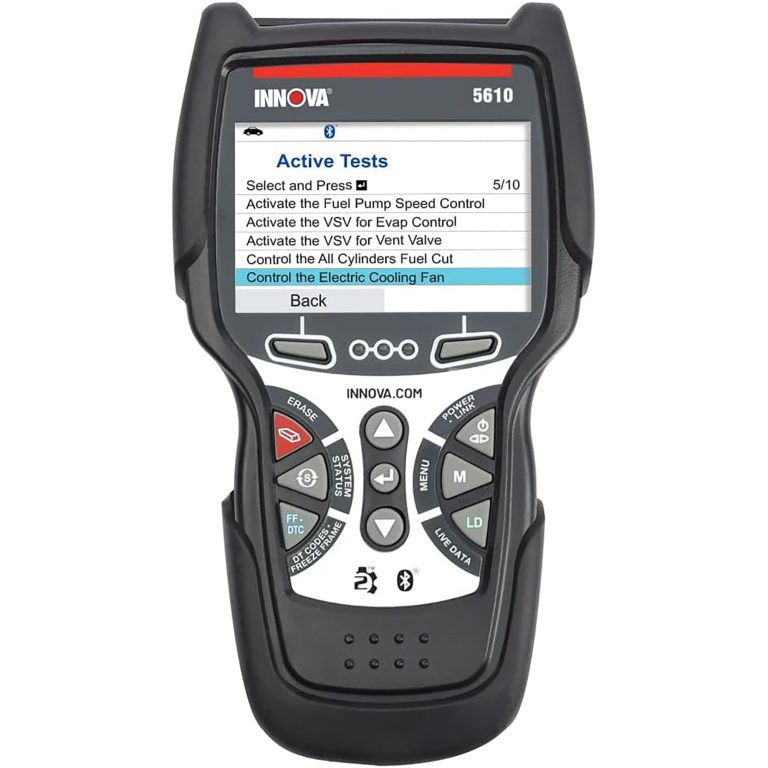
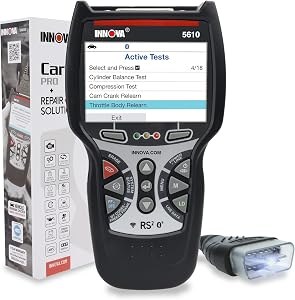
Innova 5610 OBD2 Bidirectional Scan vs Innova 7111 OBD2 Tablet
Choosing between the Innova 5610 OBD2 Bidirectional Scan vs Innova 7111 OBD2 Tablet comes down to a simple question: do you want a more straightforward bidirectional scanner with strong core repair functions, or a tablet-style tool with broader guided features and more built-in vehicle info? For US drivers and DIY owners, the right answer depends less on brand and more on how much of your own maintenance you actually plan to do.
Lean toward the Innova 5610 if you want a capable bidirectional scanner focused on diagnosis, live data, and selected reset functions without paying for a more complex tablet workflow. Lean toward the Innova 7111 if you want a more advanced tablet-style experience with broader service information, more built-in maintenance data, and deeper repair guidance. The main trade-off is simplicity versus breadth: the 5610 is easier to treat like a focused repair tool, while the 7111 is the stronger pick if you want a more complete diagnostic hub and are willing to verify vehicle coverage carefully.
Quick Comparison
| Decision Factor | Innova 5610 OBD2 Bidirectional Scan | Innova 7111 OBD2 Tablet |
|---|---|---|
| Best fit | DIY owners who want a focused bidirectional scanner with core reset and live-data features | DIYers and pros who want a tablet-style diagnostic tool with broader built-in service information |
| Bidirectional controls | Verified for selected tests such as fuel pump on/off and electronic parking brake retraction | Verified for active tests such as ABS brake bleeding, fuel injectors, electronic parking brake functions, and more depending on vehicle |
| Live data and systems coverage | OBD2 and OEM live data; enhanced data stream for ABS, SRS, transmission, and engine | OBD engine codes plus battery, tire pressure, transmission temperature, brake pad life, oil system life, and more listed service data |
| Reset/service functions | Special reset function with dealership-level re-learn procedures on supported vehicles | Special reset functions plus battery reset, hybrid battery cell voltage, ABS, TPMS, and other listed service checks |
| App or built-in software | Pairs with RepairSolutions2 app for wireless OBD scanner functionality | RepairSolutions2 app is built into the tablet |
| Update and subscription notes | Free updates; no subscription fees stated | Update/subscription details were not fully verified from the supplied data |
| Vehicle coverage | Most 1996-2023 OBD2 vehicles; not universal; use coverage checker | Any foreign or domestic 1996 or newer OBD2 car, light truck, SUV, or hybrid vehicle; feature coverage still depends on vehicle |
| Language support | English, Spanish, French | English, Spanish, French |
Where the decision really changes
The real difference is not just “scanner versus tablet.” It is how much diagnostic depth you want to carry around, and how much vehicle-specific checking you are willing to do before buying. The 5610 is the better mental fit if you want a practical tool for reading codes, watching live data, and performing selected bi-directional tests without overcomplicating the process. The 7111 makes more sense if you want a more guided repair experience with more built-in service data, especially if you regularly handle maintenance tasks beyond basic code reading.
If you are still deciding whether a wired-style scanner, Bluetooth tool, or tablet is the right category for you, our guide on Bluetooth vs wired OBD2 scanner can help you narrow the format first. You may also want to compare this buy against a simpler code-reader path in our best OBD2 scanner guide if your needs are mostly check-engine diagnosis and occasional maintenance resets.
Innova 5610 OBD2 Bidirectional Scan: Deep Dive
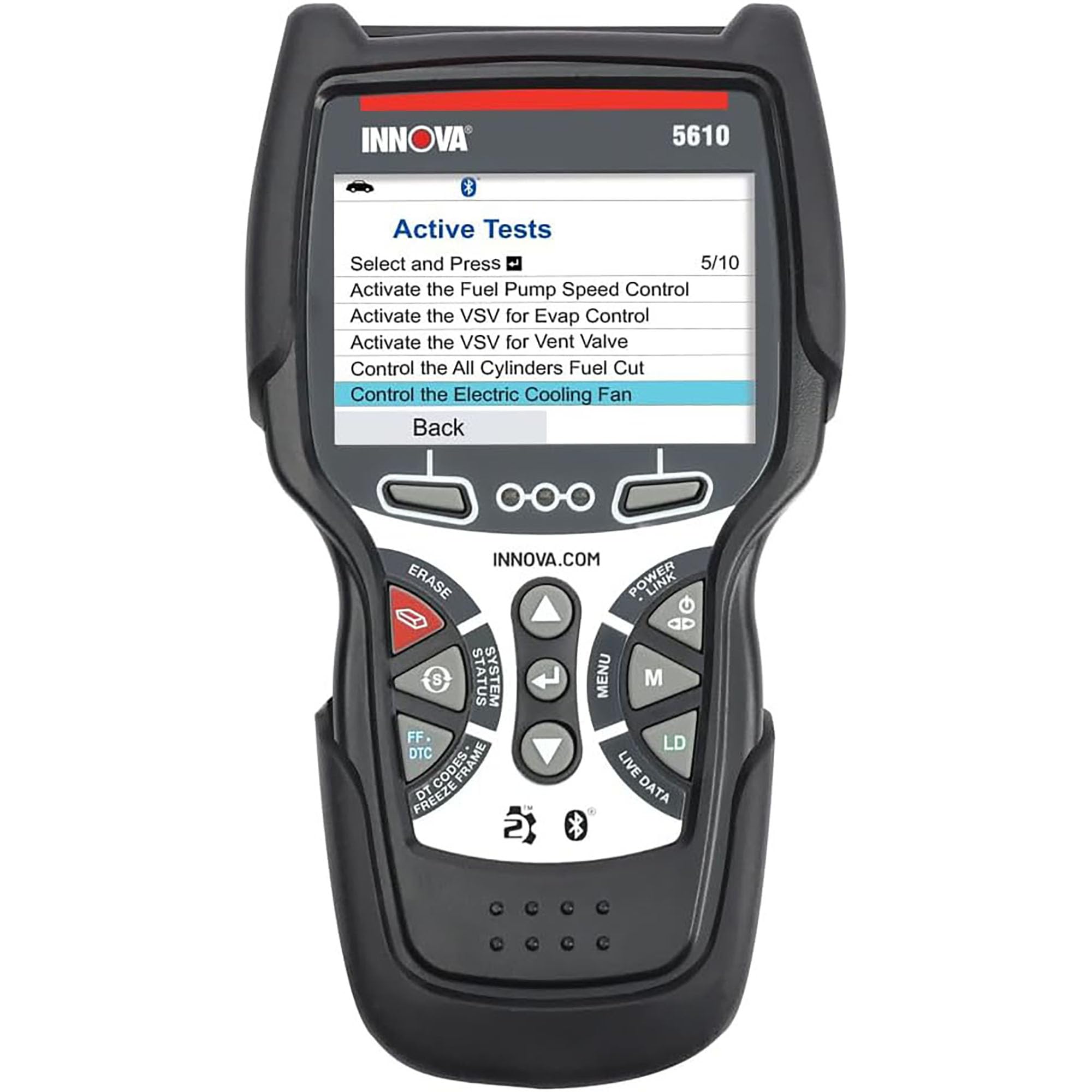
Innova 5610 OBD2 Bidirectional Scan
The 5610 is a strong fit if you want a practical bidirectional scanner with OBD2 and OEM live data, enhanced data for major systems, and selected reset procedures. Its biggest strength is that it aims at real repair work without turning the experience into a full tablet ecosystem. The main limitation is coverage: its bidirectional and special reset functions are not universal, so you need to confirm your exact year, make, model, and system support before buying.
Product Specifications
- OBD2 bidirectional scan tool
- Reads OBD2 and OEM live data
- Enhanced data stream for ABS, SRS, transmission, and engine
- Special reset function for dealership-level re-learn procedures on supported vehicles
- Verified bidirectional examples include fuel pump on/off and electronic parking brake retraction
- Language support: English, Spanish, and French
- Vehicle support listed for most 1996-2023 OBD2 vehicles; 2024 coming soon
- Pairs with RepairSolutions2 app for wireless OBD scanner functionality
- Free updates and no subscription fees stated
- ASE-certified support mentioned by the manufacturer
Pros
- Focused diagnostic tool with verified bidirectional control support
- Useful live data for common repair systems
- No subscription fees stated
- Support in English, Spanish, and French
Cons
- Not universal; feature support varies by make, model, and year
- Coverage must be checked before buying
- Less broad built-in maintenance information than the tablet-style option
Compatibility Note
This tool is listed for most 1996-2023 OBD2 vehicles, but the verified bidirectional and reset functions are only supported on select makes and models. If you need a specific service such as ABS bleeding, throttle relearn, or parking brake service, confirm that exact function in Innova’s coverage checker before ordering.
Innova 7111 OBD2 Tablet: Deep Dive
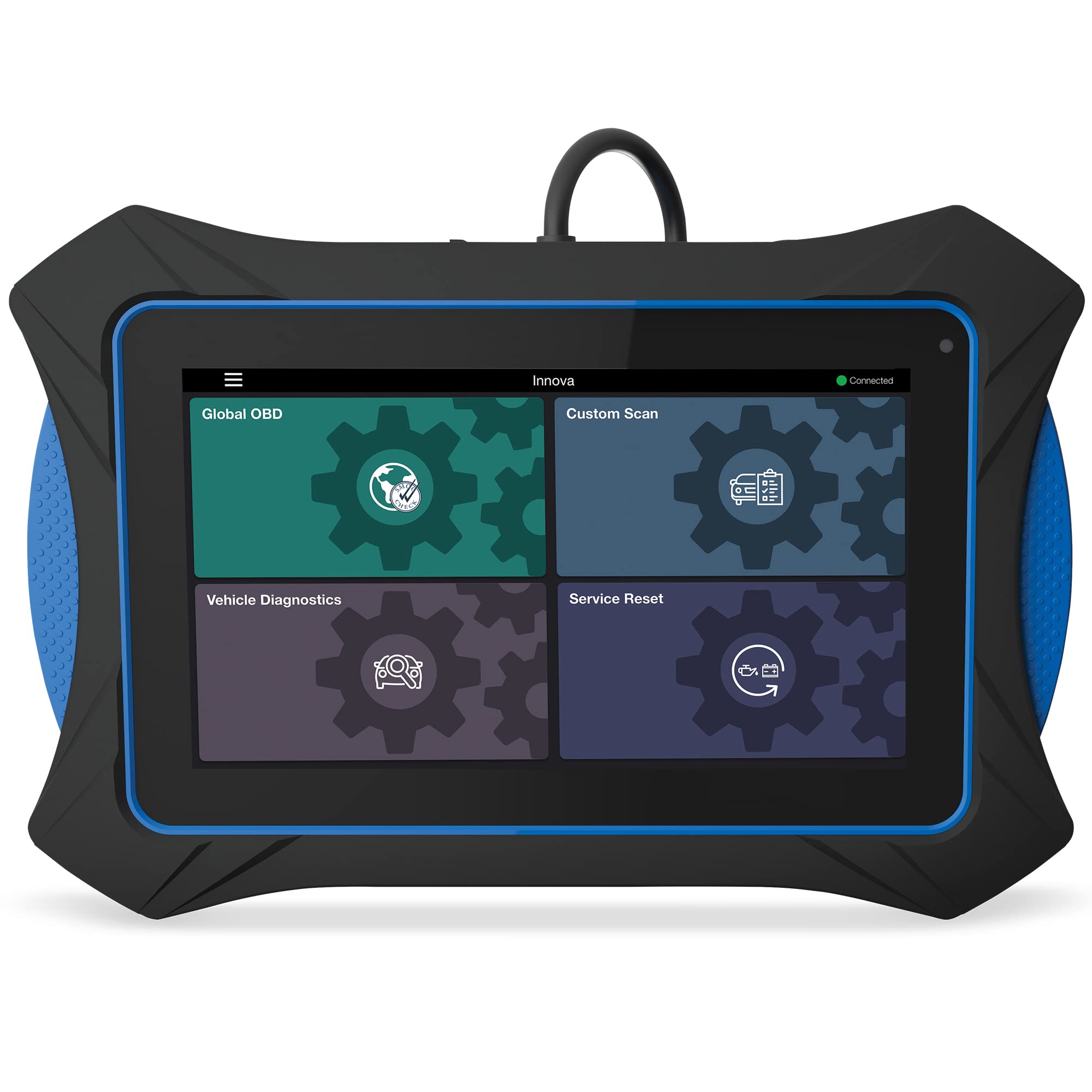
Innova 7111 OBD2 Tablet
The 7111 is aimed at buyers who want more than basic code reading. It adds a tablet-style interface, built-in RepairSolutions2 guidance, and a wider list of service checks such as tire pressure, battery voltage, oil life, and transmission temperature. Its biggest advantage is convenience for people who want repair help and diagnostic data in one place. The main thing to verify is whether the specific functions you need are supported on your vehicle, since active tests and service features still depend on vehicle coverage.
Product Specifications
- OBD2 bidirectional scan tool tablet
- Reads and clears OBD engine codes
- Checks brake pad life, oil system life, tire pressures, transmission temperature, and battery voltage
- Supports ABS brake bleeding, fuel injector control, electronic parking brake functions, and other active tests depending on vehicle
- Includes full vehicle network scans
- Supports battery reset, hybrid battery cell voltage, ABS systems, TPMS/Tire Pressure, and special reset functions
- Self-diagnosis of emission status for smog-test readiness
- RepairSolutions2 app built into the tablet
- Language support: English, Spanish, and French
- Works on any foreign or domestic 1996 or newer OBD2 car, light truck, SUV, or hybrid vehicle
Pros
- Broader built-in service and maintenance data than the 5610
- Tablet format may suit buyers who want a more guided workflow
- Built-in RepairSolutions2 support can help with repair planning
- Works across foreign, domestic, and hybrid 1996+ OBD2 vehicles
Cons
- More features may be more than casual users need
- Active test support still depends on the vehicle
- Update and subscription details were not fully verified from the supplied data
Compatibility Note
The 7111 is listed for 1996+ OBD2 vehicles, including hybrids, but not every feature applies to every vehicle. If your main reason for buying is a specific service reset or bi-directional test, confirm support by year, make, model, and system before you commit.
Head-to-Head: What Matters Most for DIY Buyers
Compatibility and vehicle coverage
Winner: Tie, with different emphasis. The 5610 is listed for most 1996-2023 OBD2 vehicles and asks you to use Innova’s coverage checker. The 7111 is listed for any foreign or domestic 1996 or newer OBD2 car, light truck, SUV, or hybrid vehicle. That sounds broader on paper, but both tools still depend on vehicle-specific feature support. If you own a newer hybrid or want the broadest stated vehicle category, the 7111 has the edge. If you want a tool tied to a clear coverage-check process and a focused feature set, the 5610 is still a strong candidate.
Diagnostic depth and live data
Winner: Innova 7111. The 5610 gives you OBD2 and OEM live data plus enhanced data for ABS, SRS, transmission, and engine. The 7111 goes further with listed checks for brake pad life, oil system life, tire pressures, transmission temperature, battery voltage, hybrid battery cell voltage, TPMS, and full vehicle network scans. If your repair style is “read the code, watch a few live values, and move on,” the 5610 is enough. If you want more built-in context before ordering parts, the 7111 is the stronger tool.
Bidirectional and service functions
Winner: Innova 7111. Both tools are bidirectional, but the 7111 lists more active-test and service options, including ABS brake bleeding and more system checks depending on vehicle. The 5610 does verify bidirectional commands such as fuel pump on/off and electronic parking brake retraction, plus special reset procedures. For owners who know they will use active tests often, the 7111 offers the broader verified feature list. For occasional service tasks, the 5610 may be the better value fit.
Ease of use and ownership feel
Winner: Depends on your preference. The 5610 is the more focused tool, which can make it easier to learn if you do not want a lot of extra menus. The 7111’s tablet design and built-in RepairSolutions2 app are better for buyers who want more guidance and a richer interface. If you prefer a simpler diagnostic routine, choose the 5610. If you like having repair info and scan functions in one place, choose the 7111.
App, updates, and hidden ownership costs
Winner: Innova 5610. The supplied data clearly states free updates and no subscription fees for the 5610. The 7111 includes RepairSolutions2 built into the tablet, but the supplied listing data did not fully verify update or subscription terms. That does not mean there are hidden costs; it simply means you should confirm the ownership details before buying if ongoing fees matter to you. If avoiding subscriptions is a top priority, the 5610 is the safer verified choice.
- Check your exact year, make, model, and engine against Innova’s coverage checker before ordering.
- Confirm the specific service you need, such as ABS bleeding, parking brake service, battery reset, or a relearn procedure.
- Decide whether you want a focused scanner or a tablet-style interface with more built-in repair guidance.
- Verify whether app-based features or wireless use matter to your workflow.
- For the 7111, confirm the update and ownership details if you want to avoid surprise costs later.
- If you mainly need check-engine code reading, make sure you are not paying for service features you will rarely use.
- Choose Innova 5610 OBD2 Bidirectional Scan if: you want a focused bidirectional scanner with verified live data, selected reset functions, and clear no-subscription language for supported vehicles.
- Choose Innova 7111 OBD2 Tablet if: you want a more advanced tablet-style diagnostic tool with broader built-in service data, more listed active tests, and RepairSolutions2 built in.
- Think twice if: you have not confirmed your vehicle’s exact feature coverage, or if you only need basic code reading and do not plan to use bidirectional or service functions.
- Next step: verify your vehicle in Innova’s coverage checker, then confirm the exact service function you need before you place the order.
It can be, if your repairs center on code reading, live data, and a few supported reset or bidirectional functions. It is less broad than the 7111, so confirm the exact service you need first.
The supplied listing says it works on foreign or domestic 1996 or newer OBD2 cars, light trucks, SUVs, or hybrid vehicles. Feature support still depends on the vehicle.
The 7111 is the stronger choice from the verified listing data because ABS brake bleeding is specifically listed. You should still confirm support for your exact vehicle.
The supplied product data states free updates and no subscription fees for the 5610.
The 5610 is a more focused bidirectional scanner, while the 7111 is a tablet-style tool with broader built-in service information and more listed maintenance functions.
Probably not unless you also want live data or future repair features. A simpler code reader may be a better fit if your needs are basic.