10 Best OBDLink MX+ Features, Compatibility, and Performance
OBDLink adapters connect a phone or tablet to a vehicle’s onboard computer. They can read trouble codes, show live data, and help drivers understand warning lights without visiting a repair shop. Most models use Bluetooth or Wi-Fi and work with a compatible diagnostic app.
The OBDLink MX+ is a Bluetooth adapter designed for broad vehicle coverage and regular use. The best choice depends on vehicle compatibility, app support, connection stability, data access, and the adapter’s ease of use. We compared these factors to identify whether the OBDLink MX+ is the right fit and how it compares with other OBD2 scanners.
10 Best OBDLink MX+ Adapters
We reviewed the best OBDLink MX+ options for reliable vehicle diagnostics and smartphone connectivity. Our list highlights key features, compatibility, ease of use, and overall value.
OBDLink MX+ Bluetooth Scanner

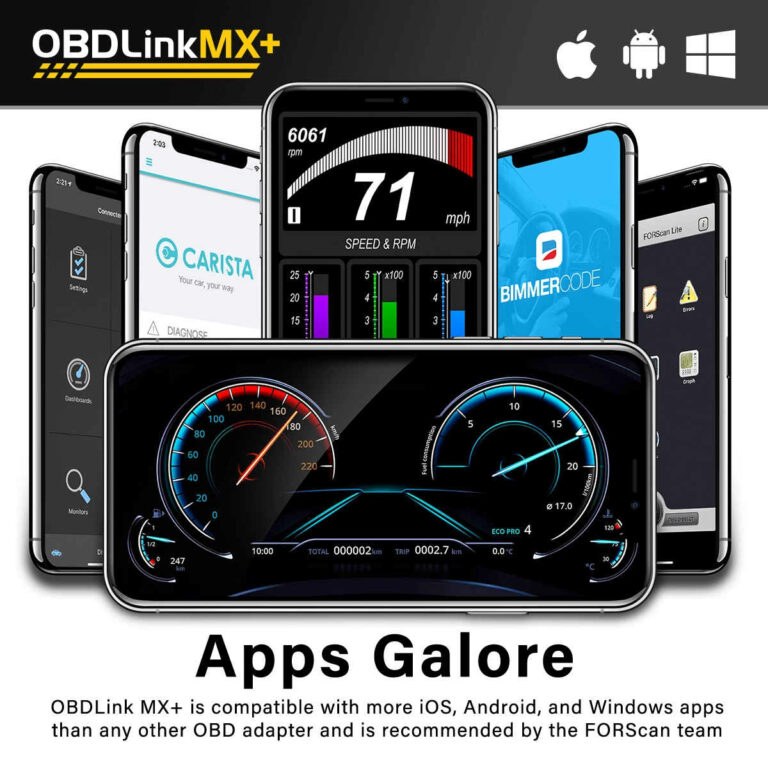
We recommend the OBDLink MX+ for drivers who want a dependable scanner that works with iPhone, Android, and Windows devices.
Pros
- Connects quickly and stays stable during testing
- Works with several popular diagnostic apps
- Provides access to more than basic engine codes
Cons
- Some advanced functions require paid apps
- Vehicle support varies by make and model
- Costs more than basic code readers
We found setup simple: plug the adapter into the vehicle, open a compatible app, and pair the device. The connection remained reliable during short diagnostic checks and live data monitoring.
The MX+ can read and clear engine codes, while supported vehicles may provide access to systems such as ABS, SRS, and TPMS. Apps including FORScan, BimmerCode, Torque, and OBDFusion can add useful features, but we would check compatibility before buying.
Its compact case fits neatly in a storage compartment, and protection against voltage problems and battery drain adds peace of mind. Still, this is an adapter rather than a complete repair tool, so programming and some service resets may require separate paid software.
Autel MaxiCheck MX808S
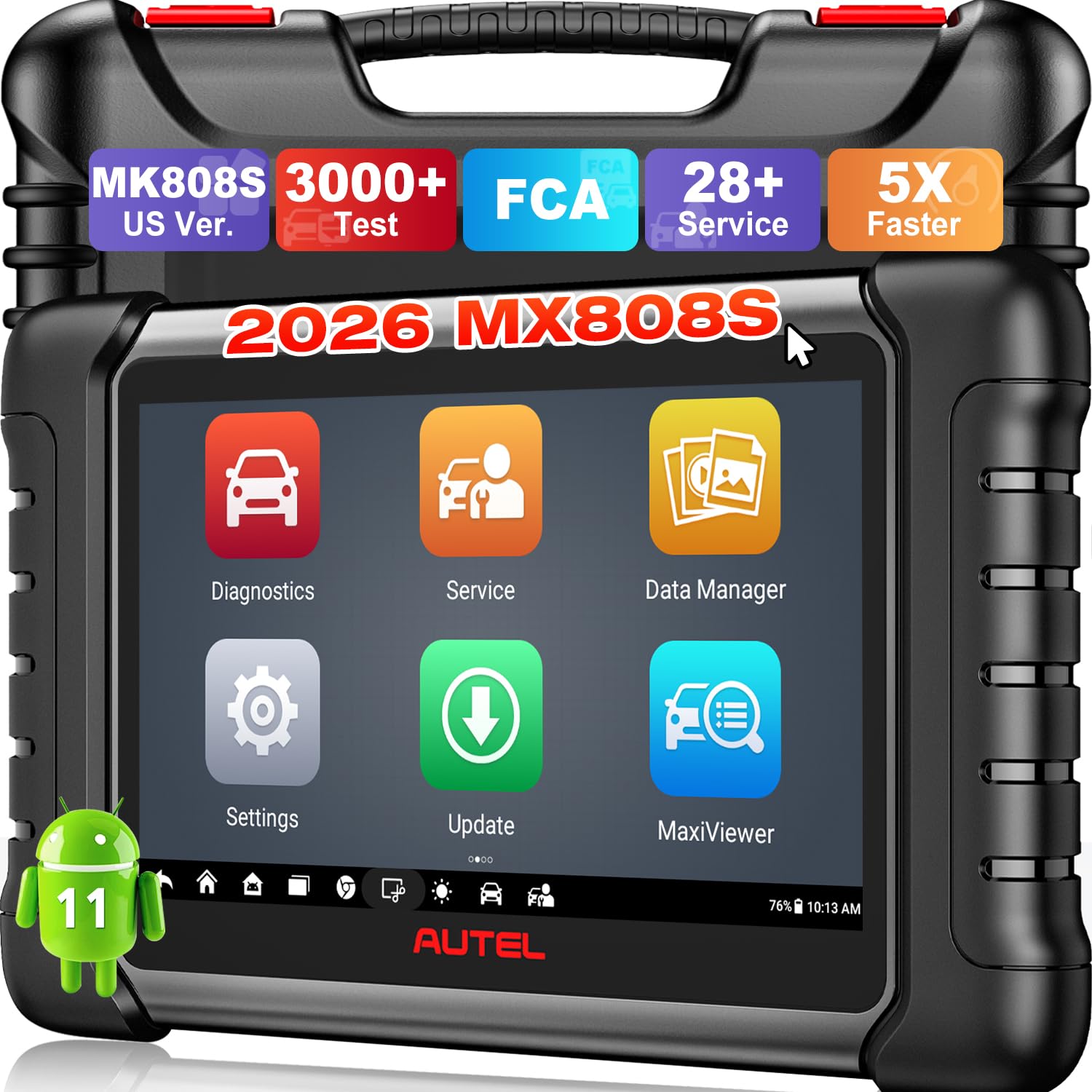
We recommend the Autel MaxiCheck MX808S for home mechanics and small shops that need full-system scans, active tests, and common service resets in one tool.
Pros
- Performs bidirectional tests on many supported vehicles
- Covers engine, ABS, SRS, transmission, and other systems
- Offers useful service functions, including oil, battery, and brake resets
Cons
- Vehicle coverage varies by make, model, and year
- Some advanced features may require a subscription
- Its larger design feels less convenient than a basic code reader
We found the MX808S easy to set up and quick to navigate. Auto VIN and Auto Scan helped us identify a vehicle and check several modules without moving through many separate menus.
The strongest feature is its active-test support. We could command components such as cooling fans, fuel pumps, and valves on compatible vehicles, which helps confirm a fault before replacing a part. The tool also displays live data in several formats for closer diagnosis.
We would check compatibility before buying because functions differ across vehicles. The scanner suits users who need more than basic code reading, but casual drivers may not use enough of its advanced features to justify the higher price.
Autel MaxiCOM MK808S Scanner
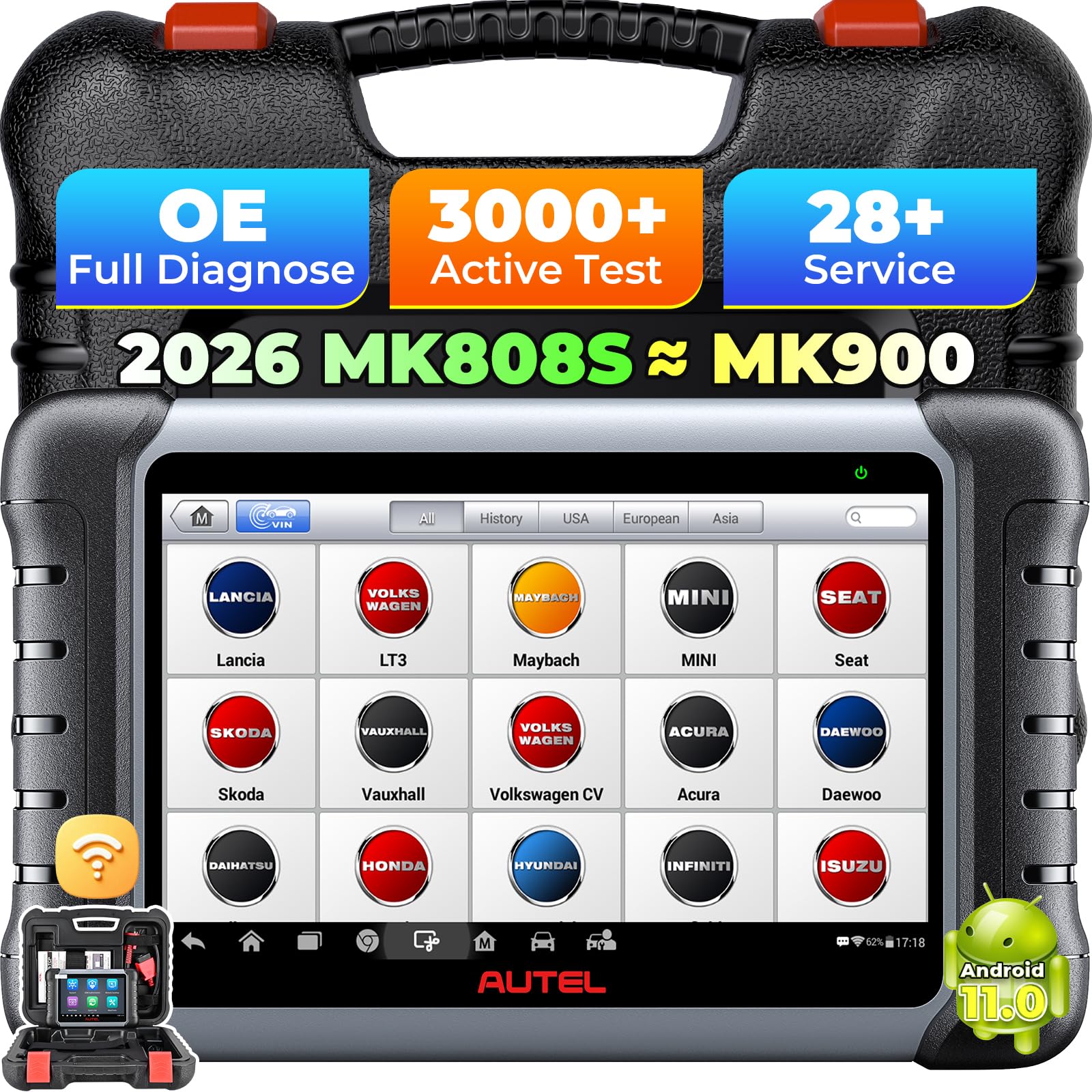
We recommend the MK808S for serious DIY users and small repair shops that need deeper testing than a basic code reader provides.
Pros
- Wide vehicle and system coverage
- Bidirectional tests for supported systems
- Many useful reset and service functions
Cons
- Updates may require an ongoing subscription
- Some features vary by vehicle
- A few buyers reported packaging or condition issues
We found the tablet quick to navigate after the initial setup and software updates. Its full-system scans go beyond engine codes, helping us check areas such as the transmission, ABS, body controls, and TPMS.
The active tests add practical value. On supported vehicles, we could command parts such as cooling fans, windows, and wipers instead of relying only on stored fault codes. This makes troubleshooting more direct, though compatibility depends on the vehicle.
The MK808S also includes common service tools, including oil resets, battery registration, ABS bleeding, and steering-angle calibration. Its seven-inch screen displays live data clearly, while the Android interface keeps reports and scan results easy to review.
We would not choose it for occasional code checks because a simpler reader costs less and needs less setup. However, its broad coverage and workshop-focused functions make the Autel MaxiCOM MK808S a capable middle option for users who want more control over vehicle diagnostics.
Autel MaxiCOM MK808Z Scanner
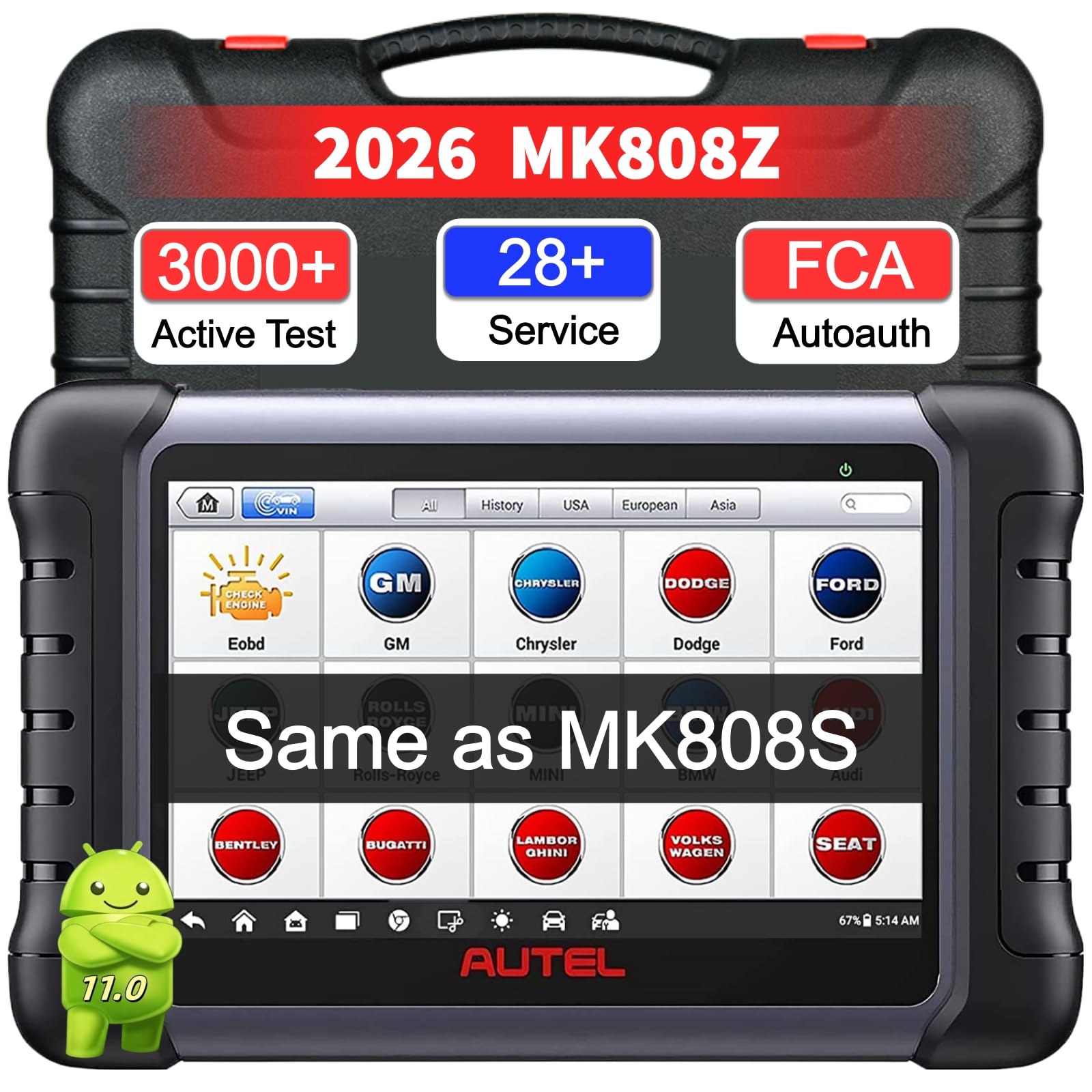
We recommend the Autel MaxiCOM MK808Z for home mechanics who want deeper diagnostics and bidirectional tests than a basic code reader provides.
Pros
- Bidirectional controls help us test components such as fans, pumps, windows, and wipers.
- Broad system coverage supports diagnostics across many vehicle brands.
- Useful service functions include ABS bleeding, injector coding, oil resets, and battery resets.
Cons
- The interface may ask us to enter vehicle details manually.
- Some functions vary by vehicle model and system.
- The included update period lasts one year.
During testing, the MK808Z felt more like a compact workshop scanner than a simple OBD reader. It scanned multiple control modules, displayed live data, and helped us move beyond generic trouble codes.
The active tests added practical value. We could command supported components directly, which made it easier to confirm whether a fault came from a control module or a mechanical part. Vehicle support still depends on the make, model, and system.
The tablet responded quickly, and its large screen made data easier to read. We also liked the automatic vehicle identification, although some cars may require manual input. Overall, we found it a strong choice for owners who need more than basic code reading but do not want a full professional setup.
Autel MaxiCheck MX900
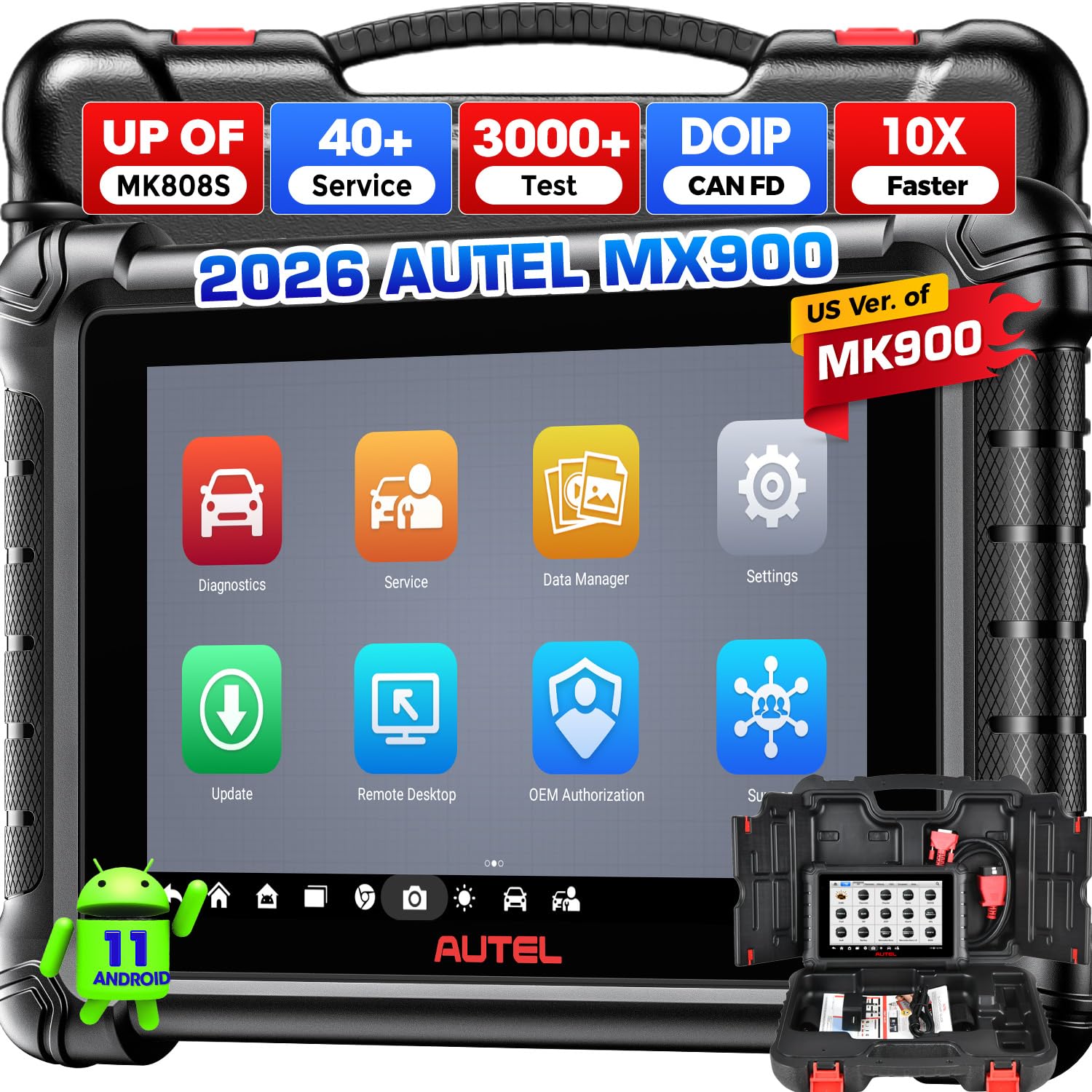
We recommend the Autel MaxiCheck MX900 for advanced DIY users and small repair shops that need full-system scans, active tests, and service resets in one tool.
Pros
- We can test components through bidirectional controls instead of removing them first.
- Full-system scans, live data, and service resets support many repair tasks.
- The large screen and quick vehicle identification make daily use easier.
Cons
- Some functions depend on the vehicle and may not work across every brand.
- The tool may feel excessive for simple check-engine-code reading.
- We should confirm update and language terms before buying.
After using the MX900, we found it more capable than a basic code reader. It reached several vehicle modules, displayed live data clearly, and helped us check systems beyond the engine computer.
The active-test menu added useful control during troubleshooting. We could test items such as relays, fans, and pumps through the vehicle computer, which helped us narrow down faults before replacing parts.
Its eight-inch display made menus and data graphs easy to read. Automatic VIN scanning also saved time, although results and available service functions varied by vehicle.
The MX900 supports newer CAN FD and DoIP systems, plus FCA AutoAuth access. Buyers should still check compatibility with their vehicle because coverage depends on the make, model, year, and selected service.
We also noticed that this tool suits users who will explore advanced diagnostics. For occasional code clearing, a less expensive scanner may offer better value.
Autel MaxiCOM MK808Z-BT
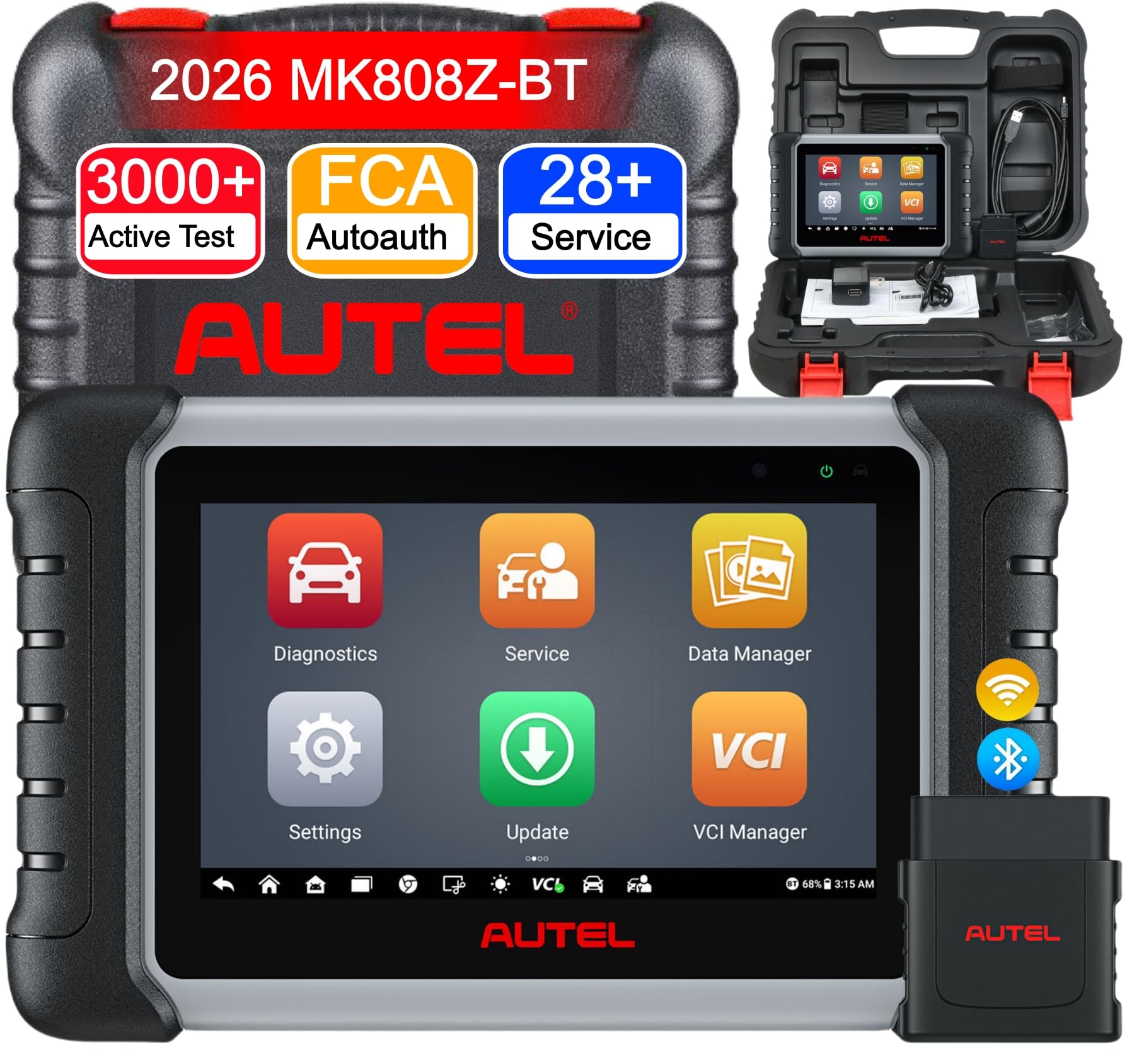
We recommend the Autel MaxiCOM MK808Z-BT for drivers and small shops that need deeper vehicle testing than a basic code reader provides.
Pros
- Wireless testing with the included vehicle interface
- Bidirectional controls and broad system coverage
- Useful service resets for routine maintenance
Cons
- Many functions depend on vehicle compatibility
- Battery and inspection add-ons cost extra
- Free software updates last one year
We found the wireless connection convenient because we could move around the vehicle while running tests. Auto VIN and Auto Scan also reduced setup time by identifying the vehicle and checking its available control modules.
The scanner reaches systems beyond the engine, including ABS, airbags, transmission, and parking brakes. Its active tests let us command components such as fans, windows, locks, and wipers, which can help narrow down a fault before replacing parts.
Routine maintenance tasks are another strength. We could access functions such as oil resets, battery registration, electronic parking brake service, steering angle calibration, and injector coding. Compatibility varies by vehicle, so we would confirm the needed service before buying.
The eight-inch display made scan results and live-data graphs easy to read. However, the tool includes one year of updates, and some advanced features require separate accessories or manufacturer access. For home users who only need to clear occasional engine codes, a simpler reader may offer better value.
Autel MaxiCheck MK808Z
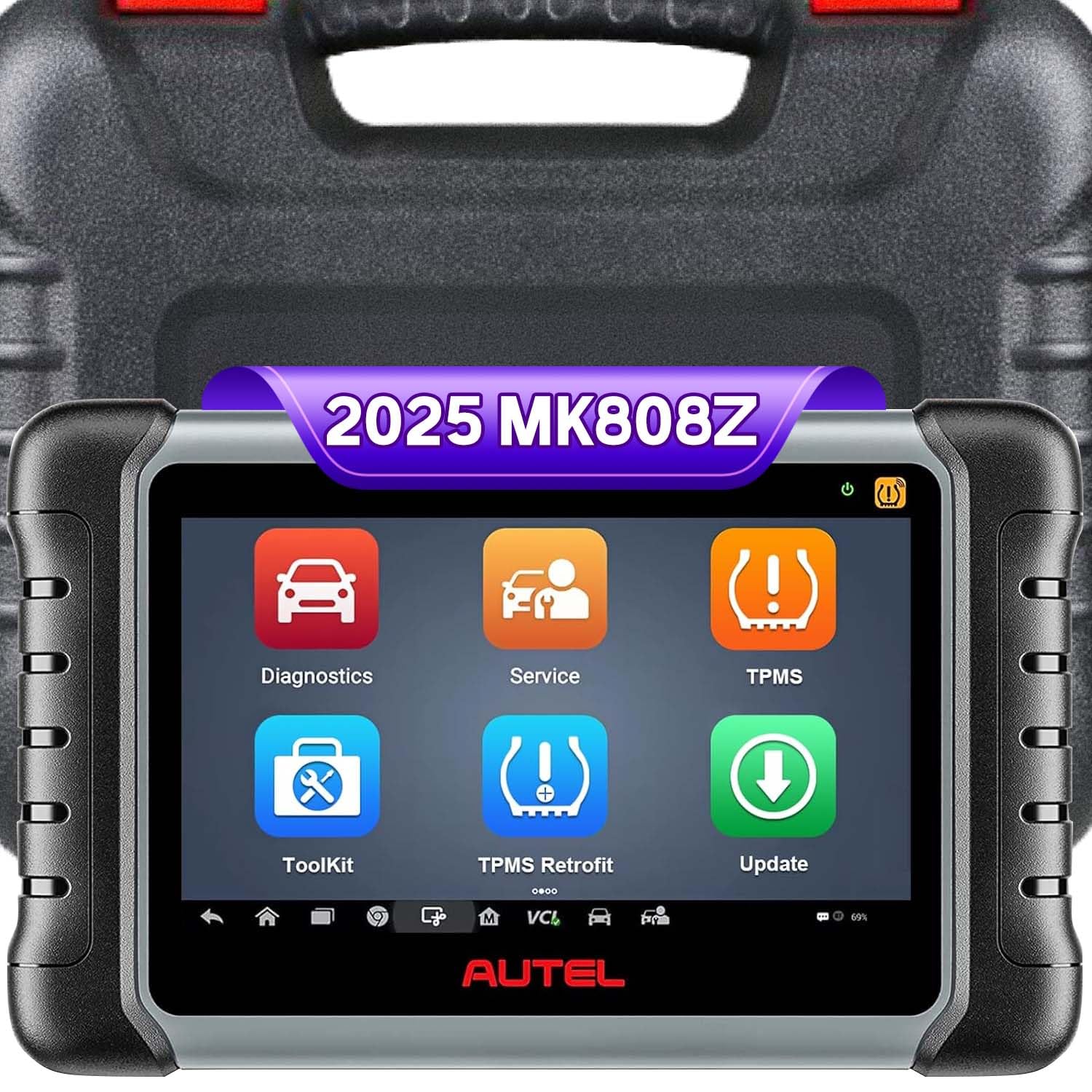
We recommend the MK808Z for home mechanics who want deeper system scans and active tests without moving to a higher-priced professional tool.
Pros
- Scans many vehicle systems, including ABS, SRS, transmission, and body modules
- Performs useful service resets and bidirectional tests
- Clear touchscreen and practical protective case
Cons
- Some functions require vehicle-specific compatibility checks
- The interface can feel slow during certain tasks
- It may offer limited results on some Mercedes models
We found the full-system scanning useful when a basic code reader could not identify the problem. The tool showed live data and helped us check systems beyond the engine, which made fault tracing more efficient.
The bidirectional controls add value for testing items such as windows, lights, valves, and ABS components. Service functions, including oil resets, battery registration, and electronic parking brake work, can also reduce the need for separate tools.
However, coverage varies by vehicle. We would check the car’s VIN before buying, especially if we planned to use advanced tests or special service functions. The interface also felt slower than premium scanners, but the controls remained easy to follow.
With strong user feedback and a broad feature set, the Autel MaxiCheck MK808Z suits DIY users and small repair shops that need more than basic code reading.
Autel MaxiCheck MX900

We recommend the Autel MaxiCheck MX900 for users who want broad vehicle diagnostics, active tests, and service functions in one corded tablet.
Pros
- Covers many vehicle systems and common maintenance tasks
- Performs active tests to help locate faulty components
- Clear 8-inch display with useful live-data graphs
Cons
- Vehicle compatibility varies, so we should check coverage first
- The corded design limits movement around the vehicle
- Some advanced programming tasks require outside support
We found the MX900 easy to navigate after selecting the vehicle’s make, model, and year. AutoVIN helped speed up setup, while the large screen made codes, freeze-frame details, and live data easier to read than on smaller handheld scanners.
Its strongest feature is the range of testing options. We could check systems beyond the engine, including ABS, transmission, body controls, and TPMS. Active tests also let us command certain components, such as windows, lights, valves, and wipers, which can help narrow down a fault.
The tablet includes many service functions, including oil, battery, steering-angle, electronic parking-brake, and throttle resets. However, we would confirm support for our exact vehicle before buying, since functions can differ by make and model.
The MX900 feels better suited to a home garage or small workshop than to casual code reading. It offers useful data storage and report tools, but it will not replace every factory programming tool.
Autel MaxiCheck MX900 with MV108

We recommend this scanner for home mechanics and small shops that need deeper diagnostics, active tests, and many service functions.
Pros
- Tests vehicle components through the control module
- Covers many systems and maintenance tasks
- Includes an inspection camera
Cons
- Vehicle coverage requires checking before purchase
- The tablet has no speakers
- Authorized-market support matters for updates and warranty service
We found the MX900 easier to use than a basic code reader because it scans multiple vehicle systems and shows live data in several formats. It helped us review engine, brake, airbag, and other system information from one tablet.
The active-test function adds useful troubleshooting control. We could command parts such as windows, lights, valves, and wipers instead of only reading stored codes. That can help narrow down a fault before replacing parts.
More than 40 service functions cover common jobs such as oil resets, electronic parking brake work, battery registration, steering-angle resets, and ABS bleeding. The included MV108 inspection camera also helps us look into tight spaces, although buyers should confirm vehicle compatibility before ordering.
The Android tablet supports newer communication standards, including CAN FD and DoIP, and FCA AutoAuth support can help with some secure gateway functions. We recommend buying from an authorized North American seller to protect access to updates, warranty service, and related online features.
Autel MaxiPRO MP900 KIT
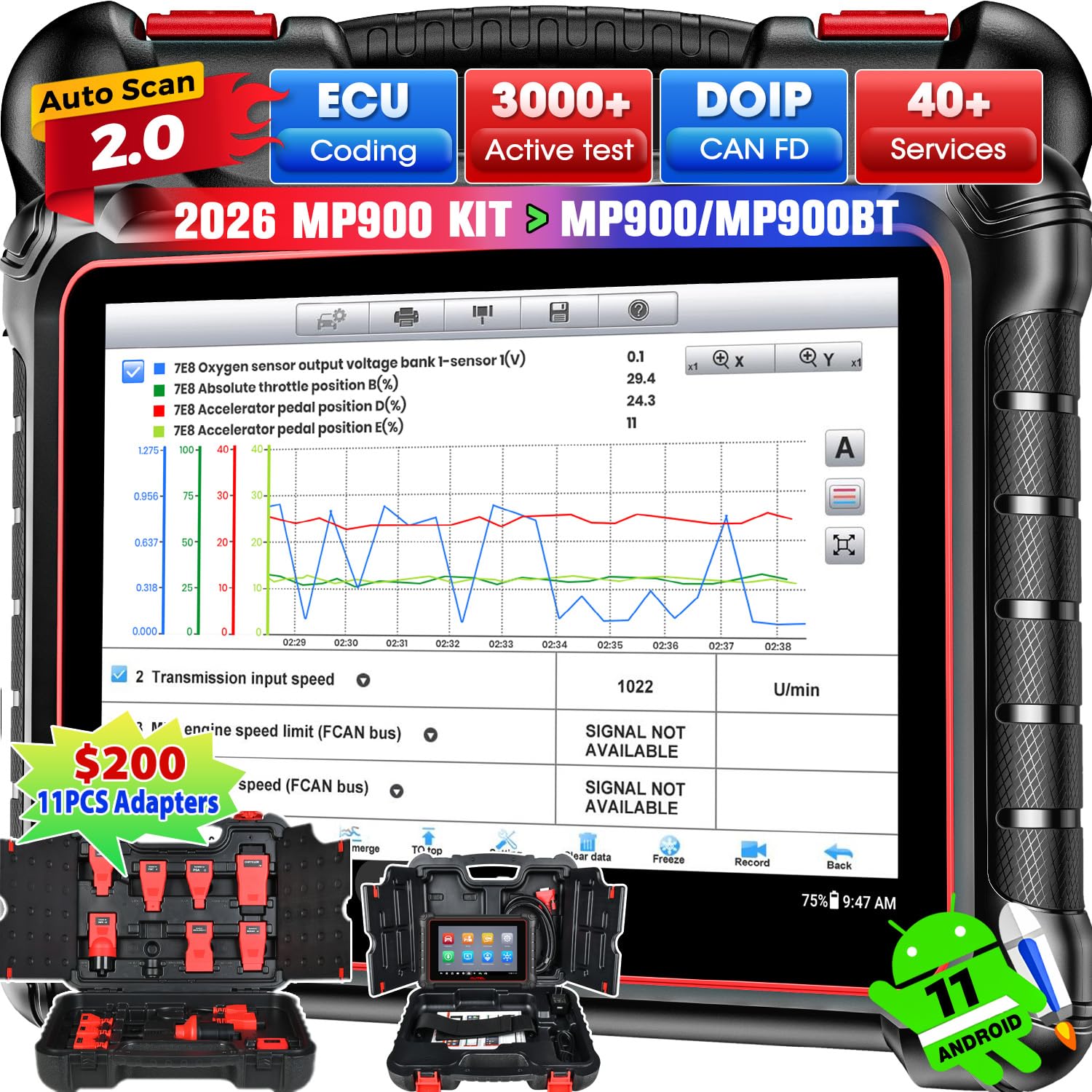
We recommend the MP900 KIT for repair shops and skilled DIY users who need advanced diagnostics, active tests, and coding support across many vehicles.
Pros
- Performs full-system scans and many two-way component tests.
- Includes adapters for older vehicle connections.
- Offers useful reset, relearn, and module coding functions.
Cons
- Many features require vehicle-specific compatibility checks.
- The large tablet takes more storage space than a basic code reader.
- Free software updates last for one year.
After using the MP900 KIT, we found it better suited to workshop work than quick home code checks. It gave us access to engine, transmission, ABS, airbag, and other control modules, while live data helped us confirm faults instead of relying only on stored codes.
The active tests were especially useful. We could command supported parts, such as windows, fans, lights, and fuel-system components, to help separate an electrical fault from a failed component. Results depend on the vehicle, so we would check compatibility before buying.
The included adapter set adds value for older cars that do not use a standard OBD-II port. The tablet also felt responsive during scans, and its large screen made data and test results easier to read than on compact handheld readers.
We would not choose it for occasional check-engine-light scans. Its price, size, registration process, and update plan make more sense for users who will regularly perform advanced testing, service resets, or module-related work.
Buying Guide
We should match the OBDLink MX+ to our vehicle, phone, and diagnostic needs before buying. Check vehicle coverage first, especially if we plan to use the adapter with enhanced systems from a specific manufacturer.
Key features to compare include:
- Connection type: Bluetooth provides wireless access, while wired options may suit users who prefer a direct connection.
- Device support: Confirm compatibility with our Android or iOS phone, tablet, or computer.
- App support: Check whether the adapter works with the diagnostic apps we plan to use.
- Vehicle access: Look for support beyond basic engine codes if we need data from systems such as the transmission, air bags, or body controls.
- Security: Choose a model with strong wireless security and safe pairing.
- Data speed: Faster communication can make live sensor readings and scans feel more responsive.
- Power use: Low standby power helps reduce battery drain when the adapter stays connected.
- Build quality: A compact design and a firm connector can make regular use easier.
| What we need | What to check |
|---|---|
| Basic code reading | Standard OBD-II support |
| Live data | Sensor readings and data refresh rate |
| Advanced diagnostics | Vehicle-specific system access |
| Mobile use | Phone operating system compatibility |
| Frequent use | Build quality and power management |
We should also review software costs, update support, warranty terms, and return policies. These factors affect the total value more than the adapter’s purchase price alone.
Editor’s picks
We selected these OBDLink MX+ alternatives based on connection type, vehicle support, app features, and ease of use.
| Pick | Best for | Key strength |
|---|---|---|
| OBDLink MX+ | Most drivers | Fast Bluetooth connection and broad vehicle support |
| OBDLink CX | BMW owners | Strong support for BimmerCode and BimmerLink |
| Vgate vLinker MC+ | DIY users | Good app compatibility and simple setup |
| BlueDriver | Guided diagnostics | Clear reports and repair suggestions |
| FIXD Sensor | Basic monitoring | User-friendly tracking and maintenance alerts |
We choose the OBDLink MX+ for drivers who want a reliable adapter for reading and clearing trouble codes, viewing live data, and using several mobile apps. Its Bluetooth connection works with Android and iOS devices.
We recommend the OBDLink CX for BMW owners who plan to code features or run brand-specific diagnostics. For users who want simpler reports, BlueDriver offers a more guided experience through its dedicated app.
Before buying, we suggest checking vehicle support and phone compatibility. Some advanced functions require a separate app, subscription, or manufacturer-specific software.
Frequently asked questions
What is the OBDLink MX+ used for?
We use the OBDLink MX+ to read diagnostic trouble codes, view live vehicle data, and clear some warning lights. It connects to a vehicle’s OBD-II port and sends data to a compatible mobile app.
Which vehicles work with it?
The adapter supports most cars and light trucks sold in the United States since 1996. We still check the vehicle manual or the manufacturer’s compatibility list, especially for models sold outside North America.
Does it work with iPhone and Android?
Yes. We can pair it with iOS and Android devices through Bluetooth. The chosen app must also support the adapter and the vehicle data we want to view.
Can it clear an engine warning light?
We can clear many standard diagnostic codes after recording them. Clearing a code does not fix the cause, and the warning light may return if the problem remains.
Can we use it with manufacturer-specific systems?
The MX+ can access some enhanced data on supported vehicles, including certain ABS, airbag, and body-control systems. Coverage depends on the vehicle and the app.
Does it stay connected while driving?
We can monitor live data during a drive, but we should secure the phone and avoid using it while operating the vehicle. We should also remove the adapter if the vehicle manufacturer warns against leaving devices connected.
Conclusion
We recommend the OBDLink MX+ for drivers who want a reliable, easy-to-use diagnostic adapter. It works with Android and iOS devices, supports several vehicle communication standards, and connects through Bluetooth without requiring a cable.
Its strongest features include fast data transfer, broad vehicle coverage, and built-in security for newer vehicles. The OBDLink app also provides useful tools for reading trouble codes, viewing live data, and clearing certain warnings.
The MX+ costs more than many basic adapters, so it may not suit drivers who only need occasional code checks. For regular vehicle monitoring, maintenance, and troubleshooting, its added features can justify the higher price.




One Comment