TOPDON TopScan Bidirectional Scanner: Features, Functions, And Benefits
The TOPDON TopScan bidirectional scanner turns your phone into a compact vehicle diagnostic tool. You connect it to the OBD2 port through Bluetooth and use the app to check fault codes, view vehicle systems, and create diagnostic reports.
You can use bidirectional controls to send commands to supported components, helping you confirm whether a part responds as expected. Active tests may include cooling fans, fuel injectors, windows, lights, wipers, and other systems, depending on the vehicle.
Vehicle coverage, supported tests, reset functions, and app features vary by model. This guide explains what TopScan can do, how it connects, where it fits in real-world diagnosis, and what you should check before buying.
Key Takeaways
- TopScan provides phone-based diagnostics through Bluetooth.
- Bidirectional tests can help verify supported vehicle components.
- Check vehicle coverage and included functions before purchase.
Core Diagnostic Capabilities
The TOPDON TopScan connects to your phone through Bluetooth and uses its app to inspect vehicle systems. You can scan modules, view sensor data, check diagnostic trouble codes, and use supported service functions based on your vehicle’s make and model.
System Coverage
TopScan can access more than the engine computer on supported vehicles. Depending on the vehicle, you may scan systems such as the transmission, ABS, airbag, body control, and other electronic modules. This full-system access helps you find faults that a basic code reader may miss.
Coverage varies by year, make, model, and equipment level. Check compatibility before you buy or start a repair. The app may also offer functions such as AutoVIN, I/M readiness checks, performance tests, and selected maintenance resets.
Some TopScan versions support bidirectional tests. These tests let you command certain components, such as cooling fans or fuel pumps, when the vehicle allows that function. The available commands depend on the vehicle’s software and system design.
Live Data And Graphing
You can view live readings from vehicle sensors while the engine runs. Common data may include engine speed, coolant temperature, throttle position, oxygen sensor readings, fuel trims, vehicle speed, and system voltage.
Graphing helps you spot changes that a single value may hide. For example, you can watch oxygen sensor activity, compare fuel-trim changes, or check whether coolant temperature rises normally. Select a small group of related values to keep the display easy to read.
Use live data with the correct operating conditions. Compare readings during startup, idle, steady cruising, or acceleration as needed. A scan value can point to a problem, but you should confirm it with service information and other tests.
Read And Clear Trouble Codes
TopScan can read diagnostic trouble codes from supported vehicle systems and show whether a fault is current or stored. Full-system scanning can reveal codes outside the engine module, including faults in ABS, airbag, transmission, or body systems.
The app may provide code descriptions and repair information, but a code does not identify a failed part by itself. Use the code, freeze-frame data, wiring checks, and live readings to find the actual cause.
After you complete repairs, you can clear codes from supported modules. Clearing codes also removes useful diagnostic data and may reset readiness monitors, so record the codes and repair details first. The warning light may return if the fault remains.
Bidirectional Control Functions
TOPDON TopScan can do more than read fault codes. You can use your phone to command supported vehicle systems, observe their response, and compare the result with expected operation.
Active Tests
Active tests let you send a controlled command to a vehicle module. Depending on the vehicle, you may test fuel injectors, cooling fans, coolant pumps, A/C clutches, wipers, lights, windows, or door locks.
You can use an active test to narrow down a fault before replacing parts. For example, commanding a cooling fan on can help you check whether the fan, wiring, relay, and control module respond correctly. A failed response does not always prove that one part has failed, so you should also check power, ground, fuses, and related wiring.
Test choices depend on the vehicle’s make, model, year, and installed systems. Keep the battery charged, follow the app’s instructions, and avoid activating parts when movement or heat could create a safety risk.
Component Actuation
Component actuation gives you direct control of supported actuators through the vehicle’s control modules. You may be able to lock or unlock doors, open a rear hatch, move windows, operate a wiper motor, or switch solenoids and climate-control actuators.
Use the function while watching and listening for the component’s response. A clicking relay, moving actuator, or operating pump provides useful evidence. No response can point to a failed component, lost power, a wiring problem, a communication issue, or a condition that prevents the module from accepting the command.
Keep people and objects clear of moving parts. The scanner cannot replace electrical testing or mechanical inspection, and some commands require specific ignition, gear, or safety conditions.
Service Reset Procedures
TopScan supports service functions on compatible vehicles, including several reset procedures. Available options may include oil service resets, battery registration, electronic parking brake service, steering-angle calibration, throttle adaptation, and diesel particulate filter functions.
Select the exact vehicle and function before starting. Some procedures change learned values or place a system into a service mode. Follow the on-screen steps, connect a battery charger when appropriate, and do not interrupt communication during the process.
Resetting a warning does not repair the cause. For example, reset the oil reminder only after completing the oil service, and register a replacement battery when the vehicle requires that step. Availability varies by vehicle and software coverage.
Vehicle Compatibility And Connectivity
You can use TOPDON TopScan with many American, Asian, and European vehicles, but exact functions depend on the make, model, year, and system. The unit connects through Bluetooth and requires the TopScan mobile app on a compatible phone.
Supported Makes And Models
TopScan supports more than 60 vehicle makes, while some listings report coverage for over 120 global makes. Coverage can vary by product version, region, vehicle system, and subscription plan.
Use TOPDON’s Vehicle Coverage Tool before you buy or begin a repair. Enter your vehicle details to check supported systems and functions. Basic code reading may work on a vehicle even when advanced features, such as active tests or service resets, do not.
TopScan can scan supported control modules and read or clear diagnostic trouble codes. Pro models also offer bidirectional tests on selected vehicles, such as commands for cooling fans, fuel injectors, windows, lights, and other components. Confirm each function for your exact vehicle instead of relying only on the brand list.
Bluetooth Connection
TopScan connects to your vehicle through the OBD2 port and communicates with your phone through Bluetooth. Plug the device into the port, switch on the vehicle’s ignition, and pair it through the TopScan app.
Bluetooth lets you view live data, scan systems, and run supported tests without a wired connection to the phone. Keep your phone near the vehicle during testing, and avoid disconnecting the adapter while the app communicates with a control module.
The adapter does not replace vehicle coverage. Your connection may work correctly while a specific scan, active test, or reset remains unavailable for your model. Follow the app’s prompts and keep the vehicle battery sufficiently charged during longer diagnostic sessions.
Mobile App Requirements
You need the TOPDON TopScan app on an iPhone or Android phone. The app controls the adapter, identifies supported vehicle systems, retrieves fault codes, and provides access to available diagnostic and service functions.
Your phone needs Bluetooth enabled, and the app may require permission to use Bluetooth and related device features. An internet connection may also be needed for account access, software updates, vehicle data, repair information, or online functions.
Some features depend on the TopScan version and an active subscription. Check the app’s current requirements and pricing before purchasing. Keep the app and device software updated to improve compatibility with newly supported vehicles.
Practical Use Cases
TOPDON TopScan can help you read vehicle fault codes, view live data, run selected active tests, and perform some service resets through a phone app. Its value depends on vehicle coverage, the TopScan version, and any required subscription or brand access.
Professional Repair Workflows
You can use TopScan for initial fault checks before connecting a larger workshop scanner. The tool can scan supported modules, display diagnostic trouble codes, clear codes after repairs, and show live sensor data. AutoVIN can reduce manual entry when the vehicle supports it.
Bidirectional controls let you command certain components and observe their response. Depending on the vehicle, available tests may include injectors, windows, door locks, lights, wipers, or EVAP components. Always confirm the test before activating it, because some commands can move parts or change system behavior.
You can also use supported service functions, such as oil reset, battery registration, electronic parking brake service, or steering-angle calibration. Coverage varies by make, model, year, and software plan, so check the app before promising a function to a customer. Record the original codes and test results before clearing anything.
DIY Troubleshooting
TopScan gives you a practical first step when a warning light appears. Plug the adapter into the OBD2 port, connect it to your phone, and read the stored codes. A code identifies a monitored fault; it does not automatically identify the failed part.
Use live data to compare readings with the vehicle’s symptoms. For example, you might watch coolant temperature, oxygen-sensor data, fuel trims, or engine speed while the problem occurs. Active tests can help you check supported components without removing them, but follow the vehicle service manual for safe test conditions.
Avoid clearing codes before saving them. If you erase the codes, you may also reset emissions monitors, which can make the vehicle temporarily unready for an emissions inspection. Disconnect the adapter after testing and keep the app updated for the best available coverage.
Pre-Purchase Inspections
You can use TopScan during a used-car inspection to look for stored and pending codes across supported systems. Scan more than the engine module when coverage allows, since faults in the airbag, ABS, transmission, or body systems may affect safety and repair costs.
Check live data and emissions readiness monitors after scanning. A recently cleared system may show incomplete monitors even when no codes appear. Ask the seller about the reason for any incomplete monitors, especially if the vehicle has a warning-light history.
Active tests can add useful evidence, such as checking selected lights, locks, windows, or other supported controls. They cannot replace a road test, visual inspection, service records, or a professional mechanical inspection. Treat the scan as one part of the buying decision, not proof that the vehicle has no problems.
Key Considerations Before Buying
Before buying the TOPDON TopScan, check its software costs, vehicle coverage, and hardware limits. Your choice between the Lite and Pro versions should match the repairs you plan to perform and how often you will use the scanner.
Subscription And Update Policies
The TopScan works through a smartphone app, so you need a compatible phone and a stable Bluetooth connection. Features and vehicle coverage can vary by version, region, and app plan.
Check the current subscription terms before you buy. Some advanced functions, software updates, and expanded vehicle coverage may require a paid renewal after an included access period. Confirm whether your purchase includes updates for the makes and systems you service most often.
The Pro version offers more advanced functions, including bidirectional tests on supported vehicles. However, an active test does not guarantee access to every component on every model. Verify coverage in TOPDON’s vehicle compatibility information before relying on a specific function.
Device Limitations
TopScan is a compact Bluetooth adapter, not a standalone scan tool. You must use your phone to view data, run tests, and record results. Your phone’s battery, operating system, Bluetooth performance, and screen size can affect the experience.
Vehicle support also has limits. The scanner can read and clear codes across many makes, but system access differs by vehicle. Advanced tests may require security access, such as FCA AutoAuth, or may not work on certain control modules.
Keep these limits in mind:
- Bidirectional functions depend on the vehicle and software version.
- Service resets may not cover every maintenance system.
- Some tests can activate parts but cannot confirm a complete repair.
- Clearing a code does not fix the underlying fault.
Value Compared With Alternatives
TopScan can provide strong value if you want full-system scanning, service functions, and selected active tests without buying a larger tablet. The Lite model suits basic diagnostics and common service work, while the Pro model makes more sense if you need bidirectional control.
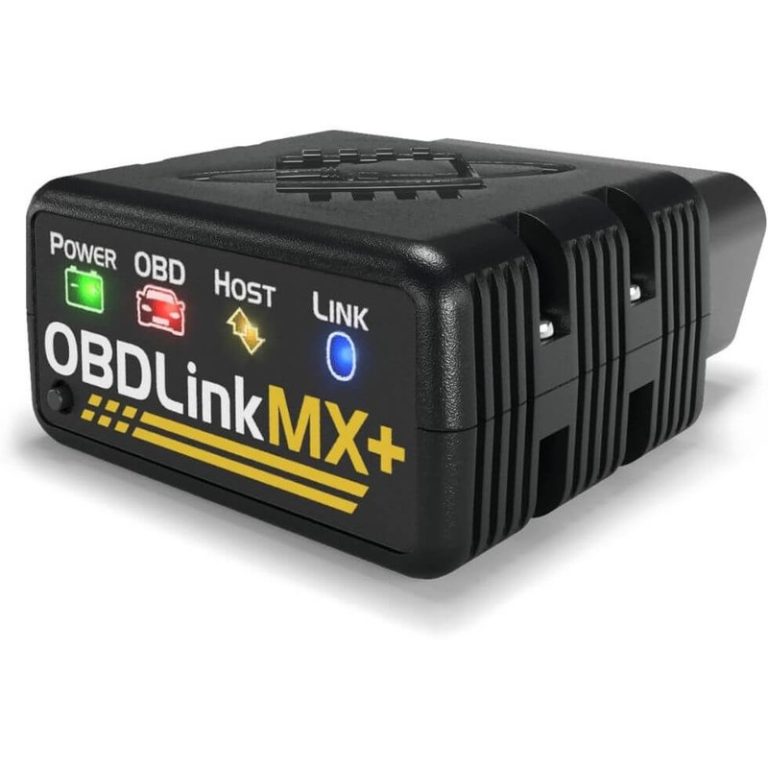
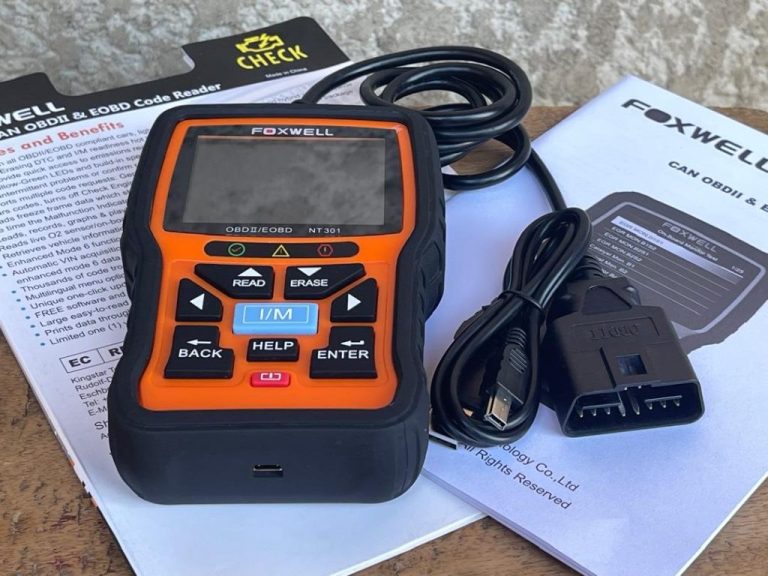
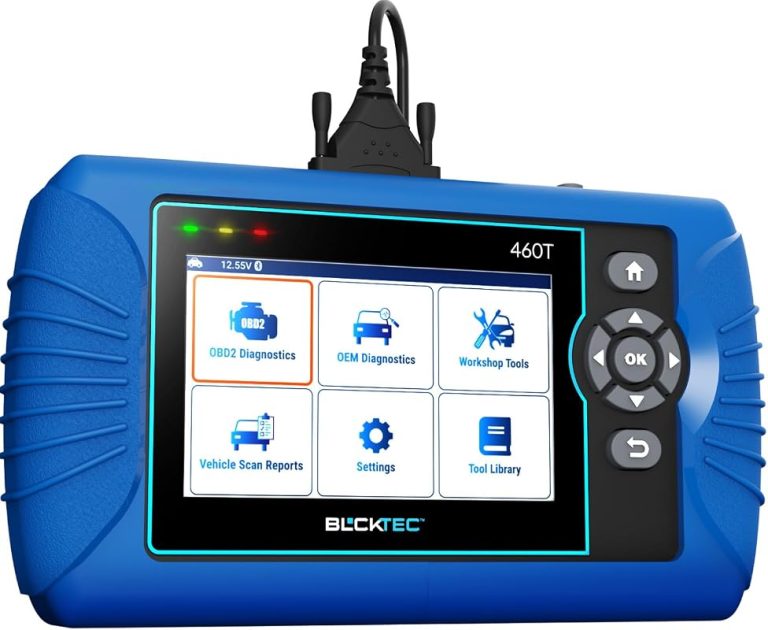
A traditional handheld scanner may offer simpler setup and fewer phone-related issues. A professional tablet usually provides broader coverage, better displays, repair information, and more advanced programming features, but costs much more.
Compare the total cost, not only the adapter price. Include subscriptions, update fees, required security access, and the functions you actually need. For occasional home repairs, TopScan may cover more tasks than a basic code reader. For daily shop use, confirm its vehicle coverage before replacing a professional platform.
Frequently asked questions
What does the TOPDON TopScan do?
You connect the TopScan to your vehicle’s OBD2 port and use the mobile app to read and clear diagnostic trouble codes, view live data, and check supported systems. Some vehicles also support active tests, which let you send commands to selected control modules.
Is the TopScan bidirectional?
Yes, supported models and vehicles can use bidirectional controls. These tests vary by vehicle and may include commands for components such as fans, lights, or fuel systems. Check vehicle coverage before relying on a specific test.
What is the difference between TopScan Lite and Pro?
| Feature | Lite | Pro |
|---|---|---|
| Basic code functions | Yes | Yes |
| Additional reset functions | Limited | More functions |
| Immobilizer functions | No | Supported on selected vehicles |
| Active tests | Vehicle-dependent | Broader coverage |
The Pro version adds functions such as window calibration, injector coding, TPMS reset, sunroof reset, and seat calibration on supported vehicles. You generally cannot upgrade a Lite license to Pro.
Do you need a separate scan tool?
You need a compatible smartphone and the TOPDON app. The dongle connects through Bluetooth, while your phone provides the display and controls.
Will it work with every vehicle?
No. Features depend on the vehicle’s make, model, year, software, and control modules. Confirm coverage in the app or TOPDON’s current compatibility information before purchase.
Conclusion
The TOPDON TopScan gives you a compact way to check vehicle systems through a smartphone or tablet. It can read and clear fault codes, show live data, perform standard OBD2 tests, and support bidirectional commands on compatible vehicles.
You should confirm vehicle coverage before buying. Features such as active tests, service resets, and FCA AutoAuth support can vary by model, region, app plan, and software version.
Best suited for:
- DIY users who want more than a basic code reader
- Technicians who need a portable backup scanner
- Vehicle owners who prefer phone-based diagnostics
The TopScan does not replace a professional scan platform for every repair. Its value depends on the functions available for your vehicle and whether the required subscription features fit your needs.



One Comment