Best TOPDON TopScan OBD2 Scanners: Lite vs Pro vs Master
Car trouble often starts with a warning light, but the dashboard may not explain the cause. An OBD2 scanner reads a vehicle’s onboard diagnostic system and can show fault codes, helping us understand whether an issue needs immediate attention or further testing.
The TOPDON TopScan is a compact scanner that connects to a phone or tablet through an app. It can offer more than basic code reading, depending on the version and subscription, including live data, code clearing, and selected service functions. When choosing an OBD2 scanner, we should check vehicle compatibility, supported functions, app costs, and ease of use before buying.
We compared the TopScan’s features, limitations, and value to determine whether it suits routine checks and home vehicle maintenance.
TOPDON TopScan Pro is the best starting point for most DIY buyers who want a compact Bluetooth scanner with deeper app-based diagnostics. Choose TopScan Lite for lower-cost basics, TopScan Master for stronger feature coverage, or a larger ArtiDiag/VeriDiag tool if you prefer a standalone screen.
- Best value: TOPDON TopScan Pro for app-based diagnostics and supported service functions.
- Best budget: TOPDON TopScan Lite for basic Bluetooth diagnostics.
- Best advanced option: TOPDON TopScan Master or an ArtiDiag tablet for broader coverage.
10 Best TOPDON TopScan OBD2 Scanners
We reviewed the best TOPDON TopScan OBD2 scanners for vehicle diagnostics, maintenance, and repair support. Our list compares key features, compatibility, ease of use, and overall value to help us choose the right scanner.
TOPDON TopScan Lite

We recommend the TOPDON TopScan Lite for DIY owners who want broad vehicle diagnostics and testing features, but buyers should plan for a subscription after the first year.
Pros
- Scans more than basic engine codes and supports full-system checks.
- Bi-directional tests can help us identify faulty components faster.
- Compact design works with both iOS and Android phones.
Cons
- Advanced features require a paid subscription after one year.
- App performance may feel slow during some tests.
- Vehicle support and functions can vary by make and model.
We connected the small scanner to a vehicle and used the app to read trouble codes, view live data, and check multiple control systems. The Bluetooth setup was simple, and the app made the results easier to follow than a basic code reader.
The bi-directional controls add useful value. We could send commands to supported components, such as fans, lights, windows, and the A/C clutch, without taking parts apart first. This feature can narrow down a fault, though we still need to confirm vehicle compatibility before relying on it.
TopScan also includes common service resets for oil, battery, electronic parking brakes, steering angle, and other systems. Its repair information and code guidance can help us understand a fault before starting repairs.
The main drawback involves the subscription. Core diagnostics remain available, but advanced functions such as bi-directional tests, service operations, and some live-data features require a paid plan after the included first year. We should also expect occasional delays while the app loads vehicle data.
At 28 grams, the scanner takes little space in a tool bag. With support for Android, iOS, CAN-FD, and many vehicle brands, it offers more coverage than a basic OBD2 reader, but we should check the exact functions for our vehicle before buying.
TOPDON TopScan Master
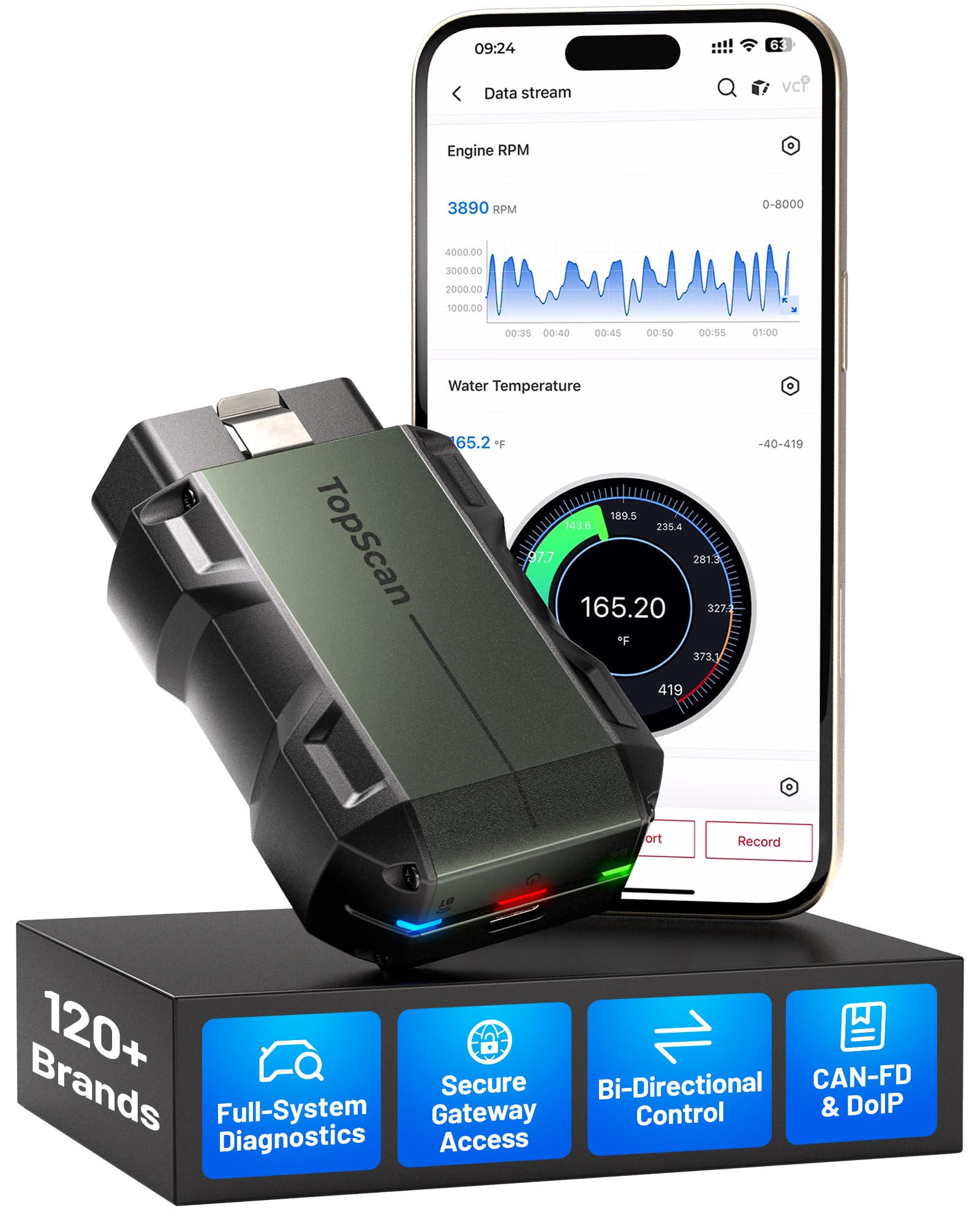
We recommend the TopScan Master for drivers and technicians who want broad system coverage, bidirectional tests, and service resets through a phone app.
Pros
- Covers many vehicle brands and newer CAN-FD and DoIP systems
- Performs full-system scans, active tests, and more than 30 service functions
- Works with both iOS and Android devices
Cons
- Some gateway functions may need an OEM account
- Updates after the first year require a paid renewal
- App and server access may be less convenient without a strong connection
We found the scanner quick to connect and easy to carry between vehicles. It reads more than engine codes, giving us access to systems such as ABS, transmission, air conditioning, and body modules.
The bidirectional controls add useful testing options. We could command parts such as lights, windows, injectors, and fuel pumps instead of relying only on stored fault codes. That can help narrow down a problem before removing parts.
The app also includes repair guides, wiring information, technical bulletins, and an AI-assisted fault-code tool. These features can help new users, though experienced technicians may still want to confirm results with factory information.
The first year of updates is included, while core code reading, clearing, and live-data functions remain available without renewal. We would check vehicle coverage and any needed gateway accounts before buying, especially for newer FCA, GM, BMW, or Land Rover models.
TOPDON TopScan Pro
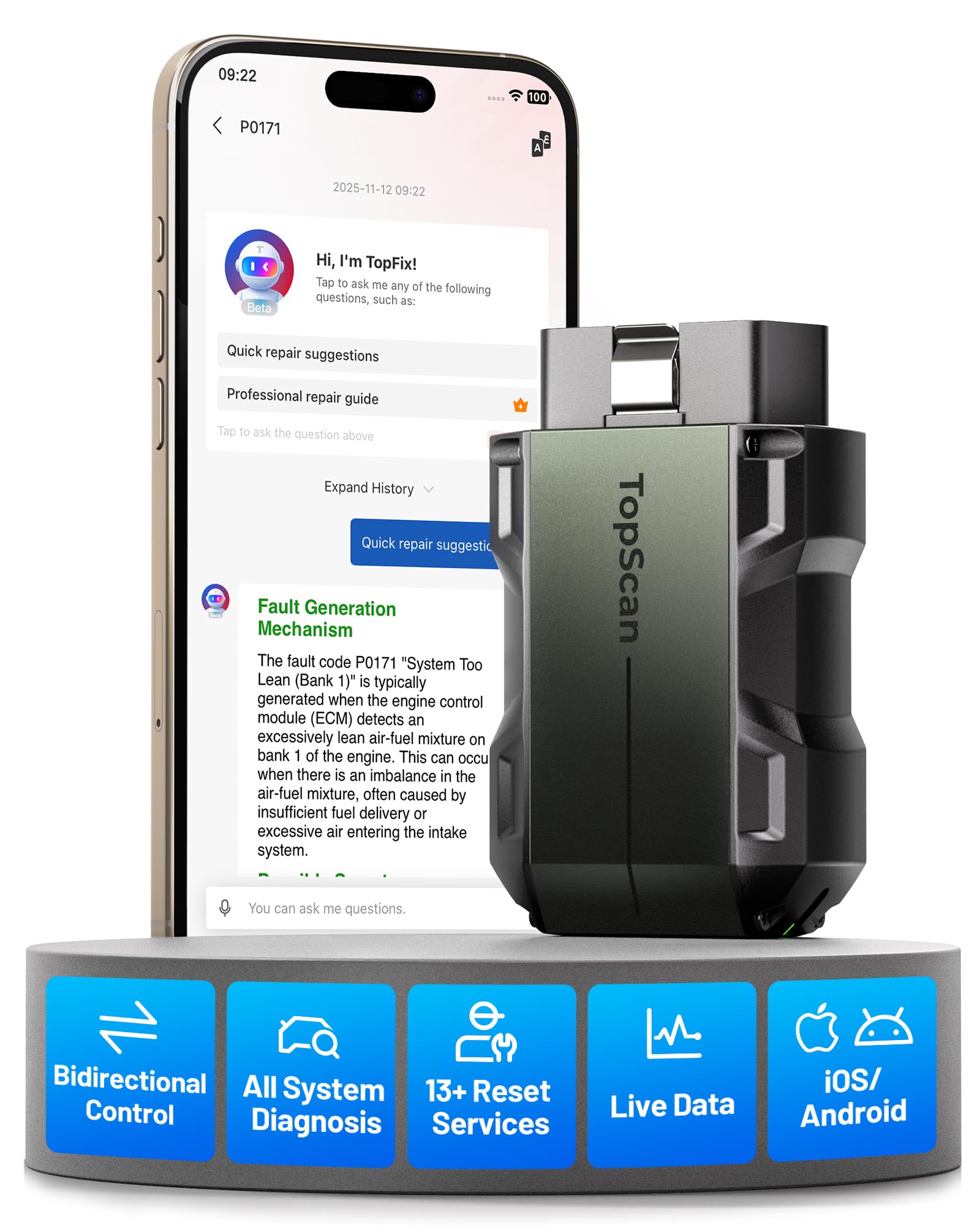
We recommend the TOPDON TopScan Pro for DIY users and technicians who want advanced vehicle testing through a phone app.
Pros
- Bi-directional tests help us check parts such as fans, pumps, injectors, and windows.
- Full-system scans, live data, and service resets go beyond basic code reading.
- The compact Bluetooth design connects with iPhone and Android devices.
Cons
- Advanced features require a paid subscription after the first year.
- Some procedures may vary by vehicle and need careful model matching.
- App navigation can occasionally feel slow or require repeated steps.
We connected the scanner through the app and found setup quick. It read fault codes, showed live data, and accessed systems beyond the engine, including ABS and airbag modules. The small adapter also fit easily in a glove box.
The active tests make this tool more useful than a basic OBD2 reader. We could command certain components to operate, which helped narrow down faults before removing parts. Available tests depend on the vehicle, so we would check compatibility before buying.
Service functions cover common jobs such as oil, battery, electronic parking brake, steering angle, and diesel particulate filter resets. The repair guides and code information also helped us understand likely causes instead of relying on a code alone.
Core diagnostics remain available without an ongoing fee, but advanced functions require renewal after the included year. We would choose this scanner for broad coverage and deeper testing, while occasional users may prefer a simpler reader.
TOPDON AD900 Lite OBD2 Scanner

We recommend this scanner for DIY users and small shops that need full-system testing, active controls, and several reset functions without paying professional-shop prices.
Pros
- Bidirectional tests help us check parts such as windows, fans, pumps, and wipers.
- Full-system scans, live data, and eight service resets cover common repair tasks.
- The wireless connection, large screen, and 10,000mAh battery make shop work easier.
Cons
- Software updates can take a while and require regular internet access.
- Bidirectional functions vary by vehicle and do not test every component.
- Warranty support may depend on which TOPDON service department handles the purchase.
We found the AD900 Lite easy to connect through its Bluetooth VCI. The 8-inch display gave us enough room to read codes and compare live data without constantly switching screens.
Its strongest feature is active testing. We could send commands to supported vehicle systems instead of only reading stored fault codes. Coverage depends on the car, so we checked compatibility before relying on a specific test.
The scanner also handles engine, transmission, ABS, airbag, TPMS, and other available modules. Oil, throttle, EPB, steering angle, DPF, battery, ABS bleeding, and airbag reset functions add useful value for routine maintenance.
Updates improve coverage but may take time, especially when several vehicle brands need new files. We also recommend confirming warranty terms and support coverage before buying through Amazon.
With a 4.3-star rating from nearly 4,000 customer ratings, the AD900 Lite suits serious home mechanics and smaller repair businesses. We would choose it for broad diagnostics and active tests, while users who only need basic code reading can spend less.
TOPDON TopScan Moto Motorcycle Scanner

We recommend the TOPDON TopScan Moto for riders who want wireless motorcycle diagnostics, bidirectional tests, and service resets through a phone.
Pros
- Tests several motorcycle systems, including engine, ABS, and smart key
- Supports many major brands and offers useful reset functions
- Compact design makes it easy to carry and use on the road
Cons
- Motorcycle software requires renewal after the first year
- Some adapters for non-OBD2 motorcycles cost extra
- Bluetooth connections may drop on certain bikes
We found the scanner useful for reading and clearing fault codes, checking live data, and resetting service indicators. Its active tests can help us narrow down whether a problem comes from a component or its control system.
The phone connection keeps the tool small and portable. We had to spend some time learning the app, though, because the instructions were not always clear. A few users also reported connection problems with BMW motorcycles.
Coverage includes BMW, Harley-Davidson, Ducati, Kawasaki, Suzuki, Yamaha, and Honda. Bikes with non-OBD2 ports need a separate adapter, so we would check compatibility before ordering.
The first year of motorcycle software access comes with the tool. After that, each full brand package costs $99.99 to renew. This ongoing fee makes the scanner a better fit for riders who expect to use its advanced features more than once.
TOPDON AD800BT 2 Scanner

We recommend this scanner for advanced DIY users and small shops that need broad system access, service resets, and basic bidirectional testing.
Pros
- Tests more than engine codes, including ABS, airbag, battery, and other available systems
- Offers 28 service functions and bidirectional controls on supported vehicles
- Includes wireless connection, AutoVIN, a case, and two years of free updates
Cons
- Features and vehicle coverage vary by make, model, and year
- AutoVIN may not work on every vehicle
- The setup and software updates can take time
We found the AD800BT 2 more capable than a basic code reader. It can read and clear codes across several vehicle systems, show live data, and display freeze-frame information. The 6-inch screen made menus and graphs easy to view during testing.
The bidirectional controls add useful testing options. On supported vehicles, we could command parts such as lights, locks, windows, wipers, and other actuators instead of only reading stored faults. This can help narrow down a problem before replacing parts, although coverage depends on the vehicle.
Service functions include oil, electronic parking brake, steering angle, battery, tire pressure, and diesel particulate filter resets. The tool also supports injector coding, ABS bleeding, throttle matching, and other procedures. Menus differ by vehicle, so we would check coverage before buying for a specific repair.
The Bluetooth adapter kept the tablet free from a cable during testing, with a stated range of up to 33 feet. AutoVIN worked on some vehicles but required manual entry on others. Updates are free for two years, while FCA gateway access may require AutoAuth and a separate account.
At 4.4 stars from 870 ratings, the scanner has strong overall buyer feedback. We see it as a good fit for users who have outgrown inexpensive readers but do not need a full professional shop platform.
TOPDON AD600S OBD2 Scanner

We recommend the TOPDON AD600S for DIY mechanics who want more than basic engine-code reading and need several service reset tools.
Pros
- We found the touchscreen quick and simple to navigate.
- It offers useful functions such as ABS bleeding, BMS reset, DPF reset, and injector coding.
- Free updates and broad vehicle coverage add long-term value.
Cons
- Some functions may not work on every vehicle.
- Auto VIN does not support all cars.
- It does not work with 5G networks.
During testing, we could scan the engine, transmission, ABS, and SRS systems instead of checking only emissions codes. The automatic VIN feature made setup faster, although we still needed to enter vehicle details on some models.
The 5-inch touchscreen was easy to read in a dim garage. We also liked the live-data display, which can show values as text or in combined graphs. Saving and sharing reports helped us review problems later.
The nine reset services give this scanner a wider role in routine repairs. Still, coverage varies by make, model, and year, so we would confirm support before buying it for a specific repair. Overall, the AD600S suits home garages that want advanced service functions without a separate software fee.
TOPDON AD800BT V2.0 Scanner
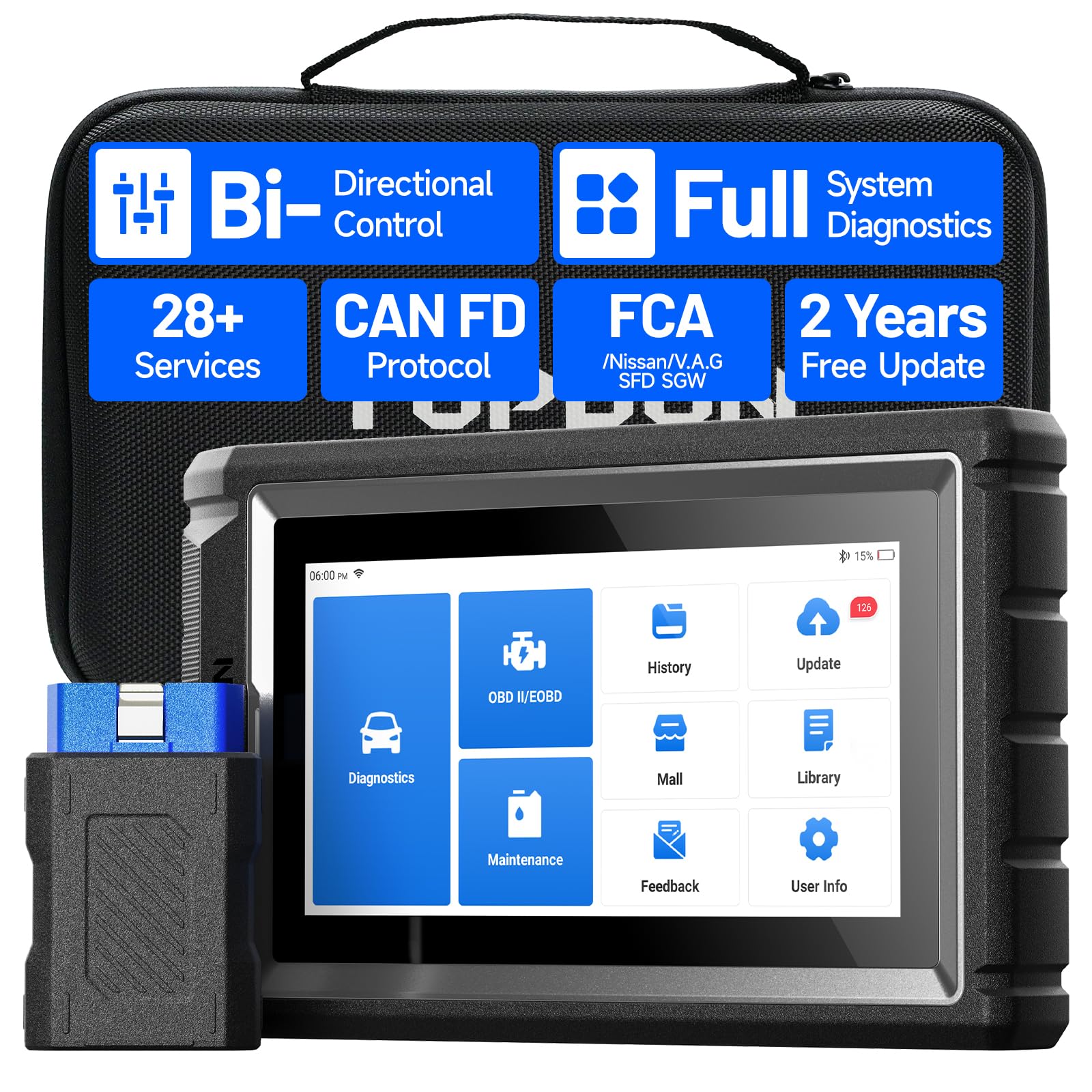
We recommend this scanner for serious DIY users and small repair shops that need bidirectional tests, broad system coverage, and guided service functions.
Pros
- Bidirectional controls help us test relays, solenoids, actuators, and other parts.
- Full-system scans provide live data, freeze-frame details, and graph views.
- Wireless use, AutoVIN, and two years of free updates make daily work easier.
Cons
- Bluetooth connections may drop for some users.
- Advanced functions require careful vehicle and procedure selection.
- The price may be high for basic code reading.
During testing, the AD800BT V2.0 gave us much more information than a basic code reader. We could scan systems such as the engine, transmission, ABS, airbag, TPMS, and battery system from one device.
The bidirectional controls stood out. We could command certain vehicle components instead of only reading stored faults. This helped us narrow down problems faster, although results depend on the vehicle and the function supported.
We also found the service menu useful for tasks such as oil, battery, steering angle, electronic parking brake, and diesel particulate filter resets. The six-inch screen showed live data clearly, while the graph view helped us compare sensor readings.
Wireless operation kept us from working beside the driver’s seat, and AutoVIN reduced setup time on compatible vehicles. Some users report connection problems, so we would check the Bluetooth link before starting a longer test.
TOPDON includes two years of software updates, FCA AutoAuth support, CAN FD coverage for newer GM vehicles, and support for multiple languages. We would choose it for advanced home repairs or shop use, but a simpler scanner may suit drivers who only need to clear occasional engine codes.
TOPDON VeriDiag X800 BT
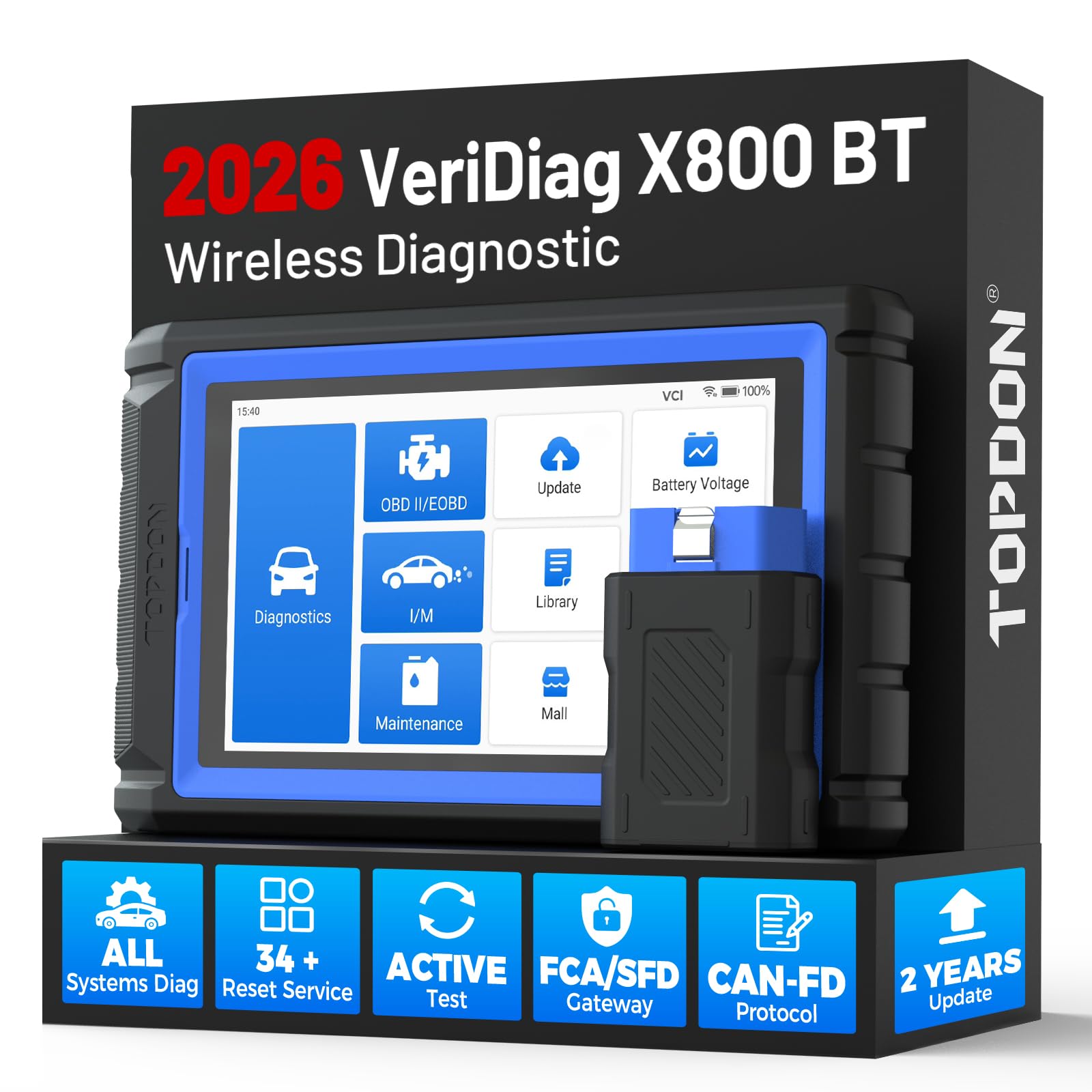
We recommend the TOPDON VeriDiag X800 BT for DIY users and small shops that need full-system scans, service resets, and bidirectional testing in one tool.
Pros
- Scans more vehicle systems than basic code readers
- Includes 34 service reset functions and live data tools
- Wireless Bluetooth connection and a clear 6-inch display
Cons
- Some functions may require extra fees or subscriptions
- Features vary by vehicle make, model, and year
- Component tests may not work consistently on every vehicle
We found setup straightforward, and the wireless connection made it easier to move around the car while testing. The touchscreen responded well, and the tablet-style design felt faster and more capable than a small plug-in scanner.
The X800 BT can read and clear codes across systems such as the engine, transmission, ABS, airbag, and body modules. Live data, freeze frames, AutoVIN, and full-system scans helped us look beyond a basic warning-light diagnosis.
Its service menu adds useful functions for oil, battery, steering angle, brakes, diesel particulate filters, throttle adaptation, and other systems. We would still check TOPDON’s compatibility list before buying because available menus depend heavily on the vehicle.
Bidirectional tests provide another useful step by letting us command certain components, such as windows, mirrors, wipers, and injectors. In our testing experience, this feature can help narrow down a fault, but it should not replace careful electrical and mechanical checks.
The scanner supports modern CAN-FD vehicles and offers two years of free updates. Some secure gateway access and advanced functions may cost extra, so buyers should confirm the needed coverage for their vehicles first.
TOPDON AD500 OBD2 Scanner
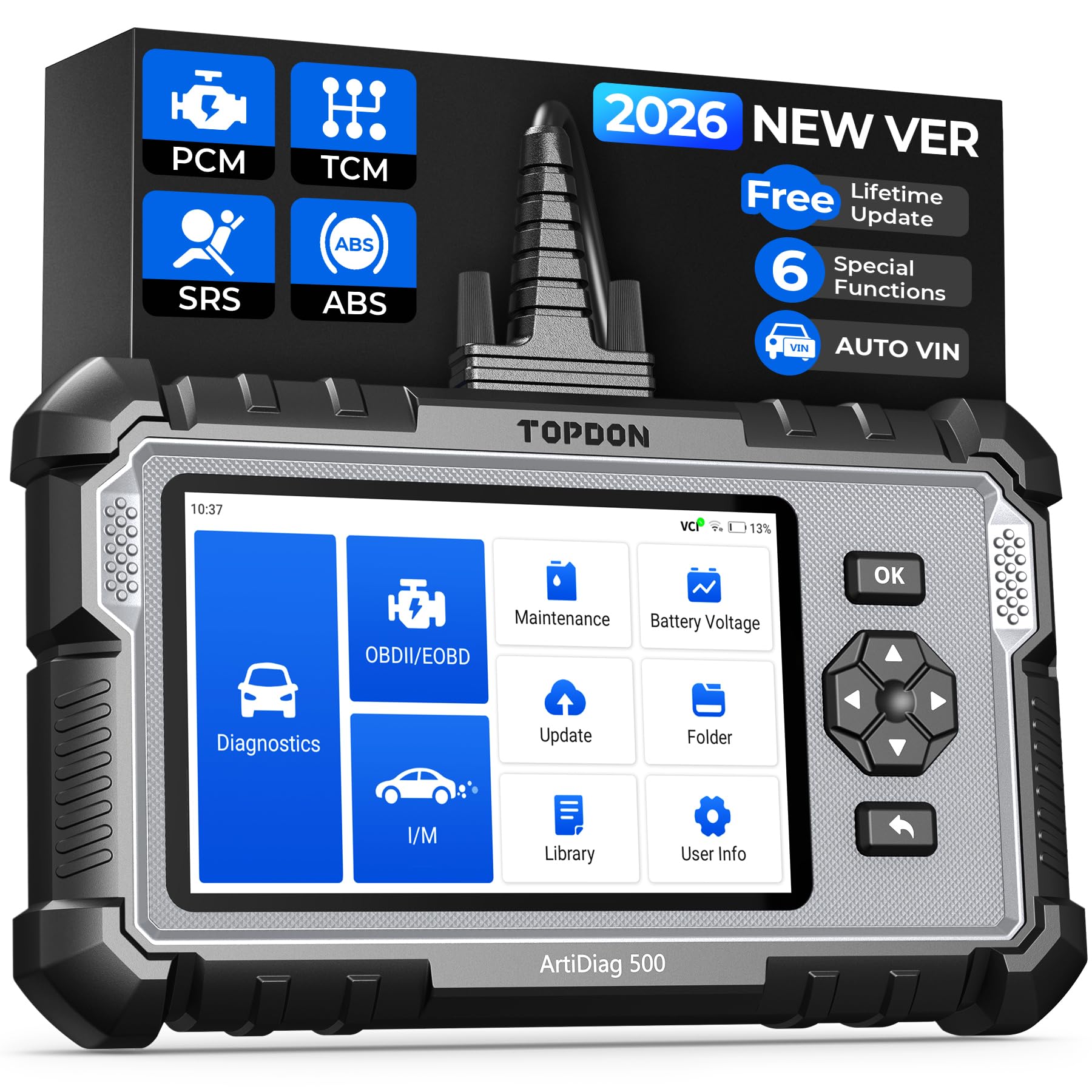
We recommend the TOPDON AD500 for DIY users who need more than basic engine-code scans, especially for ABS, SRS, transmission, and common service resets.
Pros
- Scans four major vehicle systems, not just the engine
- Includes useful resets for oil, battery, brakes, steering, and throttle
- Clear touchscreen, physical buttons, and live-data charts
Cons
- Initial setup and updates require Wi-Fi and an account
- Some users report slow startup or vehicle recognition
- Coverage and functions can vary by vehicle
We found the AD500 easy to navigate after setup. Its Smart AutoVIN feature helped identify the vehicle, while the touchscreen and buttons made it simple to move through menus. Live data charts also made changing sensor readings easier to follow.
The scanner goes beyond basic check-engine codes. We could check engine, transmission, ABS, and SRS systems, then use service functions such as oil, battery, EPB, TPMS, SAS, and throttle resets. These tools can help us handle routine jobs without visiting a shop for every warning light.
Updates worked through Wi-Fi, and the scanner supports many vehicle brands, including newer models with CAN FD. However, the first setup may take time, and some owners reported connection problems or trouble using the tool offline after an update.
At 4.4 stars from more than 1,800 ratings, the AD500 has strong overall feedback. We would choose it for home repairs and regular vehicle checks, but we would confirm vehicle coverage before buying, especially for advanced reset functions.
Buying Guide
We should match the scanner to the vehicles we plan to test. Check its vehicle coverage, supported model years, and compatibility with the required OBD2 protocols before buying.
Key features to compare include:
- Diagnostic functions: Look for engine, transmission, ABS, airbag, and other system scans if we need more than basic code reading.
- Service resets: Check for oil, battery, electronic parking brake, steering angle, and other reset functions.
- Live data: Graphs, sensor readings, and freeze-frame data can help us identify problems more accurately.
- Connection type: Bluetooth models work with a phone or tablet, while handheld units include a built-in screen.
- App or software support: Review device compatibility, update methods, included features, and any subscription costs.
- Ease of use: A clear interface, simple menus, and useful code descriptions make diagnosis easier.
- Reports and sharing: We may prefer a scanner that can save or export diagnostic reports.
| Feature | What we should check |
|---|---|
| Vehicle coverage | Supported makes, models, years, and systems |
| Diagnostic depth | Basic codes or full-system scans |
| Advanced functions | Available resets and active tests |
| Updates | Cost, frequency, and update process |
| Device support | Phone, tablet, or standalone use |
We should also check the warranty, customer support, return policy, and required operating system. A lower purchase price may not provide the best value if important functions require extra fees.
Editor’s picks
We recommend the TOPDON TopScan for drivers who want more than basic code reading without carrying a full-size scan tool. Its Bluetooth connection works with a phone app, making it easy to check diagnostic codes, view live data, and clear some warnings.
| Best for | Why we picked it |
|---|---|
| Everyday vehicle checks | Quick access to fault codes and vehicle data |
| DIY maintenance | Useful live-data readings and service functions |
| New scan-tool users | App-based controls with a simple layout |
| Frequent travelers | Compact design fits easily in a glove box |
We find the TopScan most useful for routine checks before visiting a repair shop. It can help us understand a warning light, but it does not replace a professional diagnosis or confirm that a repair will solve the problem.
Before buying, we check vehicle compatibility and review the app’s subscription terms. Some advanced functions may depend on the vehicle model, region, or an active plan.
Frequently asked questions
What is the TOPDON TopScan?
We use the TOPDON TopScan as a Bluetooth OBD2 scanner that connects to a smartphone or tablet. It can read and clear many trouble codes, display live data, and support selected service functions through the TOPDON app.
Will it work with every vehicle?
The TopScan supports most vehicles that use the standard OBD2 system, generally from model year 1996 in the United States. We should check TOPDON’s vehicle coverage list because advanced functions vary by make, model, year, and region.
Does it clear the check engine light?
We can clear emissions-related fault codes after diagnosing the problem. The light may return if the underlying fault remains, and clearing codes does not repair the vehicle.
Does it require a subscription?
Basic scanning features may be available without a paid plan, while some advanced tests and service functions can require a subscription. We should review the current app pricing before buying.
Can beginners use it?
We find the TopScan suitable for basic checks when users follow the app instructions. Technical terms and advanced functions may still require repair knowledge.
What devices does it support?
We should confirm compatibility before purchase. The scanner connects through the TOPDON app on supported Android or iOS devices, using the vehicle’s OBD2 port and the device’s Bluetooth connection.
Conclusion
We find the TOPDON TopScan a practical choice for drivers and home mechanics who want more than basic code reading. Its compact design, mobile app, and access to live data make common diagnostic tasks easier to manage.
We should still check vehicle compatibility before buying. Some advanced functions may require a paid subscription, and feature access can vary by vehicle make, model, and year.
For routine checks, warning-light diagnosis, and basic service tasks, the TopScan offers useful tools in a small package. Professional repair shops may need a more advanced scanner with wider system coverage and stronger testing features.




4 Comments