What Can You Do with OBDLink Mx Beyond Reading Codes
The OBDLink MX reads codes, streams live sensor data, checks emissions readiness, and monitors battery voltage from your phone. It cannot program modules, test batteries under load, or replace physical shop tools.
If you are asking what can you do with obdlink mx beyond pulling engine codes, the practical answer is: monitor live sensors, check emissions readiness, watch battery voltage, and prepare for state inspections. This Bluetooth OBD2 adapter turns your phone into a capable diagnostic window. Knowing its real limits matters just as much as knowing its features.
- Core functions: Read and clear engine codes, view live sensor data, check emissions readiness, and monitor.
- Compatibility: Supports MS-CAN and SW-CAN protocols for many Ford, Mazda, Lincoln, and Mercury vehicles; verify.
- Real limits: Cannot program keys, flash the ECU, perform TPMS relearns, or judge battery health under.
- Safe use: Pair in a private setting, review app permissions, and never scroll live data while.
- Ownership: No subscription for core app functions; store the adapter dry and unplug it if.
What Can You Do with an OBDLink MX? The Short Answer
Diagnostic scans, live data, emissions checks, and battery voltage from your phone
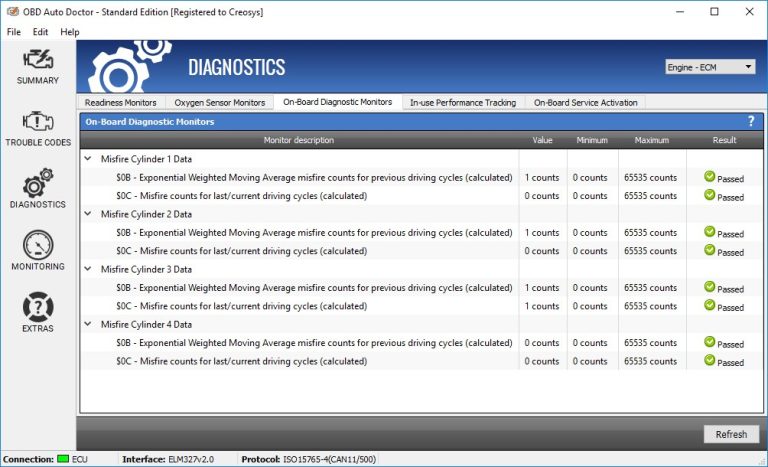
The OBDLink MX reads and clears engine diagnostic trouble codes through the official OBDLink app. It also displays live sensor data such as coolant temperature, engine RPM, fuel trims, and oxygen sensor readings in real time.
Emissions readiness monitors can be checked before a state inspection. Battery voltage is visible through the OBD2 port, which helps spot charging problems early. The adapter connects over Bluetooth, so no laptop or dedicated scanner screen is needed.
What it won’t do: honest limits of a phone-based OBD2 adapter
An OBDLink MX cannot program new keys, flash the ECU, or perform dealer-level module coding. It will not tell you if a tire has a slow leak or measure brake pad thickness. It reads what the engine and emissions computers report, nothing more.
It also cannot perform physical tests like compression checks, fuel pressure tests, or smoke tests. Those jobs still need shop equipment or a professional technician.
OBDLink MX Compatibility: Protocols, Model Years, and the OBD2 Port
Protocol coverage that matters: SW-CAN, MS-CAN, and standard OBD2
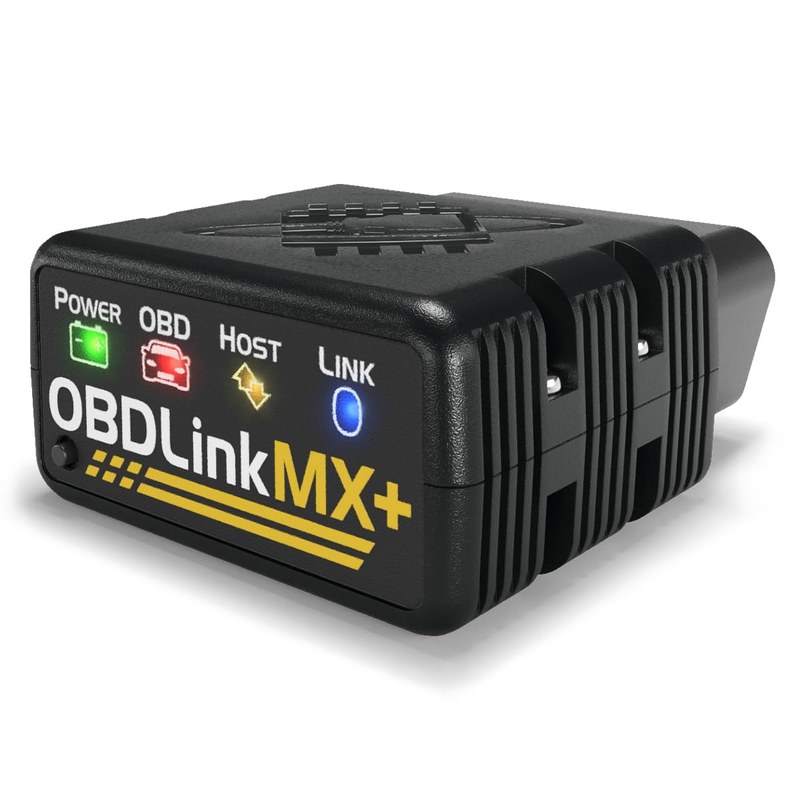
Most cheap OBD2 adapters read standard protocols but miss two important ones: SW-CAN and MS-CAN. These are used by many Ford, Mazda, Lincoln, and Mercury vehicles for body and module communication. The OBDLink MX family supports both, which is why DIY owners choose it over generic ELM327 adapters.
Check: Verify your exact make, model, year, trim, and engine before buying. The OBD2 port must be reachable under the dashboard. Limitations: Pre-OBD2 vehicles and some heavy-duty trucks may not communicate with a standard OBD2 adapter.
Model-year and powertrain coverage: 1996+ gas, 2003+ diesel, hybrids, and EVs
In the US, gasoline vehicles from 1996 onward must support OBD2. Light-duty diesel trucks generally followed around 2003 to 2004. Hybrids and many EVs also expose OBD2 data, though the available sensors differ from gas models. Coverage varies by manufacturer, so check the OBDLink compatibility page for your vehicle.
Port location, ignition mode, and why key position changes live data
The OBD2 port is usually under the driver’s side dashboard near the steering column. Some vehicles hide it behind a panel or fuse box cover. The ignition must be in the “on” position before the adapter powers up.
With the engine running, live data becomes available. With the key in the accessory position, you may only see battery voltage and a few modules. Understanding this difference prevents confusion during diagnosis.
Beyond Codes: Live Data, Emissions Readiness, and Resets That Work
Reading and clearing diagnostic trouble codes without causing new problems
Reading codes is the most common use, but how you clear them matters. Always record the code, freeze-frame data, and symptoms before clearing. Clearing a code without fixing the root cause just hides the problem and can leave emissions monitors incomplete.
Live sensor data: fuel trims, O2 sensors, coolant temperature, and commanded vs. actual values
Live data is where the OBDLink MX earns its keep. You can watch short-term and long-term fuel trims, oxygen sensor switching, coolant temperature, engine load, and intake air temperature in real time. Comparing commanded values against actual values can reveal failing components that have not triggered a code yet.
For example, if long-term fuel trim stays above 10 percent, the engine may be running lean due to a vacuum leak or weak fuel pump. A scanner alone cannot fix it, but it gives you a clear starting point.
Emissions readiness monitors and state inspection preparation
Most states require emissions readiness monitors to show “complete” before passing an inspection. The OBDLink app displays the status of each monitor, including catalytic converter, oxygen sensor, and evaporative system checks. If a monitor is incomplete, you may need to complete a specific drive cycle before retesting.
If you see a readiness monitor incomplete message, the vehicle may not pass inspection even with no active codes. Knowing this before you arrive at the test station saves time and money.
Reset limitations: oil life, battery registration, and adaptive-learning resets
The OBDLink MX can clear some service lights, but not all. Oil life resets depend on the vehicle. Some cars reset through a dashboard button sequence; others need a proprietary scan tool. Battery registration on many European vehicles requires a dealer-level tool.
Adaptive transmission or throttle learning resets vary by manufacturer. If the app does not offer the function, assume the vehicle needs a professional tool.
Battery and Electrical System Monitoring Through the OBD2 Port
System voltage, alternator output, and parasitic-draw clues
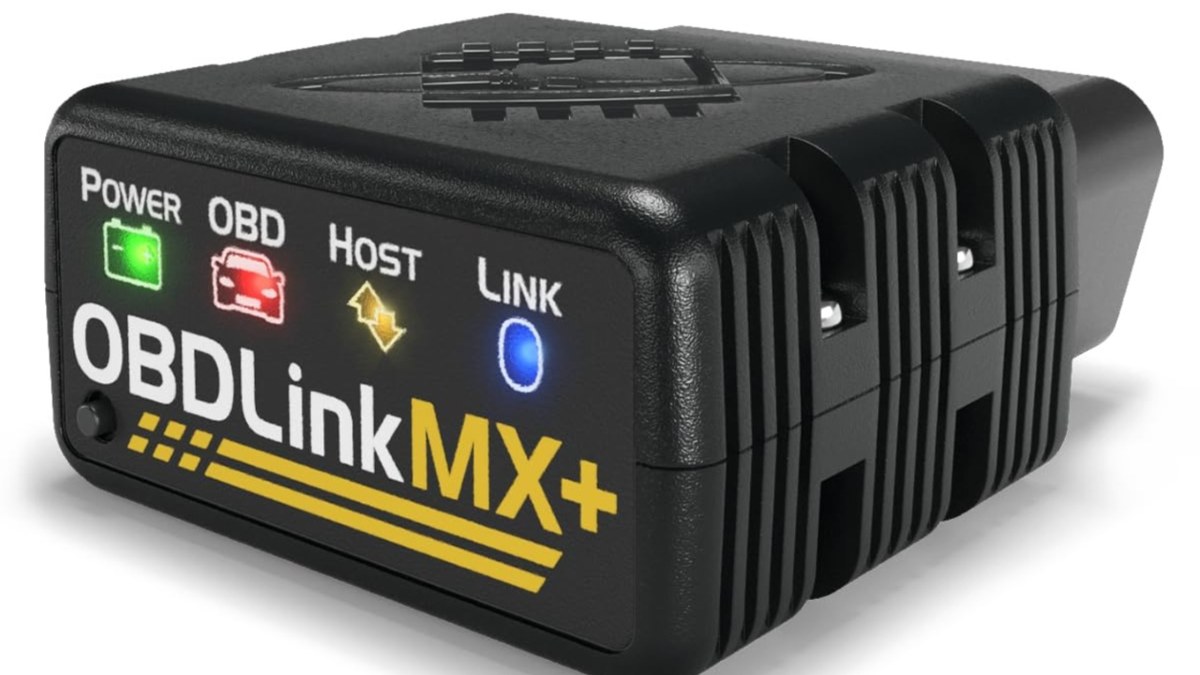
The OBDLink MX reads system voltage from the OBD2 port. With the engine off, you can check resting battery voltage. With the engine running, voltage should climb to roughly 13.5 to 14.5 volts, which confirms the alternator is charging.
Voltage readings can also offer clues about a parasitic draw. If the battery drains overnight but voltage looks fine when you first connect, the draw may appear only after modules go to sleep. That requires a multimeter and patience, not just a scanner.
State of charge vs. battery health: lead-acid, AGM, and lithium limits
Voltage gives you state of charge, not overall battery health. A battery can show 12.6 volts at rest and still fail under load. The OBDLink MX cannot perform a conductance test, which is what battery testers use to judge cranking capacity. For lead-acid and AGM batteries, a proper load test is the reliable method.
Safe connection order, damaged-battery stop conditions, and hybrid/EV cautions
When using any diagnostic tool near a battery, follow the vehicle manual’s connection order. If the battery case is swollen, cracked, or leaking, stop and call a professional. Do not connect diagnostic tools to a damaged battery.
TPMS, Tires, and Roadside Emergencies: Practical Limits of a Phone-Scanning Kit
Reading TPMS data through OBD2: vehicle- and app-dependent results
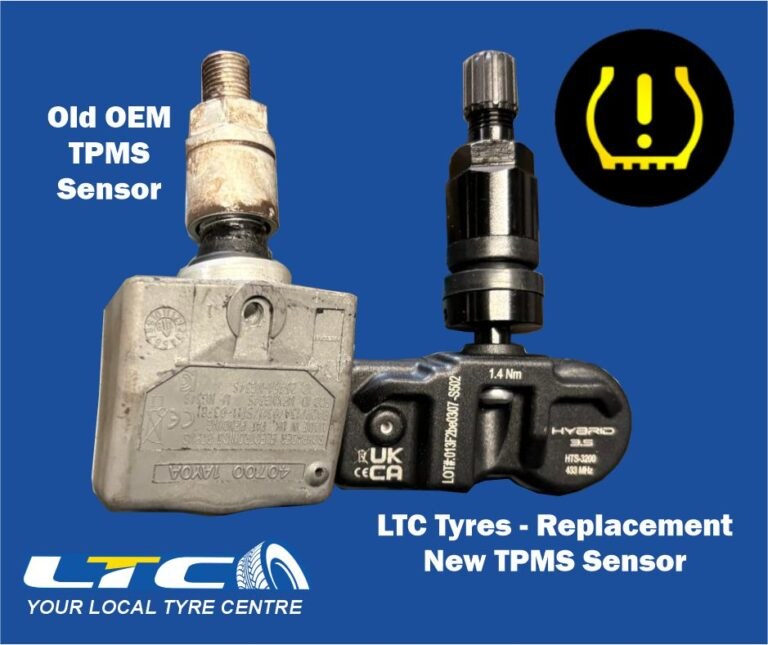
Some vehicles broadcast tire pressure data over the OBD2 bus, and the OBDLink app may display individual tire pressures. But this is not universal. Many vehicles only report a warning light, not actual pressures, through OBD2. If your car does not send TPMS data to the port, a handheld TPMS tool or the dashboard display is the better source.
Door-jamb placard, cold pressure, gauge accuracy, and TPMS relearn limits
Always use the pressure listed on the driver’s door-jamb placard, not the number molded into the tire sidewall. Check pressures when tires are cold. The OBDLink MX does not include a tire gauge, so keep a separate accurate gauge in the vehicle. After rotating tires or replacing sensors, many vehicles require a TPMS relearn procedure that the OBDLink MX cannot perform.
Puncture location, temporary-repair limits, and professional-repair thresholds
If you find a nail in a tire, the OBDLink MX cannot tell you if the tire is repairable. Puncture location matters. The repairable zone is roughly the center tread area, away from the sidewall and shoulder. Sidewall damage usually means replacement.
If you have a nail in your tire, drive slowly to a shop if the tire holds air. Do not attempt a plug in a puncture larger than about a quarter-inch or in a damaged sidewall.
Safe roadside location, traffic visibility, and storing the adapter and emergency gear
If you are using the OBDLink MX at the roadside, park far from traffic, turn on hazard lights, and wear a reflective vest if you have one. The adapter is small, so store it in the glove box with the rest of your emergency kit.
Inflator duty cycle, jump-pack current limits, and post-use inspection
The OBDLink MX does not inflate tires or jump-start batteries. If you carry a portable tire inflator or jump pack, check its duty cycle before use. Many inflators need a cool-down period after several minutes of running. After any roadside emergency, inspect your tools for damage, recharge the jump pack, and confirm the inflator hose has no cracks.
OBDLink MX vs. OBDLink CX vs. BlueDriver vs. Generic ELM327
Side-by-side comparison: connection type, protocol support, app ecosystem, and price
| Option | Best for | Owner consideration | Driver consideration |
|---|---|---|---|
| OBDLink MX | DIY owners who want MS-CAN and SW-CAN support | Mid-range price; official OBDLink app included | Compact size; low risk of interfering with pedals |
| OBDLink CX | Buyers who want the newer OBDLink model | Similar app ecosystem; check current features | Same compact form factor |
| BlueDriver | Owners who want repair reports with less live-data depth | Subscription-free app with code lookup | Larger adapter body in some vehicles |
| Generic ELM327 | Budget buyers with standard OBD2 vehicles only | Low price; unreliable MS-CAN and SW-CAN support | Variable build quality and app compatibility |
For a deeper look at the newer model, see our OBDLink CX vs. MX comparison.
Which adapter fits which driver: DIY owner, fleet manager, single-car commuter, or tuning enthusiast
The OBDLink MX suits the DIY owner who wants live data and emissions readiness without paying dealer prices. Fleet managers may prefer a tool with fleet reporting, which the OBDLink app does not offer in the same way as commercial telematics.
Single-car commuters who just need to read a check-engine light might be fine with a cheaper adapter. Tuning enthusiasts who need bidirectional controls, data logging, and module coding should look at professional-grade tools instead.
Setup, Firmware, App Permissions, and Adapter Maintenance
First-time pairing, ignition timing, and firmware update checks
Pairing the OBDLink MX takes about a minute. Plug the adapter into the OBD2 port, turn the ignition to the “on” position, open the OBDLink app, and follow the pairing prompts. Check for firmware updates in the app settings before first use. For a full walkthrough, see our guide on how to use the OBDLink MX.
App permissions, Bluetooth security, and connected-vehicle data privacy
The OBDLink app requests Bluetooth access and may request location access for certain features. Review the permissions before granting them. Bluetooth pairing should be done in a private setting, not in a crowded parking lot where someone could pair to your adapter.
Adapter storage, OBD pin care, and long-term maintenance
Store the adapter in a dry place when not in use. The OBD2 connector pins can bend if the adapter is forced into the port at an angle. Inspect the pins occasionally for corrosion, especially in humid climates.
If you plan to keep the adapter installed, read about leaving the OBDLink MX plugged in before deciding. Some vehicles draw power from the OBD2 port even when the ignition is off.
Ownership Cost, Warranty, and Legal Considerations
Upfront cost vs. dealership diagnostic fees over time
The OBDLink MX costs more than a generic adapter but far less than a single dealership diagnostic visit. One or two self-diagnosed repairs can cover the purchase price. The official OBDLink app does not require a subscription for core diagnostic functions.
Warranty, support, and firmware commitments
OBDLink provides a limited warranty on its adapters. Check the current warranty length and terms before purchase. Firmware updates are released periodically, and the adapter should remain updatable through the app as long as the manufacturer supports it. Buying from an authorized retailer protects your warranty coverage.
State-by-state legal variation: right-to-repair, privacy, and using apps while driving
Laws around vehicle data access and right-to-repair vary by state. Some states have passed right-to-repair laws that require manufacturers to share diagnostic data with independent shops and owners. Others have not.
Limitations: When the OBDLink MX Isn’t Enough
How we evaluated: criteria and evidence limits
This guide is based on OBDLink’s published specifications, the official OBDLink app documentation, and common owner-reported patterns. CarValleyNJ did not perform independent lab testing on the OBDLink MX for this article. Verify current specifications and compatibility with the manufacturer before buying.
When diagnosis needs a professional: physical inspections, pressure tests, and scope checks
A scanner cannot see a torn CV boot, hear a failing wheel bearing, or measure fuel pressure. Intermittent problems often require a professional with a lab scope and pressure gauges. If the OBDLink MX shows no codes but the symptom persists, stop guessing and get a hands-on inspection.
Coding, module programming, and security-gate limitations
Many modern vehicles use security gates that block aftermarket adapters from programming modules. Key programming, ECU flashing, and module replacement coding usually require dealer-level software or a professional scan tool. The OBDLink MX is a diagnostic window, not a programming tool.
Drawbacks, ideal user, and next steps
The main drawbacks are the learning curve, the limits on module communication, and the need for a separate tire gauge and battery tester. The ideal user is a US driver who wants to understand check-engine codes, monitor live data, and prepare for emissions inspections without paying dealer prices.
Your next step is to confirm compatibility with your exact vehicle, download the official OBDLink app, and start with a simple code read while parked.
- Best for: DIY owners and commuters who want live data, emissions readiness, and battery voltage checks from their phone.
- Think twice if: You need module coding, key programming, or professional bidirectional controls.
- Next step: Verify your vehicle’s OBD2 protocol compatibility and check the current OBDLink MX model and warranty.
Frequently Asked Questions
Most 1996 and newer gasoline vehicles in the US support OBD2 and should work with the OBDLink MX. Diesels generally follow from 2003 onward. Confirm your exact make, model, and year on the OBDLink compatibility page before buying.
The official OBDLink app does not require a subscription for core functions like reading codes, live data, and emissions readiness. Some enhanced manufacturer-specific features may need additional purchases depending on the app version.
Standard OBD2 adapters focus on engine and emissions systems. ABS and airbag codes often require enhanced diagnostics that may not be available through the OBDLink MX on every vehicle. Check the app’s enhanced diagnostics list for your specific car.
Some vehicles keep power on the OBD2 port even when the ignition is off, which can drain the battery over time. If you park for long periods, unplug the adapter when not in use.
No. The OBDLink MX is a diagnostic adapter, not a programming tool. Key programming, ECU flashing, and module coding require dealer-level equipment or a professional scan tool.
Distracted-driving laws vary by state. Using a phone app while driving may be illegal where you live. Pull over safely before reading or clearing codes.