9 Best OBD2 Scanners for Honda Buying Guide
Compare best obd2 scanner for Honda for safety, compatibility, installation, useful features, and value. Read the guide to find the right choice for your car.
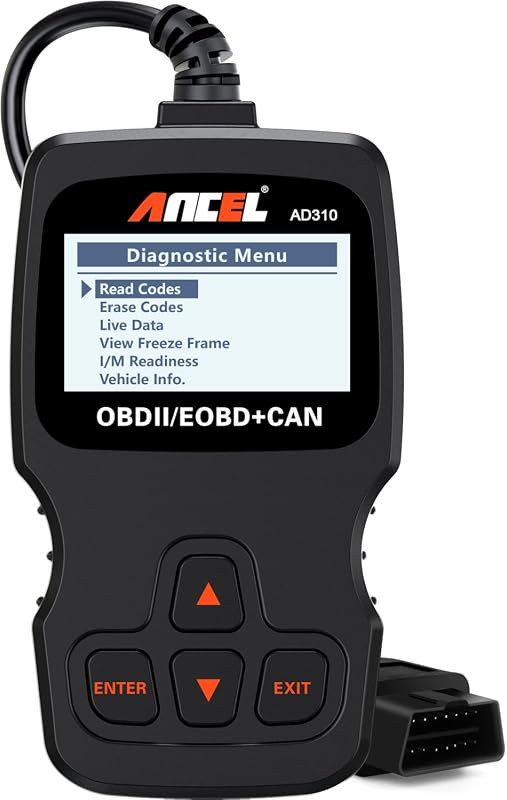
Compare best obd2 scanner for Honda for safety, compatibility, installation, useful features, and value. Read the guide to find the right choice for your car.
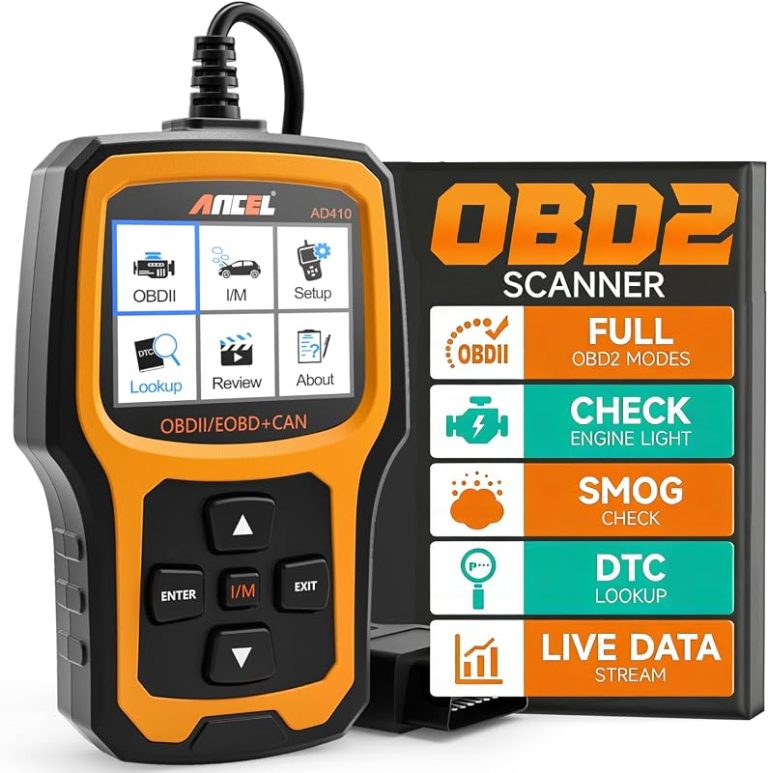
Find the best obd2 scanner for Toyota with 8 compared picks for code reading, live data, and Toyota-focused diagnostics. Compare features before you buy.

Read this Innova 5610 OBD2 review for verified features, vehicle fit, safe use, setup needs, ownership costs, and key limits before deciding whether to buy.
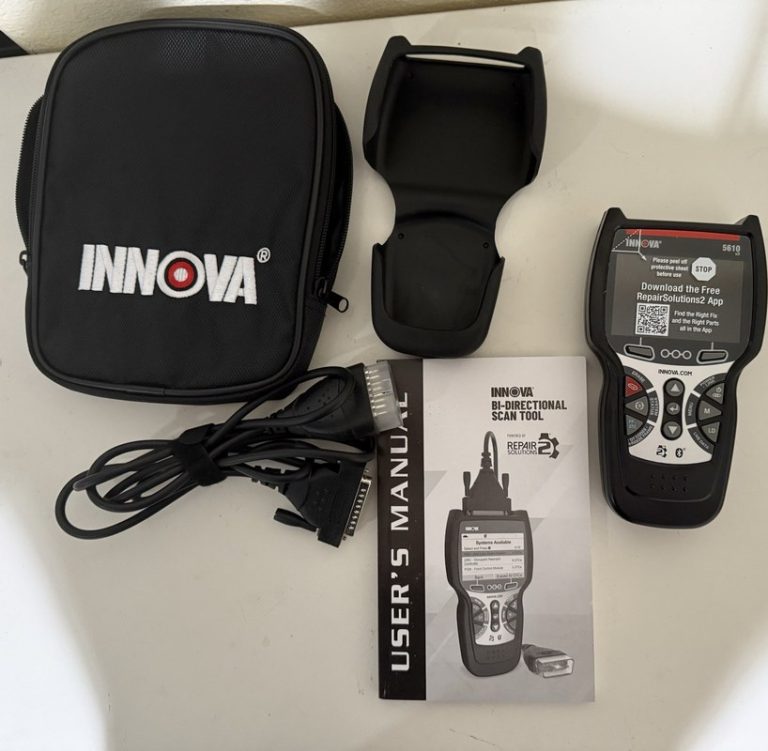
Quick Owner & Driver Verdict Innova 5610 V3 is a practical choice for DIY drivers who want more diagnostic depth than a basic code reader. It is useful for codes, live data, and maintenance checks, but it does not replace advanced shop-level tools. Innova 5610 V3 is a strong fit for DIY drivers who want…
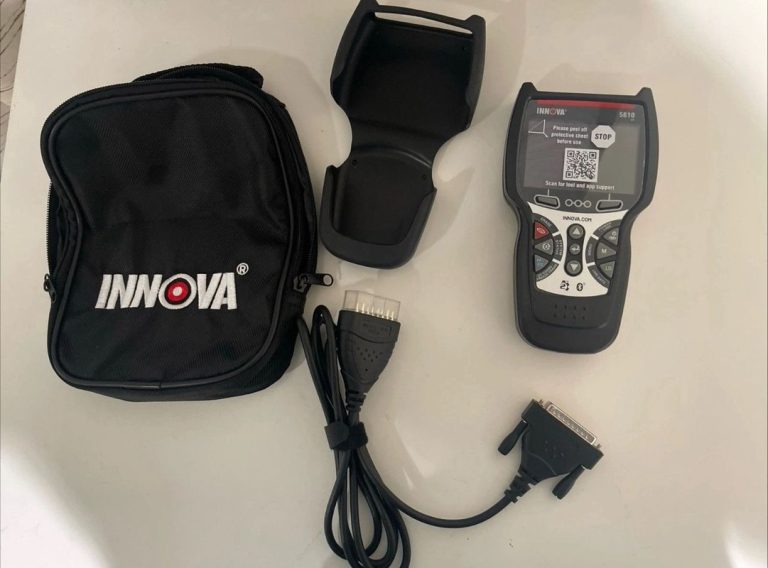
Quick Owner & Driver Verdict The Innova 5610 V2 scanner is a solid middle-ground choice for drivers who want live data, code reading, and practical repair guidance without shop-level complexity. It is most useful when you want to diagnose smarter, but it still has limits on advanced functions and vehicle-specific coverage. The Innova 5610 V2…
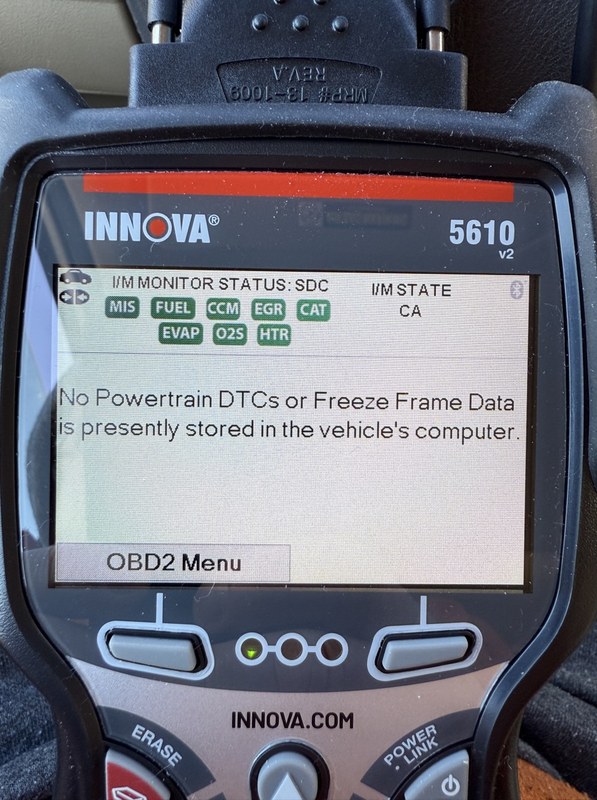
Quick Owner & Driver Verdict The Innova 5610 is worth updating if you want better vehicle coverage, clearer code definitions, and more reliable everyday scan results. It is still a mid-level handheld scanner, so updates improve usefulness, but they do not turn it into a dealer tool. Innova 5610 OBD2 update download is the first…

Compare the best OBD2 scanners without subscription fees, including BlueDriver, ANCEL, Foxwell, Innova, and BLCKTEC options for DIY diagnostics.
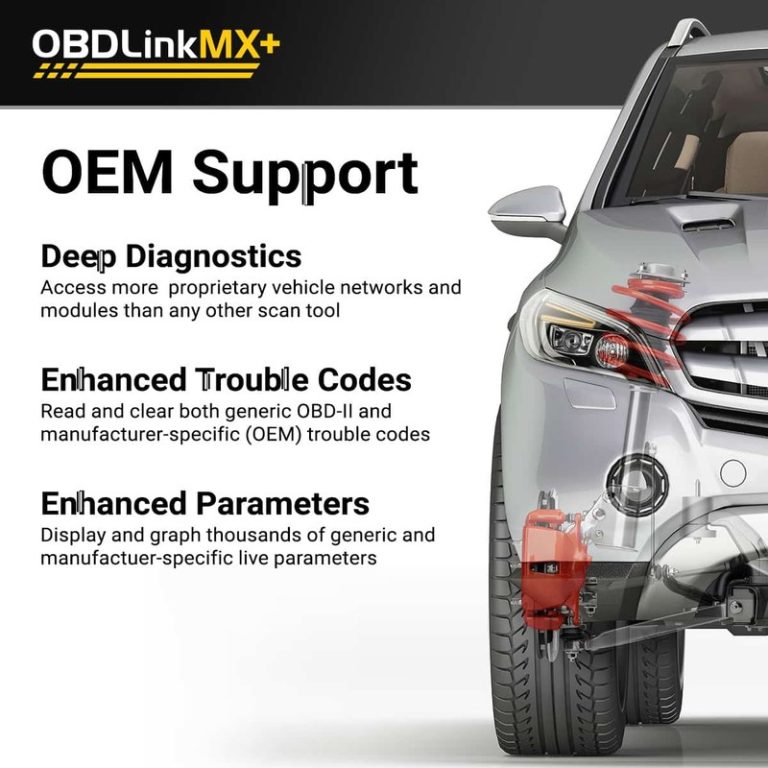
Compare OBDLink CX vs MX+ for DIY diagnostics, including Mazda iOS use in 2025, app compatibility, live data, and scanner buying advice.

Choosing between the OBDLink MX+ and BlueDriver depends on how you plan to diagnose your vehicle. BlueDriver gives you a simple app with guided reports, while OBDLink MX+ offers broader app support and more flexibility. Choose BlueDriver for easier diagnostics and repair guidance; choose OBDLink MX+ for faster live data, third-party apps, and wider tool…

The Foxwell NT301 OBD2 scanner usually sells for about $59 to $79, depending on the seller, promotions, and package details. Shoppers can expect to pay roughly $60–$80 for a new Foxwell NT301 from a reputable retailer. Its price reflects useful features such as engine-code reading and clearing, live data, freeze-frame data, oxygen-sensor checks, VIN reading,…

If you want a simple way to check a check-engine light, the Foxwell NT301 deserves a close look. I see it as a practical wired OBD2 scanner for most cars, SUVs, and light trucks built from 1996 onward. Yes, the Foxwell NT301 is good for basic engine diagnostics, live sensor data, and emissions-readiness checks, but…

If you want a simple way to check engine problems, the Foxwell NT301 deserves a close look. It reads and clears common OBD2 fault codes, shows live data, displays freeze-frame information, and checks emissions readiness. The Foxwell NT301 is worth buying if you want an affordable wired scanner for basic engine diagnostics, but it cannot…

Compare Foxwell NT301 OBD2 code reader options, features, compatibility, live data, emissions readiness, and alternatives before buying.

An OBD2 scanner helps drivers check a vehicle’s computer for trouble codes when the check-engine light appears. These compact tools can also show live data, clear codes, and help users decide whether a problem needs immediate attention or professional repair. The Foxwell NT301 is a wired OBD2 scanner designed for basic engine diagnostics. The most…
An OBD2 scanner reads diagnostic data from a vehicle’s onboard computer. It can help us understand why the check-engine light is on, review stored trouble codes, and monitor basic engine and emissions information without visiting a repair shop first. Basic code readers work well for simple checks, while advanced scanners may offer live data, code…