10 Best OBD2 Scanners for ABS & SRS Under $100 for DIY Diagnostics
Compare the best OBD2 scanner for ABS and SRS under $100 for DIY diagnostics. Explore 10 top picks, key features, and compatibility tips before buying.
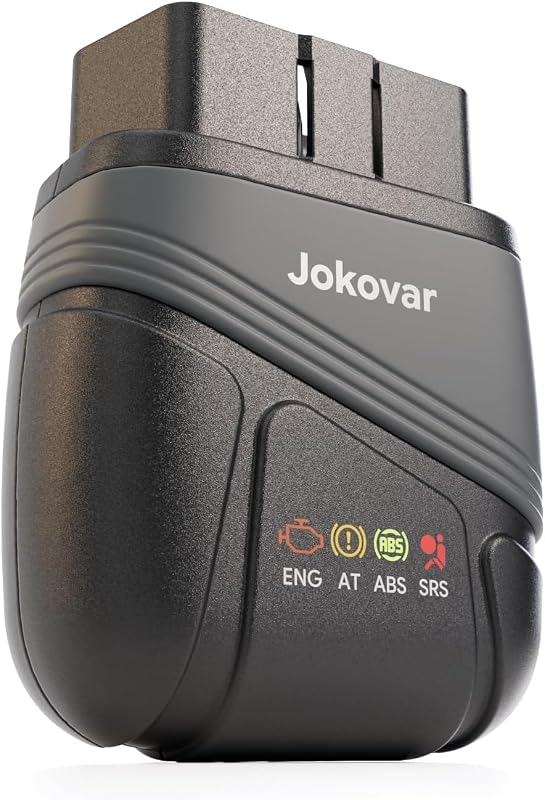
Compare the best OBD2 scanner for ABS and SRS under $100 for DIY diagnostics. Explore 10 top picks, key features, and compatibility tips before buying.
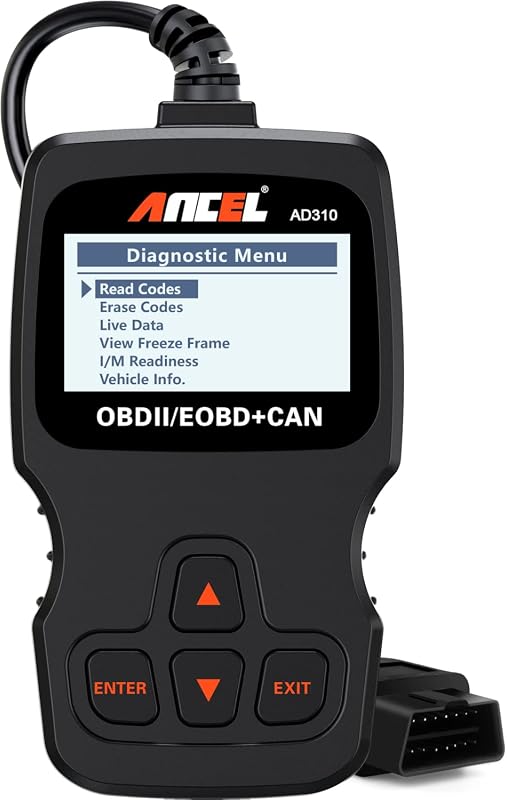
Compare best OBD2 scanner for Hyundai for safety, compatibility, installation, useful features, and value. Read the guide to find the right choice for your car.
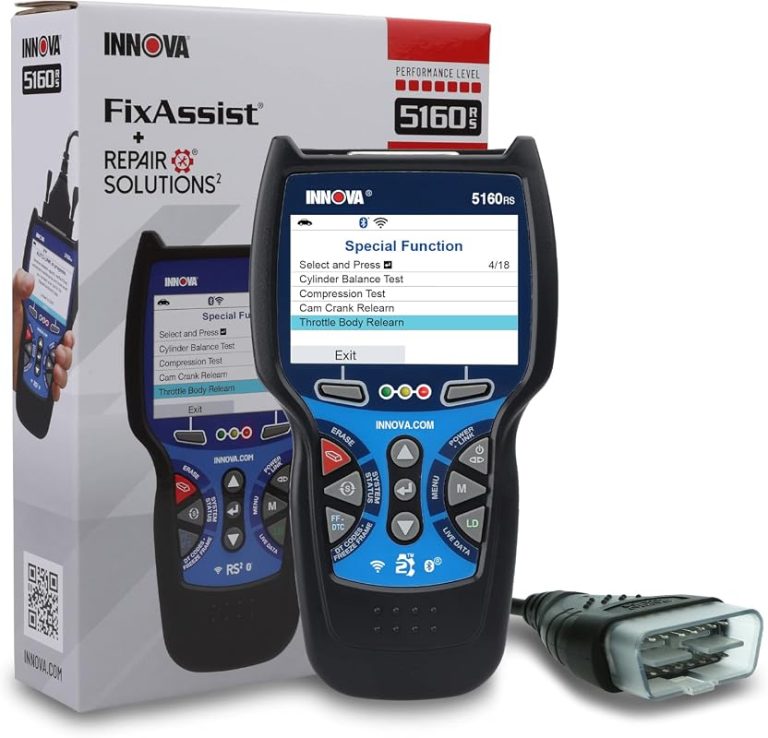
Compare the Innova 5610 price with 8 DIY diagnostics picks, feature notes, and compatibility tips so you can choose with confidence. See current options.
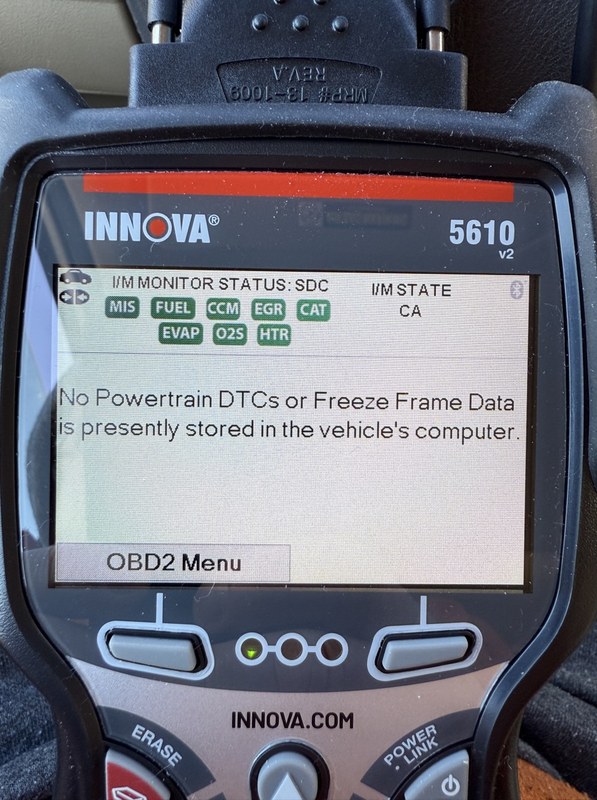
Quick Owner & Driver Verdict The Innova 5610 is worth updating if you want better vehicle coverage, clearer code definitions, and more reliable everyday scan results. It is still a mid-level handheld scanner, so updates improve usefulness, but they do not turn it into a dealer tool. Innova 5610 OBD2 update download is the first…

Compare the best OBD2 scanners without subscription fees, including BlueDriver, ANCEL, Foxwell, Innova, and BLCKTEC options for DIY diagnostics.
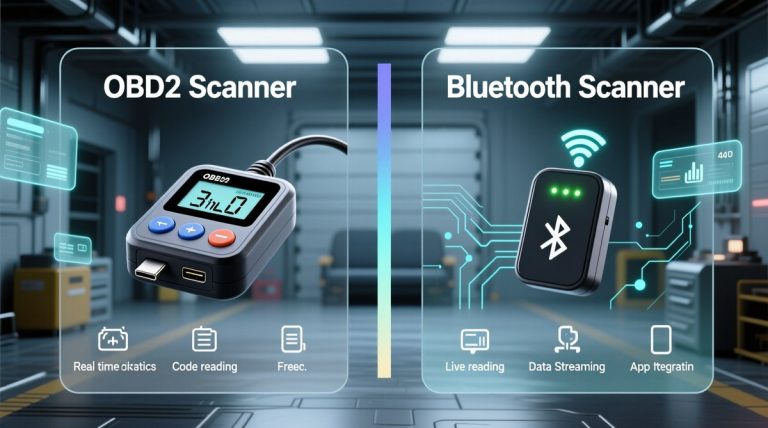
Quick Owner & Driver Verdict Bluetooth is usually easier for quick phone-based checks, while wired OBD2 scanners are often simpler and more stable for direct diagnosis. The safer choice is the one that matches your vehicle, your comfort with apps, and how much distraction you want to avoid. Bluetooth vs wired OBD2 scanner is mostly…
Bluetooth OBD2 scanners connect to a car’s diagnostic port and send data to a phone or tablet. They can read engine fault codes, clear warning lights, and show live information such as engine speed, coolant temperature, and fuel-trim readings. This makes them useful for drivers who want basic insight before visiting a repair shop. The…
BlueDriver turns your iOS or Android device into a vehicle diagnostic tool when you pair it with the separate BlueDriver Bluetooth sensor. I can use it to read and clear trouble codes, view live data, and create repair reports. The BlueDriver OBD2 scanner app helps you understand vehicle faults without relying only on a dashboard…

BlueDriver works with OBD2 vehicles, but most OBD1 vehicles use different connectors and communication systems. BlueDriver generally cannot read OBD1 vehicles directly. You may use it with an older vehicle only if that vehicle supports OBD2 and you have the correct setup. Check the vehicle’s model year, diagnostic port, and BlueDriver compatibility before buying an…

Choosing between the OBDLink MX+ and BlueDriver depends on how you plan to diagnose your vehicle. BlueDriver gives you a simple app with guided reports, while OBDLink MX+ offers broader app support and more flexibility. Choose BlueDriver for easier diagnostics and repair guidance; choose OBDLink MX+ for faster live data, third-party apps, and wider tool…
The Foxwell NT301 OBD2 scanner usually sells for about $59 to $79, depending on the seller, promotions, and package details. Shoppers can expect to pay roughly $60–$80 for a new Foxwell NT301 from a reputable retailer. Its price reflects useful features such as engine-code reading and clearing, live data, freeze-frame data, oxygen-sensor checks, VIN reading,…