No, the Innova 5610 usually does not need a subscription for basic OBD2 scanning and common reset functions. Check the current product terms before buying, because updates, registration, or app features can change.
Does the Innova 5610 need a subscription? In most cases, no subscription is required for basic OBD2 scanning, code reading, and common reset functions. The bigger question is whether the tool’s features, vehicle coverage, and update access match how you plan to use it.
Key Takeaways
No monthly fee: Core scanner use is generally meant to work after one purchase.
Verify your vehicle: OBD2 fit still depends on year, trim, and supported functions.
Updates may differ: Registration or firmware access can be separate from basic use.
Safety matters: Use the tool only while parked and never near damaged batteries or moving parts.
Does the Innova 5610 Need a Subscription? Quick Answer for 2026 Buyers
The Innova 5610 is generally sold as a one-time-purchase scan tool, not a device that depends on a monthly plan just to function. That said, some connected features, registration steps, firmware updates, or app-related services may involve an account or manufacturer-managed access.
For most US drivers, the practical answer is simple: if you want a handheld scanner for reading codes, checking readiness monitors, viewing live data, and handling basic service tasks, the 5610 is usually designed to work without an ongoing subscription. If you want deeper brand-specific diagnostics, more advanced bidirectional controls, or broader repair information, you may need a higher-tier tool rather than a paid add-on.
What the Innova 5610 Includes Out of the Box: Features, Updates, and Ownership Costs
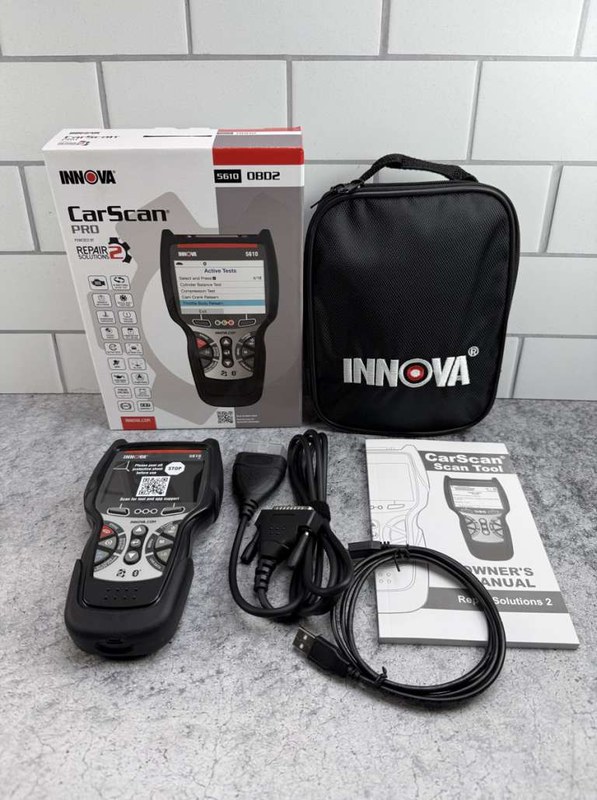
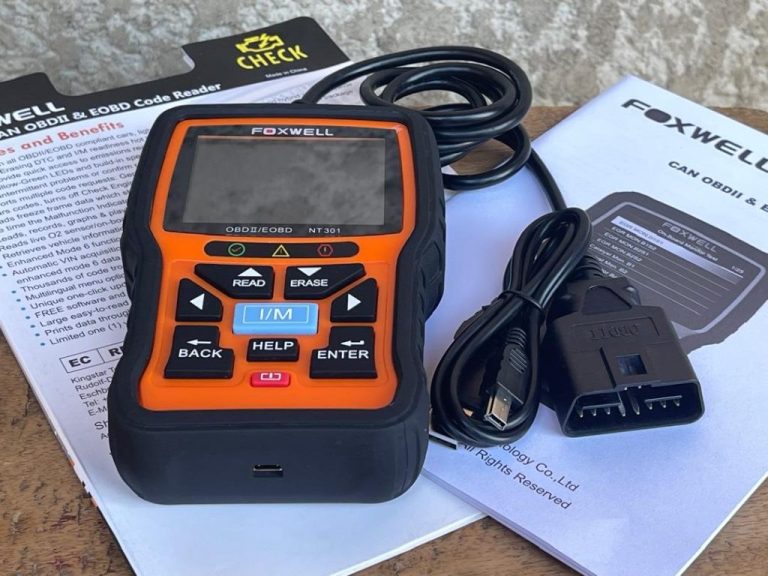
Innova 5610 scanner shown with its built-in display and control buttons.
When buyers ask about subscription requirements, they usually mean two things: whether the tool stops working without payment, and whether useful updates or add-ons are locked behind a fee. For the Innova 5610, the key is to separate core scanner functions from optional services or account-based extras.
One-Time Purchase vs. Optional Paid Services
Innova handheld scanners are commonly positioned as standalone tools, which means the basic diagnostic workflow is meant to be available after purchase. That includes plugging into the OBD2 port, pulling diagnostic trouble codes, checking emissions readiness, and viewing common live data.
Optional paid services, if offered, are different from core operation. Those can include expanded repair information, app features, or other manufacturer services that vary by product revision and current support policy. Before buying, verify what is included in the box and what requires a separate account or fee.
Ownership Cost
Upfront costVaries by retailer and current model listing
Possible extrasApp access, registration, accessories, or optional services
Ongoing costUsually none for basic scanner use; verify current support terms
Firmware Updates, App Access, and What May Require Registration
Even when a scanner has no subscription, it may still require registration to activate warranty support, download updates, or pair with a companion app. That is normal for many modern tools and does not automatically mean the device has a recurring fee.
Before you buy, check whether updates are free, how long they are supported, and whether the scanner needs an internet-connected account for setup. If a seller page is vague, use the manufacturer’s current product page or manual instead of assuming the same policy applies to every Innova revision.
OBD2 Compatibility Check: Model Years, Protocol Coverage, and Vehicle Fit
A subscription question only matters after the scanner fits the vehicle. The Innova 5610 is an OBD2 tool, so the first filter is whether your vehicle supports standard OBD2 diagnostics and whether you need only basic emissions and engine coverage or something deeper.
Vehicle Compatibility
Check: Verify make, model, year, trim, voltage, ports, mounting space, and OEM requirements. Limitations: State verified exclusions.
Supported OBD2 Protocols and Why They Matter
OBD2 protocol support determines how the scanner communicates with the car. Most US vehicles built for OBD2 compliance use standardized communication methods, but some older or specialty vehicles may have coverage gaps or limited functions.
For a shopper, the practical takeaway is this: protocol support affects whether the tool can connect cleanly, read codes reliably, and show live data. It does not guarantee every module, manufacturer-specific system, or advanced service function will be available.
Common Questions
No. Basic handheld scanning is usually done through the vehicle’s OBD2 port without Wi-Fi.
Usually yes, as long as each vehicle is OBD2 compatible and within the tool’s coverage limits.
No. It is useful for common diagnostics, but it will not replace a full dealer-level scan tool.
Not always, but update access and registration rules should be checked on the current product page.
Usually not. Save the code information first so you do not erase useful diagnostic clues.
Frequently Asked Questions
Usually no for basic OBD2 scanning, code reading, and common reset tasks. Optional services, app access, or update rules can still vary by current product policy.
Confirm your vehicle’s year, OBD2 compatibility, and the functions you actually need. Also review warranty, update access, and return policy.
Yes, but only when the vehicle is fully parked and you are out of traffic. Do not work near moving vehicles or damaged batteries.
Core scanner use is generally handheld and standalone. Some features may still require registration or app permissions, so read the current setup instructions.
It can help with some related diagnostics, but it does not replace a battery tester, tire gauge, or professional tire service. Use the correct tool for the problem.
Its main limitation is depth. It is a solid basic scanner, but it may not cover every advanced module or brand-specific function.
Hi, I’m Jake Miller, an automotive tools and diagnostics writer passionate about making car care simple and approachable. I cover OBD2 scanners, tire care, emergency equipment, and practical DIY maintenance. My goal is to help car owners, everyday drivers, and DIY enthusiasts choose reliable tools, understand common vehicle problems, and maintain their cars with confidence.
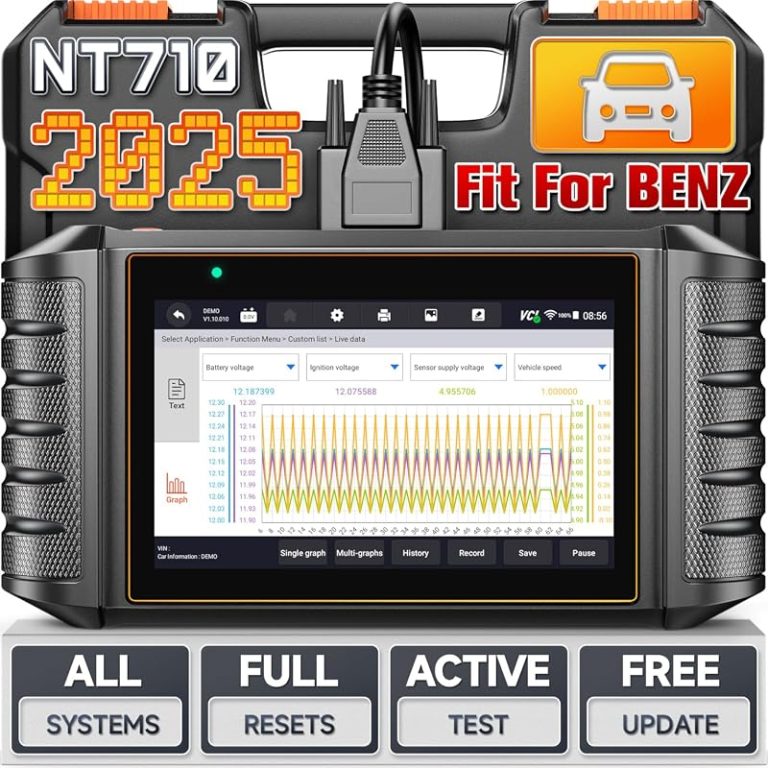
We compare the best obd2 scanner for Mercedes by system coverage, resets, price, and compatibility so you can choose a DIY diagnostic tool with confidence.
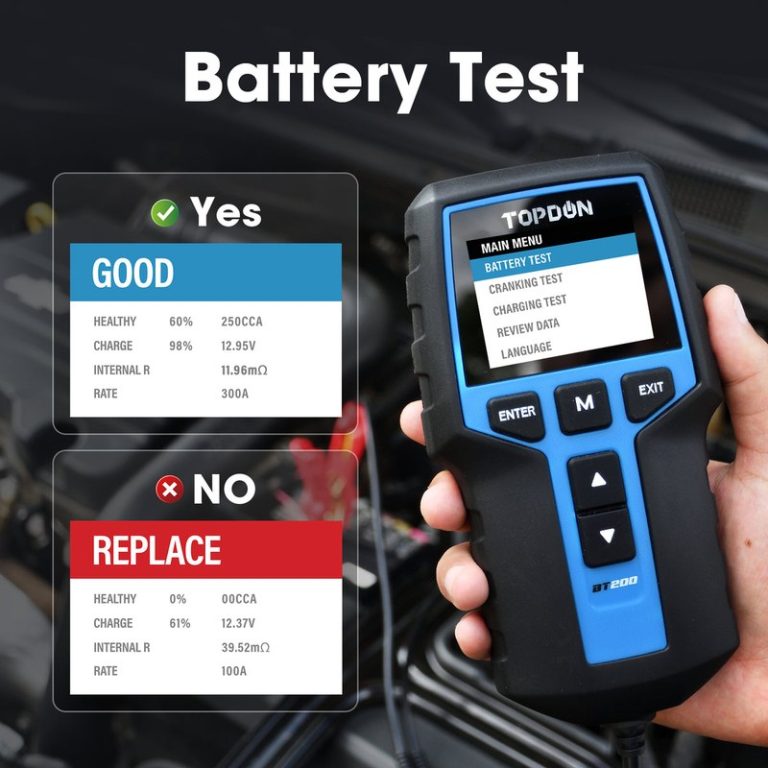
Quick Owner & Driver Verdict No, the TOPDON BT200 is generally not the right choice for lithium battery testing. It is usually best for 12V lead-acid batteries, so lithium owners should verify chemistry support before buying. Can the TOPDON BT200 Test Lithium Batteries? Not in the way most drivers mean it. The BT200 is built…
The ANCEL BD310 and BD330 both help with basic vehicle diagnostics, but they target different needs. The BD310 focuses on broad OBD2 engine checks, while the BD330 adds BMW-focused functions and battery registration support. The BD310 suits drivers who want simple engine and emissions testing, while the BD330 offers better value for BMW, MINI, and…
Quick Owner & Driver Verdict The Foxwell NT301 can help you read fuel trim by showing STFT and LTFT in live data, which is useful for lean-code checks. Look for the pattern at idle and cruise, then use it to narrow the cause before clearing codes or buying parts. how to read fuel trim on…
Compare the best Foxwell scanners for DIY diagnostics, service resets, and multi-brand coverage. See whether the NT301, NT710, or NT809BT is the right buy.