Is OBDLink MX+ worth it? A practical Bluetooth scanner review
Yes, OBDLink MX+ is worth it for drivers who want a reliable Bluetooth OBD2 scanner with strong app support and everyday diagnostic usefulness. If you only need a rare code read or advanced shop-level functions, a cheaper or more powerful tool may fit better.
Is OBDLink MX+ worth it? For many US drivers, the short answer is yes if you want a dependable Bluetooth scanner for everyday diagnostics, live data, and app-based convenience. It is less compelling if you only need an occasional code reader or if your vehicle needs deeper brand-specific service functions.
- Best fit: Daily drivers, DIY owners, and used-car shoppers who want quick, app-based diagnostics.
- Main strength: Better reliability and support than many low-cost Bluetooth adapters.
- Main limit: It does not replace a professional scan tool for advanced coding or module work.
- Before buying: Verify vehicle compatibility, app support, and firmware/update options.
- Ownership value: Useful for code checks, live data, and emissions readiness without a bulky handheld scanner.
Is OBDLink MX+ worth it in 2026? Quick verdict for most drivers
The OBDLink MX+ sits in a useful middle ground. It is generally more capable and better supported than many no-name Bluetooth adapters, but it is still not a full professional scan tool. That makes it a strong fit for drivers who want quick answers without paying for dealer-level equipment.
For CarValleyNJ readers, the value question usually comes down to three things: reliability, app support, and how much diagnostic depth you actually need. If your goal is to read check-engine codes, view live engine data, and track emissions readiness, the MX+ is easy to justify. If you expect advanced coding, module programming, or guided repairs, you may outgrow it.
What the OBDLink MX+ does well: live data, code reading, and app compatibility
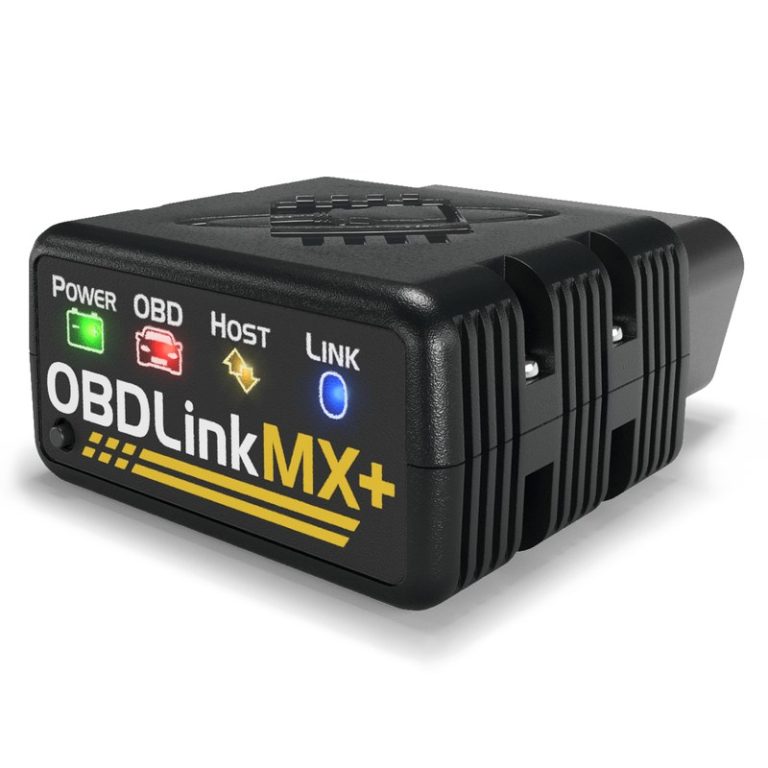
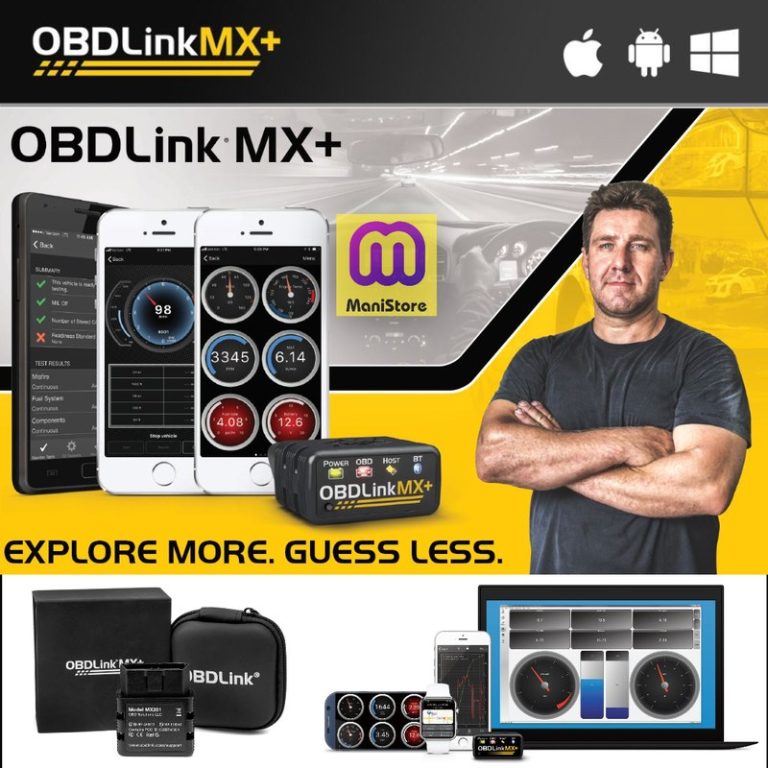
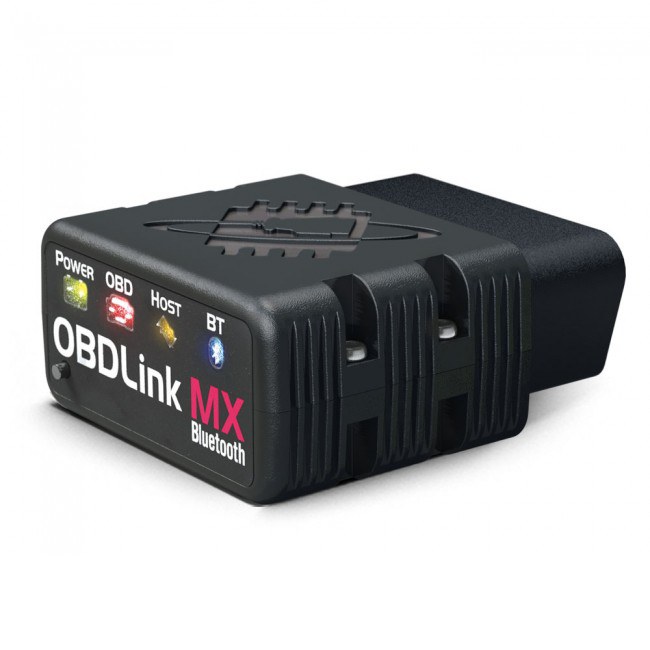
The MX+ is best known for being a stable Bluetooth bridge between your vehicle and a phone or tablet app. In practical terms, that means you can read diagnostic trouble codes, see freeze-frame snapshots, and watch live sensor data without dragging out a bulky handheld scanner.
That convenience matters when you want quick information before a road trip, after a warning light, or while shopping for a used car. It also helps if you prefer app-based dashboards and graphs instead of a small built-in screen.
Model-year and protocol coverage: OBD2, CAN, ISO, and older vehicle support
OBD2 coverage is the first thing to check. In the United States, most gasoline vehicles sold since the mid-1990s use OBD2, but protocol support can still vary by make, model, and model year. The MX+ is designed to work across common OBD2 protocols, which is one reason it appeals to mixed-vehicle households.
Check: Verify make, model, year, trim, voltage, ports, mounting space, and OEM requirements. Limitations: Older pre-OBD2 vehicles, some hybrid systems, and brand-specific functions may need a different tool.
If you are comparing adapters, this is also where a more general guide can help. Our OBDLink MX+ vs BlueDriver comparison explains how app ecosystem and support can matter as much as raw protocol coverage.
What you can realistically see: trouble codes, freeze frame, live data, and emissions readiness
For most drivers, the useful features are straightforward. You can usually read and clear emission-related codes, review freeze-frame data that shows what the car was doing when the fault set, and check readiness monitors before an inspection.
Live data is where the MX+ can feel more valuable than a basic code reader. It can help you watch coolant temperature, fuel trims, oxygen sensor behavior, and other common PIDs, depending on the vehicle and app. That can make diagnosis faster, especially when a warning light comes and goes.
What it cannot do: reset limits, advanced coding limits, and when a professional scan tool is still needed
The MX+ is not a magic fix. Clearing a code only turns off the light; it does not repair the cause. If the fault returns, the scanner did its job by showing the problem, not solving it.
It also has limits on service functions and advanced module work. If you need bi-directional control, key programming, immobilizer work, airbag module functions, or deep brand-specific coding, a higher-end professional tool or dealer-level system is often the better choice.
Who should buy it and who should skip it
The MX+ makes the most sense for owners who want a dependable scanner they will actually use. It is less appealing for people who only want a one-time check or who need a shop-grade diagnostic platform.
Best fit for daily drivers, DIY owners, and used-car shoppers
Daily drivers often get the most value because the tool is ready when a warning light appears. DIY owners benefit from the live data and app flexibility, and used-car shoppers can use it to check readiness monitors and stored codes before buying.
If you are comparing lower-cost options, a basic ELM327-style adapter may be enough for a simple code check. But if you want steadier Bluetooth behavior and better app support, the MX+ usually feels like a safer purchase.
When a cheaper Bluetooth adapter is enough
A cheaper adapter can make sense if you only need occasional emissions checks, a quick code read, or a backup tool to keep in the glove box. That is especially true if you already have a more capable scanner at home.
The trade-off is that low-cost adapters can be inconsistent in connection quality, speed, and app compatibility. For a tool you may rely on during a roadside problem or inspection prep, that inconsistency can become frustrating fast.
When a higher-end professional or brand-specific scanner is the better choice
If you work on multiple systems, own a newer vehicle with complex modules, or want active tests and deeper service resets, move up a level. Professional tools are built for more than code reading and can save time on harder diagnoses.
Brand-specific scanners also matter when a manufacturer locks certain functions behind proprietary access. In those cases, a Bluetooth adapter may still be useful, but it is not the whole solution.
Compatibility, setup, and app permissions: what matters before you buy
Bluetooth OBD2 tools are simple only after the basics are right. Port access, ignition position, app permissions, and firmware all affect whether the MX+ feels smooth or annoying.
Port location, ignition mode, and correct connection order
Before buying, confirm that your OBD2 port is easy to reach and that the adapter will not block pedals, knees, or trim. Many ports are under the dash, but the exact location varies by vehicle.
Use the correct connection order: plug in the adapter, switch the ignition to the required mode, then open the app and pair. If you connect in the wrong order, some vehicles or apps may not communicate correctly.
Keep the adapter and any cable away from pedals, steering movement, seat tracks, and other moving parts. If the port area is tight, stop and verify clearance before driving.
Phone, tablet, and app support on iOS and Android
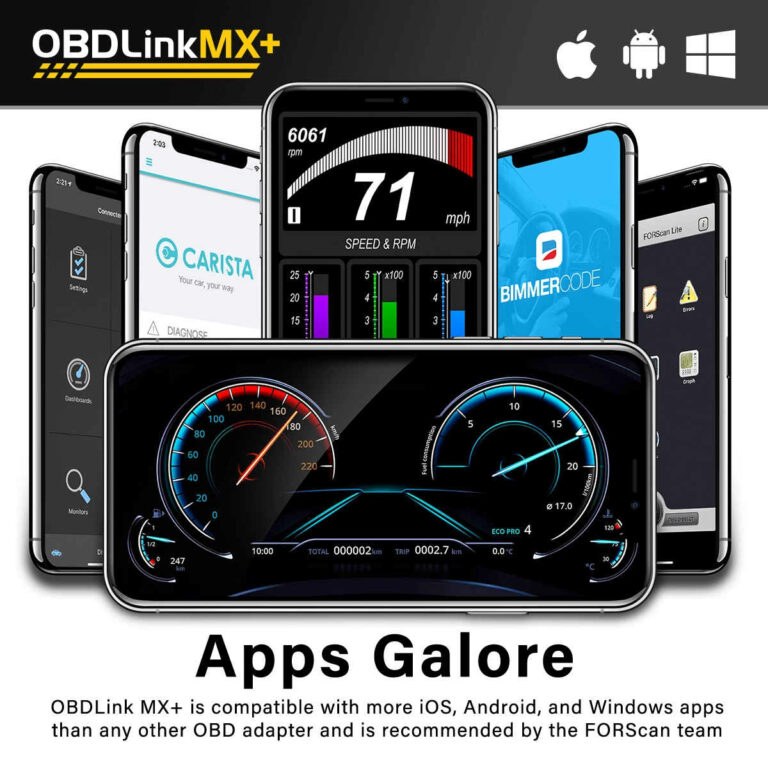
The MX+ is popular because it works with more than one app, but app support still matters. Check whether your preferred app supports your phone OS version and whether it unlocks the features you actually want.
On iPhone and Android, the pairing process can differ, and some apps ask for location or Bluetooth permissions to function correctly. That is normal for many connected tools, but it is worth reviewing before you grant access.
Firmware updates, Bluetooth pairing, and privacy permissions
Firmware updates can improve compatibility and fix bugs, so ownership is not just a one-time purchase. If the adapter ships with older firmware, you may need to update it through a supported app or desktop process, depending on the product instructions.
Warranty, support reputation, and ownership cost over time
Support matters more than many shoppers expect. A scanner can look inexpensive up front and still cost more if it is unreliable, poorly documented, or hard to update.
For a broader buying perspective, our what is better than BlueDriver guide helps explain why support and software often matter as much as hardware.
Safety and electrical basics: battery, voltage, and hybrid/EV cautions
OBD2 tools seem harmless, but they still interact with vehicle electronics. That means you should think about battery condition, voltage, and system type before leaving an adapter plugged in for long periods.
System voltage checks, state of charge versus battery health, and damaged-battery stop conditions
A scanner can sometimes help you observe system voltage, but voltage alone does not tell the full battery story. State of charge, battery health, age, and load behavior all matter, and a weak battery can still show a misleading surface voltage.
If the battery is damaged, swollen, leaking, hot, or smells unusual, stop and follow the manufacturer’s guidance. A scanner is not the right tool for a compromised battery condition.
Correct connection order and avoiding electrical mistakes
Use the vehicle manual and the adapter instructions together. Plugging in the tool with the ignition off is often fine, but some apps require the ignition to be in accessory or run mode to communicate properly.
Do not force the connector if it does not seat cleanly. OBD2 ports are standardized, but trim shape and access angle can still make the fit awkward.
Hybrid and EV cautions: when not to rely on a basic OBD2 adapter
Hybrid and EV owners should be more careful. A basic OBD2 adapter may read some generic data, but it is not a substitute for high-voltage system training or manufacturer-level diagnostics.
How the MX+ fits tire, TPMS, and roadside emergency use
Some drivers buy an OBD2 scanner because they want more than engine codes. They also want help understanding tire pressure warnings, TPMS behavior, or whether a roadside issue is likely to be simple or serious.
Door-jamb placard, cold pressure, and gauge accuracy
For tire pressure, the important reference is the vehicle door-jamb placard, not the number molded on the tire sidewall. Check pressure when tires are cold for the most accurate reading.
An OBD2 scanner does not replace a good tire gauge. It may help explain why a TPMS light is on, but it will not tell you whether the tire is underinflated to the correct cold specification.
Inflator duty cycle, TPMS relearn limits, and puncture location decisions
If you carry an inflator, remember that duty cycle and run time matter. Small compressors can overheat, and TPMS systems may still need a relearn procedure after service, depending on the vehicle.
Also, not every puncture is safely repairable. Sidewall damage, shoulder damage, or a tire that has been driven too long while flat may need replacement rather than a plug.
Temporary-repair limits and when professional tire repair is the safer call
A scanner can help you understand a warning, but it cannot judge tire structure. If the puncture is near the sidewall or the tire has visible damage, professional inspection is the safer call.
That matters for parents, commuters, and rideshare drivers who cannot afford a roadside mistake. A quick diagnosis is helpful, but it should not override basic tire safety rules.
Roadside storage, cable or pack condition, current limits, and post-use inspection
If you keep the MX+ in a glove box or emergency kit, inspect it periodically. Check the connector, cable, and app pairing before you need it in a hurry.
Limitations, legal considerations, and real-world ownership tradeoffs
The MX+ is useful, but ownership still has tradeoffs. The biggest ones are legal variation, privacy, and the temptation to treat a code clear as a repair.
Emissions and inspection rules vary by state
Inspection and emissions rules are not the same everywhere in the United States. Some states care more about readiness monitors, some allow certain monitors to be incomplete, and some have different rules for older vehicles.
Data privacy, app access, and what your scan tool can expose
Connected tools can expose a surprising amount of vehicle data. That may include VIN-linked records, fault history, and live sensor information inside the app.
Before you buy, review account creation, cloud storage, and permission settings. If you share the vehicle with family members or a fleet, think about who can see the data and who can change settings.
Repair versus reset: why clearing codes is not the same as fixing the problem
Clearing codes can help after a repair, but it should not be used to hide a fault. If the underlying issue is still present, the light will often come back.
That is why the MX+ is best seen as a diagnostic aid, not a repair. It helps you gather information, confirm a fix, and decide whether the next step is DIY, parts replacement, or a shop visit.
Driver impact, convenience value, and total cost of ownership
The real value of the MX+ is convenience. It can save time, reduce uncertainty, and make warning lights less stressful when you know what the tool can and cannot tell you.
For many owners, that convenience outweighs the higher price of a better-supported adapter. For occasional users, though, the extra cost may not be worth it if the tool sits unused most of the year.
Alternatives and side-by-side comparison: OBDLink MX+ versus cheaper and pricier options
Choosing the right scanner is mostly about matching the tool to the job. Here is how the MX+ fits against common alternatives.
| Option | Best for | Owner consideration | Driver consideration |
|---|---|---|---|
| OBDLink MX+ | Daily use, app-based diagnostics, mixed vehicle ownership | Better support and reliability than many budget adapters | Quick scans without a bulky handheld unit |
| Basic ELM327-style adapter | Rare code checks and very light use | Lower upfront cost, but quality varies a lot | Can be slower and less dependable in the car |
| Entry-level branded scanner | Simple handheld diagnostics | More self-contained, but app ecosystem may be smaller | No phone dependency, but less flexible |
| Professional scan tool | Advanced repairs and module-level work | Higher cost and more learning curve | Best when the problem is complex or safety-related |
MX+ versus basic ELM327-style adapters: reliability, speed, and support
Basic adapters can be cheap and fine for casual use, but many shoppers run into inconsistent pairing or slow data refresh. The MX+ usually earns its place by being more dependable and better documented.
If you want a deeper breakdown of budget scanner tradeoffs, our Foxwell NT301 review may also help if you are deciding between app-based and handheld options.
MX+ versus entry-level branded scanners: features, app ecosystem, and compatibility
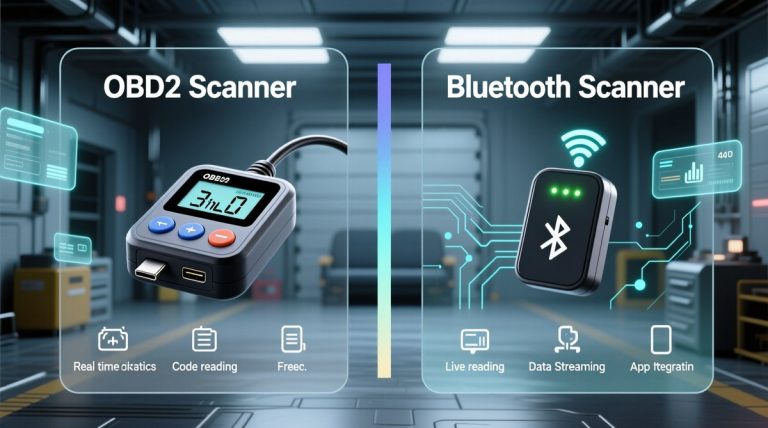
Branded handheld scanners can be easier for people who do not want to manage a phone app. They often include a screen, buttons, and a more fixed workflow.
The MX+ wins when you value flexibility, frequent updates, and a broader app ecosystem. The trade-off is that you depend more on your phone or tablet and the app you choose.
MX+ versus professional tools: depth, bi-directional control, and service functions
Professional tools are the clear winner for advanced diagnostics. They are better for actuator tests, guided procedures, and some service resets that Bluetooth adapters simply do not offer.
If you are a hobbyist or a commuter, that level may be overkill. If you repair cars for a living or manage multiple vehicles, it may be the right investment.
Which option fits budget commuters, enthusiasts, and multi-vehicle households
Budget commuters often do fine with a cheaper adapter or a simple handheld scanner. Enthusiasts and multi-vehicle households tend to appreciate the MX+ because it balances price, support, and flexibility.
For a direct head-to-head on one of the most common alternatives, see our Ancel BD310 buying guide.
Final verdict: is OBDLink MX+ worth it for your vehicle and your budget?
Yes, the OBDLink MX+ is worth it for many drivers who want a reliable Bluetooth scanner with strong app support and practical diagnostic coverage. It is especially appealing if you plan to use it more than once or twice and want fewer connection headaches than a bargain adapter may bring.
- Best for: Daily drivers, DIY owners, and used-car shoppers who want dependable app-based OBD2 diagnostics.
- Think twice if: You only need a one-time code read or you need advanced module programming and service functions.
- Next step: Confirm your vehicle’s OBD2 compatibility, your preferred app support, and the scanner’s current firmware/update path before buying.
Frequently Asked Questions
Compatibility depends on your vehicle’s year, make, model, and OBD2 protocol support. Most U.S. gasoline vehicles sold since the mid-1990s are OBD2-equipped, but you should still verify fit before buying.
Setup is usually simple if you follow the correct order: plug in the adapter, switch the ignition as needed, then pair it in the app. The main issues are usually app permissions, firmware, or a tight port location.
Any plugged-in accessory can affect battery life depending on the vehicle, battery condition, and how long it stays connected. If you plan to leave it installed, check the vehicle and adapter instructions first.
Rules vary by state, especially for emissions inspection and readiness monitor requirements. Clearing codes is not the same as repairing the problem, so check your state’s current rules before using the scanner for inspection prep.
Keep the connector clean, update firmware when needed, and store the adapter where heat and moisture will not damage it. It is also smart to recheck app pairing after phone updates.
For frequent use, better support, and steadier Bluetooth performance, many drivers find it worth the extra cost. If you only need a rare code check, a cheaper adapter may be enough.