OBDLink CX vs MX+: Which Scanner Is Better for DIY Diagnostics
Compare OBDLink CX vs MX+ for DIY diagnostics, including Mazda iOS use in 2025, app compatibility, live data, and scanner buying advice.
Bluetooth OBD2 adapter guides for iPhone, Android, app-based diagnostics, live data, compatibility, and everyday code reading from a phone.
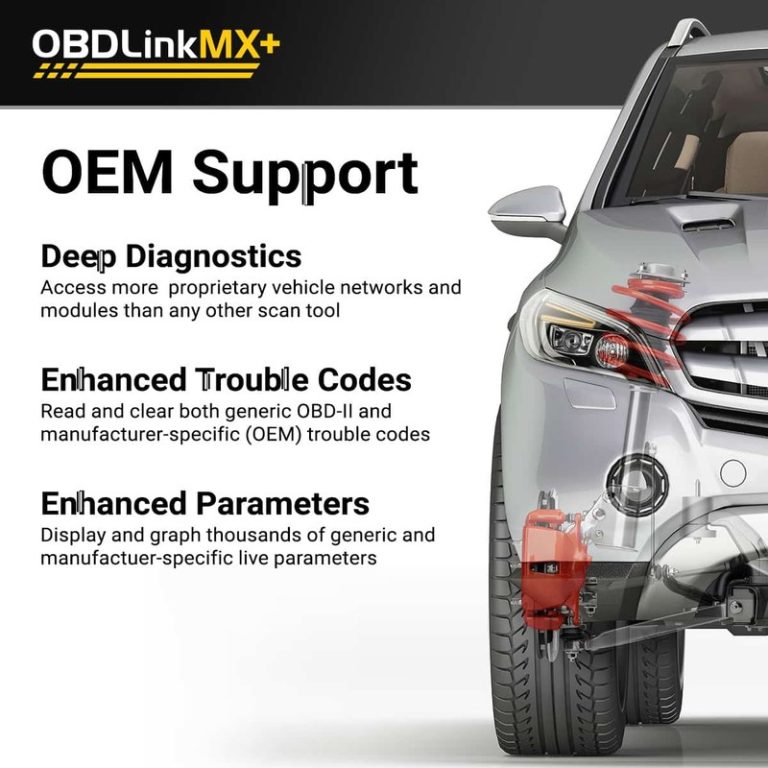
Compare OBDLink CX vs MX+ for DIY diagnostics, including Mazda iOS use in 2025, app compatibility, live data, and scanner buying advice.
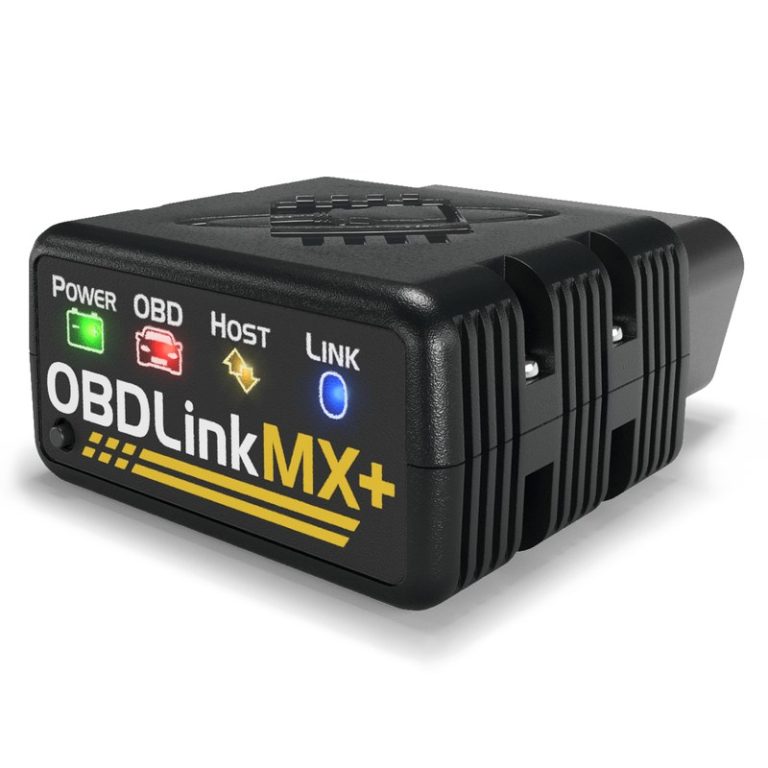
Quick Owner & Driver Verdict Buy OBDLink MX+ from the official store or an authorized retailer if you want the safest support and warranty path. A cheaper marketplace listing can work, but only if the seller is clearly reputable and the return policy is strong. Where can you buy OBDLink MX+ is the right question…
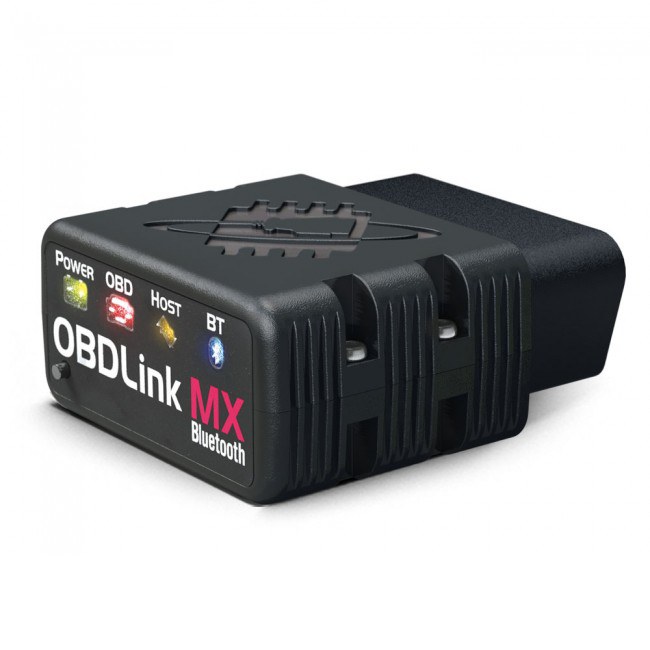
Quick Owner & Driver Verdict Yes, the original OBDLink MX is effectively a legacy model, so most buyers should compare current replacements instead of hunting for old stock. If your MX still works, you can keep using it for basic scans, but newer models are usually the safer long-term choice. Is OBDLink MX discontinued? For…

OBDLink adapters connect a phone or tablet to a vehicle’s onboard computer. They can read trouble codes, show live data, and help drivers understand warning lights without visiting a repair shop. Most models use Bluetooth or Wi-Fi and work with a compatible diagnostic app. The OBDLink MX+ is a Bluetooth adapter designed for broad vehicle…
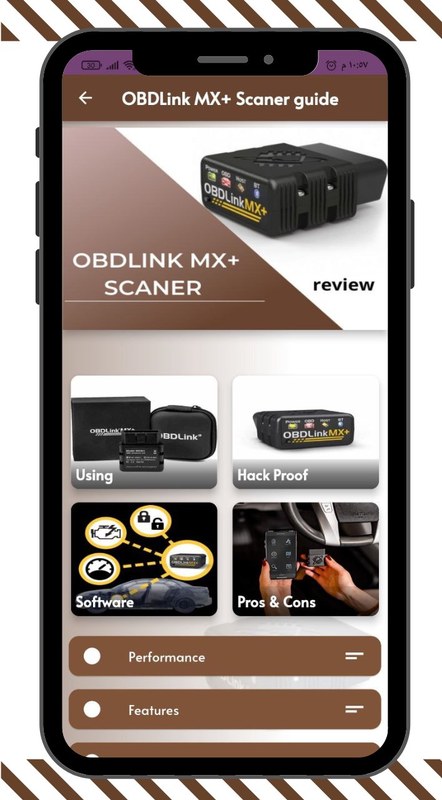
See whether OBDLink MX allows you to clear codes and what OBDLink MX+ can do besides codes, including live data, readiness, dashboards, and app diagnostics.
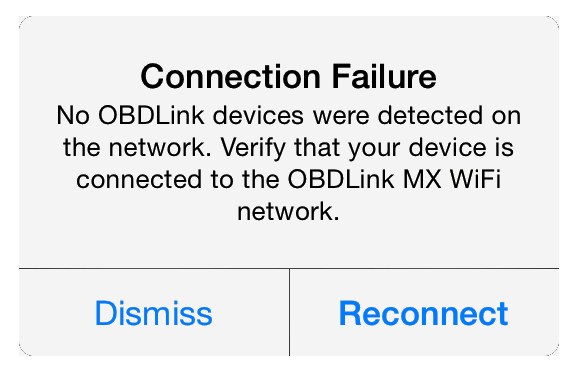
Quick Owner & Driver Verdict OBDLink MX+ not connecting is usually fixed by checking Bluetooth, app permissions, ignition mode, and vehicle power in that order. If those are fine, the problem is often a weak battery, a loose OBD2 port, or a saved pairing conflict. OBDLink MX+ not connecting is usually caused by a simple…
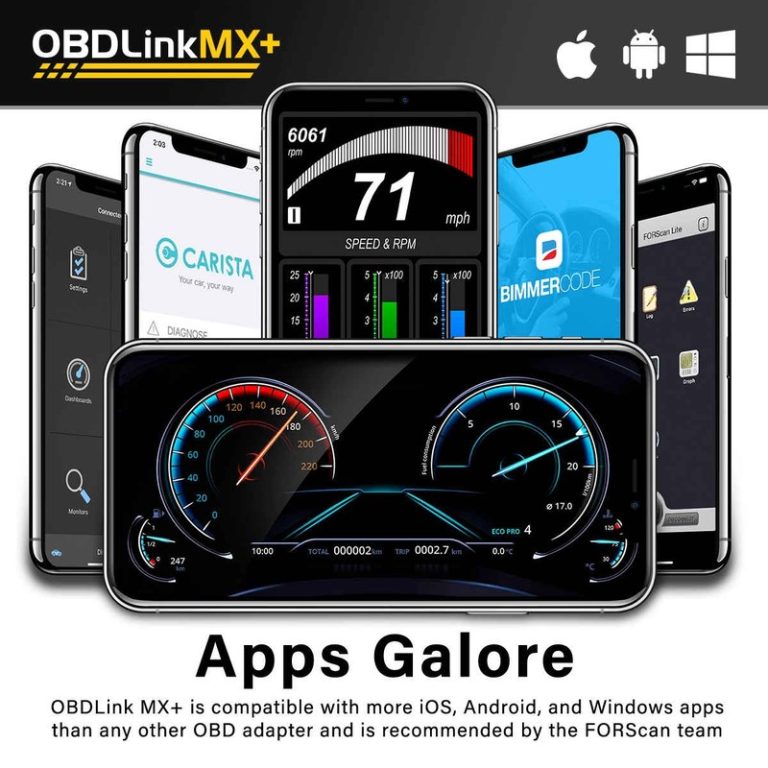
Quick Owner & Driver Verdict OBDLink MX+ is best used as a Bluetooth bridge between your vehicle and a compatible app, letting you read codes, view live data, and save diagnostic details safely while parked. It works best when you verify vehicle and app compatibility first and avoid clearing codes before you record them. How…
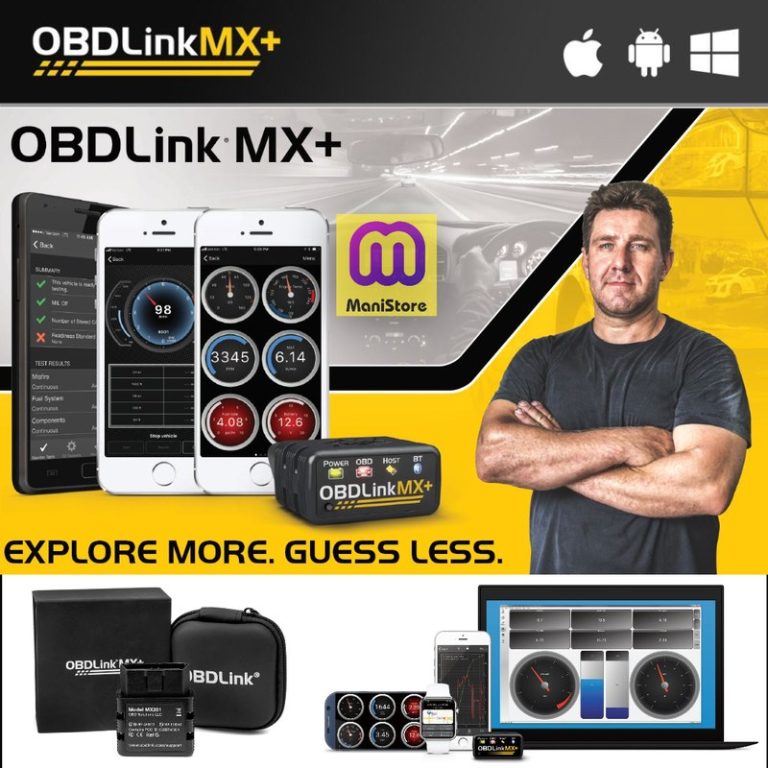
Quick Owner & Driver Verdict OBDLink MX+ for Windows is a good fit if you want dependable basic diagnostics, live data, and easier Windows-based setup than many cheap Bluetooth adapters. It is less useful if you need dealer-level programming or advanced bi-directional functions. OBDLink MX+ for Windows is a strong pick for drivers who want…
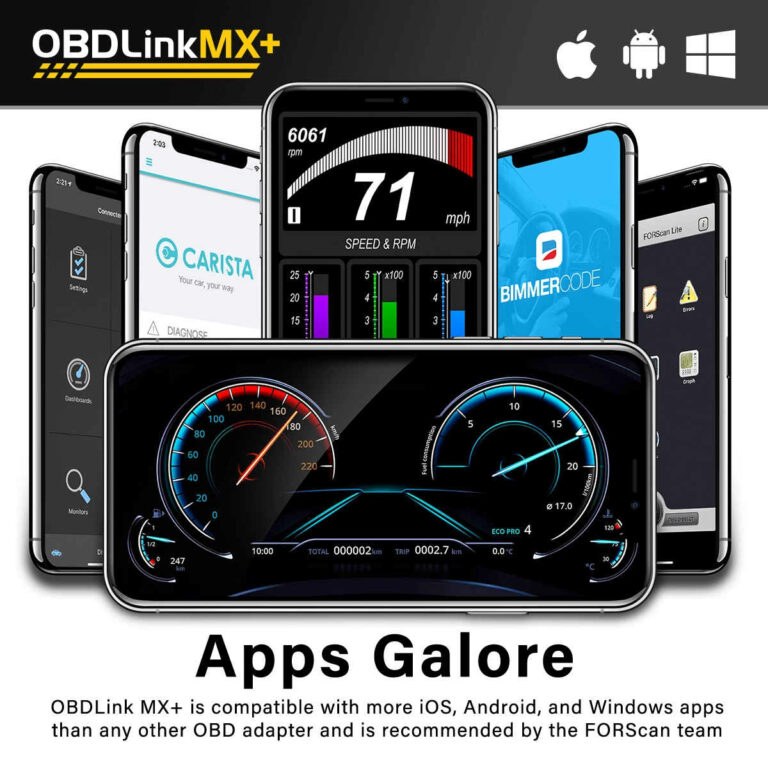
Quick Owner & Driver Verdict The best app for OBDLink MX+ is usually the one that gives you clear live data without clutter, and that is often the OBDLink app, Car Scanner, or Torque Pro depending on your needs. If you want the safest everyday setup, choose the simplest app that still shows the data…
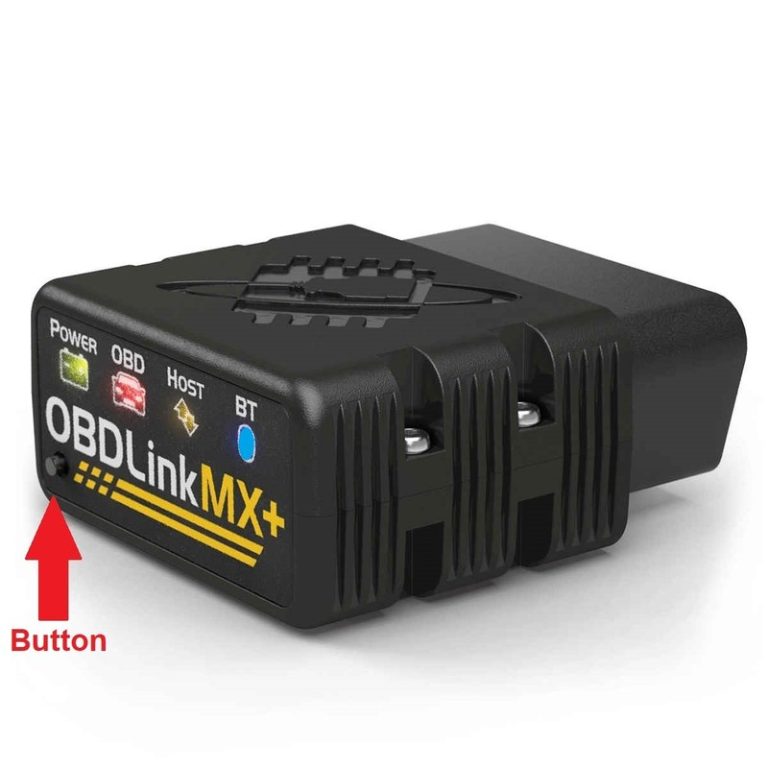
Quick Owner & Driver Verdict Yes, many drivers can leave the OBDLink MX+ plugged in if the battery is healthy and the vehicle sleeps normally after shutdown. Unplug it when the car sits for long periods, the battery is weak, or you want to avoid extra standby draw and privacy concerns. Can you leave OBDLink…
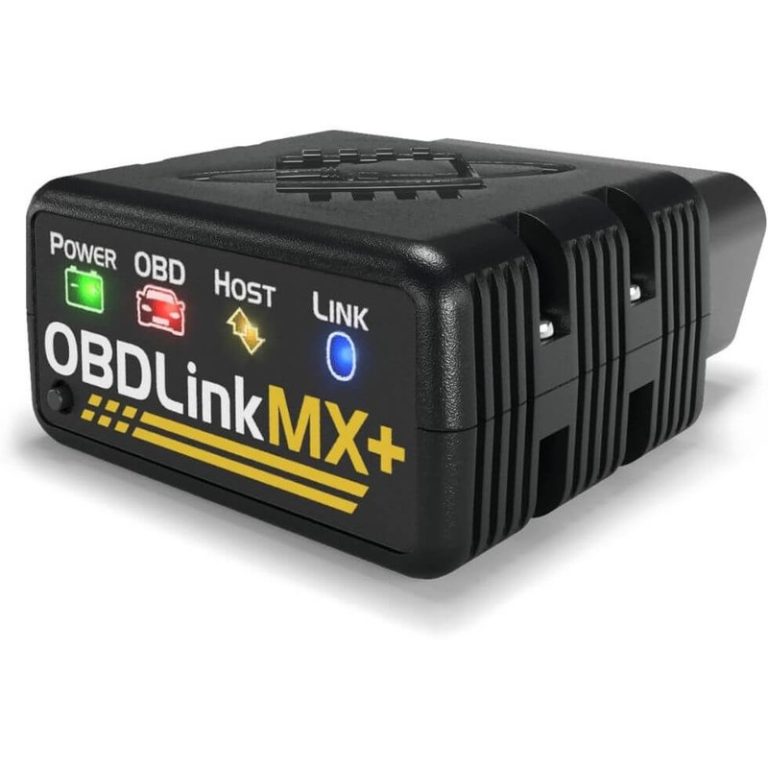
Quick Owner & Driver Verdict No, OBDLink MX+ generally does not require a subscription for the adapter itself. You may still pay for certain apps or advanced software features, so total cost depends on how you use it. Does OBDLink MX+ require a subscription? In most cases, no extra subscription is required to use the…
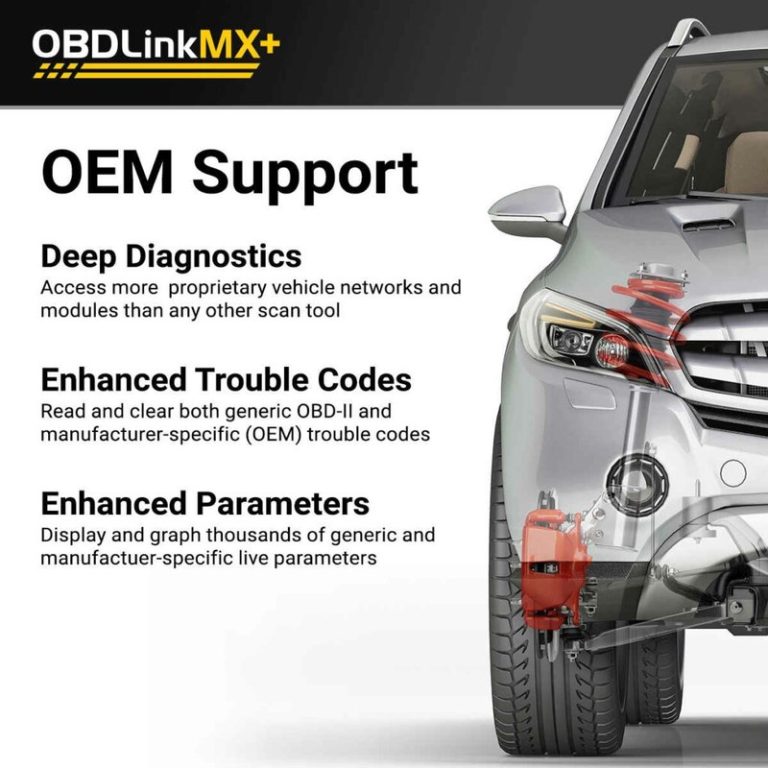
Quick Owner & Driver Verdict OBDLink MX+ works best on many standard US OBD2 vehicles, especially gasoline cars and light trucks, but feature depth still depends on the vehicle and app. If you need deep service functions or hybrid and EV high-voltage work, a more advanced tool is usually the better choice. OBDLink MX+ compatible…
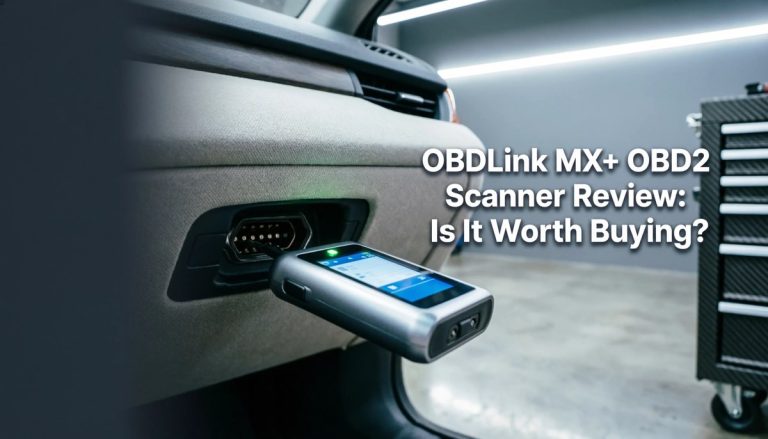
Quick Owner & Driver Verdict Yes, OBDLink MX+ is worth it for drivers who want a reliable Bluetooth OBD2 scanner with strong app support and everyday diagnostic usefulness. If you only need a rare code read or advanced shop-level functions, a cheaper or more powerful tool may fit better. Is OBDLink MX+ worth it? For…

Compare the best OBD2 scanners for Ford owners, including picks for F-150, Escape, Explorer, Mustang, Ranger, FORScan support, ABS, airbag, transmission codes, and everyday DIY diagnostics.
Bluetooth OBD2 scanners connect to a car’s diagnostic port and send data to a phone or tablet. They can read engine fault codes, clear warning lights, and show live information such as engine speed, coolant temperature, and fuel-trim readings. This makes them useful for drivers who want basic insight before visiting a repair shop. The…