Can TOPDON TopScan Program Keys? Compatibility Before You Buy
Find out when TOPDON TopScan can program keys, which plans or add-ons may be required, and what compatibility details to verify before buying it for IMMO work.
Diagnostic tools, OBD2 scanners, scan tools, code readers, and troubleshooting guides for drivers who want clearer vehicle fault information before repair.

Find out when TOPDON TopScan can program keys, which plans or add-ons may be required, and what compatibility details to verify before buying it for IMMO work.

Compare the best TOPDON TopScan OBD2 scanners, including Lite, Pro, Master, Moto, and ArtiDiag options, with buyer picks and compatibility tips.

TOPDON TopScan Lite may involve the scanner price plus app fees for bidirectional controls, 8 resets, and AI features. Always verify current pricing before buying.

Read this TOPDON TopScan review to see whether it is worth buying for DIY diagnostics, full-system scans, app features, subscriptions, and vehicle compatibility.

Compare the best OBD2 scanners without subscription fees, including BlueDriver, ANCEL, Foxwell, Innova, and BLCKTEC options for DIY diagnostics.
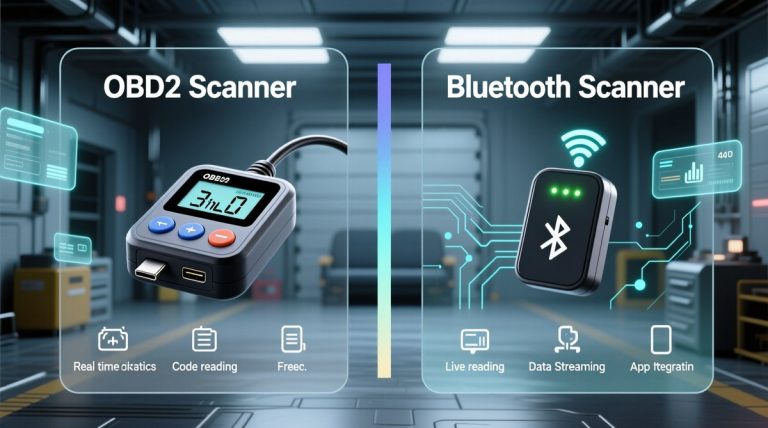
Quick Owner & Driver Verdict Bluetooth is usually easier for quick phone-based checks, while wired OBD2 scanners are often simpler and more stable for direct diagnosis. The safer choice is the one that matches your vehicle, your comfort with apps, and how much distraction you want to avoid. Bluetooth vs wired OBD2 scanner is mostly…
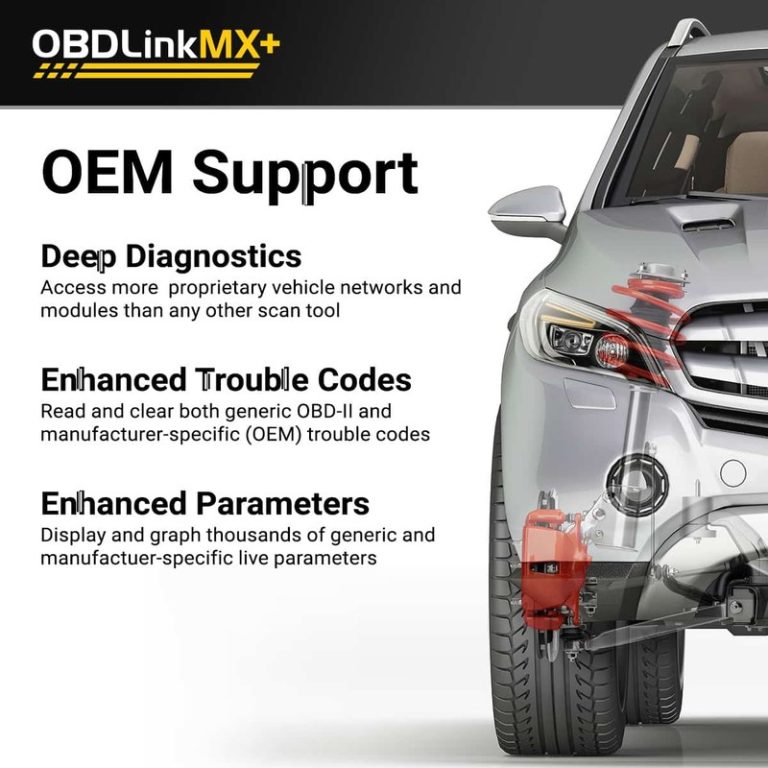
Compare OBDLink CX vs MX+ for DIY diagnostics, including Mazda iOS use in 2025, app compatibility, live data, and scanner buying advice.
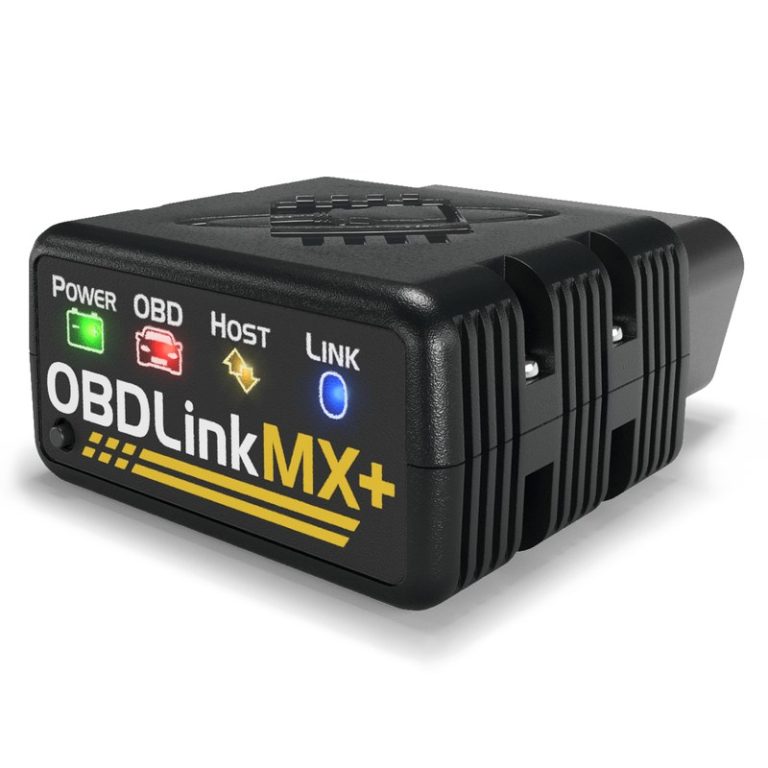
Quick Owner & Driver Verdict Buy OBDLink MX+ from the official store or an authorized retailer if you want the safest support and warranty path. A cheaper marketplace listing can work, but only if the seller is clearly reputable and the return policy is strong. Where can you buy OBDLink MX+ is the right question…
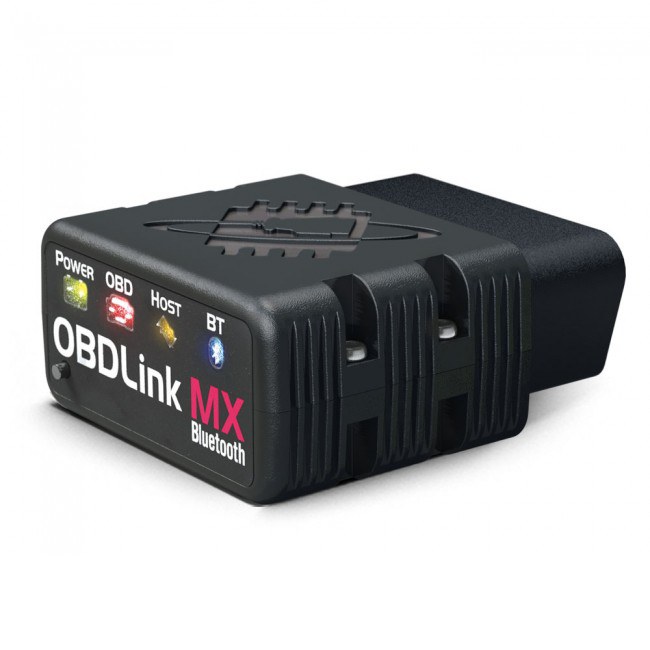
Quick Owner & Driver Verdict Yes, the original OBDLink MX is effectively a legacy model, so most buyers should compare current replacements instead of hunting for old stock. If your MX still works, you can keep using it for basic scans, but newer models are usually the safer long-term choice. Is OBDLink MX discontinued? For…

OBDLink adapters connect a phone or tablet to a vehicle’s onboard computer. They can read trouble codes, show live data, and help drivers understand warning lights without visiting a repair shop. Most models use Bluetooth or Wi-Fi and work with a compatible diagnostic app. The OBDLink MX+ is a Bluetooth adapter designed for broad vehicle…
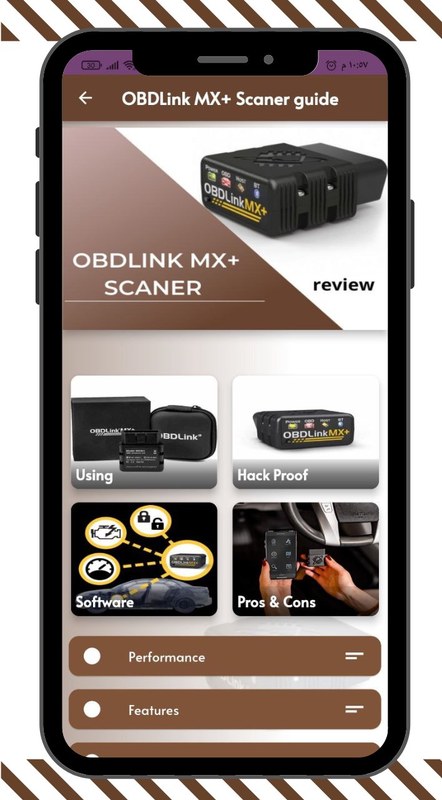
See whether OBDLink MX allows you to clear codes and what OBDLink MX+ can do besides codes, including live data, readiness, dashboards, and app diagnostics.
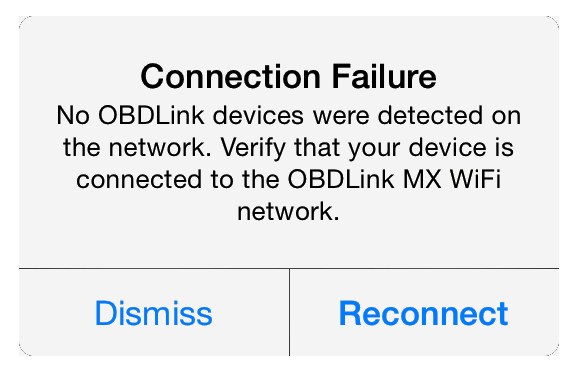
Quick Owner & Driver Verdict OBDLink MX+ not connecting is usually fixed by checking Bluetooth, app permissions, ignition mode, and vehicle power in that order. If those are fine, the problem is often a weak battery, a loose OBD2 port, or a saved pairing conflict. OBDLink MX+ not connecting is usually caused by a simple…
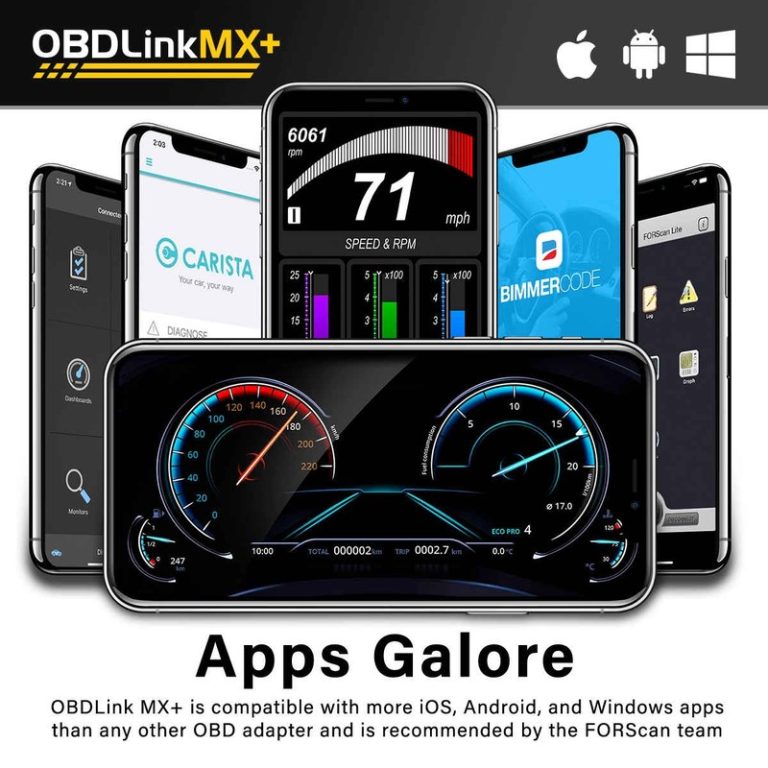
Quick Owner & Driver Verdict OBDLink MX+ is best used as a Bluetooth bridge between your vehicle and a compatible app, letting you read codes, view live data, and save diagnostic details safely while parked. It works best when you verify vehicle and app compatibility first and avoid clearing codes before you record them. How…
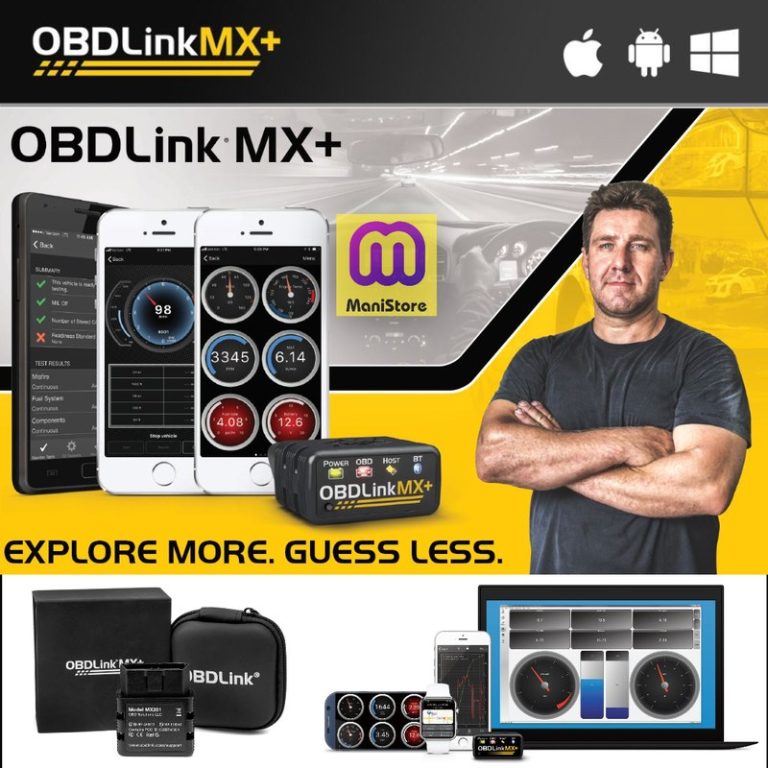
Quick Owner & Driver Verdict OBDLink MX+ for Windows is a good fit if you want dependable basic diagnostics, live data, and easier Windows-based setup than many cheap Bluetooth adapters. It is less useful if you need dealer-level programming or advanced bi-directional functions. OBDLink MX+ for Windows is a strong pick for drivers who want…
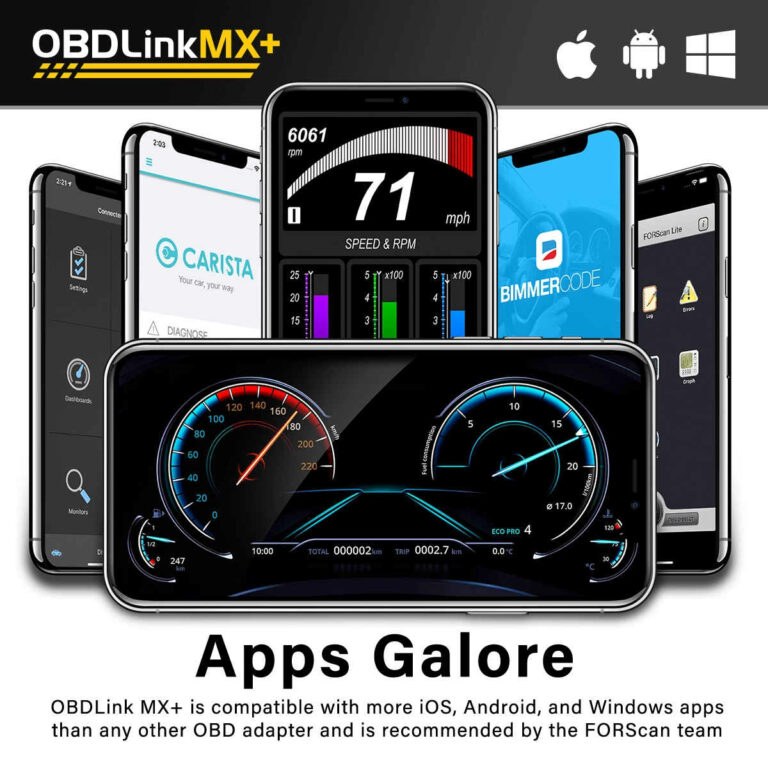
Quick Owner & Driver Verdict The best app for OBDLink MX+ is usually the one that gives you clear live data without clutter, and that is often the OBDLink app, Car Scanner, or Torque Pro depending on your needs. If you want the safest everyday setup, choose the simplest app that still shows the data…