Does Foxwell NT301 Read Transmission Codes? Compatibility Explained
The Foxwell NT301 can help you find some transmission-related faults, but its coverage has limits. It mainly reads generic OBD-II powertrain codes and may not access manufacturer-specific transmission codes or a separate transmission control module.
I’ll explain how to check what your vehicle supports, which codes the NT301 may display, and when you need a more advanced scanner with transmission-system access.
Key Takeaways
- The NT301 mainly supports generic OBD-II codes.
- Transmission-code access depends on your vehicle and code type.
- Advanced transmission faults may require a different scanner.
Foxwell NT301 System Coverage
I use the Foxwell NT301 mainly for standard OBD-II and EOBD checks. It can show engine-related fault information, live sensor data, freeze-frame data, and emissions readiness, but its coverage does not extend to every vehicle control module.
Supported OBD-II Diagnostic Areas
The NT301 supports the standard OBD-II functions required on compatible vehicles. I can use it to:
- Read and clear stored and pending diagnostic trouble codes
- View freeze-frame data captured when a fault occurred
- Display selected live data from engine sensors
- Check oxygen-sensor test results
- Review on-board monitor and emissions-readiness status
- Retrieve the vehicle identification number on supported models
These functions focus on the vehicle’s emissions-related powertrain system. The scanner connects through the standard 16-pin diagnostic port and works with compatible OBD-II/EOBD vehicles.
The NT301 may display transmission-related codes when the vehicle reports them through the supported OBD-II powertrain connection. However, that does not mean it provides complete transmission-module access.
Powertrain Code Limitations
I would not treat the NT301 as a full transmission diagnostic tool. Standard OBD-II mainly covers emissions-related faults from the engine and, where applicable, the transmission powertrain system. The scanner may read a generic transmission code, such as a code beginning with P, if the vehicle makes it available through the OBD-II connection.
It may not access manufacturer-specific transmission codes, enhanced data, actuator tests, adaptations, or transmission control-module information. It also may not communicate with separate modules for systems such as ABS, airbags, body electronics, or four-wheel drive.
Before buying or using the scanner, I would check Foxwell’s vehicle coverage information for the exact make, model, year, and engine. If I need detailed transmission diagnosis, I would choose a scan tool that specifically lists transmission control module access and manufacturer-level functions.
Transmission Code Compatibility
I treat the Foxwell NT301 as an entry-level OBDII/EOBD code reader. It can read generic engine and powertrain codes, but its ability to access transmission modules depends on the vehicle and the code type.
Generic P-Codes
The NT301 can usually read generic P0xxx powertrain codes stored through the vehicle’s standard OBDII system. Some of these codes relate to transmission operation, such as gear-ratio errors, shift-solenoid faults, or transmission speed-sensor problems. The scanner may display the code and basic vehicle data, including freeze-frame information when available.
However, a generic code does not guarantee full transmission diagnosis. The NT301 may show a fault reported through the engine control module but may not connect directly to the transmission control module. It also may not display advanced transmission data, such as commanded gear, line pressure, or individual solenoid status.
I would use the NT301 to identify a possible powertrain fault and confirm whether the vehicle has stored codes. I would then check the code definition and vehicle service information before replacing parts.
Manufacturer-Specific Transmission Codes
Manufacturer-specific P1xxx codes and transmission module codes require stronger vehicle coverage. The NT301 may not read these codes, especially when the transmission uses a separate control module or a manufacturer-specific communication system.
The scanner’s standard OBDII functions do not make it a full system diagnostic tool. It may not access transmission, ABS, or airbag modules on many vehicles. Even when it connects, it might show only limited information or generic emissions-related faults.
I would check Foxwell’s vehicle coverage for the exact year, make, model, and engine before buying or using the NT301 for transmission work. For manufacturer-specific transmission codes, I would choose a scanner that clearly lists enhanced transmission diagnostics and module access for that vehicle.
How To Check Available Codes
I connect the Foxwell NT301 correctly, then use its code-reading menu to check what the vehicle has stored. I treat the results as engine and emissions data unless the vehicle and scanner confirm support for another control module, such as the transmission.
Connecting The Scanner
I park safely, switch the ignition off, and locate the vehicle’s 16-pin OBD-II port, usually below the dashboard near the steering column. I plug the NT301 into the port before turning the ignition to the ON position. I do not start the engine unless the scanner or test requires it.
The scanner receives power through the OBD-II connection. I follow the screen prompts to select the vehicle, if required, then open the diagnostic menu and choose Read Codes. If the scanner shows a connection error, I check that the plug sits firmly in the port and that the ignition is on.
The NT301 mainly supports standard OBD-II and EOBD functions. These functions commonly cover the engine and emissions system. A transmission code may not appear if it uses a manufacturer-specific code or sits in a separate transmission control module.
Reading And Interpreting Results
I record every displayed code before clearing anything. The scanner may show stored, pending, or permanent codes. Stored codes usually identify confirmed faults, while pending codes indicate a problem that the vehicle has detected but has not fully confirmed.
I read the code format carefully. A code beginning with P0 follows a standard format, while a P1 code may use manufacturer-specific information. The NT301 can display a code description, but I use the vehicle service manual or a reliable repair database to confirm the exact meaning.
If I am checking for transmission faults, I compare the scanner’s results with the vehicle’s transmission warning light and symptoms. If no transmission code appears, that does not prove the transmission has no fault. The NT301 may lack access to the transmission module on that vehicle.
When A Transmission-Capable Scanner Is Needed
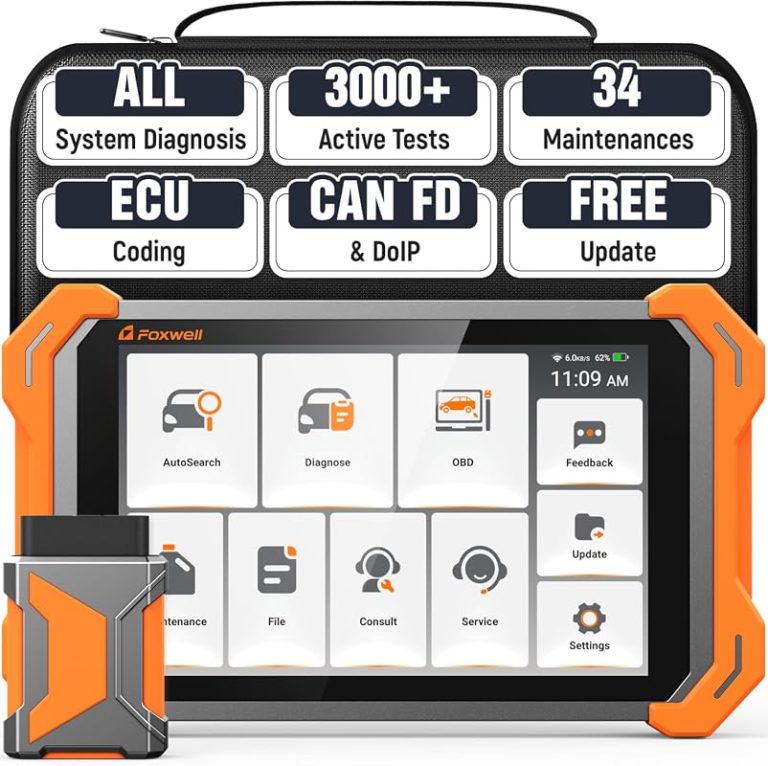
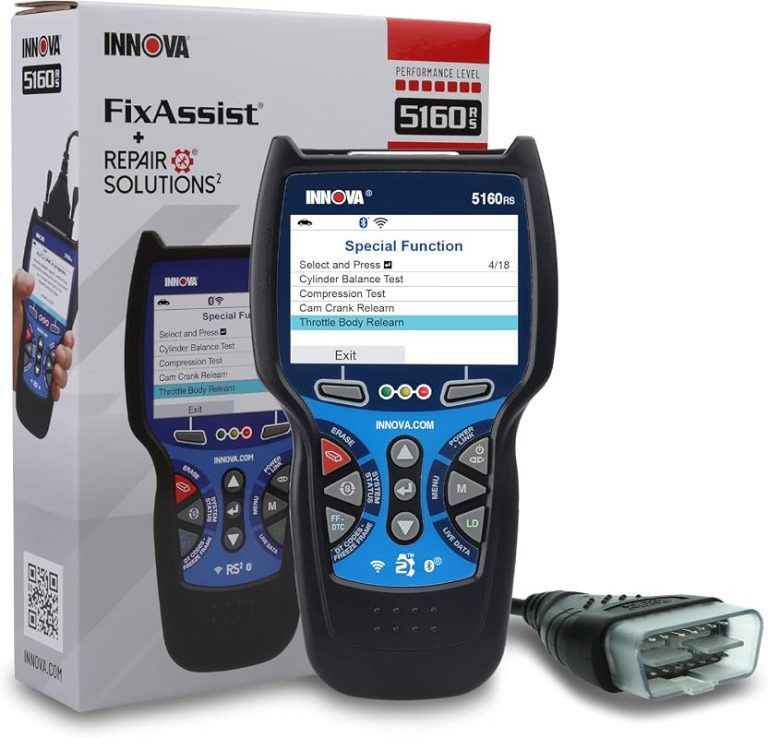
The NT301 mainly supports standard OBD-II engine and emissions functions. I need a scanner with transmission access when the problem involves the transmission control module, manufacturer-specific codes, or data that the NT301 cannot display.
Symptoms That Require Enhanced Diagnostics
I look for an upgraded scanner when the vehicle shows harsh shifting, delayed engagement, slipping, loss of reverse, or a transmission warning light. These symptoms may come from the transmission, its control module, wiring, or another system that basic engine-code scanning cannot identify.
A basic code reader may show a generic powertrain code, such as a code linked to shift performance. However, it may not access the transmission module or display its manufacturer-specific codes. Without that information, I may miss faults involving shift solenoids, transmission speed sensors, fluid temperature sensors, or communication between control modules.
I also choose enhanced diagnostics when the vehicle enters limp mode, refuses to shift normally, or has problems after a battery replacement or transmission repair. Live transmission data and module-specific tests can help confirm the fault before I replace parts.
Choosing An Appropriate Upgrade
I first check whether the scanner supports my vehicle’s make, model, year, and transmission system. “Full-system” support does not always include every function for every vehicle, so I verify coverage in the manufacturer’s compatibility list.
For basic transmission code reading, I choose a model that supports transmission module access and live data. For repair work, I look for added functions such as actuator tests, transmission adaptation resets, special service procedures, and module coding. These features vary by vehicle.
I also check whether the tool receives software updates, uses a clear menu system, and provides code descriptions. The NT301 can still help with standard engine and emissions faults, but I use a transmission-capable scanner when I need direct access to transmission codes and data.
Key Takeaways
I treat the Foxwell NT301 as a basic OBD-II/EOBD code reader, not a full transmission diagnostic tool. It reads engine and emissions-related fault codes through the vehicle’s standard diagnostic system.
- It may display a transmission code when the vehicle reports that code through the generic OBD-II system.
- It may not access manufacturer-specific transmission codes, especially codes stored in a separate transmission control module.
- It can typically read and erase supported trouble codes, view some live data, and turn off the check-engine light after repairs.
The NT301’s results depend on the vehicle’s year, make, model, and control-module design. A transmission warning light, shift problem, or stored code may require a scanner with enhanced manufacturer coverage and dedicated transmission-module access.
I would use the NT301 for an initial check, then confirm the results with a tool that lists transmission compatibility for the specific vehicle. Erasing a code does not repair the fault, and it can remove useful diagnostic information.
Frequently asked questions
Can the Foxwell NT301 read transmission codes?
I would not rely on the NT301 to read transmission codes. It is a basic OBDII/EOBD code reader designed mainly for emissions-related engine and powertrain faults. It can read and clear supported diagnostic trouble codes, but it does not provide full transmission control module access.
Why might it show a transmission-related code?
Some transmission faults may appear through the vehicle’s standard OBDII system, especially when they trigger the check engine light. The NT301 may display the code, but it may not access manufacturer-specific transmission codes or provide detailed transmission data.
Can it clear a transmission code?
I can use the NT301 to erase codes that it successfully reads. However, clearing the code does not repair the fault. If the problem remains, the code and warning light may return.
What tool should I use for transmission diagnostics?
I would choose a scanner that supports transmission control module access and manufacturer-specific systems. Check the tool’s vehicle coverage before buying, because functions vary by make, model, and year.
| NT301 function | Transmission coverage |
|---|---|
| Read standard OBDII codes | Possible, if supported |
| Access all transmission codes | No |
| View transmission data | Limited or unavailable |
| Clear read codes | Yes, where supported |
Conclusion
I would not rely on the Foxwell NT301 to read transmission codes. It is a basic OBDII/EOBD code reader made mainly for engine and emissions-related faults, including check-engine codes and I/M readiness tests.
The NT301 may display a code if a transmission fault triggers the vehicle’s standard emissions system. However, it does not provide the full transmission-module access offered by advanced, manufacturer-specific scan tools.
| Need | NT301 suitability |
|---|---|
| Read engine fault codes | Suitable |
| Clear standard OBDII codes | Suitable |
| Check emissions readiness | Suitable |
| Scan transmission control modules | Limited or unsupported |
| Diagnose manufacturer-specific transmission faults | Not recommended |
I would use the NT301 for basic troubleshooting, then choose a scanner that specifically lists transmission or TCM coverage for the vehicle’s make, model, and year. Checking the manufacturer coverage list before buying can prevent missed codes and unnecessary repairs.





3 Comments