OBD2 Scanner Says Protocol Not Supported? What It Means and Fixes
“Protocol not supported” means your scanner cannot speak your car’s diagnostic language. Check the connection, ignition position, and battery first; if those are fine, you likely need a scanner that covers your vehicle’s protocol.
If your obd2 scanner says protocol not supported when you plug it in, the tool is telling you it cannot speak the diagnostic language your car uses. The good news is that the fix is usually simple, and the cases that require new hardware are easy to confirm before you spend money.
- Compatibility: Confirm the scanner covers your vehicle’s protocol and model year before buying.
- Quick checks: Verify the port, ignition position, and battery voltage before assuming hardware failure.
- Software: Update the scanner firmware and phone app before replacing the tool.
- Buying: Multi-protocol scanners are more predictable than cheap ELM327 adapters for newer vehicles.
- Data: Clearing codes wipes readiness data; check state emissions rules first.
What Does “Protocol Not Supported” Actually Mean?
Every US-market car sold since 1996 has the same shape of diagnostic port, usually under the driver’s side of the dash. That port looks identical across brands, but the way each vehicle sends data through it is not.
The error appears when the scanner powers on, makes contact with the port, and still fails to complete the opening “handshake” with the vehicle’s computer. In plain English, the scanner is listening, but it cannot understand the car’s signal.
This message is different from “vehicle not supported” on an OBD2 scanner, which usually means the tool cannot identify the vehicle itself. Protocol errors point at the communication standard, not the vehicle identification number.
OBD2 Protocols 101: Why Your Car and Scanner Must Match
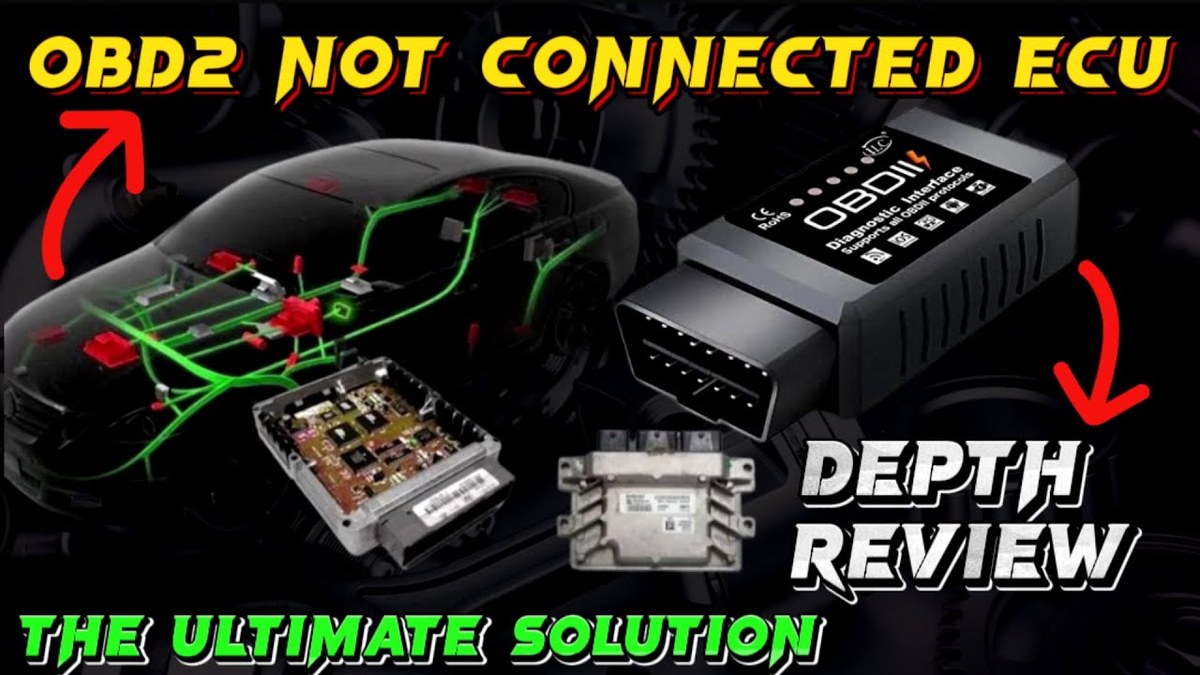
A protocol is a set of rules for voltage levels, timing, and message format. Think of it as a shared language. The scanner must speak the same language as the car, or the handshake fails and you see the error.
Model-Year and Protocol Coverage: 1996 to Today
Gasoline vehicles sold in the US have used OBD2 since the 1996 model year. That rule created one physical port, but automakers were free to use different protocols behind it.
Starting with the 2008 model year, CAN became the required standard for US-market vehicles. Most cars from that point use CAN, while older models use one of four earlier protocols.
The Five Core OBD2 Protocols at a Glance
| Protocol | Commonly found on | Key detail |
|---|---|---|
| SAE J1850 PWM | Older Ford and some Mazda models | Uses pins 2 and 10 |
| SAE J1850 VPW | Older General Motors models | Uses pins 2 and 10 |
| ISO 9141-2 | Older Chrysler, many European and Asian models | Uses pin 7 |
| ISO 14230 KWP2000 | Many Korean, Japanese, and European models | Uses pin 7 |
| ISO 15765 CAN | 2008-and-newer US-market vehicles | Uses pins 6 and 14 |
This is why one scanner can read an older pickup without issue and fail on a newer sedan. The port is the same, but the language changed.
Beyond CAN: CAN-FD and DoIP in Newer Vehicles
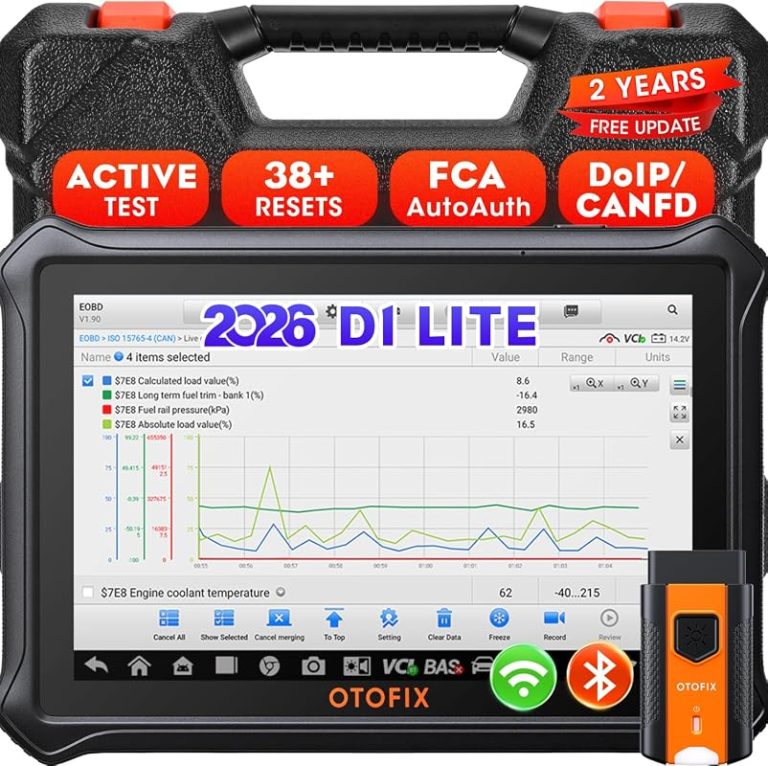
Newer vehicles, especially luxury and electric models, are moving toward faster standards such as CAN-FD and DoIP, which runs over the vehicle’s Ethernet network.
Entry-level scanners may not support these newer standards yet. If you own a recent model that uses them, a basic tool can report “protocol not supported” even while it works fine on an older car in the same garage.
Top Causes of “Protocol Not Supported” Errors
Once you understand protocols, the causes become easier to sort. The most common reasons, roughly in order:
- The scanner’s protocol coverage is too narrow for your vehicle
- The vehicle is too new for the tool (CAN-FD or DoIP)
- The adapter uses a clone chip with unreliable firmware
- The physical connection is loose, dirty, or damaged
- Battery voltage is too low for a stable handshake
- The ignition is in the wrong position or the app is blocking access
Port Location and Physical Connection Issues
Find the port under the driver’s side dash near the steering column. Push the connector in firmly until you feel it seat completely.
Inspect the metal pins for bending, corrosion, or debris. A single damaged pin can kill the handshake even when the scanner lights up. If the port feels loose in its mount, have a shop check the bracket and wiring.
Battery Voltage and Electrical System Health
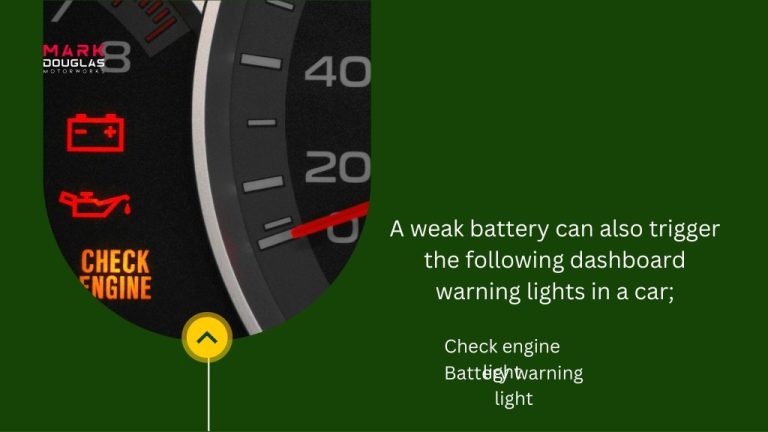
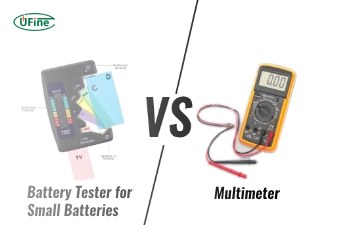
The handshake needs steady electrical power. A weak battery can drop voltage the moment the scanner starts communicating, producing a failed handshake that looks like a protocol problem.
If the interior lights are dim or the engine cranks slowly, charge or jump the battery before retesting. Avoid testing with the engine running in a closed garage; carbon monoxide is a serious danger.
How to Fix “Protocol Not Supported”: Step-by-Step Troubleshooting
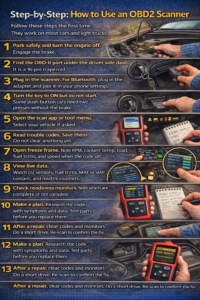
Work through these checks in order. Most cases resolve at step two or three, before you spend money on a new tool.
Ignition Mode and Connection Sequence
With the scanner connected, turn the key or push the start button to the ON position without starting the engine. This wakes the computers and allows the handshake to happen.
Some vehicles, particularly hybrids and certain European models, require the engine running or a specific power mode. See whether you need the engine running for your OBD2 scanner for the exceptions.
Wait five to ten seconds after the ignition lands in the correct position before judging the result. Some scanners need several attempts to sync.
App Permissions, Firmware, and Scanner Updates
If you use a phone-based adapter, check the app first. Android devices often require location permission to scan for Bluetooth devices. iOS may need Bluetooth access enabled for the app.
Forget the adapter from your phone’s Bluetooth list, then pair it again from scratch. Update both the scanner firmware and the app; manufacturers add support for newer vehicles through firmware updates.
Still seeing the error? Try a second app if your adapter supports one. If the second app fails too, the hardware or the vehicle is the issue.
If the scanner itself will not power on, troubleshoot why your OBD2 scanner won’t connect to your car before blaming the protocol.
- Confirm the scanner covers your vehicle’s protocol before buying or retesting
- Connect the scanner, then set the ignition to ON before starting the engine
- Check battery voltage and port pins early in the process
- Clear codes before recording them or checking emissions readiness
- Assume a low-cost adapter supports every protocol
- Run the engine in a closed space while scanning
Choosing a Scanner That Won’t Fight Your Car: Buying Guide
If you need new hardware, match the tool to the vehicle, not the other way around. The two main categories are phone-based ELM327 adapters and dedicated handheld scanners.
ELM327 Adapters vs. Dedicated Multi-Protocol Scanners
ELM327 Bluetooth and Wi-Fi adapters are cheap and work with phone apps such as Torque and OBD Fusion. They handle common CAN vehicles well and give you live data for a small investment.
The catch is consistency. Genuine ELM327 chips exist, but many adapters sold online use clones with variable protocol support. For older non-CAN vehicles, a clone may be the exact reason for your error.
Dedicated multi-protocol scanners from brands such as Autel, Launch, Foxwell, and Topdon support several protocols in one unit. Many also read ABS and airbag codes, which generic OBD2 tools cannot. Prices vary widely by model and retailer.
For a household with multiple cars, a multi-protocol handheld scanner is the more predictable choice. For a single 2010-or-newer vehicle, a quality ELM327 adapter is often enough.
Check: Confirm your vehicle’s make, model, year, and trim; verify the scanner lists OBD2 protocol support that includes your car. If you own a 2008-or-newer vehicle, make sure the tool states CAN support. Limitations: Very new vehicles using CAN-FD or DoIP may require a higher-end tool; no scanner covers every vehicle ever made.
Before you buy, compare the best OBD2 scanners for the money to see which models balance coverage and cost.
Ownership Cost: Budget Tools vs. Professional-Grade Units
Entry-level ELM327 adapters typically sell between roughly $20 and $60, depending on the retailer and revision. They require a smartphone and a free or paid app.
Mid-range handheld scanners usually fall between about $80 and $250. Professional-grade tools can run several hundred dollars and sometimes add paid firmware or subscription costs.
Check the update policy before buying. Free updates keep a scanner current, while paid-only updates add to long-term ownership cost.
What Your Scanner Can and Can’t Do: Limits, Emissions, and Privacy
Know the limits before you rely on the tool for a serious call.
Code Reading, Live Data, and Emissions Readiness
A generic OBD2 scanner reads emission-related powertrain codes on every compliant vehicle. Live data, fuel trims, and sensor values help you diagnose rather than just read codes; learn how to find live data on an OBD2 scanner to get the most from it.
Emissions readiness monitors tell you whether the vehicle’s self-tests have completed. That matters before an emissions test, and after codes are cleared.
Reset Limitations, TPMS, and Data Privacy
Clearing codes is not a repair. It also resets the readiness monitors, and some states treat using a scanner to hide codes before a used-car sale as fraudulent. Check your state rules before clearing codes for any reason related to selling or passing emissions.
TPMS warnings usually need a dedicated TPMS tool rather than a standard OBD2 scanner. If your car has oil-life reset or brake-service procedures, a basic scanner may not perform them; these service functions are model-specific.
When the Error Persists: Professional Diagnosis and Next Steps
If you have confirmed the connection, ignition position, battery, and app settings, and the error still appears, borrow a second scanner from a friend or an auto parts store. A second scanner that connects confirms your first tool lacks the needed protocol.
If no scanner can connect, the problem may be wiring, a damaged port, or a module that will not wake. A professional shop or dealer has scan tools that read all modules and can test the network directly.
- Best for: DIY owners with a 2008-or-newer vehicle who choose a CAN-capable, multi-protocol scanner.
- Think twice if: You own a very new vehicle with CAN-FD or DoIP and plan to buy the cheapest Bluetooth adapter.
- Next step: Confirm your vehicle’s protocol, test with the ignition on and a charged battery, then choose a scanner that lists your vehicle’s coverage.
Frequently Asked Questions
It means the scanner powered on but cannot communicate using the diagnostic language your car speaks. The port looks the same across brands, but the protocol behind it differs by automaker and model year.
No. Many low-cost adapters support only a few protocols, and some clone adapters have limited firmware. A scanner that works on one vehicle may fail on an older model or a recent luxury vehicle that uses CAN-FD or DoIP.
Most 2008-and-newer US vehicles use CAN, so a CAN-capable scanner should connect. Check the ignition position, port pins, battery voltage, Bluetooth setup, and app permissions, then update the firmware and app.
Usually not. Turn the ignition to the ON position without starting the engine. A few vehicle models, especially hybrids and certain European cars, need the engine running or a special power mode to complete the handshake.
Clearing codes also resets readiness monitors, which many emissions tests check. A vehicle with incomplete readiness can fail an inspection, and some states treat using a scanner to hide codes before a sale as fraudulent.
For a single 2010-or-newer vehicle, a quality ELM327 adapter with a phone app is often enough. For older vehicles, multiple cars, or ABS and airbag codes, a dedicated multi-protocol handheld scanner is more reliable.