ANCEL AD310 Universal Enhanced OBD2 vs FOXWELL NT301 OBD2 Scanner Li
When shoppers compare ANCEL AD310 Universal Enhanced OBD2 vs FOXWELL NT301 OBD2 Scanner Live, the real question is usually not which one looks more advanced on paper. It is whether you want a simple, offline code reader for basic check-engine-light work, or a slightly more data-focused scanner that gives you live graphs and readiness help for emissions checks. Both are aimed at DIY owners, but they solve different parts of the same problem.
Choose the ANCEL AD310 if you want a straightforward, no-frills OBD2 reader for reading and clearing engine codes, checking freeze frame data, and keeping ownership simple. Choose the FOXWELL NT301 if live sensor data, graphing, and emissions-readiness guidance matter more to you. The main trade-off is simplicity versus diagnostic depth: the AD310 is easier and more basic, while the NT301 gives you more to look at when you are trying to understand what the car is doing.
Quick Comparison
| Decision area | ANCEL AD310 | FOXWELL NT301 |
|---|---|---|
| Vehicle coverage | 1996 US-based, 2000 EU-based and Asian cars, light trucks, SUVs; supports common OBDII protocols | 1996+ US gasoline vehicles, many 2000+ EU/Asian models, and 12V diesel vehicles with OBD2; supports common OBDII protocols |
| Code reading and clearing | Reads and clears diagnostic trouble codes | Reads and clears DTCs and can turn off CEL/MIL after repair |
| Live data | Live data and hard memory data | Live data with graphing and logging |
| Emissions / readiness help | I/M monitor readiness status and EVAP system tests | I/M readiness hotkeys, EVAP monitor, O2 sensor test, and readiness indicator lights |
| Extra diagnostic depth | Basic engine-focused functions | More sensor-focused viewing and graphing, but still a basic code reader |
| Special systems | Not verified to support ABS, SRS, EPB, or other non-engine systems | Does not support ABS, SRS, EPB, A/C, battery, or advanced special functions |
| Power and setup | No batteries or charger needed; powered by vehicle DLC | No charging or setup required; powered by vehicle DLC |
| Best fit | Drivers who want a simple offline code reader | DIY owners who want live data and emissions-readiness help |
Where the decision really changes
The choice changes when you ask yourself how much you actually want to see. If your goal is mostly to find the reason a check engine light came on, clear the code after a repair, and confirm readiness for inspection, the AD310 covers that lane well. If you are the kind of owner who wants to watch coolant temp, fuel trims, oxygen sensor behavior, and other live values while narrowing down a problem, the NT301 is the more useful tool.
That is the practical split: the AD310 is about keeping things simple and affordable in function, while the NT301 is about getting more diagnostic context without stepping into a higher-end scanner category. For readers comparing this against other budget tools, our best OBD2 scanner without subscription guide and cheap vs expensive OBD2 scanner comparison can help frame what you are giving up or gaining at this price level.
ANCEL AD310 Universal Enhanced OBD2 Deep Dive
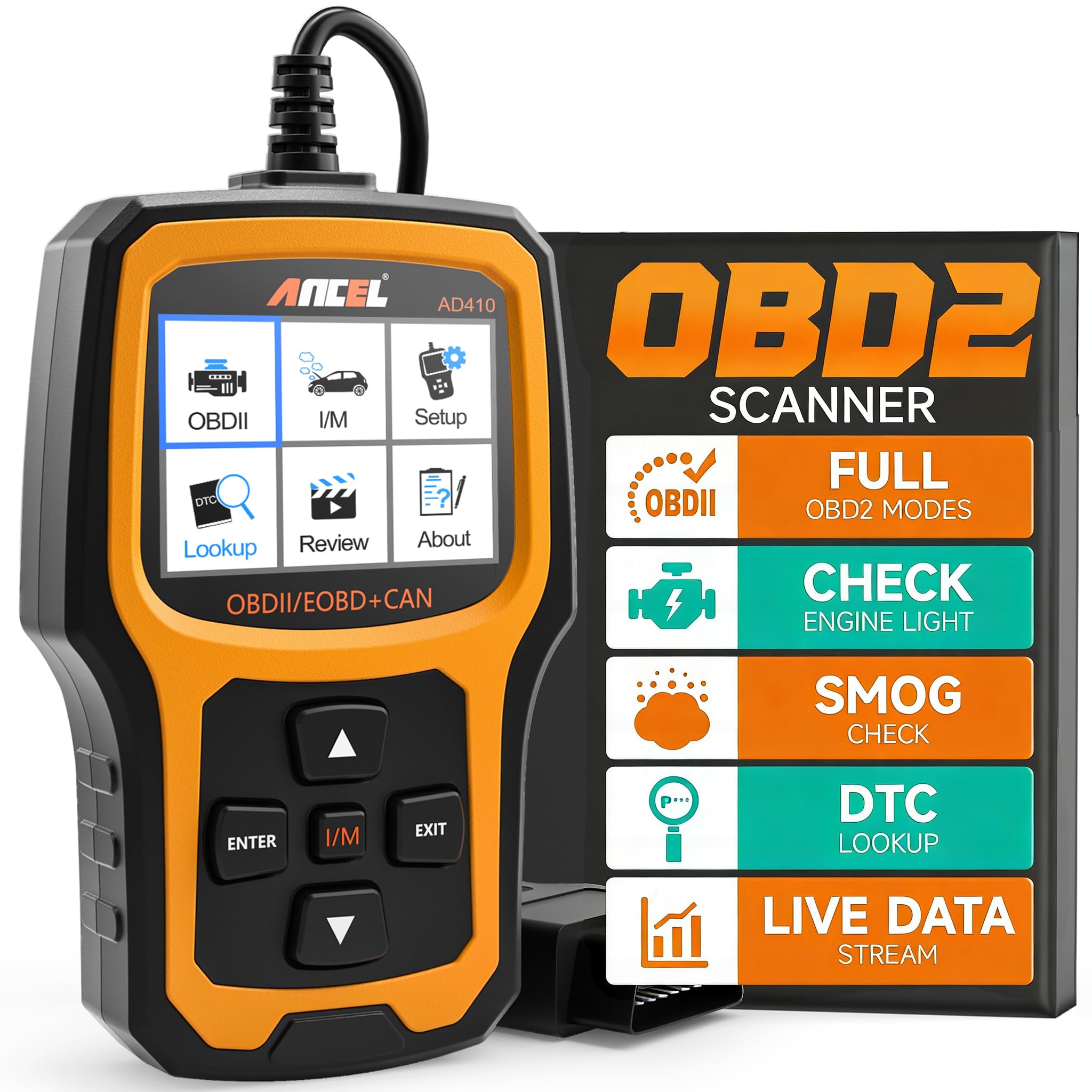
ANCEL AD310 Universal Enhanced OBD2
The AD310 is a straightforward engine-code reader for drivers who want fast check-engine-light help without apps, subscriptions, or extra setup. Verified features include broad OBDII protocol support, live and hard memory data, freeze frame, EVAP testing, and I/M readiness checks. Its main limitation is that only engine-focused functions are verified here, so buyers who need ABS, SRS, or advanced service work should look elsewhere.
Product Specifications
- Supports OBDII protocols including KWP2000, J1850 VPW, ISO9141, J1850 PWM, and CAN.
- Compatible with 1996 US-based, 2000 EU-based, and Asian cars, light trucks, SUVs, plus newer OBD2 and CAN vehicles.
- Reads and clears diagnostic trouble codes.
- Reads live data and hard memory data.
- Shows freeze frame data.
- Performs EVAP system tests.
- Checks I/M monitor readiness status.
- Collects vehicle information.
- Powered directly from the vehicle’s OBDII data link connector; no battery or charger required.
- 2.5-foot cable, 12 ounces, 8.9 x 6.9 x 1.4 inches.
Pros
- Simple, offline operation with no app or internet requirement verified.
- Fast basic engine-code reading for check-engine-light troubleshooting.
- Compact and lightweight for glove box or road-trip storage.
- Useful for inspection prep thanks to readiness status support.
Cons
- No verified support for ABS, SRS, EPB, or other non-engine systems.
- No verified advanced service functions or bidirectional control.
- Live data is supported, but graphing and logging are not verified in the supplied listing data.
Vehicle Compatibility Notes
The AD310 covers a wide range of common OBD2 vehicles, but compatibility still depends on model year, region, and the exact vehicle setup. If you are buying for a diesel, an older vehicle, or a model with unusual diagnostics, confirm the specific VIN fit before ordering. For more background on fitment, see our do OBD2 scanners work all cars guide and the Ancel BD310 compatibility article, which covers the broader compatibility questions many DIY buyers run into.
FOXWELL NT301 OBD2 Scanner Live Deep Dive
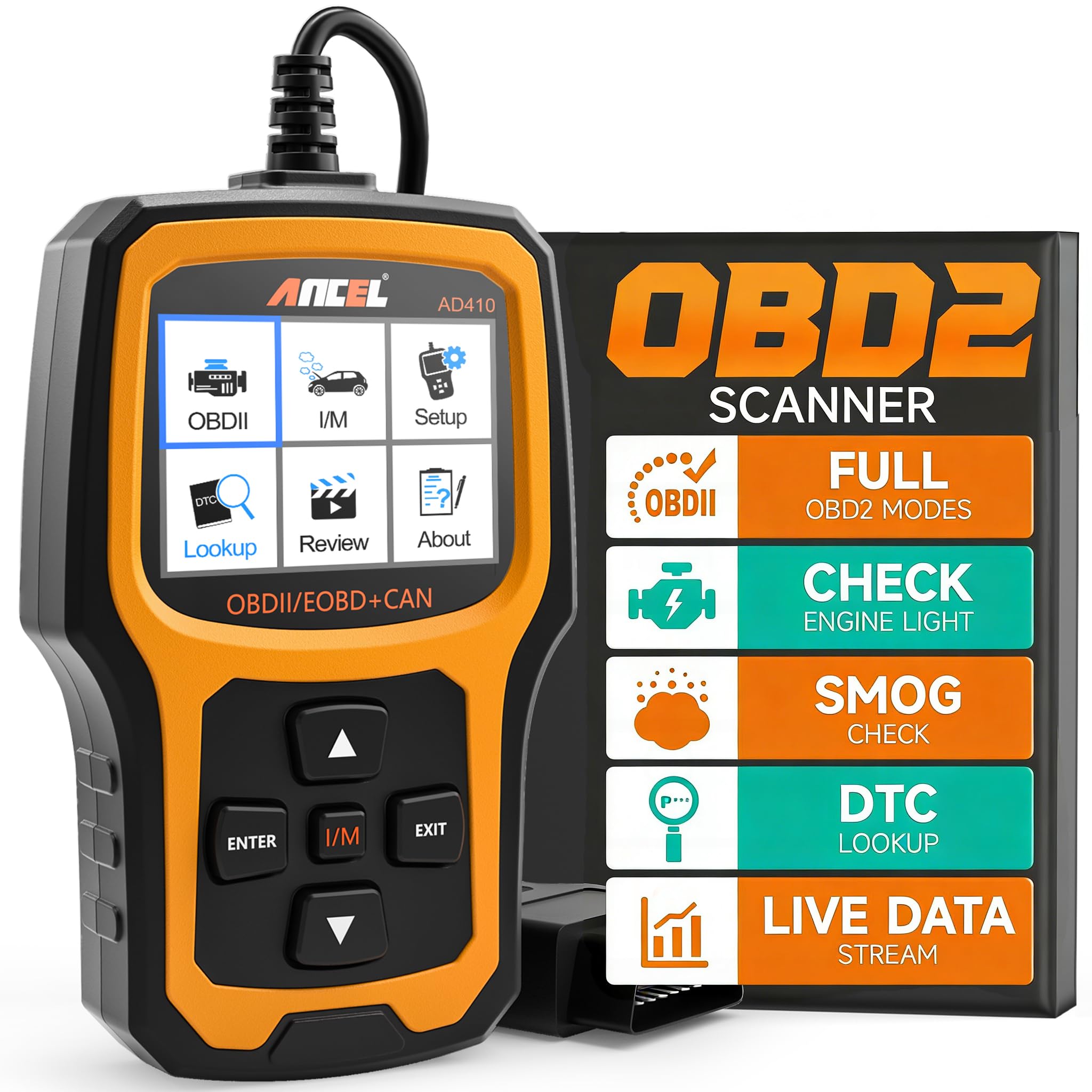
FOXWELL NT301 OBD2 Scanner Live
The NT301 is a better fit for DIY owners who want more insight than a plain code reader provides. Verified features include live data graphing, I/M readiness hotkeys, O2 sensor testing, EVAP monitoring, VIN retrieval, and broad protocol support. Its limitation is important: it is still a basic OBD2 reader and does not support ABS, SRS, EPB, A/C, battery, bidirectional control, or advanced reset and calibration functions.
Product Specifications
- Supports OBDII protocols including KWP2000, J1850 VPW, ISO9141, J1850 PWM, and CAN.
- Compatible with 1996 US-based, 2000 EU-based, and Asian cars, light trucks, and SUVs; also works on 12V diesel vehicles equipped with OBD2.
- Reads DTCs and can clear codes after repair.
- Provides live data with graphing and logging.
- Includes O2 sensor tests and EVAP system leak monitor support.
- Shows I/M readiness status with hotkeys and LED indicators.
- Retrieves VIN.
- Powered by the vehicle DLC; no charging or setup required.
- 2.8-inch color screen.
Pros
- More live-data visibility than a plain code reader.
- Graphing helps spot trends instead of looking at one number at a time.
- Strong help for emissions readiness checks.
- Clear fit for owners who want to diagnose before visiting a shop.
Cons
- Still does not scan non-engine systems like ABS or SRS.
- No verified advanced special functions or bidirectional control.
- May be more tool than a buyer needs if they only want quick code reads.
Vehicle Compatibility Notes
The NT301 supports a broad set of OBD2 vehicles, but the listing also warns that compatibility can vary by model, year, and VIN. If you own a diesel, an older import, or a vehicle with custom diagnostic behavior, verify fit before buying. If you want more help deciding whether the NT301 matches your use case, our what vehicles are compatible with Foxwell NT301 guide and how to use Foxwell NT301 OBD2 scanner article are useful next reads.
Head-to-Head: What Matters Most for DIY Owners
Compatibility and vehicle coverage
This is a tie on the core OBDII protocol set. Both support the standard protocols and cover the common 1996 US / 2000 EU and Asian vehicle ranges. The NT301 has one extra verified note: support for 12V diesel vehicles equipped with OBD2. If you own a diesel, that may tilt the choice toward FOXWELL, but you should still confirm your exact vehicle fit before buying.
Live data and how much detail you get
The NT301 wins here. Both tools offer live data, but only the NT301 is verified with graphing and logging. That matters when you are trying to see whether a sensor value is steady, drifting, or reacting oddly under different conditions. The AD310 still gives you live data, but it is the more basic option.
Emissions readiness and inspection prep
This is close, but the NT301 has the edge because of its dedicated I/M readiness hotkeys, LED indicators, and speaker feedback. The AD310 also checks I/M readiness status and supports EVAP testing, so it is still useful for inspection prep. If you want a faster glance at readiness status, the NT301 is the more polished tool.
Ease of use and ownership simplicity
The AD310 is the simpler pick. It is compact, offline, and powered by the car with no battery or charger to think about. The NT301 is also plug-and-go, but its extra live-data features make it a little more involved if you only want a quick code read. For owners who just want a straightforward handheld reader, the AD310 feels more direct.
Value for the right kind of buyer
Value depends on whether you will use the extra data. If you only need to read and clear engine codes, both are in the same basic category and the AD310 may be the cleaner match. If you want graphing, readiness guidance, and sensor tests, the NT301 justifies its more feature-rich position. For a broader comparison of the category, our best Foxwell NT301 OBD2 scanner guide and Foxwell NT301 OBD2 code reader article can help you see where it sits among similar tools.
- Confirm your vehicle’s model year, region, and VIN compatibility before ordering.
- Check whether you only need engine-code reading or also want live graphing and sensor data.
- Make sure you do not need ABS, SRS, EPB, battery, or A/C diagnostics, because neither tool is verified for those systems.
- If you need emissions-test prep, decide whether simple readiness status is enough or whether you want the NT301’s hotkeys and indicators.
- For diesel owners, verify that the exact vehicle is OBD2-compatible; the NT301 specifically notes 12V diesel support.
- Choose a wired handheld scanner only if you are comfortable working from the vehicle’s DLC rather than using a phone app.
- Choose ANCEL AD310 Universal Enhanced OBD2 if: you want a simple, offline, no-subscription code reader for reading and clearing engine codes, checking freeze frame data, and handling basic inspection prep.
- Choose FOXWELL NT301 OBD2 Scanner Live if: you want live sensor graphing, stronger emissions-readiness help, and a little more diagnostic context without moving into a more expensive scan-tool class.
- Think twice if: you need ABS, SRS, EPB, battery, A/C, bidirectional control, or advanced reset functions, because neither product is verified for that kind of work.
- Next step: verify your exact vehicle year, fuel type, and OBD2 compatibility, then decide whether you need basic code reading or live-data graphing before ordering.
No. Based on the supplied listing data, it is a standalone handheld scanner that works offline and is powered by the vehicle.
Yes. The NT301 is verified with live data graphing and logging, which makes it stronger for watching sensor behavior over time.
Not based on the supplied product data. The NT301 explicitly does not support ABS or SRS, and the AD310 is only verified for engine-code functions.
The AD310 is the simpler choice if you only want basic code reading and clearing with minimal extra features.
They are both verified for broad 1996 US-based and 2000 EU/Asian OBD2 coverage, but you should still confirm your exact model and VIN before buying.
The NT301 has the edge because of its I/M readiness hotkeys, LED indicators, and audio feedback, though the AD310 also checks readiness status.



One Comment